Pretty Links

Pretty Links review

Affiliate link creation, cloaking, and click tracking that lives entirely inside your WordPress dashboard.

By Ciroapp Editorial Team · Updated Sep 16, 2026

Commission may apply at no extra cost

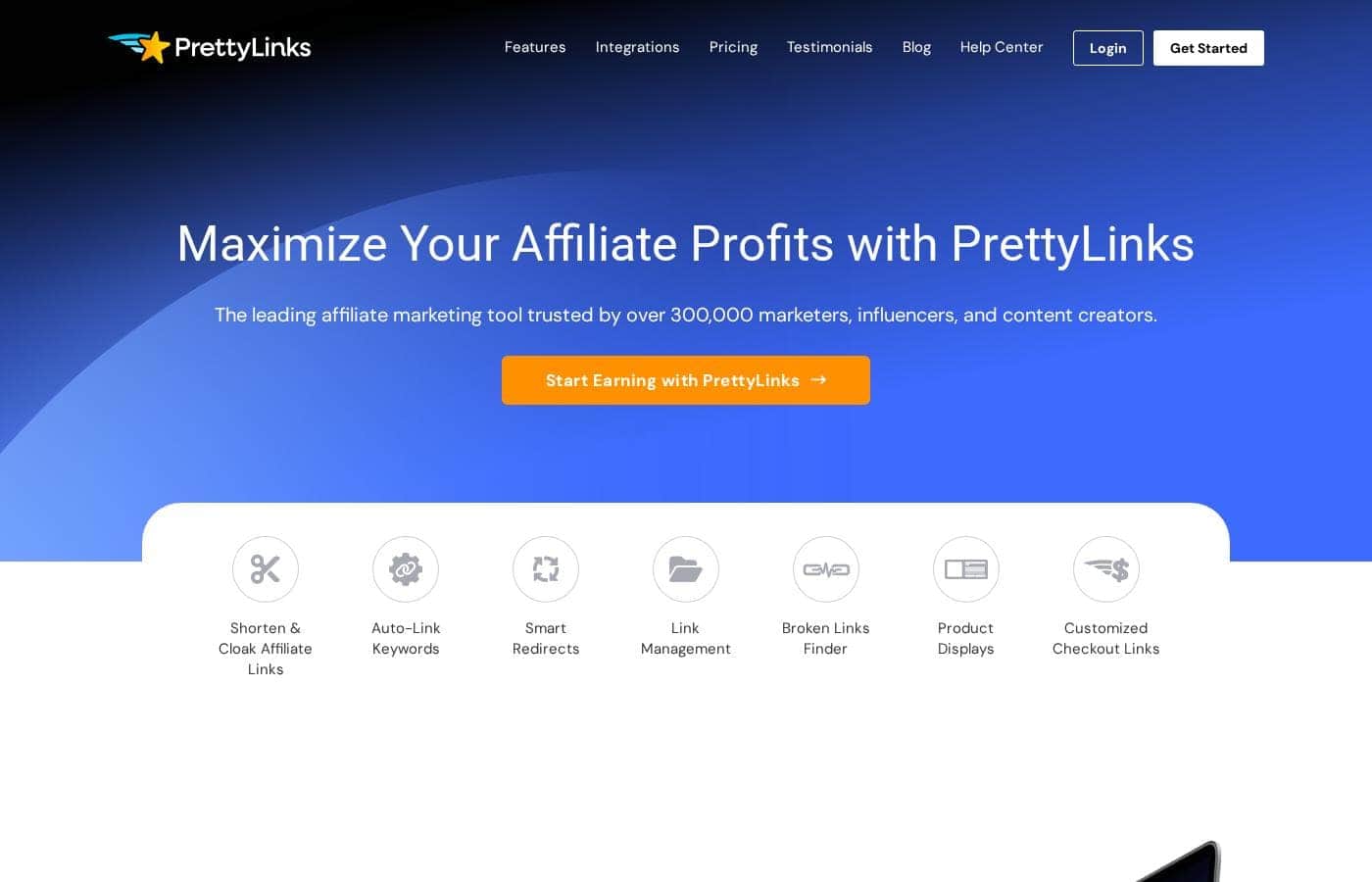
Pretty Links homepage screenshot

At a glance

Quick overview for Pretty Links: rating, pricing summary, key features, and highlights.
Vendor page checked Nov 27, 2026

Ciroapp score

3.8/ 5

Pretty Links turns messy affiliate URLs into short, branded links and tracks clicks without leaving your WordPress dashboard. It's mature, easy to try for free, and well suited to solo creators, though it's WordPress-only and independent review data is thin. Overall, it's a smart pick if your monetized content lives on WordPress.

Pros

  • Works natively inside the WordPress dashboard, so you create, organize, and track links without logging into a separate external platform
  • Centralized management means changing a link's destination once updates every placement across posts, show notes, and emails
  • Built-in click tracking shows which pages and channels drive revenue without requiring another subscription

Cons

  • It only works on WordPress, so sites on Shopify, static sites, or custom stacks cannot use it
  • Top-tier pricing reaches $48,378/year, and the most advanced functionality is likely reserved for higher-cost yearly plans
  • Because tracking runs inside your own WordPress install, link performance depends on your hosting environment rather than an independent external service
Best for
  • Affiliate bloggers who embed monetized links throughout reviews and comparison posts and need to update destinations without editing old articles
  • Podcasters who place sponsor and affiliate links in show notes and want to see which episodes drive clicks
  • Course creators and YouTubers distributing resource links across lessons, descriptions, and emails
This section is a summary. Detailed sections about features, use cases, pricing, and reviews follow below.

What is Pretty Links?

Pretty Links is a WordPress plugin that turns your admin dashboard into a control center for custom URL management. Used by more than seven million marketers, it lets you convert long, unwieldy affiliate URLs into short, branded links on your own domain, then organize and track them without ever leaving WordPress. It is aimed squarely at people who monetize content, including affiliate marketers, bloggers, podcasters, and course creators who need links across posts, videos, and email campaigns to behave consistently and generate measurable revenue.

Pretty Links is a link management and cloaking plugin for WordPress. You paste a long affiliate or tracking URL, assign it a clean slug, and the plugin serves a redirect from your own domain while logging clicks behind the scenes. Because it runs natively inside WordPress, link creation, organization, and reporting all happen in the same place where you publish content, rather than in a separate external tool.
Should you choose Pretty Links?

Quick buyer guidance before you compare plans or click through.

Choose it if

  • Affiliate bloggers who embed monetized links throughout reviews and comparison posts and need to update destinations without editing old articles
  • Podcasters who place sponsor and affiliate links in show notes and want to see which episodes drive clicks
  • Course creators and YouTubers distributing resource links across lessons, descriptions, and emails
  • Solo newsletter writers who want click tracking on email offers without paying for a separate analytics tool

Skip it if

  • Sites not built on WordPress, including Shopify stores, static sites, and custom applications, since the plugin cannot run there
  • Enterprise teams that need cross-platform link management spanning multiple CMSs and mobile apps from one external vendor
  • Hobby blogs with no monetization plans, where cloaking and click tracking add setup overhead with no revenue to optimize

Next steps before buying

  1. 1Go to prettylinks.com or search for Pretty Links in the WordPress plugin directory, then install and activate it on your site
  2. 2Start on the free $0/year plan so you can test link creation and tracking before paying
  3. 3Create your first pretty link by pasting a long affiliate URL into the plugin and assigning it a short, memorable slug on your domain
  4. 4Insert the new link into a post, show notes, or email, then check the click reports in your WordPress dashboard after traffic arrives
  5. 5Upgrade to a paid yearly tier only when you hit limits on the free plan, such as needing more links or deeper reporting

Pretty Links Key Features

✨ Custom Link Creation and Cloaking

The core workflow is turning long affiliate or tracking URLs into short, branded links served from your own domain. This makes links look trustworthy to readers instead of exposing raw network URLs, and it keeps every monetized placement consistent across your site.

✨ Centralized Link Management

Pretty Links positions itself as mission control for your URLs: every link you create lives in one organized list inside the WordPress dashboard. When a destination changes, you edit the link once rather than hunting through old posts, show notes, or email templates to replace it manually.

✨ Click Tracking and Reporting

Each pretty link records click activity, so you can see which pieces of content actually generate interest and revenue. Because tracking is built into the plugin, you review performance in the same dashboard where you write and publish, without exporting data to another service.

✨ Multi-Channel Monetization Support

The plugin is designed to work across the content channels marketers actually use, including blog posts, videos, and emails. That makes it useful beyond a single blog: podcast show notes, YouTube descriptions, and newsletter placements can all point to the same managed, trackable links.

✨ Runs Entirely Inside WordPress

There is no separate external platform to log into for day-to-day link work. Installation, link creation, organization, and reporting all happen in the WordPress admin, which reduces tool sprawl for creators who already spend their working day in the dashboard.

Use Cases

💡 Affiliate Bloggers and Review Sites

Writers who embed affiliate links throughout product reviews and comparison posts can cloak them for a cleaner look, swap destinations when merchants change programs, and use click data to see which reviews actually convert. The free plan makes this a low-risk starting point for a new monetized blog.

💡 Podcasters Monetizing Show Notes

Podcast episode pages typically carry sponsor offers and affiliate resources. Pretty Links lets podcasters place short, memorable links in show notes, track which episodes drive clicks, and update sponsor destinations between recording and publication without re-editing audio or old episodes.

💡 Course Creators and YouTubers

Course creators and video producers share resource and affiliate links in lesson materials, video descriptions, and follow-up emails. Managing those links centrally means a single edit propagates everywhere, and click tracking reveals which videos or modules send the most traffic to paid offers.

💡 Email and Newsletter Monetization

Marketers who include offers in emails benefit from the plugin's ability to turn complex content channels like email into measurable revenue streams. Managed links keep promotions consistent between the website and the inbox, and click reports show whether a campaign's links earned attention.

Pretty Links pricing

Prices not verified yet — see the vendor page.

Pretty Links's pricing page

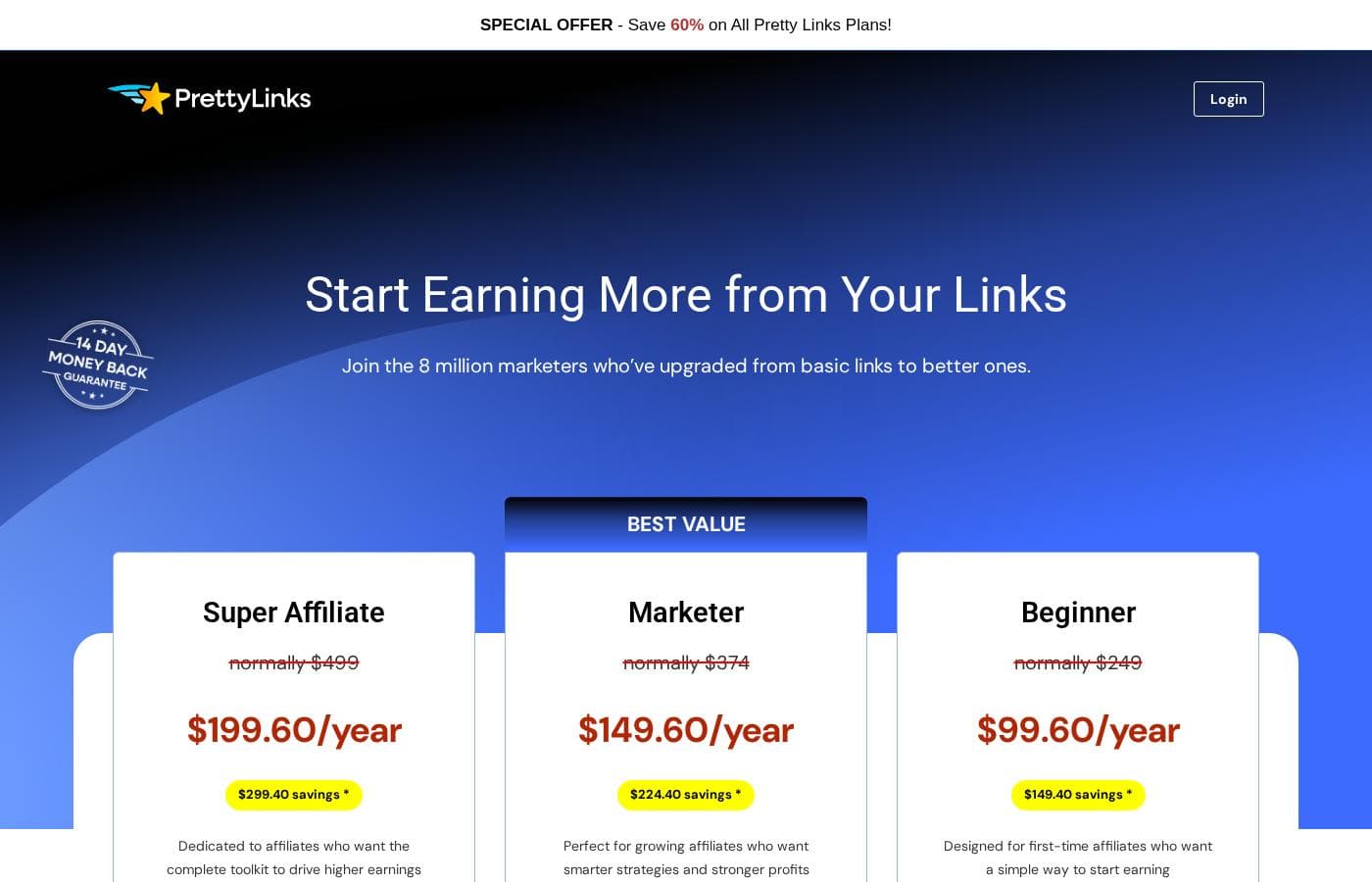
Pretty Links pricing page screenshotView pricing page screenshot

Price history

Tracking prices since Sep 7, 2026. No price change detected yet.

Pricing types: Yearly subscription

Pricing notes

Pretty Links pricing: Billing options: Yearly subscription

Email me when Pretty Links changes price

One email when we detect a price change on the vendor's pricing page. No newsletter, no deals. Unsubscribe in one click.

User Reviews

No reviews yet.

Write a Review

Write a Review for Pretty Links
0/100 characters
0/2000 characters

Why use Pretty Links?

Raw affiliate links are long, easy to break, and impossible to audit once they are scattered across dozens of posts, video descriptions, and emails. Pretty Links solves this by acting as a single mission control center: if a merchant changes a destination URL, you update it once in the plugin and every placement inherits the fix.

Its click tracking also tells you which pages, podcasts, or campaigns actually drive revenue, which is difficult to see when links are pasted in raw form. For anyone monetizing a WordPress site, that combination of tidier links, easier maintenance, and built-in analytics is the core reason to use it.

Pretty Links alternatives

Other tools in the WordPress Affiliate Marketing Plugin category

View all WordPress Affiliate Marketing Plugin tools
Easy Affiliate

Easy Affiliate

WordPress Affiliate Marketing Plugin3.9/5

Easy Affiliate is an "All-in-One" affiliate program plugin specifically built for WordPress. This tool helps you create a completely self-hosted affiliate program within minutes. It is ideal for anyone running a WordPress membership site or an ecommerce store. The plugin was created by the MemberPress team initially to support their own internal marketing efforts. It provides the necessary tools for you to set up a non-salaried online sales team. Once installed, the plugin uses your existing website styling so it looks just like your other pages.

ThirstyAffiliates

ThirstyAffiliates

WordPress Affiliate Marketing Plugin3.9/5

ThirstyAffiliates is specifically designed for WordPress users who want to monetize their sites effectively. It is much more than just a standard link cloaker. This robust tool helps bloggers and serious affiliate marketers manage, organize, and automate their link insertion process. It helps you focus on converting more blog visitors into actual affiliate income without annoying your readers. It's trusted by thousands of marketers worldwide and has been downloaded over 443,521 times.

Getlasso

Getlasso

WordPress Affiliate Marketing Plugin3.8/5

Lasso is an essential tool designed for affiliate marketers and content creators who promote products across multiple platforms. It manages, optimizes, and tracks all your affiliate links and product displays in one central place. It works both on WordPress and non-WordPress sites, and you can drop Lasso links anywhere you share content, including Instagram and YouTube. Plus, the tools ensure your links stay compliant with Amazon's affiliate policies.

Pretty Links FAQ

What is Pretty Links?

Pretty Links is a WordPress plugin for link management and cloaking. It lets you turn long affiliate or tracking URLs into short, branded links on your own domain, organize them in one dashboard list, and track clicks on each link. It is used by over seven million marketers and is designed for affiliate marketers, bloggers, podcasters, and course creators who monetize content.

How much does Pretty Links cost?

Pretty Links is sold as a yearly subscription starting at $0 per year, so you can begin on a free plan. Most individual creators can evaluate the product on the free tier before committing to a paid annual plan.

Do I have to leave WordPress to manage my links?

No. Pretty Links is built to work as a mission control center inside the WordPress dashboard, so creating links, organizing them, and reviewing click reports all happen where you already publish content. There is no separate external platform required for day-to-day link management.

Can Pretty Links help with content beyond blog posts, like videos and emails?

Yes. The vendor positions the plugin as a way to turn complex content channels, including videos and emails, into streamlined revenue streams. Because links are managed centrally, the same pretty link can be placed in a video description, an email, and a blog post, and you can track clicks from all of them in the WordPress dashboard.

Ready to try Pretty Links? Check out the official site or pricing.

Are you Pretty Links? Claim this listing · Get the badge