Lucidchart

Lucidchart review

Intelligent diagramming that keeps visuals tied to live data and teams in sync.

By Ciroapp Editorial Team · Updated Sep 16, 2026

Commission may apply at no extra cost

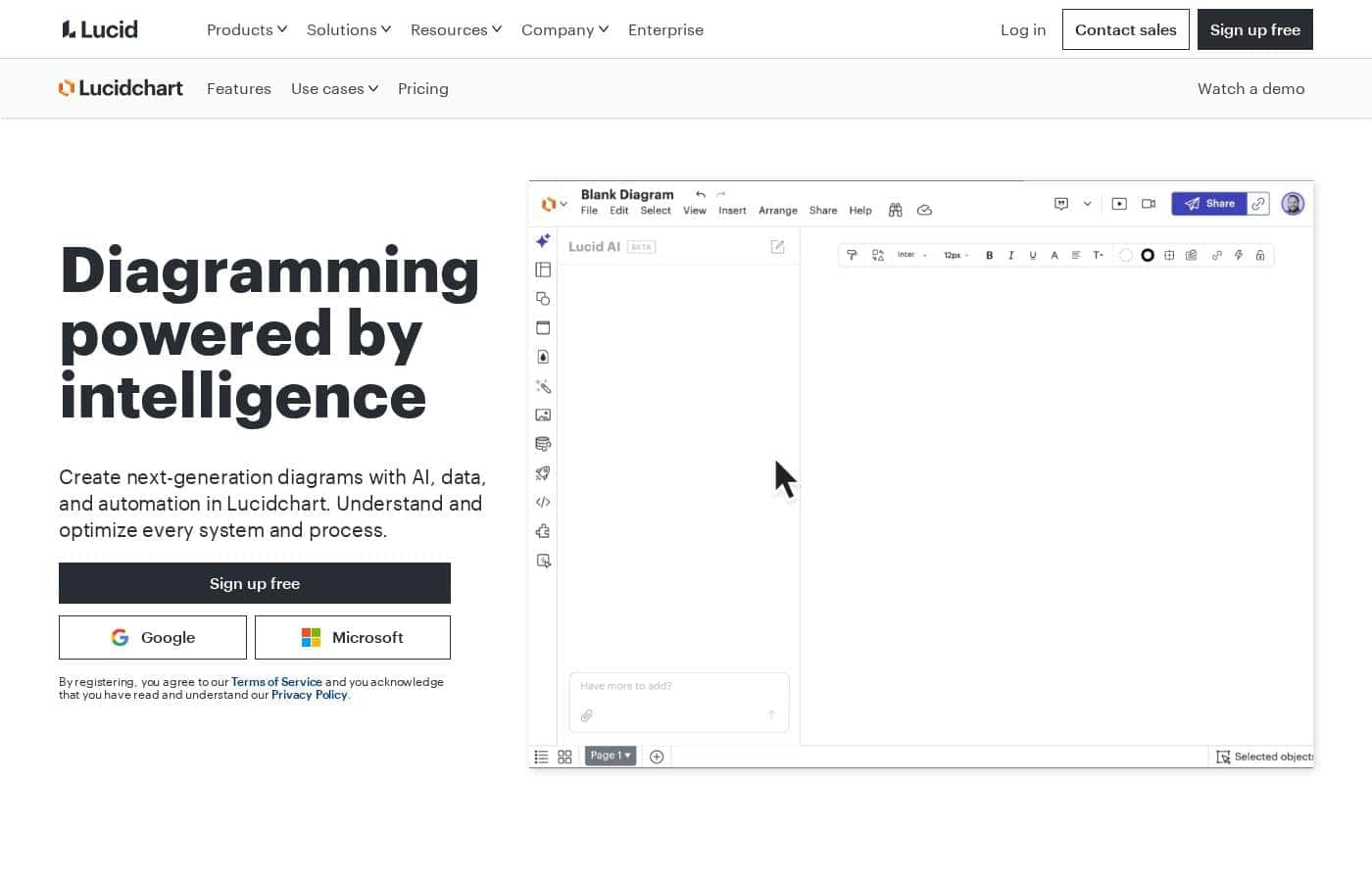
Lucidchart homepage screenshot

At a glance

Quick overview for Lucidchart: rating, pricing summary, key features, and highlights.
Vendor page checked Oct 13, 2026

Ciroapp score

4.2/ 5

Lucidchart turns flowcharts, org charts, and architecture diagrams into living documents through data linking, conditional formatting, and real-time co-editing, backed by deep integrations and Visio compatibility. The trade-offs are a capped free plan, per-user pricing that grows with headcount, and browser slowdowns on very large files. Overall, it's a solid pick for teams whose diagrams must stay accurate.

Pros

  • Pros:Data linking and conditional formatting keep diagrams synchronized with real information instead of going stale
  • Pros:Real-time co-editing with comments and mentions replaces file-based sharing for distributed teams
  • Pros:Deep integrations with Confluence, Jira, Slack, Google Workspace, and Microsoft 365 put diagrams where work already happens

Cons

  • Cons:The free tier restricts the number of editable documents and the number of objects per document, limiting sustained personal use
  • Cons:Full data-linking, automation, and advanced formatting sit behind paid tiers, and per-user subscription costs add up for large teams
  • Cons:Very large or data-heavy diagrams can become slow to navigate in the browser
Best for
  • Engineering, IT, and DevOps teams documenting cloud and network architecture that must stay current
  • HR and people-operations teams building and versioning org charts, including restructuring scenarios
  • Distributed teams that review and co-edit process maps inside Confluence, Slack, or Google Workspace
This section is a summary. Detailed sections about features, use cases, pricing, and reviews follow below.

What is Lucidchart?

Lucidchart is a web-based diagramming platform aimed at teams that need to visualize systems, processes, and organizational structures together. Rather than treating diagrams as static drawings, it connects shapes to data, automates formatting, and supports real-time collaboration directly in the browser. It sits alongside the brainstorming tool Lucidspark as part of the Lucid Suite, giving teams a single vendor for ideation and documentation.

This review covers where it excels, where it falls short, and who should consider it.

Lucidchart is an intelligent diagramming application used to build flowcharts, organizational charts, network and cloud architecture diagrams, UML models, and process maps. Its distinguishing trait is that diagrams can be driven by data: shapes can reflect spreadsheet or imported values, and conditional formatting can update visuals automatically when that data changes. Because it runs entirely in the browser, diagrams are shareable via links and embeddable in tools like Confluence, Slack, Google Workspace, and Microsoft Office.
Should you choose Lucidchart?

Quick buyer guidance before you compare plans or click through.

Choose it if

  • Engineering, IT, and DevOps teams documenting cloud and network architecture that must stay current
  • HR and people-operations teams building and versioning org charts, including restructuring scenarios
  • Distributed teams that review and co-edit process maps inside Confluence, Slack, or Google Workspace
  • Organizations migrating away from Microsoft Visio that need Visio file compatibility

Skip it if

  • Individuals who only need occasional, simple diagrams and will not use collaboration or data features
  • Teams that require offline or native desktop editing as a hard requirement
  • Users seeking a truly unlimited free tool for ongoing personal projects

Next steps before buying

  1. 1Create a free account at lucidchart.com and open a template matching your goal, such as an org chart, flowchart, or network diagram
  2. 2Recreate one real diagram your team already maintains, including importing any existing Visio files, to test fit against your current workflow
  3. 3Invite collaborators and enable the integration for tools you already use, such as Confluence, Slack, Google Workspace, or Microsoft 365
  4. 4If you hit free-tier document or shape limits, compare paid tiers during the free trial and choose the monthly or annual billing term that matches your usage

Lucidchart Key Features

✨ Data-Linked Diagrams

Lucidchart lets you connect shapes to external data so a diagram reflects current reality. Import spreadsheets or connect data sources, then use conditional formatting to change colors, text, or visibility when values change. This turns org charts, network maps, and process diagrams from static pictures into living documents that flag drift automatically.

✨ Automation and Smart Formatting

Beyond drag-and-drop drawing, Lucidchart automates layout and structure. Auto-layout arranges connected elements cleanly, org charts can be generated from people data, and smart containers group related shapes so they move and resize together. These features cut down the manual alignment work that consumes time in basic diagramming tools.

✨ Real-Time Collaboration

Multiple people can edit the same document simultaneously, with shared cursors, in-document comments, and @mentions for pulling teammates into specific shapes. Because the tool is browser-based, sharing happens through links or embeds rather than exported files, and version history keeps a record of changes. This makes it practical for distributed teams and cross-functional reviews.

✨ Templates and Shape Libraries

Lucidchart ships with extensive template and shape coverage: flowcharts, org charts, UML, entity-relationship diagrams, BPMN, network diagrams, and cloud provider icons such as AWS, Azure, and Google Cloud. Starting from a relevant template shortens time to a finished diagram and helps enforce consistent notation across a team.

✨ Integrations and File Compatibility

The platform embeds into common work hubs including Confluence, Jira, Slack, Google Workspace, and Microsoft Office and Teams. It also imports and exports Microsoft Visio files, which matters for teams migrating away from Visio or exchanging diagrams with external parties who still use it.

Use Cases

💡 Organizational Charts for HR and Leadership

HR teams and executives use Lucidchart to map reporting lines, spans of control, and planned restructures. Because charts can be generated from people data, restructuring scenarios can be drafted as data-driven variants and compared before decisions are announced. The finished chart then doubles as living documentation for onboarding and compliance.

💡 Cloud and Network Architecture Documentation

IT and DevOps teams diagram AWS, Azure, and on-premises network topologies using provider-specific shape libraries. Tying documentation to configuration or inventory data helps flag when the diagram and the deployed environment diverge, which is a common failure point of manually maintained architecture docs.

💡 Business Process Mapping

Operations and process teams model workflows with BPMN notation, swimlanes, and decision points. Shared editing lets process owners, finance, and compliance review the same document, and conditional formatting can visually highlight steps associated with bottlenecks or risk.

💡 Software Design and Systems Modeling

Engineering teams use UML class and sequence diagrams, entity-relationship models, and architecture sketches to align on designs before implementation. Embedding diagrams in Confluence or linking them from Jira issues keeps design context next to the work itself.

💡 Onboarding and Knowledge Transfer

Visual system maps and process charts give new hires context that text-heavy wikis often cannot. Because diagrams live in a shared workspace rather than on an individual's desktop, they remain discoverable and updateable as the team and its systems evolve.

Lucidchart pricing

Prices not verified yet — see the vendor page.

Lucidchart's pricing page

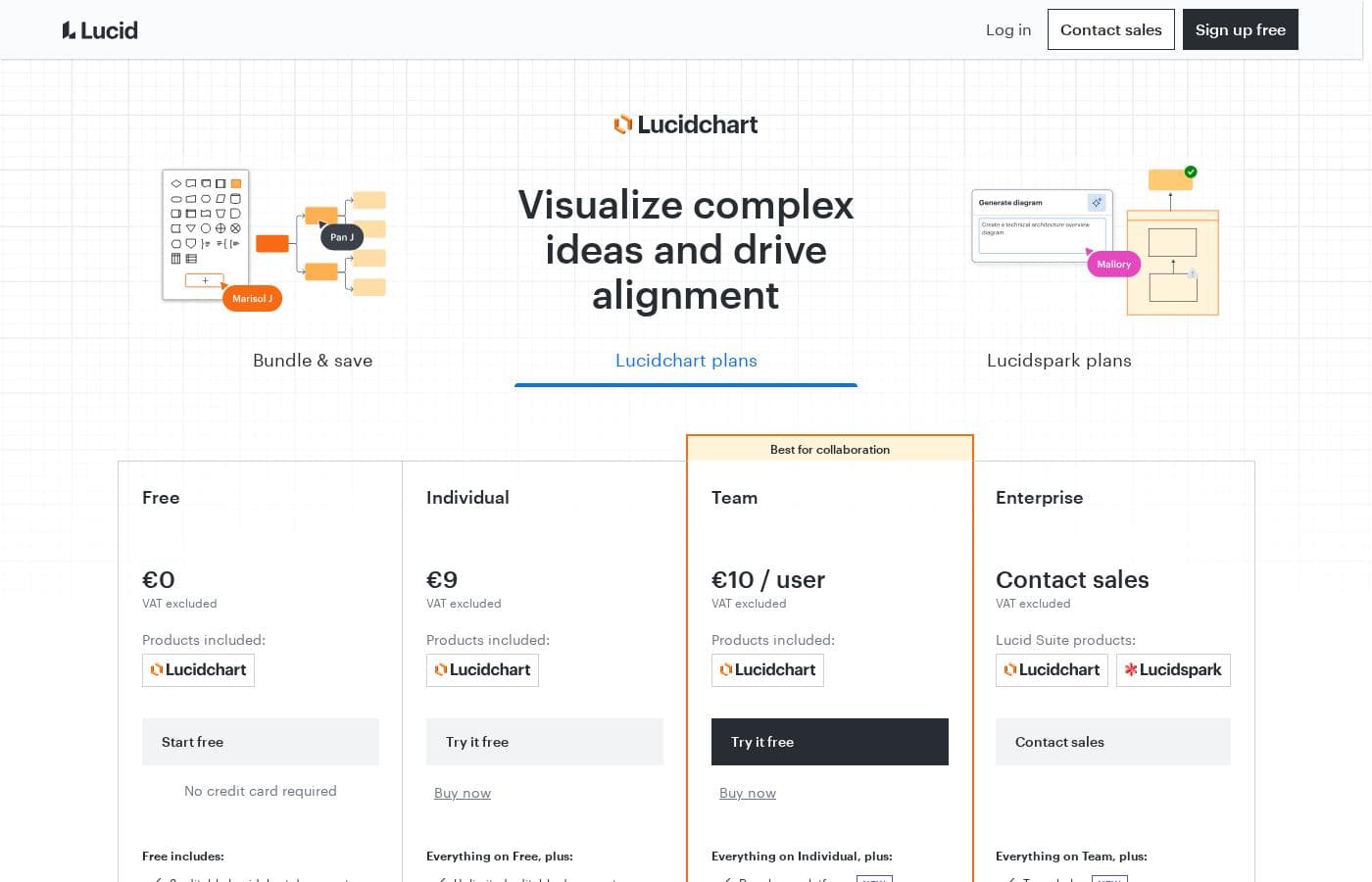
Lucidchart pricing page screenshotView pricing page screenshot

Price history

Tracking prices since Oct 1, 2026. No price change detected yet.

Pricing types: Free plan, Free trial, Monthly subscription, Usage-based pricing

Pricing notes

Lucidchart pricing: Billing options: Free plan, Free trial, Monthly subscription, Usage-based pricing

Email me when Lucidchart changes price

One email when we detect a price change on the vendor's pricing page. No newsletter, no deals. Unsubscribe in one click.

User Reviews

No reviews yet.

Write a Review

Write a Review for Lucidchart
0/100 characters
0/2000 characters

Why use Lucidchart?

Teams choose Lucidchart when a diagram needs to stay accurate as underlying systems change; linking a chart to data means updates propagate instead of requiring manual redraws. The collaboration layer, including shared cursors, comments, and version history, removes the emailed-file workflow that plagues desktop diagramming tools.

Broad template and shape coverage means most diagram types, from BPMN process maps to AWS architecture, can be started quickly rather than built from a blank canvas.

Lucidchart alternatives

Other tools in the Organizational Chart Maker category

View all Organizational Chart Maker tools
OrgCharting

OrgCharting

Organizational Chart Maker3.5/5

OrgCharting is a powerful software platform designed to visualize your company’s structure simply and elegantly. It moves beyond static images by creating data-driven, interactive organizational charts. This makes it an ideal solution for HR professionals, project managers, and leaders who need efficient workforce planning and decision-making tools. You can use it on Mac or Windows, ensuring flexibility for your whole team.

Lucidchart FAQ

Does Lucidchart have a free plan?

Yes. Lucidchart offers a free plan that includes the core editor and basic templates, with limits on how many documents you can edit and how many objects each document can contain. It is workable for trying the tool or maintaining a small number of simple diagrams, but most team use cases require a paid tier. A free trial of paid features is also available.

Can Lucidchart open Microsoft Visio files?

Yes. Lucidchart can import Visio files, including the newer.vsdx format, and supports exporting back to Visio on paid plans. This makes it a common landing spot for teams migrating off Visio or collaborating with external partners who still use it.

How is Lucidchart different from Lucidspark?

Lucidchart is the diagramming application for structured visuals such as flowcharts, org charts, and architecture diagrams. Lucidspark is a virtual whiteboard for freeform brainstorming and ideation. The two are offered together as part of the Lucid Suite, with Lucidspark typically feeding early ideas into more formal Lucidchart diagrams.

How much does Lucidchart cost?

Usage-based options and a free trial are also available. Check the current pricing page, since tiers and inclusions change over time.

Ready to try Lucidchart? Check out the official site or pricing.

Are you Lucidchart? Claim this listing · Get the badge