iContact

iContact review

Affordable, small-business-focused email marketing backed by two decades of deliverability experience.

iContact costs from $9/mo · 4 plans · prices checked Oct 13, 2026

By Ciroapp Editorial Team · Updated Sep 16, 2026

Commission may apply at no extra cost

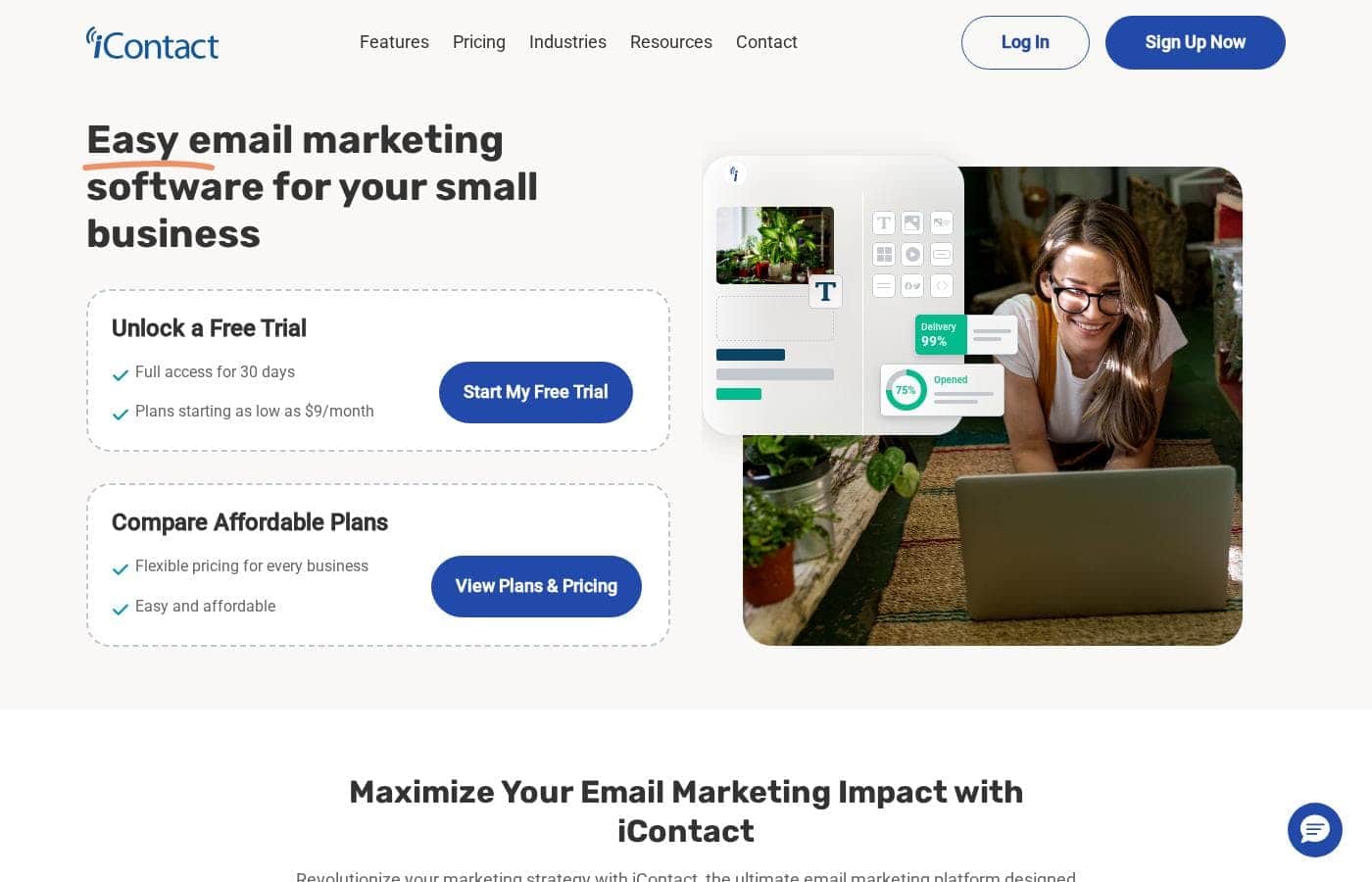
iContact homepage screenshot

At a glance

Quick overview for iContact: rating, pricing summary, key features, and highlights.
Pricing verified Oct 13, 2026

Ciroapp score

3.8/ 5

iContact pairs an easy drag-and-drop builder and mature deliverability with low entry pricing and a full-access 30-day trial. Automation stays basic, though, and costs climb with list size, capping its appeal for bigger senders. Overall, it's a dependable pick for small teams that want core email marketing without complexity.

Pros

  • Pros:Entry-level plans are inexpensive, and the vendor advertises no hidden fees, making total cost predictable for tight small-business budgets
  • Pros:A full-access 30-day free trial lets you test the entire platform with your real list before committing any money
  • Pros:Operating since 2003 and having sent billions of emails, iContact has mature deliverability infrastructure that protects inbox placement

Cons

  • Cons:Automation is geared toward basics like autoresponders and scheduled sequences; teams wanting complex multi-step journey mapping may find it limited
  • Cons:Costs scale with contact-list size, and the top of the pricing range can erode the affordability advantage for very large lists
  • Cons:The feature set centers on email, so marketers who need built-in SMS, deep e-commerce integrations, or advanced personalization may require supplementary tools
Best for
  • Small businesses that want dependable email marketing at a predictable, low monthly cost
  • First-time email marketers who need a straightforward builder rather than an enterprise marketing suite
  • Growing companies that need solid list management, segmentation, and basic automation as their audience expands
This section is a summary. Detailed sections about features, use cases, pricing, and reviews follow below.

What is iContact?

iContact has been helping small businesses run email marketing since 2003, and in that time it has sent billions of messages on behalf of thousands of companies. The platform is built around a simple promise: make professional email campaigns accessible to teams without dedicated marketing staff or large budgets. Entry-level pricing is low, there are no hidden fees, and a 30-day free trial with full platform access means you can evaluate it against your own list before spending anything.

iContact is a cloud-based email marketing platform designed for small businesses and growing enterprises. It covers the full campaign workflow: building emails from templates, managing and segmenting contact lists, setting up automated sequences such as welcome series, and tracking opens, clicks, and bounces. Billing is available on a monthly or yearly subscription basis, with entry plans priced low enough for solo operators and scaling upward with list size.
Should you choose iContact?

Quick buyer guidance before you compare plans or click through.

Choose it if

  • Small businesses that want dependable email marketing at a predictable, low monthly cost
  • First-time email marketers who need a straightforward builder rather than an enterprise marketing suite
  • Growing companies that need solid list management, segmentation, and basic automation as their audience expands
  • Teams that value a long-established vendor with a track record going back to 2003

Skip it if

  • Marketing teams that need advanced multi-channel journeys, deep personalization, or extensive A/B testing programs
  • Very large senders whose list sizes push pricing toward the top of the range, where enterprise-focused platforms may offer more capability per dollar
  • Businesses seeking an all-in-one suite with built-in CRM, SMS, and social advertising, since iContact centers on email

Next steps before buying

  1. 1Start the 30-day free trial at icontact.com, which unlocks full platform access with no upfront payment
  2. 2Import your existing contact list and organize subscribers into lists and segments based on audience or interest
  3. 3Choose a template and use the email builder to create your first branded campaign, then send yourself a test before the real send
  4. 4Set up a signup form and a simple welcome autoresponder so new subscribers begin receiving emails automatically
  5. 5After your first campaign, review the open, click, and bounce reports and adjust subject lines, send timing, and segmentation accordingly

iContact Key Features

✨ Email Builder and Templates

iContact is designed so that non-designers can produce polished campaigns quickly, using pre-built templates that you customize with your own logo, colors, and content. The builder keeps formatting consistent across email clients, which reduces the testing burden on small teams. Because the platform targets small businesses, the workflow is optimized for getting from blank page to scheduled send in one sitting.

✨ Contact Management and Segmentation

You can import existing subscriber lists and organize contacts into lists and segments based on attributes such as signup source or engagement. Segmentation makes it possible to send targeted versions of a campaign rather than one message to everyone. Unsubscribes and bounces are handled automatically, which protects your sender reputation without manual cleanup work.

✨ Automation and Autoresponders

Automated sequences such as welcome series for new subscribers can run in the background once configured, so every new contact receives a consistent onboarding experience. Time-based triggers let you schedule follow-up messages at set intervals after signup or after a previous send. For small businesses without dedicated marketing operations staff, this covers the most valuable automation scenarios without added complexity.

✨ Reporting and Analytics

After each campaign, iContact reports on opens, clicks, bounces, and unsubscribes so you can see what resonated with your audience. Comparing results across sends helps you refine subject lines, send times, and content over time. This feedback loop is what turns one-off emails into a measurable channel.

✨ Deliverability Built Since 2003

iContact has been operating since 2003 and has delivered billions of emails, giving it long-established infrastructure and sending practices aimed at reaching inboxes rather than spam folders. That history also means compliance mechanics like unsubscribe handling are mature. For senders whose revenue depends on reliable delivery, this track record is a meaningful differentiator over newer, unproven tools.

Use Cases

💡 Newsletters and Ongoing Customer Communication

A recurring newsletter is the most common use case for iContact. You can template the layout once, drop in fresh content each month, and rely on reporting to see which topics drive engagement. Automated list hygiene keeps the subscriber base clean without manual work.

💡 Promotions and Product Announcements

Small businesses running sales, seasonal offers, or product launches can build announcement campaigns from templates and schedule them for optimal times. Segmentation lets you target the offer to the customers most likely to act, and click reporting shows which segments converted interest.

💡 Lead Nurturing and Welcome Sequences

When someone joins your list, an autoresponder can deliver a planned welcome series over the following days or weeks. This keeps new leads engaged without anyone manually sending follow-ups, which is especially valuable for solo operators and very small teams.

💡 Re-engagement and Retention

Engagement data makes it straightforward to identify subscribers who have stopped opening emails and target them with a specific win-back campaign. Segmenting inactive contacts away from your regular sends also protects open rates and sender reputation over the long term.

iContact pricing

From$9/mo

  • From the vendor's pricing page, checked Oct 13, 2026
  • 4 plans
  • Save up to 15% with annual billing

Prices checked on Oct 13, 2026 from iContact's pricing page

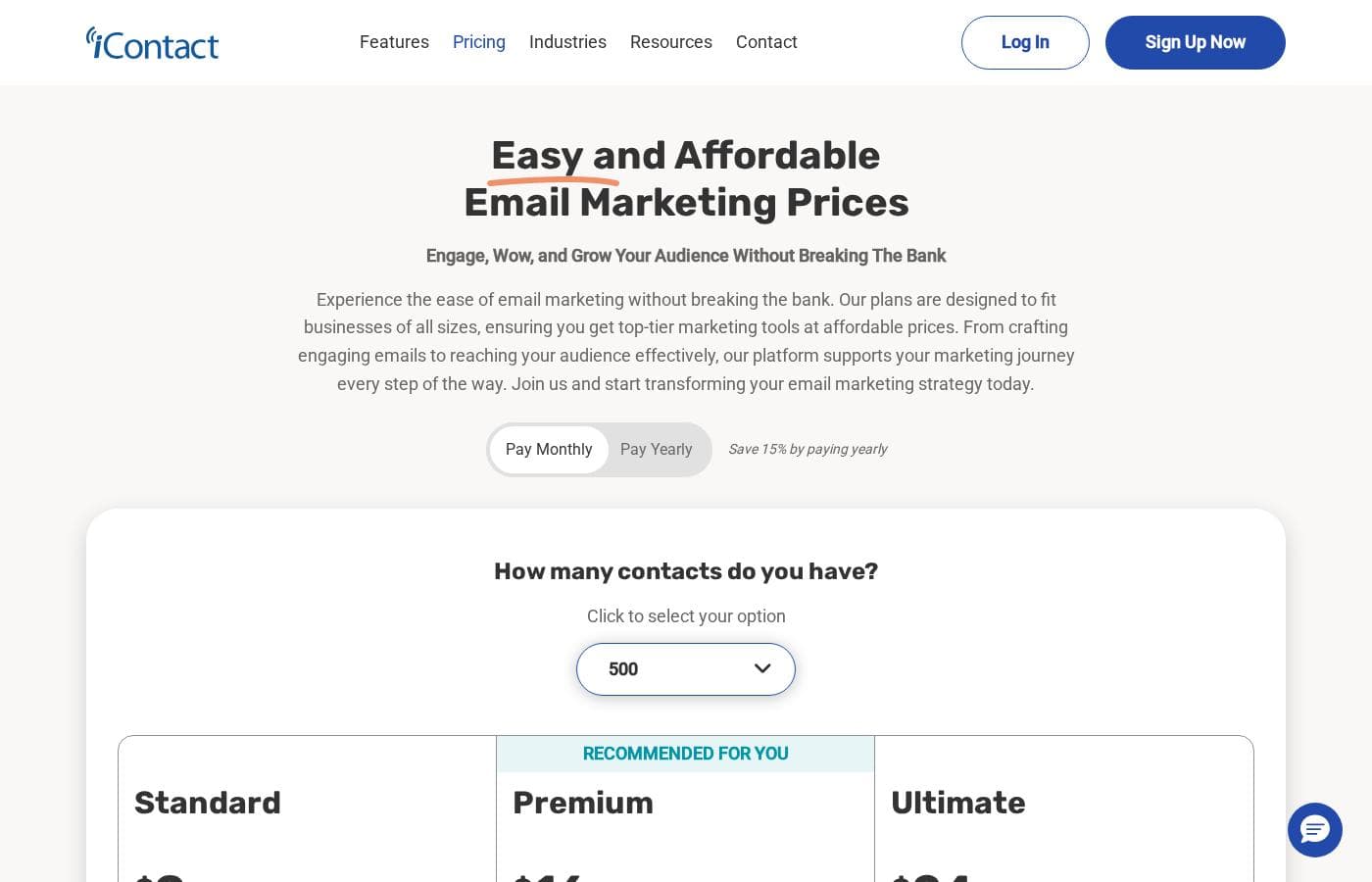
iContact pricing page screenshotView pricing page screenshot
PlanBilled monthlyBilled annuallyIncludes
Standard
$9/mo
$7.67/mo
$92 per year
Save up to 15% with annual billing
Premium
$16/mo
$13.58/mo
$163 per year
Save up to 15% with annual billing
Ultimate
$24/mo
$20.42/mo
$245 per year
Save up to 15% with annual billing
Enjoy iContact Free
$9/mo
—

Price history

Tracking prices since Oct 1, 2026. No price change detected yet.

Pricing types: Monthly subscription, Yearly subscription

Pricing notes

iContact pricing: Billing options: Monthly subscription, Yearly subscription

Cost calculator

Estimate what iContact costs for your team.

Billing
Per month
$9
Per year
$108

Standard states no user limit: shown as one price for the whole account. Check the price for 5 users with the vendor. Estimate based on published list prices, before taxes, add-ons and discounts.

How to pay less for iContact

  • Pay annually: saves up to 15% compared with monthly billing.
Visit iContact

Email me when iContact changes price

One email when we detect a price change on the vendor's pricing page. No newsletter, no deals. Unsubscribe in one click.

User Reviews

No reviews yet.

Write a Review

Write a Review for iContact
0/100 characters
0/2000 characters

Why use iContact?

Choosing iContact comes down to affordability and a low barrier to entry. Because the platform has operated since 2003 and processed billions of sends, its deliverability practices and compliance handling are well established, which matters when your revenue depends on messages reaching inboxes.

For a small team, the combination of an easy builder, straightforward list management, and predictable subscription pricing removes most of the friction that typically stalls email programs, and the 30-day trial lets you verify that with your own audience risk-free.

iContact alternatives

Other tools in the Email marketing category

View all Email marketing tools
GetResponse

GetResponse

Email marketing4.2/5

GetResponse is a scalable email marketing and automation platform designed for entrepreneurs, ecommerce stores, and Global Brands. It helps you manage and automate channels you own, like email, your website, landing pages, and SMS. You can use powerful, smart AI tools to personalize campaigns and launch products faster. It's trusted by over 350,000 customers worldwide.

WiseStamp

WiseStamp

Email marketing3.8/5

WiseStamp is an award-winning, enterprise-grade email signature management platform designed to scale with the needs of market-leading organizations. Trusted by over 1.2 million customers worldwide, WiseStamp enables businesses to centrally create, manage, and deploy professional, on-brand email signatures effortlessly. WiseStamp turns every email into a powerful brand asset, enabling enterprises to maintain brand consistency, enhance engagement, and drive business impact at scale.

Drip

Drip

Email marketing4/5

As a customer-centric marketing automation platform, Drip empowers brands to understand their customers and boost revenue through the seamless integration of email, popups, and automation. Drip is the go-to platform for streamlining automated marketing!

GoZen Growth

GoZen Growth

Email marketing3.6/5

GoZen Growth is an all-in-one platform for email marketing, outreach, and automation. It unifies email marketing, cold outreach, email warm-up, and push notifications in one place so teams can automate marketing, sales, and customer support. It also features GoZen DeepAgent, an enterprise-grade AI agent builder that helps automate these tasks.

Mailchimp

Mailchimp

Email marketing4/5

Mailchimp is recognized as the leading platform focused on email marketing and advanced automations. It's built to help businesses boost income by mastering digital outreach. With over 11 million global users and 22 years of experience, it’s a trusted choice for selling more. This robust platform is ideal for businesses seeking seamless conversion tools, including integrated SMS campaigns. You can start sending your first email risk-free, and you don't even need a credit card to begin. Users on Standard or Premium plans may access a personalized product tour to start confidently.

Sender

Sender

Email marketing4.1/5

Sender is an email marketing platform aimed at growing businesses. It combines campaign creation, automation, transactional emails, and landing pages in one dashboard. The vendor says over 180,000 companies use it, from startups to well-known brands. It's built for people who want capable email tools without complicated setup or high costs — and a free plan that keeps premium features unrestricted.

Pabbly Email Marketing

Pabbly Email Marketing

Email marketing4.1/5

Pabbly Email Marketing is a flexible platform for sending marketing emails and automating responses. You can connect external SMTPs or use Pabbly’s inbuilt SMTP, and you can send instantly or schedule. It supports automation workflows, segmentation, throttling, and a robust API. Campaign reports show sent, opened, clicked, and unsubscribed rates, with country, browser, device, and OS stats. The service is ISO 27001:2022 and SOC2 Type 2 compliant, with live chat, tutorials, and constant support.

Omnisend

Omnisend

Email marketing4.1/5

Omnisend is an integrated platform for email and SMS marketing designed to engage your shoppers wherever they are. It’s an excellent option for small or medium-sized businesses looking to consolidate their marketing efforts. The platform provides intuitive tools, making advanced marketing less intimidating. Every template is 100% customizable, ensuring your customer experience is always on-brand and personalized. You can connect Omnisend to your ecommerce platform with a single click. Switching is easy, and you can even be up and running in 30 minutes.

Cheapest Email marketing software for 1 to 25 users

iContact FAQ

How much does iContact cost?

iContact's cheapest paid plan, Standard, costs $9 per month. Paid plans range from $9 to $24 per month. Prices checked on Oct 13, 2026 from the vendor's pricing page.

Does iContact have a free plan?

No. iContact lists no free plan; the cheapest paid plan starts at $9 per month.

How much do you save with annual billing on iContact?

Paying annually saves up to 15% compared with monthly billing, based on iContact's list prices.

Has iContact's price changed recently?

No. We have not detected a price change since we started tracking on Oct 1, 2026.

Does iContact offer a free trial?

Yes. iContact provides a 30-day free trial with full access to the platform, so you can import your list, build emails, and send test campaigns before paying anything. This makes it possible to evaluate deliverability and ease of use with your actual audience rather than a demo account.

Is iContact suitable for someone new to email marketing?

Yes. The platform has been positioned specifically for small businesses since 2003, and it emphasizes an easy campaign workflow: pick a template, customize it, send to your list, and review the results. The 30-day trial with full access gives beginners enough time to run several real campaigns and learn the reporting before committing to a paid plan.

How does iContact handle unsubscribes and bounces?

iContact processes unsubscribes and bounces automatically, which keeps your lists clean without manual maintenance. This matters because continued sending to invalid or uninterested addresses damages sender reputation and inbox placement, so automated list hygiene directly supports deliverability.

Ready to try iContact? Check out the official site or pricing.

Are you iContact? Claim this listing · Get the badge