Druva

Druva review

Fully managed cloud backup and cyber resilience — no hardware required

By Ciroapp Editorial Team · Updated Sep 16, 2026

Commission may apply at no extra cost

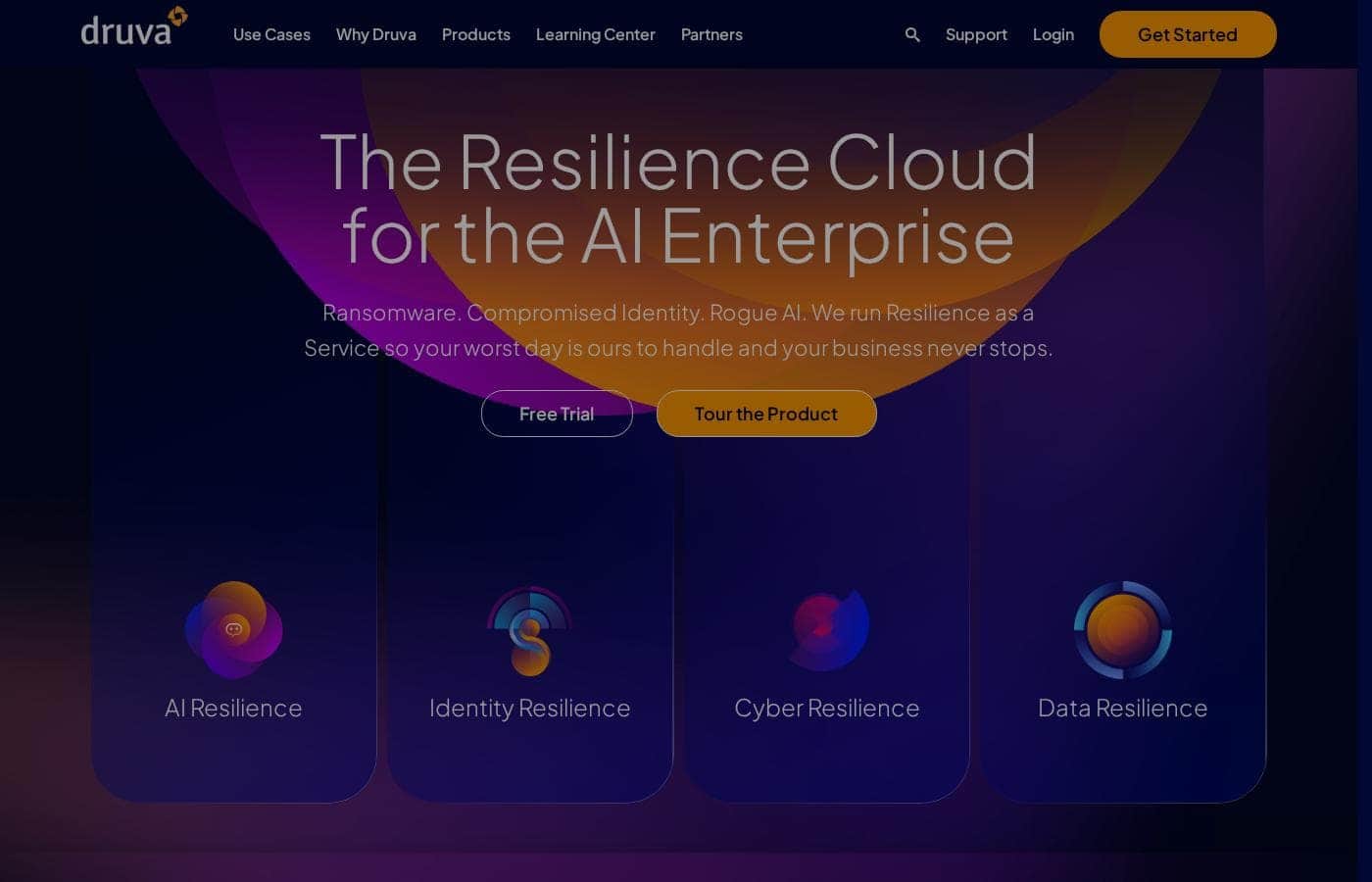
Druva homepage screenshot

At a glance

Quick overview for Druva: rating, pricing summary, key features, and highlights.
Vendor page checked Oct 12, 2026

Ciroapp score

3.9/ 5

Druva bundles backup, disaster recovery, ransomware response, identity recovery, and AI data protection into one cloud-native console with no hardware to maintain; customer stories point to fast recoveries and lower costs, but pricing stays hidden until you talk to sales. Overall, it's a strong pick for IT teams tired of maintaining backup hardware.

Pros

  • Pros:Runs entirely from one cloud-native console with no hardware to install or maintain — one city IT team reported managing backups in 10 minutes a day versus hours with Commvault
  • Pros:Customers report unusually fast recovery outcomes, including a full VM restore in 2 hours and a complete ransomware recovery in 24 hours
  • Pros:Consolidates backup, disaster recovery, threat detection, and identity recovery across Microsoft 365, endpoints, VMware, AWS, Azure, NAS, and SQL in a single platform, replacing multiple point tools

Cons

  • Cons:Druva publishes no dollar figures, license limits, or renewal terms on its pricing page, so budget comparisons require a sales conversation before you can evaluate cost
  • Cons:There is no self-serve trial — evaluation is limited to a 5-minute interactive demo or a sales-led live demo, which slows hands-on testing
  • Cons:Headline performance numbers (up to 40% savings, 98% faster restores, 24-hour ransomware recovery) come from Druva's own claims and customer stories, so they should be validated against your own environment
Best for
  • IT teams that want enterprise backup without hardware or maintenance
  • Organizations protecting Microsoft 365, endpoints, and cloud workloads like VMware, AWS, and Azure
  • Security teams focused on ransomware recovery and proactive threat hunting
This section is a summary. Detailed sections about features, use cases, pricing, and reviews follow below.

What is Druva?

Legacy backup tools turn data protection into a second job. You're patching servers, babysitting storage, and hoping restores actually work. Druva takes a different route: a fully managed, cloud-native platform.

Backup, recovery, and threat detection live in one console — with no infrastructure to maintain and vendor-claimed savings of up to 40% versus legacy backup.

Druva is a fully managed SaaS platform for data protection and cyber resilience. It covers backup, disaster recovery, ransomware response, identity threats, and AI data from one cloud-native console. There's no hardware to install or maintain.

It's built for IT and security teams protecting Microsoft 365, endpoints, VMware, AWS, Azure, NAS, and SQL. Customers range from mid-sized firms to NASA, Amgen, and Marriott.

Should you choose Druva?

Quick buyer guidance before you compare plans or click through.

Choose it if

  • You prefer a fully managed SaaS with no infrastructure to deploy or patch
  • You want one console instead of separate backup, DR, and security tools
  • Fast recovery matters — customers report full ransomware recovery in 24 hours
  • You want to cut backup management time to minutes per day
  • You need to protect data across SaaS, cloud, endpoints, and AI ecosystems

Skip it if

  • Public pricing isn't shown on the site, so budget-focused teams must go through sales before they can compare costs
  • Key numbers (up to 40% savings, 98% faster restores) come from Druva's own claims and customer stories — validate them against your environment
  • It's cloud-native by design; if you require on-premises appliances or locally controlled backup copies, confirm the fit first
  • AI data protection depends on specific integrations (Claude, Copilot, Druva MCP), so verify your stack is supported
  • Small teams wanting a quick self-serve purchase may find the sales-led, demo-first approach slower than expected

Next steps before buying

  1. 1List every workload you need protected — Microsoft 365, endpoints, VMware, AWS, Azure, NAS, SQL — and confirm coverage with Druva
  2. 2Request pricing directly, since the site doesn't publish it, and compare it against your current backup spend and storage costs
  3. 3Use the site's 5-minute demo experience or book a demo to see recovery workflows before committing
  4. 4Read customer stories closest to your size and stack (for example, the Commvault replacement or ransomware recovery cases) for realistic expectations
  5. 5Ask how migration from your existing tool works and what's included for support during the switch

Ease of use

Signals point to simple operations. Druva says you can deploy fully in minutes, and everything runs from one menu with no infrastructure to maintain. A customer case backs this up: 10 minutes a day to manage backups versus hours with their old tool. Keep in mind the homepage offers a demo-style experience rather than a visible self-serve trial, so hands-on evaluation likely starts with sales.

Druva Key Features

✨ One Console, No Hardware

Everything runs from a single cloud-native console, so there's no hardware to install, patch, or store. Deploy in minutes, scale storage on demand, and monitor all your data from one menu. That's why one city IT team now manages backups in 10 minutes a day instead of hours.

🛡️ Fast Recovery When It Counts

Speed matters most on your worst day. Druva pairs threat detection with automated response, so you can spot risks fast and recover to clean, trusted data. Customers report a full VM restore in 2 hours and complete ransomware recovery in 24.

It's backup and security working together.

✨ AI Resilience with Dru Metagraph

AI tools create new data risks. Druva's Dru Metagraph intelligence layer preserves trusted context, so you can govern what AI touches, defend backups from AI-driven threats, and reverse unwanted autonomous actions. It covers ecosystems like Microsoft Copilot, Claude, and Druva MCP.

If your company is adopting AI, this keeps data protected and recoverable.

✨ Coverage Across Your Whole Estate

Protect your whole estate without stitching tools together. Druva covers:

  • SaaS and endpoints — Microsoft 365 and user devices
  • Cloud and virtual workloads — VMware, AWS, and Azure
  • Files, databases, and AI — NAS, SQL, Copilot, and Claude

Customers report 98% faster file share restores and 30% lower TCO after consolidating.

✨ Identity Recovery and Compliance Support

Compromised credentials can put critical data at risk. Druva helps you endure, minimize, and recover from identity-based threats. Compliance teams get built-in support too, with recovery, legal hold, and eDiscovery across devices.

One customer used it to fully secure more than 2,000 PCs.

Use Cases

🧰 Replace Legacy Backup (Without the Hardware)

Your IT team is done patching servers and babysitting storage. Druva runs backup, recovery, and DR from one cloud console — no hardware to maintain. One city IT team now manages backups in 10 minutes a day.

Expected outcome: hours of backup admin drop to minutes.

🛡️ Recover From Ransomware Fast

Ransomware hits, and your security team needs clean data fast. Druva detects threats, automates response, and restores trusted data. One customer completed a full ransomware recovery in 24 hours.

Tip: Pair Cyber Resilience with Identity Resilience to cover compromised accounts too.

☁️ Protect Microsoft 365 and Cloud Workloads

You're securing Microsoft 365, VMware, AWS, Azure, NAS, and SQL. Druva covers them all in one console. One firm protected 2,000+ Microsoft 365 users and saw 98% faster file share restores.

Expected outcome: one place to back up every workload.

🤖 Adopt AI Without Losing Control

Your company is rolling out Copilot or Claude, and you need AI data governed and recoverable. Druva's AI Resilience lets you reverse unwanted AI actions and restore to a trusted state. > Tip: Verify your AI stack is supported before you commit.

Druva pricing

  • 4 plans

Prices not verified yet — see the vendor page.

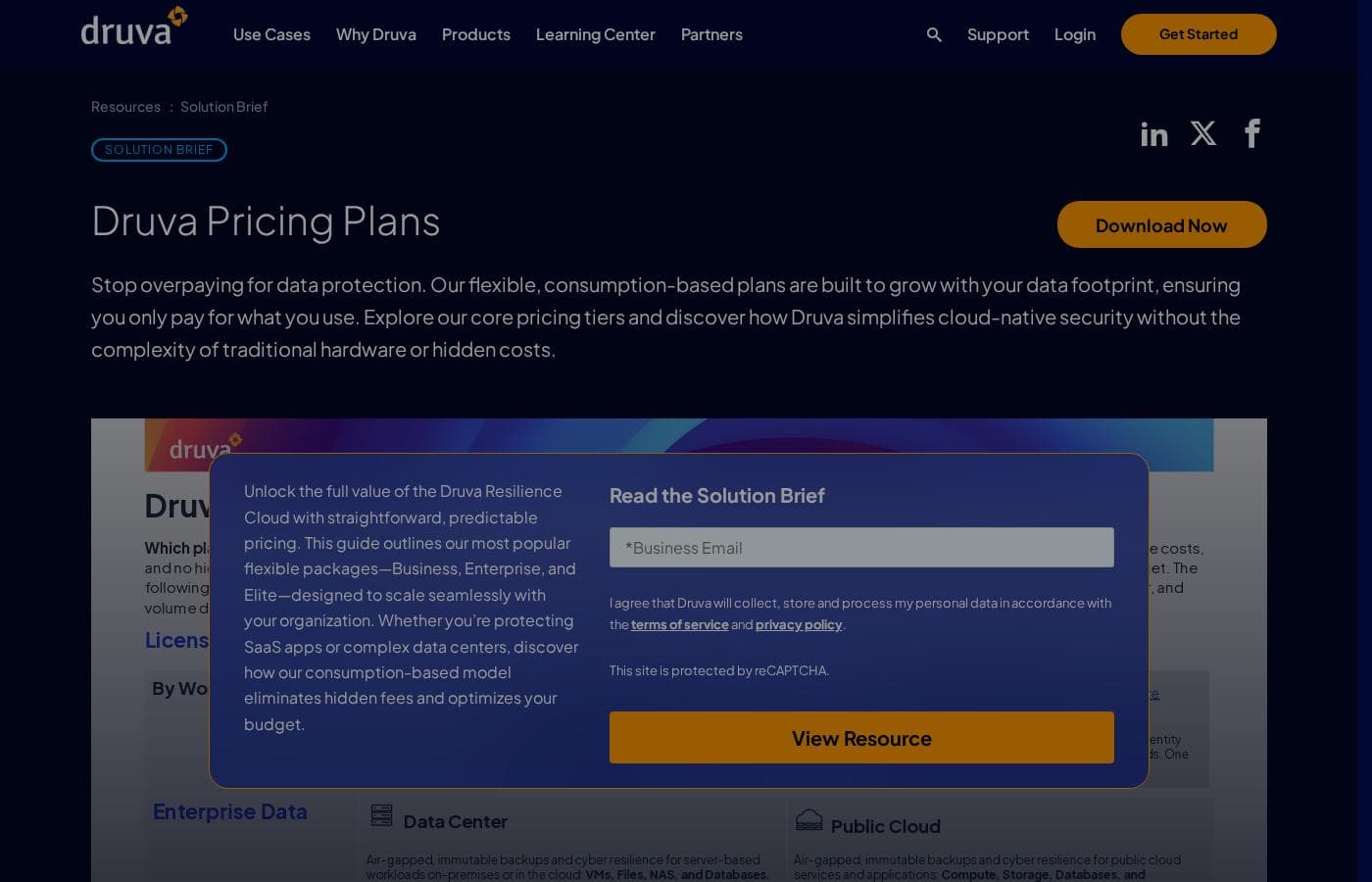
Druva's pricing page

Druva pricing page screenshotView pricing page screenshot
PlanBilled monthlyBilled annuallyIncludes
Data Resilience
See vendor page
See vendor page
  • Backup, recovery, and disaster recovery in one cloud-native platform
  • No infrastructure or maintenance required
  • Scalable storage with always-on security
  • Deployment in minutes, with room to scale as you grow
Cyber Resilience
See vendor page
See vendor page
  • Threat detection and data security
  • Automated response
  • Quick recovery back to clean data
Identity Resilience
See vendor page
See vendor page
  • Endure, minimize, and recover from identity-based threats
AI Resilience
See vendor page
See vendor page
  • Recover, govern, defend, and accelerate AI data and workflows
  • Works across AI ecosystems like Microsoft Copilot and Claude

Price history

Tracking prices since Sep 9, 2026. No price change detected yet.

Pricing range: Varies by plan and workloads protected

Pricing notes

Druva offers its Resilience Cloud as a fully managed SaaS subscription, packaged around four resilience areas: Data, Cyber, Identity, and AI. Dollar figures aren't published on its pricing overview, so costs are confirmed with Druva based on the workloads you protect.

Druva prices its Resilience Cloud as a subscription, and your final cost depends on the plan and workloads you choose.

Druva doesn't publish dollar figures on this page, but its packaging is clear. The platform is organized around four resilience areas, all delivered as fully managed SaaS. Here's what each one covers and who it fits best.

Data Resilience

Best For: IT teams consolidating backup, recovery, and disaster recovery into one service

Other Features:

  • Cloud-native platform with no infrastructure to maintain
  • Scalable storage with always-on security
  • Deployment in minutes, with room to scale as you grow

This is the core of Druva's platform. Backup, recovery, and disaster recovery all run from one menu, with no hardware to patch or store. Customer results are striking — one organization saved 5x on storage across clouds, and another cut total cost by 30% after moving off legacy tools.

Cyber Resilience

Best For: Security teams that need to recover fast from ransomware and attacks

Other Features:

  • Threat detection and data security
  • Automated response
  • Quick recovery back to clean data

If ransomware is your biggest worry, start here. You can spot risks quickly, respond with automation, and restore trusted data. One Druva customer completed a full ransomware recovery in 24 hours.

Identity Resilience

Best For: Organizations that need to bounce back from identity-based attacks

Other Features:

  • Endure, minimize, and recover from identity-based threats

This area is all about surviving compromised identities. You can absorb the hit, limit the damage, and restore what was affected. It pairs naturally with Cyber Resilience if you're hardening your whole security posture.

AI Resilience

Best For: Companies adopting AI tools like Microsoft Copilot and Claude

Other Features:

  • Recover, govern, defend, and accelerate AI data and workflows
  • Works across the AI ecosystems you already choose

Rolling out AI across your business? This area helps you govern AI data and reverse unwanted AI actions. One customer said Druva gives them peace of mind that critical AI artifacts can be protected and recovered.

Across all four areas, Druva runs as a fully managed SaaS service, so there's no infrastructure to buy or maintain. 🛡️ The company claims you can slash backup costs by up to 40% compared to legacy backup. Exact prices, renewal terms, free trials, and refund policies aren't shown on the pricing page, so confirm those details — and your license limits — directly with Druva before you commit.
Email me when Druva changes price

One email when we detect a price change on the vendor's pricing page. No newsletter, no deals. Unsubscribe in one click.

User Reviews

No reviews yet.

Write a Review

Write a Review for Druva
0/100 characters
0/2000 characters

Why use Druva?

Traditional backup means hardware, patching, and late-night restore drills. Druva replaces all of that with one managed cloud platform. Here's why buyers choose it:

  • No infrastructure to run. It's cloud-native, so there's no hardware, no maintenance, and storage scales on demand.
  • Speed when it counts. Customer stories report a full VM restore in 2 hours and full ransomware recovery in 24 hours.
  • Less backup admin. One city IT team manages backups in 10 minutes a day versus hours with Commvault. Another saved 10 hours a week and cut 25 IT tickets a month.
  • Real cost reductions. Druva claims up to 40% savings versus legacy backup. Customers report 30% lower TCO, 5x storage savings across clouds, and $100K in annual savings.
  • Broad coverage in one console. Microsoft 365, endpoints, VMware, AWS, Azure, NAS, and SQL — plus AI tools like Microsoft Copilot and Claude.
  • Security built in. Spot risks fast, hunt threats proactively, and recover to clean data after an attack.

Druva alternatives

Other tools in the Managed Security Service category

View all Managed Security Service tools
Wiz

Wiz

Managed Security Service4.2/5

Wiz is an AI-powered cloud security platform that protects everything you build and run in the cloud—from code to runtime. It's built for security teams, CISOs, and engineering organizations, especially those running multi-cloud environments or shipping fast with AI. The company says more than 65% of Fortune 100 firms use it, and 839 public reviews rank it #1 in cloud security.

ThreatDown

ThreatDown

Managed Security Service4.2/5

ThreatDown, powered by Malwarebytes, delivers powerful, efficient, and easy-to-use cybersecurity solutions. Our Performance Marketing Program is designed for individuals and businesses looking to promote our Advanced, Elite, and Ultimate bundles while earning commission.

AFTRDRK

AFTRDRK

Managed Security Service3.5/5

AFTRDRK's DRK Web Surveillance (DWS) gives you real cyber threat intelligence signals that come from where the real action takes place — deep in the underground forums, communications channels, marketplaces, and other enclaves where cybercriminals plan and execute attacks. By monitoring threats in closer proximity to where cybercrime is happening, DWS identifies risks targeting your organization earlier and more accurately than traditional tools.

Druva FAQ

Does Druva offer a free trial?

There's no self-serve trial on the site. Instead, you can try a 5-minute interactive demo or book a live demo with sales to see the platform before committing.

How does Druva pricing work, and what should I confirm before buying?

You pay a subscription based on your plan and the workloads you protect. Druva doesn't publish dollar figures, so request a quote and confirm license limits, renewal terms, and refund options with sales.

Which workloads and apps can Druva protect?

One console covers Microsoft 365, endpoints, VMware, AWS, Azure, NAS, and SQL. AI protection supports tools like Microsoft Copilot and Claude, but it depends on specific integrations — verify your stack is supported.

What's it like to get started or migrate from another backup tool?

Druva says you can deploy fully in minutes since there's no hardware to install. For switching from a legacy tool, ask sales how migration works and what support is included during the move.

Ready to try Druva? Check out the official site or pricing.

Are you Druva? Claim this listing · Get the badge