Docsie

Docsie review

One secure hub for SOPs, help centers, and enterprise knowledge. Docsie turns static, outdated files into searchable, multilingual documentation your teams and customers can actually find.

By Ciroapp Editorial Team · Updated Sep 16, 2026

Commission may apply at no extra cost

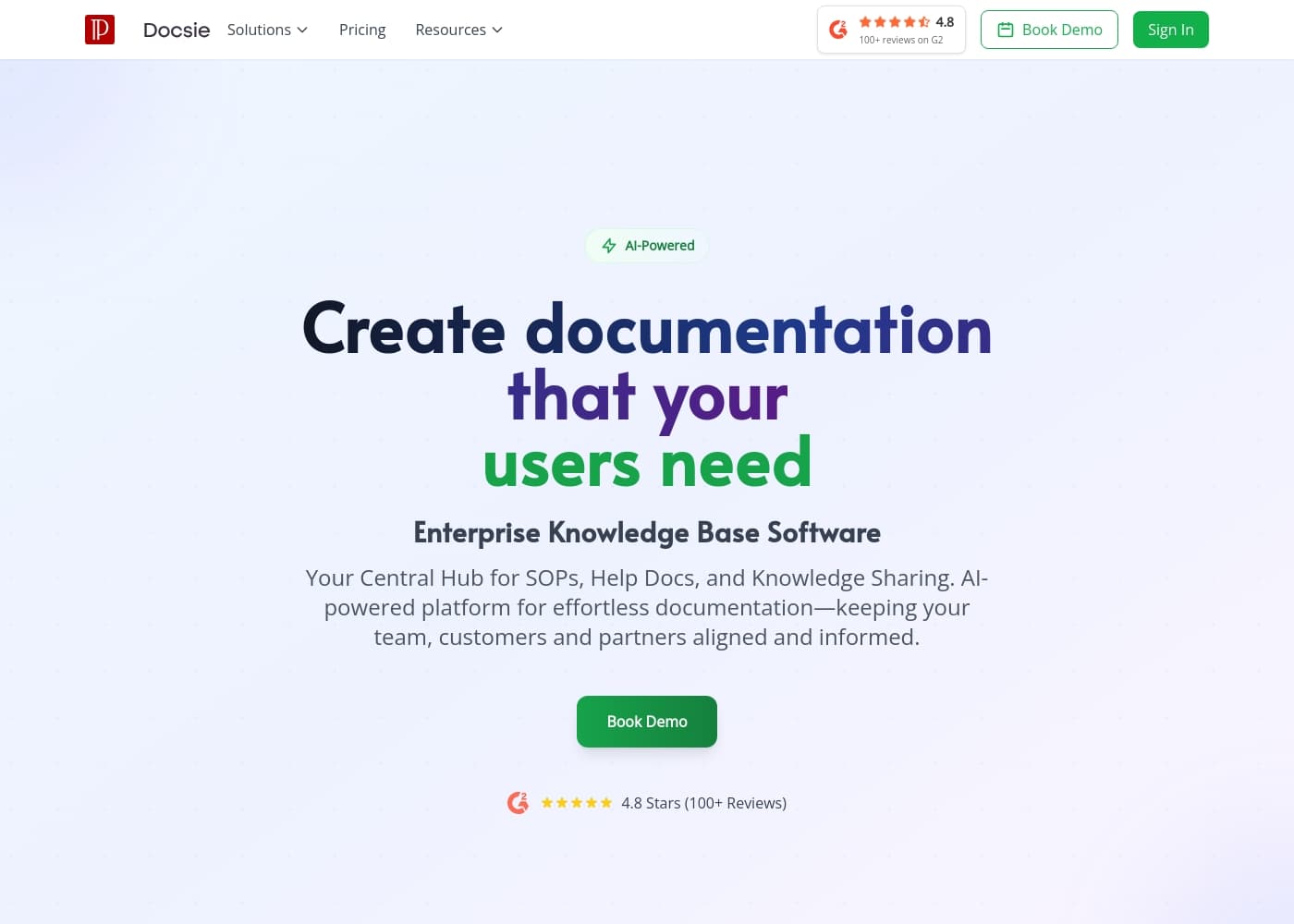
Docsie homepage screenshot

At a glance

Quick overview for Docsie: rating, pricing summary, key features, and highlights.
Vendor page checked Oct 16, 2026

Ciroapp score

3.5/ 5

Docsie turns scattered SOPs, help docs, and static files into one searchable, multilingual knowledge base. It's focused on documentation, so you'll still need separate tools for projects or tickets. Pricing spans $0–$850/month across several billing models, and public user reviews are scarce. Overall, it's a solid pick for documentation-heavy enterprises that pilot it first.

Pros

  • Consolidates SOPs, help docs, and internal knowledge into a single searchable hub, cutting time lost digging through drives and email threads
  • Multilingual publishing lets one documentation workflow serve teams and customers in multiple regions without separate tools
  • A free plan plus per-seat, usage-based, one-time, and subscription billing options lets organizations match cost structure to how they actually deploy documentation

Cons

  • Focused specifically on knowledge base management, so teams needing project management, ticketing, or chat alongside docs will still require other software
  • Pricing spans a free plan up to $850/month across several billing models (per seat, usage-based, one-time), which can make total cost hard to forecast without talking to sales
  • Migrating large volumes of legacy files into a structured, searchable knowledge base requires a real upfront content-organization effort regardless of platform
Best for
  • Operations and quality teams that need one searchable home for SOPs and internal procedures
  • Support departments publishing customer-facing help centers and self-service documentation at scale
  • Global software or manufacturing companies that must deliver the same technical content in multiple languages
This section is a summary. Detailed sections about features, use cases, pricing, and reviews follow below.

What is Docsie?

Docsie is a knowledge base platform built for enterprises that manage large volumes of technical content. It consolidates standard operating procedures, help documentation, and internal knowledge into a single, searchable hub. Instead of maintaining scattered files across drives and inboxes, teams publish dynamic docs that stay current and accessible.

Multilingual support and enterprise-grade security make it suitable for organizations operating across regions and with sensitive operational content.

Docsie is a SaaS knowledge base and documentation platform aimed at enterprise teams. It provides a central location for standard operating procedures, customer-facing help centers, and internal how-to knowledge. Content published in Docsie becomes dynamic and searchable, and can be delivered in multiple languages, replacing static PDFs and aging wikis.

The platform is designed for documentation teams, support departments, and anyone responsible for keeping technical content accurate at scale.

Should you choose Docsie?

Quick buyer guidance before you compare plans or click through.

Choose it if

  • Operations and quality teams that need one searchable home for SOPs and internal procedures
  • Support departments publishing customer-facing help centers and self-service documentation at scale
  • Global software or manufacturing companies that must deliver the same technical content in multiple languages
  • IT and knowledge managers at enterprises replacing scattered wikis, shared drives, and static PDFs

Skip it if

  • Solo users or very small teams whose documentation fits comfortably in a shared folder and who don't need enterprise features
  • Buyers seeking an all-in-one workspace that combines docs with project management, ticketing, or chat, since Docsie focuses specifically on knowledge base management
  • Teams that require independently verified user reviews or published compliance certifications before purchase, since public third-party data is currently limited

Next steps before buying

  1. 1Sign up for the free plan at docsie.io and explore the editor and workspace structure with a sample project
  2. 2Pick one real documentation set, such as your five most-used SOPs, and import or rewrite them in Docsie to test search and structure
  3. 3Invite the colleagues who actually use those documents and collect feedback on search quality, navigation, and content freshness
  4. 4If the pilot works, review the Docsie pricing page and choose between per-seat, usage-based, monthly, yearly, or one-time billing before rolling out to the full team

Docsie Key Features

✨ Centralized SOP and Documentation Hub

Docsie serves as a single repository for standard operating procedures, help documents, and shared knowledge. Rather than maintaining parallel copies in shared drives, email threads, and wikis, teams publish from one location. This centralization reduces version confusion and makes it clear where the authoritative version of any document lives.

✨ Dynamic, Searchable Content

Documents published in Docsie become dynamic and searchable instead of static files that age poorly. Users can locate the right procedure or help article through built-in search rather than browsing folders manually. This matters most for large documentation sets where manual navigation is slow and error-prone.

✨ Multilingual Publishing

Docsie supports delivering documentation in multiple languages from the same platform. Organizations serving customers or teams across regions can maintain one content workflow instead of separate systems per language. This keeps translated content consistent with source material as it evolves.

✨ Enterprise-Grade Security

The platform includes security features aimed at enterprise requirements, protecting SOPs and internal knowledge that may cover sensitive operations. Access controls help ensure documentation reaches the right audience, whether internal staff, specific customers, or the public. Companies with formal compliance obligations should verify specific certifications directly with the vendor.

Use Cases

💡 Internal SOP Management

Operations, quality, and compliance teams use Docsie to document procedures in one searchable place. When processes change, updating the central version ensures everyone follows current instructions. New employees can find answers on their own instead of interrupting senior staff.

💡 Customer-Facing Help Centers

Support teams can publish self-service help documentation that deflects repetitive tickets. Searchable, well-structured articles let customers resolve issues independently. Content can be corrected and expanded continuously without rebuilding static PDFs or FAQ pages.

💡 Multilingual Product Documentation

Companies selling into multiple regions can maintain documentation in several languages within one platform. Product manuals, onboarding guides, and help articles stay in sync across locales. This suits software vendors and manufacturers with international user bases.

💡 Replacing Legacy Wikis and File Drives

Teams whose knowledge is scattered across outdated wikis, network folders, and email attachments can consolidate into Docsie. Migration brings older material into a searchable, structured format. This is a common starting point for enterprises formalizing their documentation practice.

Docsie pricing

Prices not verified yet — see the vendor page.

Docsie's pricing page

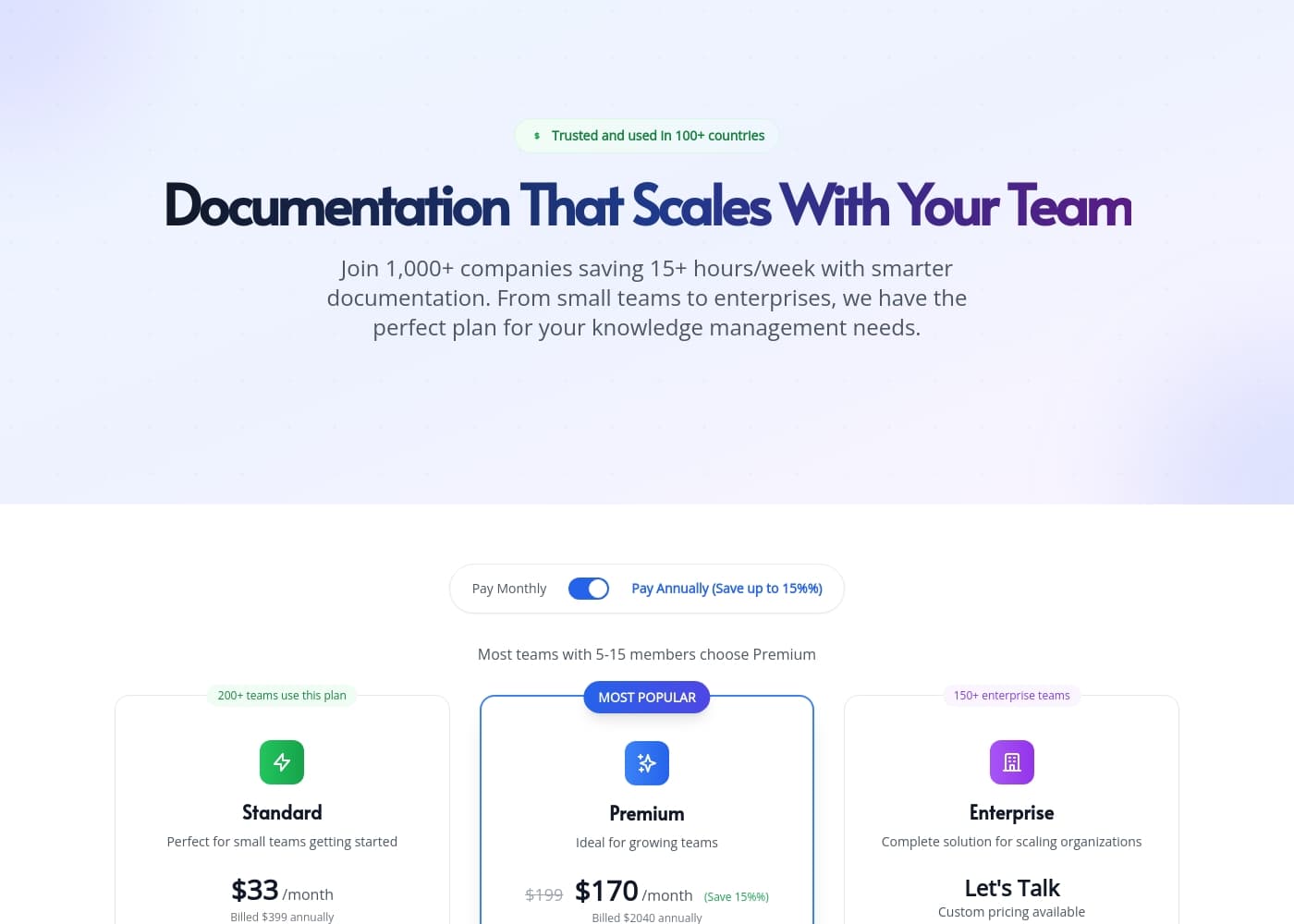
Docsie pricing page screenshotView pricing page screenshot

Price history

Tracking prices since Sep 7, 2026. No price change detected yet.

Pricing types: Free plan, Monthly subscription, Yearly subscription, One-time payment, Per seat pricing, Usage-based pricing

Email me when Docsie changes price

One email when we detect a price change on the vendor's pricing page. No newsletter, no deals. Unsubscribe in one click.

User Reviews

No reviews yet.

Write a Review

Write a Review for Docsie
0/100 characters
0/2000 characters

Why use Docsie?

Teams routinely lose time hunting for the right version of a document or answering the same questions repeatedly. Docsie addresses this by centralizing knowledge so SOPs and help articles live in one place with built-in search.

Multilingual delivery means the same content can serve users in different regions without maintaining separate tools. For enterprises, the built-in security layer reduces the risk of exposing sensitive operational knowledge.

Docsie alternatives

Other tools in the Knowledge Base category

View all Knowledge Base tools
Zendesk

Zendesk

Knowledge Base4.1/5

Zendesk is the complete solution for both customer and employee service. It brings together conversations from every channel, which gives your agents the full context they need. This award-winning platform also features an employee service solution. The goal is making it simple for teams to get the help they require and stay efficient at scale. It’s a powerful, flexible platform trusted by over 100,000 companies globally.

Help Scout

Help Scout

Knowledge Base4.1/5

Help Scout is a modern customer service platform built to connect every team to the voice of the customer. It gathers all your scattered support channels into one consolidated, easy-to-use system. Teams report that it's just like using a shared email inbox, but far more robust and organized. The platform is designed to bring structure and flexibility to the organization. This ensures a calm, measurable approach to your daily support work.

Whale

Whale

Knowledge Base3.9/5

Give your customers the power to seamlessly create and manage their SOPs and internal processes. Whale is the single source of truth for company knowledge and the process improvement professional’s best friend.

Docsie FAQ

Is there a free version of Docsie?

Yes. Docsie offers a free plan, and paid plans scale up to $850/month. Billing options include monthly and yearly subscriptions, per-seat pricing, usage-based pricing, and one-time payments, so teams can choose the model that matches their deployment.

What kinds of content is Docsie designed for?

Docsie is purpose-built for enterprise knowledge bases: standard operating procedures, help documents and help centers, and shared technical knowledge. Its core value is converting static, outdated files into dynamic, searchable content that teams can maintain and users can actually find.

Does Docsie support multiple languages?

Yes. Multilingual delivery is a core part of the platform, allowing the same documentation to serve users in different languages. This is particularly useful for global teams and companies with international customers who would otherwise maintain separate systems per language.

Is Docsie suitable for security-conscious organizations?

Docsie includes enterprise-grade security features designed to protect knowledge base content, including sensitive operational documentation. Organizations with specific compliance or certification requirements should confirm the details directly with the vendor before purchase.

Ready to try Docsie? Check out the official site or pricing.

Are you Docsie? Claim this listing · Get the badge