CCleaner

CCleaner review

One utility aimed at two common PC headaches: sluggish performance and security worries.

CCleaner costs from $3.75/mo · 4 plans · Free plan available

By Ciroapp Editorial Team · Updated Sep 16, 2026

Commission may apply at no extra cost

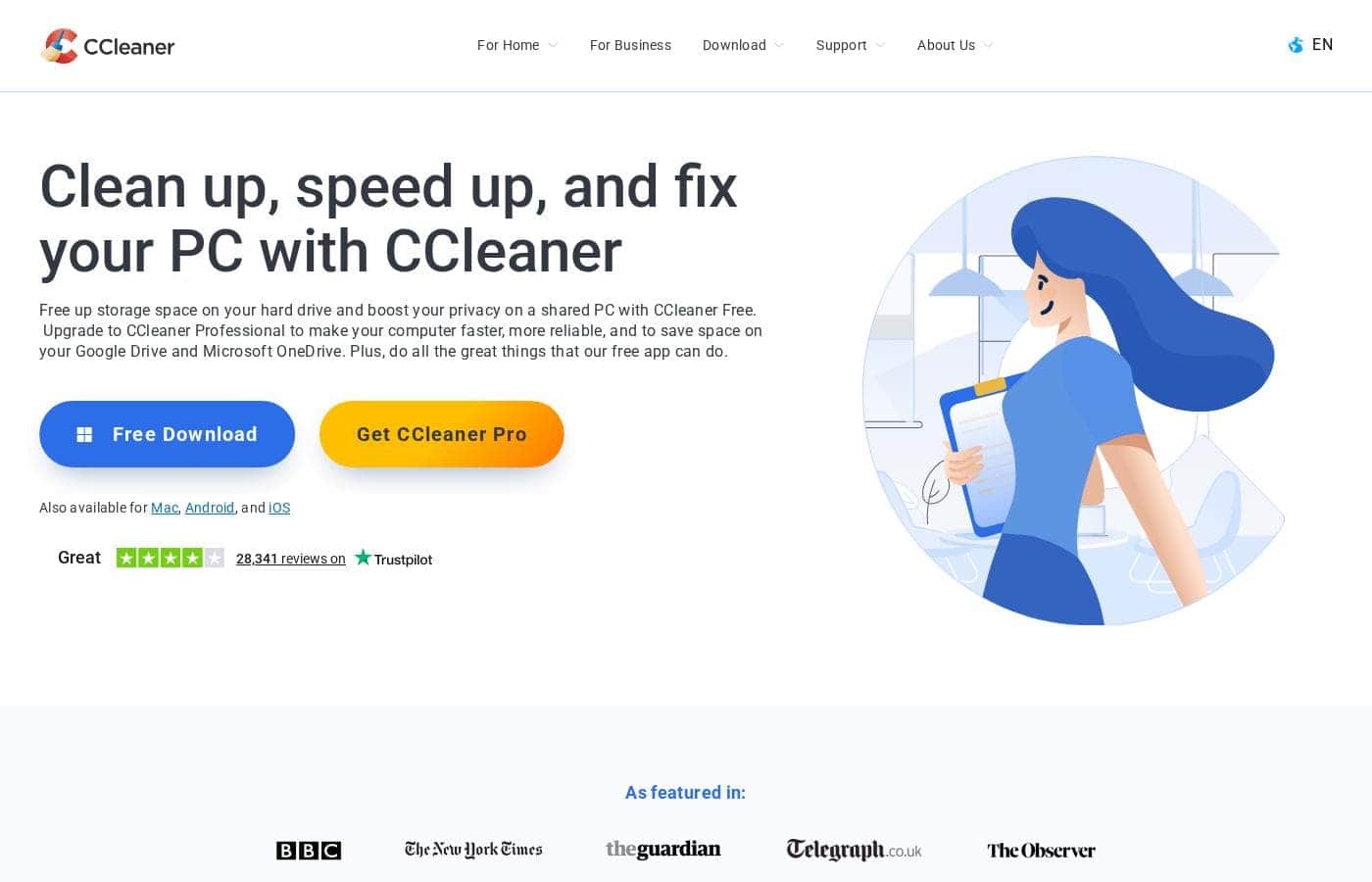
CCleaner homepage screenshot

At a glance

Quick overview for CCleaner: rating, pricing summary, key features, and highlights.
Vendor page checked Sep 22, 2026

Ciroapp score

3.6/ 5

CCleaner pairs PC cleanup with privacy tools in one consumer-friendly package, and the free tier genuinely covers basic cleaning. It's held back by unverified performance claims, no trial of the paid tiers, and missing renewal terms. Overall, it's a sensible pick for everyday users who'll confirm billing details and start with the free version.

Pros

  • Pros:The free tier isn't a throwaway demo — it includes standard cleaning, standard privacy protection, and a Basic Health Check at no cost, which is enough for occasional manual cleanups.
  • Pros:CCleaner Professional automates the chores that free versions of cleanup tools typically leave to you: automatic privacy protection, tracker removal, space management, plus a Performance Optimizer and Driver Updater running in the background.
  • Pros:Cloud cleaning covers Google Drive and Microsoft OneDrive, so junk in cloud storage gets handled from the same tool rather than requiring separate cleanup apps.

Cons

  • Cons:The plans page doesn't display the billing period or renewal terms, so the sticker price may not reflect what you'll pay at renewal — you need to confirm the subscription term at checkout.
  • Cons:There's no free trial of the paid tiers; the only way to evaluate automation, Recuva Pro, or Kamo before paying is the 30-day money-back guarantee rather than a time-limited trial.
  • Cons:The core pitch — 'faster and more secure' — is the vendor's own claim with no third-party benchmarks cited, so results on your specific machine aren't guaranteed.
Best for
  • Computer owners frustrated by slow performance
  • Users who want speed and security handled by one tool
  • People who care about reviewing data and cookie policies before installing software
Money-back guarantee
Yes — 30 days
This section is a summary. Detailed sections about features, use cases, pricing, and reviews follow below.

What is CCleaner?

If your computer has slowed down — or you're uneasy about what's collecting on it — you're not alone. CCleaner promises a fix: a faster, more secure PC without digging through system settings yourself. Here's what you should weigh before deciding if it's the right tool for you.

CCleaner is a computer optimization tool. Per its own positioning, it's designed to make your computer faster and more secure. It targets everyday computer owners who want a simple way to keep their machine running well, rather than IT professionals or power users.

The site also emphasizes privacy, publishing cookies and privacy policies you can review — though detailed feature and pricing info wasn't visible in the page content reviewed.

Should you choose CCleaner?

Quick buyer guidance before you compare plans or click through.

Choose it if

  • Anyone whose main goal is a faster-feeling computer
  • Users who want security and privacy covered alongside performance
  • People who like clear, simple product promises they can verify themselves
  • Shoppers who read privacy and cookies policies first — CCleaner publishes both
  • Everyday users who want consumer-friendly software rather than an IT-grade tool

Skip it if

  • Anyone who needs documented feature lists or system requirements before purchase; the available page offered limited detail
  • Users who want independently verified performance claims — "faster and more secure" is the vendor's own wording, not a third-party benchmark
  • People who need confirmed mobile or cross-platform support — supported platforms weren't listed in the content reviewed

Next steps before buying

  1. 1Visit ccleaner.com and confirm current pricing and plan tiers, since costs weren't visible in the content reviewed
  2. 2Check which platforms and devices are supported before purchasing
  3. 3Review the vendor's cookies and privacy policies if data handling matters to you
  4. 4Compare CCleaner against alternative cleanup tools to make sure the speed-and-security focus fits your needs
  5. 5Look for trial or refund terms on the official site before committing to a paid plan

Ease of use

Based on its positioning, CCleaner presents itself as a simple, consumer-friendly utility — the core promise of a faster, more secure computer suggests minimal setup. However, the reviewed page didn't include onboarding guides, screenshots, or support details, so ease of use couldn't be verified from the source content alone.

CCleaner Key Features

✨ One Utility, Two Fixes

CCleaner's whole pitch fits in a sentence: one tool aimed at the two things that bug everyday PC owners.

  • Sluggish performance that makes simple tasks drag
  • Security worries that build up as you use your computer

Instead of stitching separate utilities together, you handle both headaches in one place.

⚡ Speed You Can Test Yourself

The headline promise is speed. CCleaner positions itself as a computer optimization tool, so if your machine has slowed down, that's the problem it goes after. Better still, the claim is testable — run it on your own PC and you'll know fairly quickly whether it delivers for you.

📋 Privacy, Out in the Open

Privacy gets real emphasis here. The site publishes cookies and privacy policies you can review before installing anything, so data handling isn't a mystery. If you're the type who reads the fine print first, that transparency works in your favor.

✨ Simple by Design

You shouldn't need a manual to keep a PC healthy. CCleaner targets everyday computer owners, not IT pros or power users. The idea is to keep your machine running well without digging through system settings by hand.

That simplicity also makes it easy to compare against alternatives.

Use Cases

🧹 Wake up a sluggish PC

Your laptop crawls after months of use. Run the Basic Health Check in the free version to clear junk files and handle basic privacy needs. No tech skills required.

Expected outcome: a tidier machine you can test before spending anything.

⚙️ Set up automatic maintenance

You'd rather not remember to clean your PC yourself. Professional runs privacy protection, tracker removal, and driver updates in the background. It also cleans Google Drive and OneDrive.

Expected outcome: routine chores handled for you, with priority support if you get stuck.

🗂️ Recover a deleted file

You emptied the recycle bin and lost something important. Professional Plus includes Recuva Pro, built to recover deleted files. You also get Speccy Pro to inspect your system's details.

Expected outcome: a second chance for files you thought were gone.

🛡️ Cut down online tracking

Ads seem to follow you everywhere. The Best Value bundle adds Kamo to stop online tracking and protect your privacy. It costs the same as Professional Plus but includes 24/7 support.

Tip: Compare both $64.95 plans — this one simply gives you more.

CCleaner pricing

From$3.75/mo

  • 4 plans
  • Free plan available

Vendor page checked on Sep 22, 2026; confirm current prices on CCleaner's pricing page

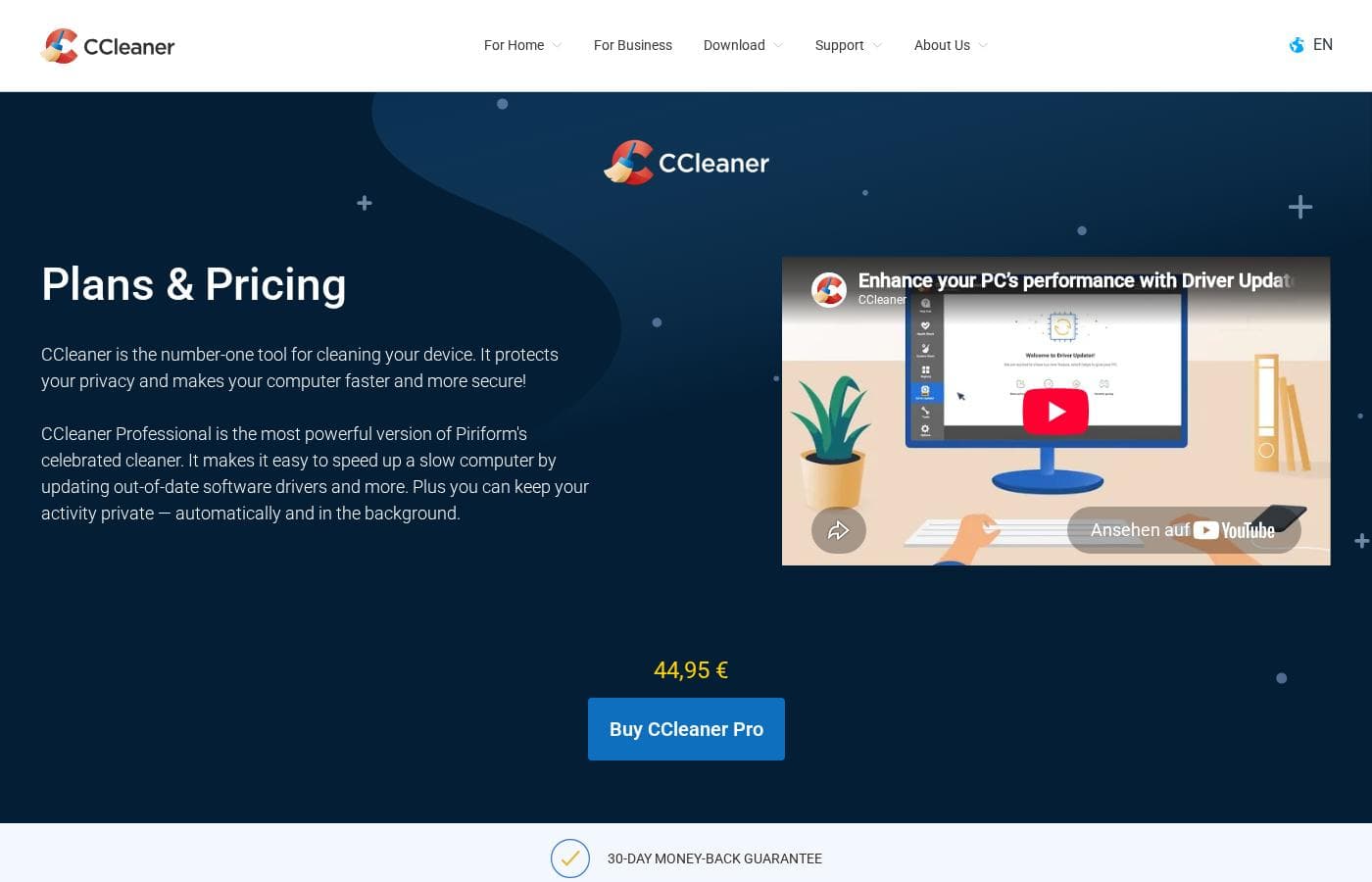
CCleaner pricing page screenshotView pricing page screenshot
PlanBilled monthlyBilled annuallyIncludes
CCleaner Free
Free
—
Manual, basic cleaning only; automatic features and support upgrades require a paid plan.
  • Standard privacy protection
  • Standard cleaning
  • Basic Health Check
CCleaner Professional
—
$3.75/mo
$44.95 per year
  • Complete Health Check
  • Cloud cleaning for Google Drive and Microsoft OneDrive
  • Performance Optimizer
  • Driver Updater
  • Automatic privacy protection, tracker removal, and space management
  • +1
CCleaner Professional Plus
—
$5.41/mo
$64.95 per year
  • Everything in Professional
  • Recuva Pro — get back deleted files
  • Speccy Pro — inspect and monitor system info
Best Value bundle
Intro offer $64.95; list price shown
—
$7.50/mo
$89.95 per year
  • Everything in Professional Plus
  • Kamo — stops online tracking and protects privacy
  • 24/7 premium technical support

Price history

Tracking prices since Sep 7, 2026. No price change detected yet.

Pricing types: Free plan, Yearly subscription

Pricing notes

CCleaner offers a free version plus three paid plans: Professional at $44.95, Professional Plus at $64.95, and a Best Value bundle at $64.95 (reduced from $89.95). Higher tiers add automation, file recovery, anti-tracking protection, and premium support, and every purchase is covered by a 30-day money-back guarantee.

CCleaner costs between USD 44.95 and USD 64.95 per license with three paid plans: CCleaner Professional at $44.95, CCleaner Professional Plus at $64.95, and the Best Value bundle at $64.95 (down from $89.95). A free version is also available.

Here's a closer look at what each option includes.

CCleaner Free

Price: Free Best For: Anyone who wants simple, manual cleaning without spending anything Other Features: Standard privacy protection, standard cleaning, Basic Health Check

This is the classic CCleaner. You can clear junk files and cover basic privacy needs at no cost. It's a smart way to try the tool before you commit. If you only clean your PC now and then, this may be all you need.

CCleaner Professional

Price: USD 44.95 Best For: People who want their PC tuned up automatically Refund Policy: 30-day money-back guarantee Other Features:

  • Complete Health Check
  • Cloud cleaning for Google Drive and Microsoft OneDrive
  • Performance Optimizer and Driver Updater
  • Automatic privacy protection, tracker removal, and space management
  • Priority customer support

Professional takes over the chores for you. It updates outdated drivers and software to close security holes, and it keeps your browsing history private in the background. You won't have to remember to run a clean-up yourself. If you want set-and-forget maintenance, this is the entry point.

CCleaner Professional Plus

Price: USD 64.95 Best For: Users who also want file recovery and system insights Refund Policy: 30-day money-back guarantee Other Features:

  • Everything in Professional
  • Recuva Pro to get back deleted files
  • Speccy Pro to inspect and monitor system info

Plus bundles in two handy extras. Recuva Pro can rescue files you've accidentally deleted, while Speccy Pro keeps an eye on your system's details. Pick this one if you've ever lost a file and wished you could get it back.

Best Value bundle

Price: USD 64.95 (was USD 89.95) Best For: Anyone who wants the full protection lineup at the lowest cost per tool Refund Policy: 30-day money-back guarantee Other Features:

  • Everything in Professional Plus
  • Kamo to stop online tracking and protect privacy
  • 24/7 premium technical support

Here's the interesting part: this top tier costs the same as Professional Plus, yet it adds Kamo and round-the-clock support. The page flags it as Best Value, and the numbers back that up. If you're choosing between the two $64.95 options, this one simply gives you more for the same money. 💰

One thing to check before you buy: the plans page doesn't show the billing period, so confirm the subscription term and renewal price at checkout. There's no free trial of the paid tiers mentioned, but the free version lets you test the core cleaner. Every paid purchase is backed by a 30-day money-back guarantee, so you can try a plan with some peace of mind.
Cost calculator

Estimate what CCleaner costs for your team.

Billing

CCleaner Professional has no published price for this billing cycle.

CCleaner Professional has a flat price: the number of seats does not change the total. Estimate based on published list prices, before taxes, add-ons and discounts.

How to pay less for CCleaner

  • Start on the free plan and upgrade only when you hit its limits.
  • 30-day money-back guarantee if it does not fit.
Visit CCleaner

Email me when CCleaner changes price

One email when we detect a price change on the vendor's pricing page. No newsletter, no deals. Unsubscribe in one click.

User Reviews

No reviews yet.

Write a Review

Write a Review for CCleaner
0/100 characters
0/2000 characters

Why use CCleaner?

Slow computers are frustrating. Security worries make it worse. CCleaner addresses both with a single tool — here's why that pitch might work for you.

  • Two problems, one tool. The vendor positions CCleaner as a fix for both sluggish performance and weak security, so you're not stitching together separate utilities.
  • A clear, testable promise. "Faster and more secure" is something you can judge on your own machine — you'll know fairly quickly whether it delivers for you.
  • Privacy policies are published. The site links to a detailed cookies policy, so you can review how data is handled before installing anything.
  • Simple value proposition. You don't need technical expertise to understand what CCleaner claims to do, which makes comparing it to alternatives straightforward.
  • Built for everyday users. The messaging targets regular computer owners, not IT pros — a good sign if you want something you can use without a manual.

CCleaner alternatives

Other tools in the PC Cleaner category

View all PC Cleaner tools

Norton Utilities Ultimate is a standalone service with its own set of tools, not part of Norton 360. It’s built to keep Windows PCs, Android, and iOS devices in optimal performance. The toolbox includes features like Processes (Windows) and Sleep Mode (Android) to curb background slowdowns, Uninstaller to free space, Disk Cleaner and Automatic Cleaning to maintain health, Cloud Cleaner to tidy cloud storage, Data Recovery to retrieve lost data, and Media Cleaner for photos and videos. It’s a newer, more advanced version that adds cleaning apps for Android and iOS and introduces newer performance tech.

CCleaner FAQ

How much does CCleaner cost?

CCleaner's cheapest paid plan, CCleaner Professional, costs $3.75 per month. Paid plans range from $3.75 to $7.50 per month.

Does CCleaner have a free plan?

Yes. CCleaner has a free plan (CCleaner Free); paid plans start at $3.75 per month.

Does CCleaner offer a free trial or a money-back guarantee?

It has a 30-day money-back guarantee.

Has CCleaner's price changed recently?

No. We have not detected a price change since we started tracking on Sep 7, 2026.

Can I try CCleaner's paid plans before buying?

There's no free trial of the paid tiers, but the free version lets you test the core cleaner at no cost. Paid purchases also come with a 30-day money-back guarantee, so you're covered while you decide.

Who is CCleaner best suited for?

It's aimed at everyday computer owners who want a faster, more secure PC without digging through system settings. If you're non-technical and prefer simple, automatic maintenance over an IT-grade tool, it's built with you in mind.

Ready to try CCleaner? Check out the official site or pricing.

Are you CCleaner? Claim this listing · Get the badge