Screen Studio

Screen Studio

Beautiful Screen Recordings in Minutes

software.categoryRank
1 min read · Updated 2/24/2026
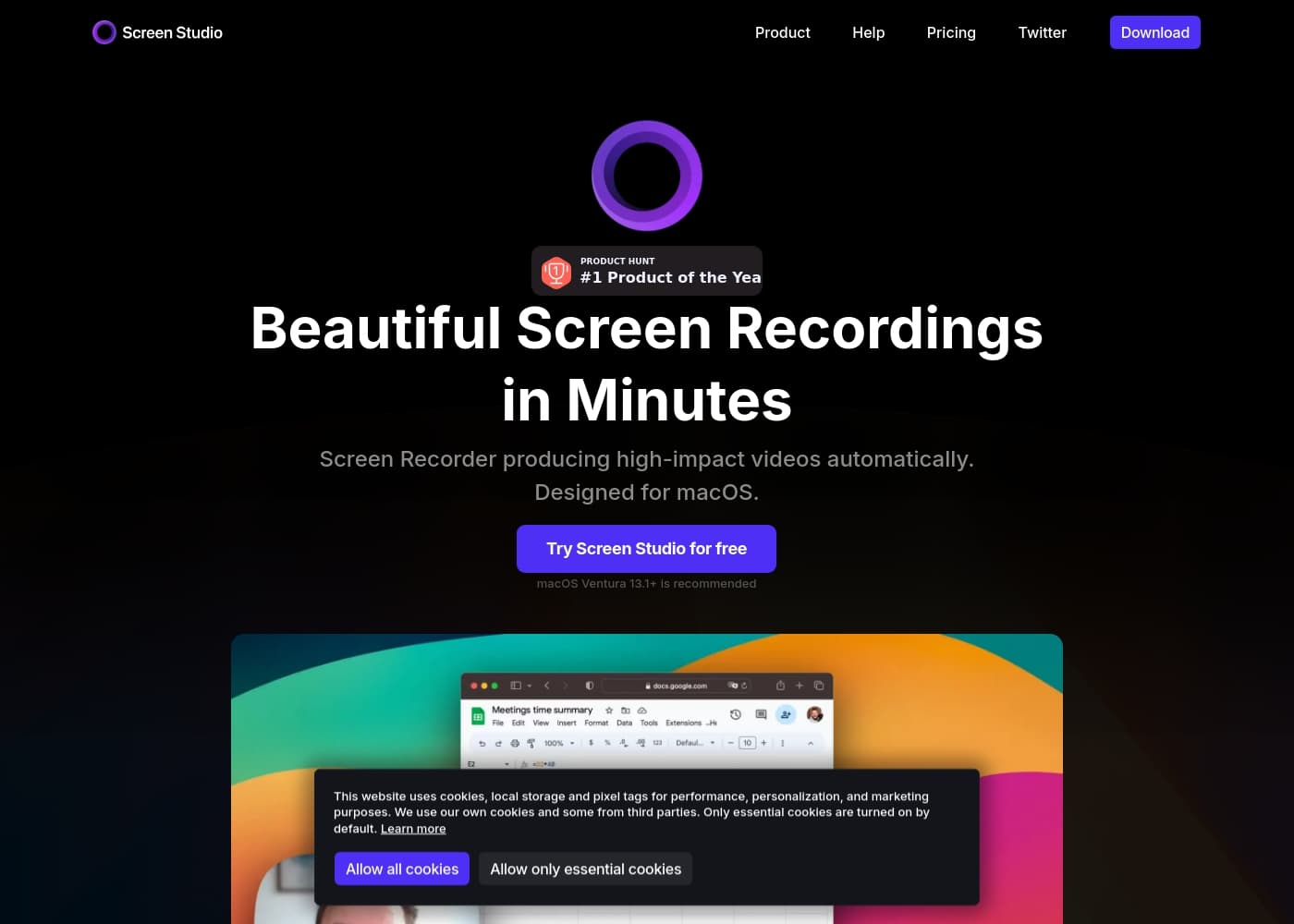
Screen Studio homepage screenshot

At a glance

Quick overview for Screen Studio: rating, pricing summary, key features, and highlights.
Free trial
Yes
Range: $9–$20.90/month (billed yearly or monthly)Monthly subscription, Yearly subscription
This section is a summary. Detailed sections about features, use cases, pricing, and reviews follow below.
Disclosure: This page may contain affiliate links for Screen Studio. If you click these links and make a purchase, Ciroapp may earn a commission at no additional cost to you.

Screen Studio review, pricing, features, pros & cons

Many creators struggle to turn screen activity into polished demos quickly. Screen Studio aims to fix that by handling the visuals automatically. ✨

Automatic cursor zoom, adjustable cursor size, and smoother motion make demos easier to follow. Branding and layout tweaks help your video stay on-brand.

What is Screen Studio?

Screen Studio is a macOS‑focused screen recorder and editor that makes product demos, tutorials, and social videos look beautiful. It records your screen, webcam, microphone, and system audio, then applies smart zooms, cursor enhancements, and automatic editing to produce polished videos without heavy manual work. It’s designed to be fast, reliable, and easy to use.

💡

Screen Studio Key Features

🎯 Automatic focus & smooth visuals

Benefit: Demos stay clear and engaging with smart focus. Screen Studio automatically zooms in on cursor actions and increases the cursor size for clarity. It also smooths cursor movements so actions look natural.

How it works: The tool automatically highlights the main action, and can animate zooms. You can manually select important parts to emphasize if you want extra emphasis. When needed, it can export in vertical mode so edits are optimized for social viewing.

When to use & outcomes: Perfect for tutorials and product demos, especially on smaller screens. The result is easier-to-follow videos that feel polished, with less manual tweaking.

✨ Editing that works for you

Benefit: Drag-and-drop editing on the timeline makes polishing videos fast and intuitive. The heavy lifting happens automatically, so you spend less time fiddling with edits.

How it works: You move and arrange zooms on the timeline with simple drag-and-drop. The app handles the edits automatically, and you can trim, cut, or speed up parts as needed. Export presets automatically adjust technical settings for you.

When to use & outcomes: Great for product demos, tutorials, and team updates. You get clean, professional results with minimal manual work.

✨ Branding & visual customization

Benefit: Your videos stay on-brand with built-in customization options. You can tailor visuals to match your style and identity.

How it works: Change background and spacing, adjust shadows and insets, and choose device frames and colors. It also supports iOS device recording with model detection and a range of frame options.

When to use & outcomes: Use this for marketing demos, training, and social videos that need a cohesive look across recordings.

✨ Exports, sharing & workflows

Benefit: Deliver-ready videos with minimal steps. Output formats and sharing options are built in.

How it works: Export in horizontal or vertical layouts, with auto-adjusted zooms for each. It supports 4K60fps and optimized GIF exports, and you can generate shareable links. Presets let you reuse your favorite settings, and you can copy to the clipboard for quick sharing.

When to use & outcomes: Publish to social channels or share with teammates in one click. Presets help you keep a consistent look across videos.

✨ Capture capabilities

Benefit: A broad recording setup lets you capture everything you need in one go. Screen Studio records your screen, webcam, microphone, and system audio.

How it works: It can also record iPhone or iPad screens when connected via USB, with automatic device-frame detection and a variety of framing options. You can show keyboard shortcuts and other overlays to enhance tutorials.

When to use & outcomes: Ideal for product demos, software tutorials, and mobile app showcases with integrated audio and video.

✨ Privacy & performance

Benefit: Work securely and efficiently with on-device processing. No data leaves your computer.

How it works: All processing happens on your Mac, and there’s no data sent to servers during recording or editing.

When to use & outcomes: A good fit for privacy-conscious creators and teams who want fast, reliable results without cloud dependencies.

Use Cases

✨ Polished social demos with branding

A product marketer wants a short product demo that fits social feeds. They record their macOS app with Screen Studio, capturing the screen, webcam, and microphone in one pass.

Automatic cursor zoom and smoother motion help viewers follow the action. They also apply branding tweaks—background, spacing, and device frames—to stay on-brand.

Export options fit social needs: vertical video and a shareable link are ready to publish with minimal manual edits.

🎓 Tutorials with captions and privacy

An educator creates a how‑to video for learners. They record screen, webcam, and system audio on macOS and let Screen Studio apply smooth zooms.

Generated transcripts provide captions, and all processing happens on the device, so there’s no data sent to servers.

They export in the needed format and share a simple link for learners to access.

🧭 Onboarding flow in a few steps

A product team builds a quick onboarding demo for new users.

Steps: - Record the screen with guided actions; - Use drag-and-drop edits on the timeline; - Apply branding and a device frame; - Export in the desired format and share a link.

💡 Small-screen demos that stay clear

Problem: Demos on small screens were hard to follow and easy to miss key actions.

Approach: Screen Studio adds automatic cursor zoom and smooth motion, with optional automatic highlights and easy editing on the timeline.

Outcome: Clear tutorials that require less manual editing and are quick to publish.

📱 iOS device demos with frames

A marketing team wants to show mobile flows. They connect an iPhone or iPad and record through Screen Studio.

They choose device frames and colors to match branding, then export as video or GIF and share via a link.

All edits run on-device, keeping the process fast and private.

🎓 Education modules with transcripts and privacy

A training manager builds course modules and records screen demonstrations.

They generate transcripts for subtitles and rely on on-device processing to keep data private.

Export options cover horizontal or vertical formats and simple shareable links.

Pricing Overview for Screen Studio

Pricing range
$9–$20.90/month (billed yearly or monthly)
Pricing types
Monthly subscription, Yearly subscription

Screen Studio costs between $9/month (billed yearly) and $20.90/month (billed monthly) with 2 plans: Monthly at $20.90/month, Yearly at $108/year.

Plans & Pricing

Monthly

Monthly$20.90/month
Not explicitly stated
  • All Screen Studio features included
  • Shareable links
  • 3 personal macOS devices
  • Help

Yearly

Yearly$108/year
Not explicitly stated
  • All Screen Studio features included
  • Shareable links
  • 3 personal macOS devices
  • Help

Screen Studio costs between $9/month (billed yearly) and $20.90/month (billed monthly) with 2 plans: Monthly at $20.90/month, Yearly at $108/year.

Pricing is simple, with the monthly option giving flexibility and the yearly option offering the best value over time. You’ll see the same features in both plans, including full access to Screen Studio’s tools and the ability to use the software on up to 3 personal macOS devices.

Here's a quick look at the two options.

Monthly

Price: $20.90/month Websites Supported: Not explicitly stated Best For: Not explicitly stated Refund Policy: Not explicitly stated Other Features:

  • All Screen Studio features included
  • Shareable links
  • 3 personal macOS devices
  • Help

If you want monthly access with the option to switch later, this plan works well for short-term projects or trying Screen Studio before committing.

Yearly

Price: $108/year Websites Supported: Not explicitly stated Best For: Not explicitly stated Refund Policy: Not explicitly stated Other Features:

  • All Screen Studio features included
  • Shareable links
  • 3 personal macOS devices
  • Help

This plan is ideal for long-term users who want the best monthly value by committing for a year. It minimizes frequent billing and keeps your setup simple across devices.

Closing note: There is a free trial available to explore Screen Studio before deciding. You can switch between monthly and yearly billing anytime, though explicit refund terms aren’t stated on the pricing pages.
User Reviews

No reviews yet.

Write a Review

Write a Review for Screen Studio
0/100 characters
0/2000 characters

Why use Screen Studio?

Screen Studio helps you create clear, engaging tutorials and demos in minutes. 🚀 Here are the reasons users choose it: - Automatic cursor zoom and smooth movement make actions easy to follow.

  • Drag-and-drop editing on the timeline means less manual work. - Branding and visuals: customize background, spacing, shadows, and device frames.

  • Exports and sharing: vertical or horizontal outputs, presets, 4K60fps videos, GIFs, and shareable links. - On‑device processing and privacy: everything runs on your computer, with no data sent to servers.

Ready to transform your workflow with Screen Studio?

Screen Studio Alternatives

Other tools in the Screen recorder category

Frequently Asked Questions

What are the two pricing plans and their costs?

Screen Studio offers two plans: Monthly for $20.90 per month and Yearly for $108 per year. Both provide full features and support up to 3 personal macOS devices. A free trial is available, and you can switch billing between monthly and yearly anytime; explicit refund terms aren’t stated on the pricing pages.

How many devices can you use Screen Studio on with the plans?

Both plans cover up to 3 personal macOS devices.

Is there a free trial, and how long does it last?

Yes, a free trial is available to try the tool before committing. The official site does not specify the trial duration.

Can I switch between monthly and yearly billing anytime?

Yes. You can switch between monthly and yearly billing at any time.

Are refunds or cancellation terms provided on the pricing pages?

Refund or cancellation terms aren’t explicitly stated on the pricing pages.

Is there a Windows version available?

Not explicitly stated on the official site; Screen Studio is described as macOS-focused.

How does Screen Studio protect my data and privacy?

All processing happens on your device with no data sent to servers, and transcripts are generated on-device.

What export and output options are available?

You can export in horizontal or vertical formats, up to 4K 60fps, and as GIFs; the tool also offers shareable links and export presets.

Are there any integrations with other tools or services?

Not explicitly stated on the official site.

What about onboarding or migrating from another tool?

Not explicitly stated on the official site.

Are there language or regional limitations?

Not explicitly stated on the official site.

Who is Screen Studio best for?

It’s described as macOS-focused and well-suited for creating product demos and tutorials.

Can I record an iPhone or iPad screen with Screen Studio?

Yes, Screen Studio can record iPhone or iPad on your Mac, with model detection and device frame options.

What branding and editing options can I apply?

You can customize background, spacing, shadows, and device frames to match your brand, and perform drag-and-drop editing on the timeline.

How does transcription work and is it on-device?

Screen Studio can generate a transcript and add it as subtitles, and this processing is described as happening on your machine with no data sent to servers.

What macOS version is recommended or required?

macOS Ventura 13.1+ is recommended; the official site does not state a strict minimum requirement.

Ready to try Screen Studio? Check out the official site or pricing.