Visme

Vismeのレビュー、価格、機能、メリット・デメリット

より速く、高コンバージョンなブランドコンテンツ作成のためのインタラクティブデザインプラットフォーム。

By Ciroapp Editorial Team · 1 分読了 · 更新日 2026年6月19日

We may earn a commission, but our rating and pros/cons stay editorially independent.

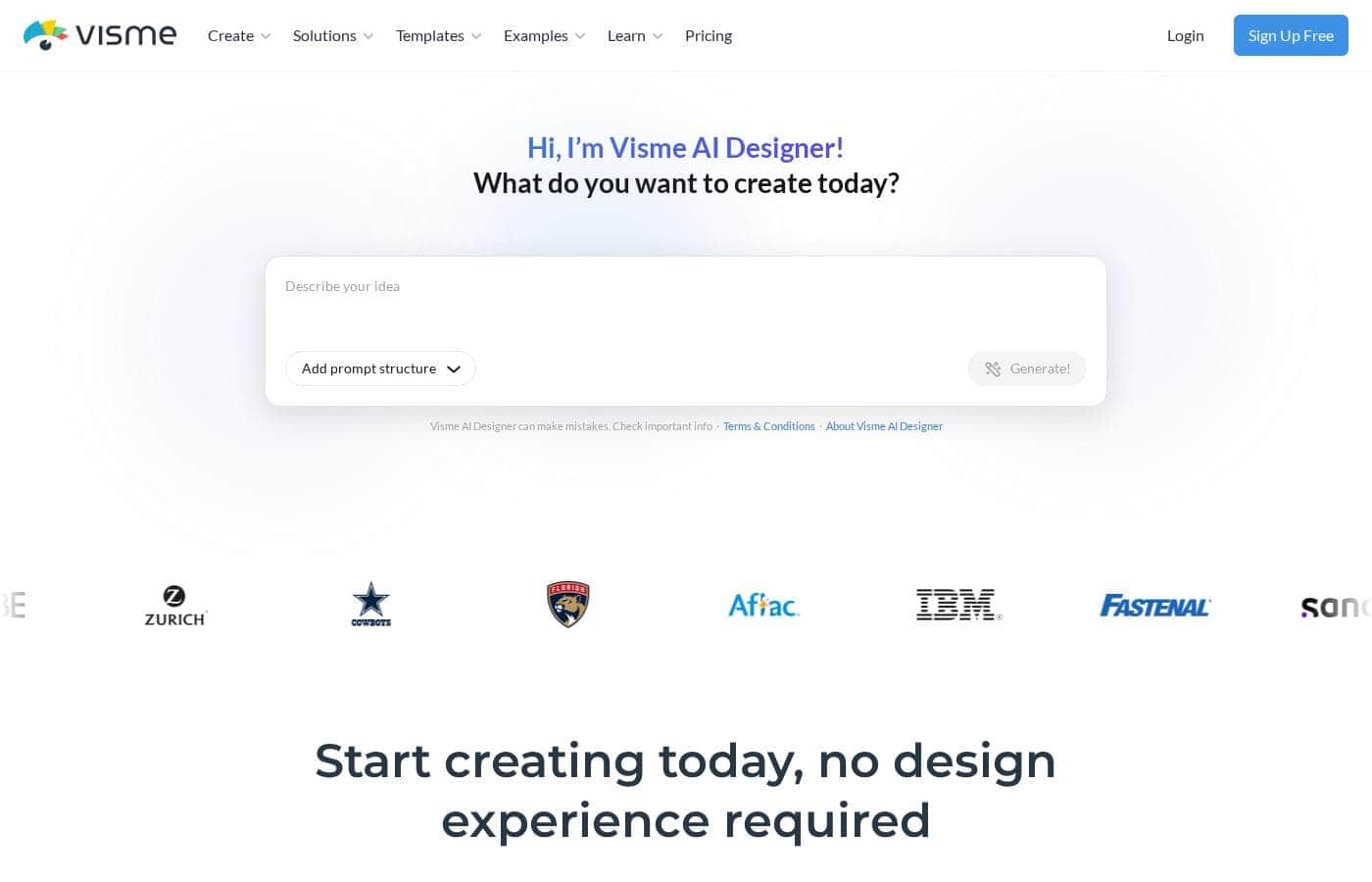
Vismeのホームページスクリーンショット

概要

Vismeの評価、価格概要、主な機能、注目ポイントをすばやく確認できます。
このセクションは概要です。機能、ユースケース、価格、レビューの詳細は下に続きます。

Vismeのレビュー、価格、機能、メリット・デメリット

Vismeを類似ツールと比較し、選ぶ前にカテゴリ全体も確認しましょう。

Presentationの全ツールを見る

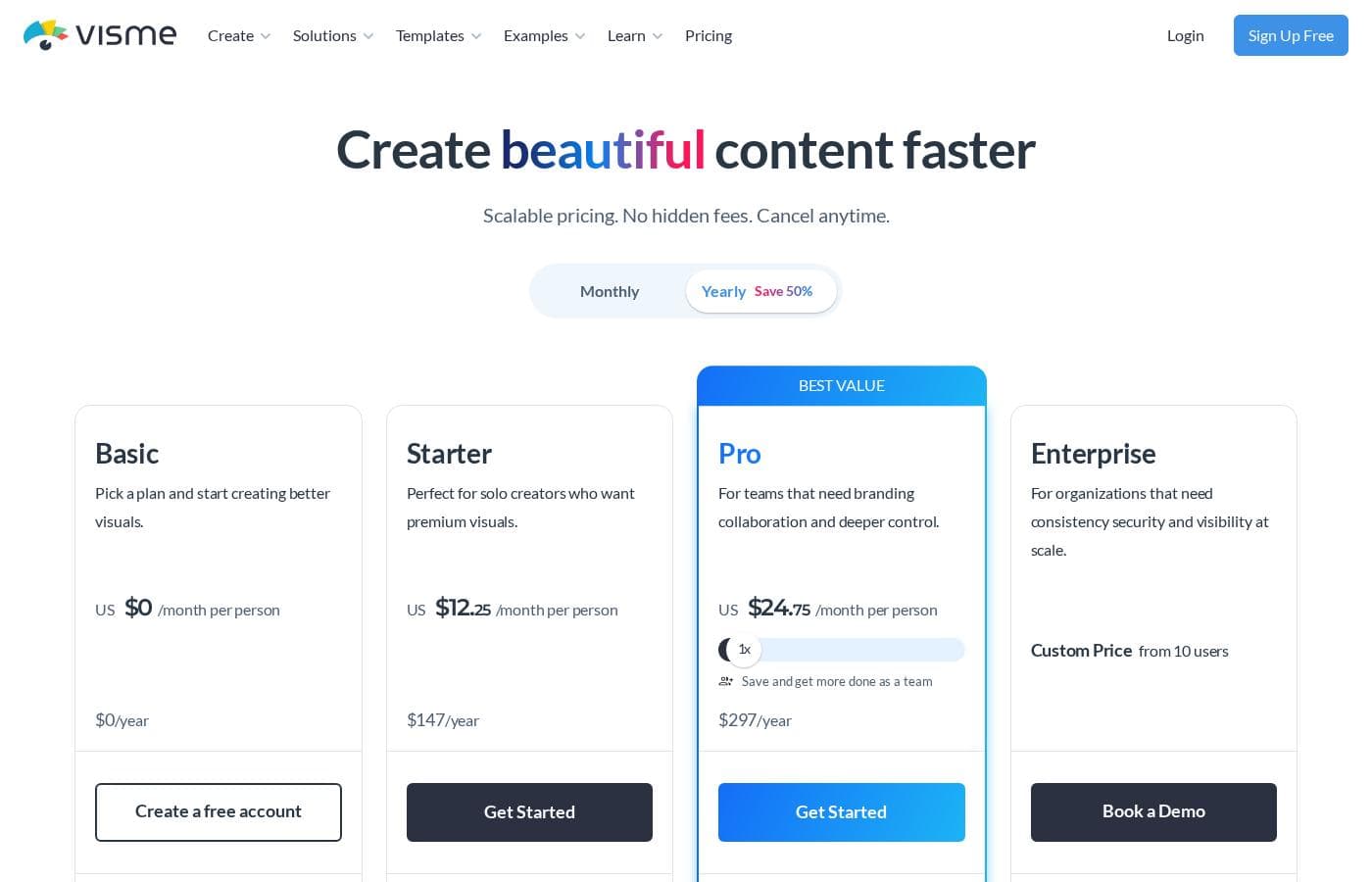
Vismeの価格概要

Pricing

ユーザーレビュー

他の場所でのユーザーの声

Alex E.
Trustpilot

技術的な問題に直面したとき、サポートチームは非常に協力的でした。彼らは私の作業とプロジェクトの時間を大幅に節約するために、余分な努力をしてくれました。また、質問には概ねすぐに返信してくれます。

Maria K.
Trustpilot

豊富なテンプレートのおかげで、マーケティング資料のために外部デザイナーを雇う時間と費用を節約できました。最初は簡単なパンフレットから始めましたが、今ではより複雑なコンテンツにも使用しています。本当に素晴らしいリソースです。

Ben T.
Capterra

Sarah P.
Trustpilot

多くの素晴らしいテンプレートがありますが、完成した作品をダウンロードしようとしたときにペイウォールにぶつかりました。他のデザインツールと同じように機能すると思っていましたが、ダウンロードには有料サブスクリプションが必要です。この重要な制限は残念ながら、当初は明確ではありませんでした。

まだレビューがありません。

レビューを書く

Vismeのレビューを書く
0/100文字
0/2000文字

Presentationカテゴリの他のツール

Popular comparisons

Prezi
Prezi vs Visme
Presentation
Google Slides
Google Slides vs Visme
Presentation
Beautiful.ai
Beautiful.ai vs Visme
Presentation
Microsoft PowerPoint
Microsoft PowerPoint vs Visme
Presentation

Similar tools

Prezi
Prezi
Presentation3.9/5

Prezi is a dynamic platform designed specifically for visual storytelling. It has been a trusted presentation partner for over 15 years, relied upon by users in 180+ countries. Currently, Prezi is taking this proven approach and redefining the future of presenting with powerful AI assistance. 💡 It moves beyond sequential slides using a unique open canvas and dynamic movement. This method is effective for various settings, whether you need presentations tailored for business, university, or school audiences. The unique design combined with smart assistance makes creating impressive visuals easier than ever before.

Google Slides
Google Slides
Presentation3.8/5

Google Slides is a powerful tool designed to help you create and deliver polished presentations. It operates right in your browser, letting you work from anywhere without needing special software installs. This flexibility extends to mobile devices, as you can view, present, or collaborate on slides using your phone or tablet. Anyone with a Google Account can start creating today. The platform comes packed with high-quality, pre-designed templates, including different layouts, colors, and fonts. For organizations, it offers premium features like domain templates to ensure consistency across the whole company. You can easily liven up your work with videos, smooth transitions, and even playful GIFs and stickers. 💡

Beautiful.ai
Beautiful.ai
Presentation3.8/5

Beautiful.ai is an intelligent creative partner designed for professionals and teams. It allows you to build great presentations in half the time. The platform uses unique **Smart Slides** that handle the design, layout, and spacing automatically. 💡 As you add or edit content, the slides adapt instantly. This means you skip the formatting work and stay focused entirely on the story and message. It’s perfect for streamlining workflow and ensuring teams stay aligned.

Microsoft PowerPoint
Presentation3.8/5

Microsoft PowerPoint is the essential tool for building dynamic and **captivating presentations** from any device. It's designed to help you evoke engagement whether you're working alone or with a team. You can easily share your work and collaborate in real time with anyone, even without needing a subscription. PowerPoint is available across PCs, Macs, tablets, and phones, meaning you can always access your slides. 💡

Vismeを試してみる準備はできましたか?公式サイトまたは価格をご覧ください。