Beautiful.ai

Beautiful.aiのレビュー、価格、機能、メリット・デメリット

プロンプトからプレゼンテーションへ:説得力のあるデッキをより速く作成。

By Ciroapp Editorial Team · 1 分読了 · 更新日 2026年6月19日

We may earn a commission, but our rating and pros/cons stay editorially independent.

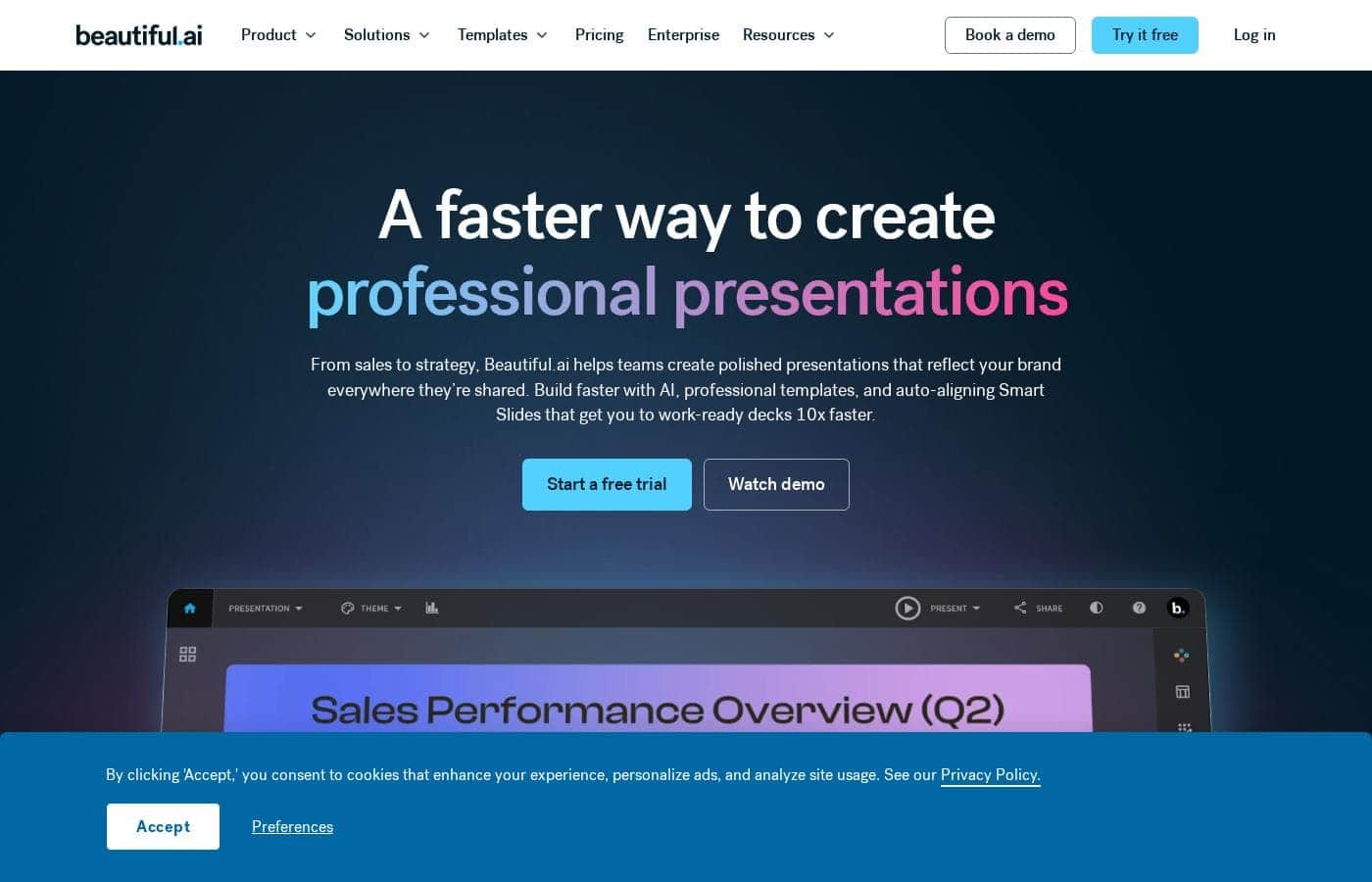
Beautiful.aiのホームページスクリーンショット

概要

Beautiful.aiの評価、価格概要、主な機能、注目ポイントをすばやく確認できます。
無料トライアル
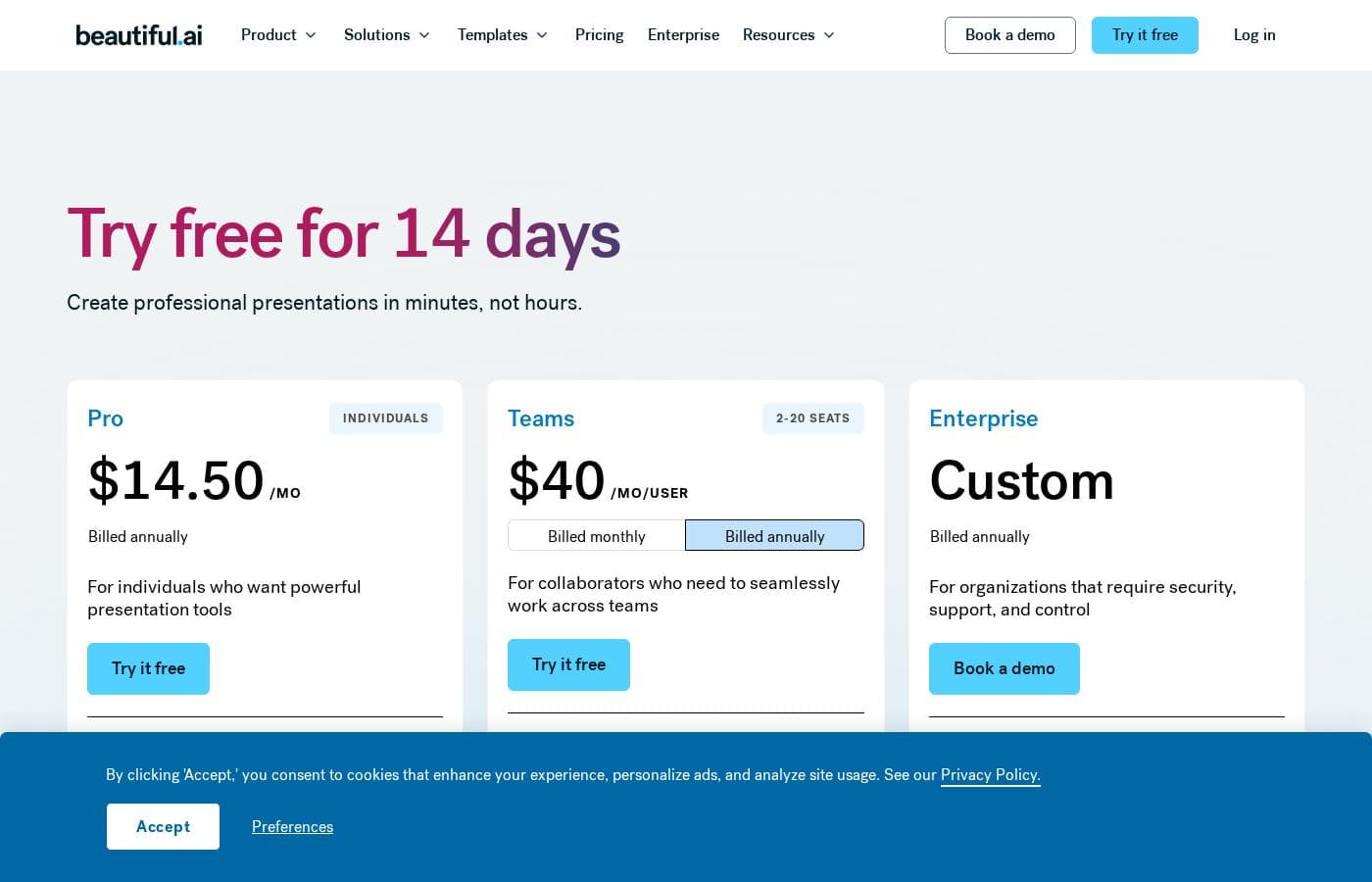
はい — 14 日間
返金保証
はい — 1 日間
このセクションは概要です。機能、ユースケース、価格、レビューの詳細は下に続きます。

Beautiful.aiのレビュー、価格、機能、メリット・デメリット

Beautiful.aiを類似ツールと比較し、選ぶ前にカテゴリ全体も確認しましょう。

Presentationの全ツールを見る

Beautiful.aiの価格概要

返金保証
はい — 1 日間
Pricing

ユーザーレビュー

他の場所でのユーザーの声

Alex L.
Trustpilot

Sarah W.
Trustpilot

この製品の機能には常に驚かされます。彼らが使用しているテクノロジーは本当に魔法のようです。スライド編集側でより高度な機能が欲しいと思うこともありますが、結果は常にプロフェッショナルで見た目もきれいです。

Michael G.
Trustpilot

トピックに関する数行の入力からBeautiful.aiが作成する洗練されたプレゼンテーションには、本当に感銘を受けています。品質は素晴らしいです。また、作成したプレゼンテーションを標準のPPTファイルとして安全にダウンロードできることも高く評価しています。

Tom P.
Trustpilot

30年間PowerPointを使ってきましたが、もうPowerPointには戻らないでしょう。私の方で大して入力をしなくても、プレゼンテーションは信じられないほど洗練され、クリエイティブに見えます。その結果はまさに例外的なものです。

まだレビューがありません。

レビューを書く

Beautiful.aiのレビューを書く
0/100文字
0/2000文字

Beautiful.ai alternatives

Presentationの全ツールを見る

Presentationカテゴリの他のツール

Popular comparisons

Microsoft PowerPoint
Beautiful.ai vs Microsoft PowerPoint
Presentation
Google Slides
Beautiful.ai vs Google Slides
Presentation
Keynote
Beautiful.ai vs Keynote
Presentation
Visme
Beautiful.ai vs Visme
Presentation

Similar tools

Microsoft PowerPoint
Presentation3.8/5

Microsoft PowerPoint is the essential tool for building dynamic and **captivating presentations** from any device. It's designed to help you evoke engagement whether you're working alone or with a team. You can easily share your work and collaborate in real time with anyone, even without needing a subscription. PowerPoint is available across PCs, Macs, tablets, and phones, meaning you can always access your slides. 💡

Google Slides
Google Slides
Presentation3.8/5

Google Slides is a powerful tool designed to help you create and deliver polished presentations. It operates right in your browser, letting you work from anywhere without needing special software installs. This flexibility extends to mobile devices, as you can view, present, or collaborate on slides using your phone or tablet. Anyone with a Google Account can start creating today. The platform comes packed with high-quality, pre-designed templates, including different layouts, colors, and fonts. For organizations, it offers premium features like domain templates to ensure consistency across the whole company. You can easily liven up your work with videos, smooth transitions, and even playful GIFs and stickers. 💡

Keynote
Keynote
Presentation3.4/5

Keynote is a versatile presentation tool designed by Apple. It helps you quickly set up a professional presentation. You can start by choosing a theme and adding new slides right away. It's built for users across Mac, iPhone, and iPad, giving you flexibility. Keynote also extends its reach to users on Windows or those preferring a web interface through Keynote for iCloud. It provides essential tools for crafting and sharing visual stories. 💡

Visme
Visme
Presentation4.2/5

Visme is an interactive design platform that acts as a comprehensive, all-in-one solution for your business content needs. It helps you design, manage, and publish highly engaging, professional materials. This tool is built for professionals everywhere, including marketing managers and business owners. Whether you need to create a simple branded visual or fully interactive content, Visme is here to make your work life easier. You can start your first project in minutes, even with no prior design experience at all. ✅

Beautiful.aiを試してみる準備はできましたか?公式サイトまたは価格をご覧ください。