mLite App vs SentryPC
People are torn between privacy-first location visibility and enterprise monitoring. mLite App shines with quick setup and family safety. SentryPC offers broad monitoring and centralized control.
Best for: Families with kids who want privacy-first location visibility on iOS/Android, Parents who want quick setup and a 1-day free trial before committing
Best for: Mid-size businesses needing 20–50 licenses with scheduling, Remote teams requiring centralized cloud management and geofencing
Pros
Cons
Stealth Monitoring, Enterprise Ready.
We find SentryPC offers robust, cloud-based activity monitoring and usage scheduling features that scale well from basic home use to large corporate environments. Overall, the comprehensive feature set—including powerful filtering and stealth operation—makes it a viable choice, but potential users should weigh the mixed external feedback regarding long-term reliability and support experience.
Pros
- Software described positively as 'mind blowing' by some users.
- Comprehensive monitoring and control features are included in all plans.
- Scales effectively from single home use to 1,000+ enterprise licenses.
- Operates remotely and completely unseen in stealth mode.
Cons
- Extremely polarized reports on reliability and core functionality.
- Highly negative feedback reported regarding customer support quality.
- Requires an annual commitment; no free trial is explicitly offered.
AboutmLite App
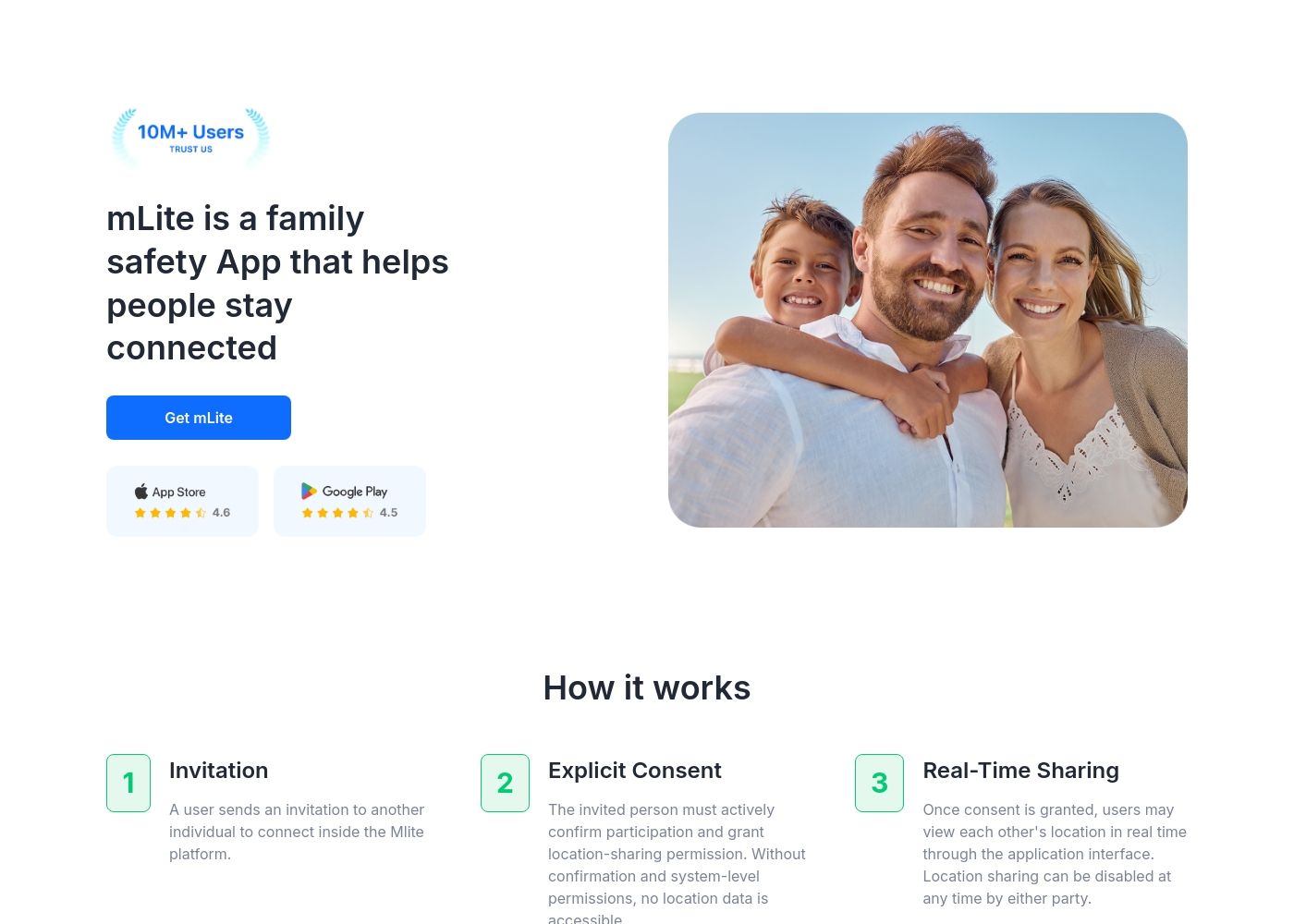
✅ mLite is a family safety app designed to help people stay connected. It’s for families, parents, and anyone who wants a straightforward way to share location with loved ones. The app works on both Android phones and iPhones, making it easy for everyone to join in.
AboutSentryPC
SentryPC is a completely cloud-based solution. It seamlessly combines activity monitoring, content filtering, and time management features into one secure platform. If you are a concerned parent or a business looking for employee monitoring, this software is your answer. SentryPC supports devices running Android, Chromebook, Mac, and Windows, helping you manage all your endpoints. Once installed, every activity is recorded in real-time and handled remotely in your account. 💡
Highlights
Feature Comparison
Features Overview
We highlight the main differences and pick a winner for each feature.
Real-time visibility
Both tools show actions as they happen. Real-time data shapes decisions fast.
mLite App delivers live location and immediate alerts for family safety. SentryPC records user activity in real time across devices, ideal for teams. The trade-off is scope: mLite App focuses on privacy and safety, while SentryPC emphasizes depth of monitoring.
Location & geofencing
mLite App tracks live location; SentryPC adds geofence-based alerts.
mLite App lets you see where kids are now and where they’ve been. SentryPC provides geofenced location awareness with boundary alerts, useful for policy enforcement. If you need both real-time tracking and boundary rules, both help, but SentryPC covers more scenarios.
Privacy & encryption
mLite App centers on privacy with encryption by design.
mLite App emphasizes encryption in transit and at rest, keeping family data private. SentryPC focuses on monitoring and control, with less emphasis on explicit encryption claims in the data provided. For privacy-first needs, mLite App has a clear edge.
Scheduling / time management
SentryPC dominates scheduling and usage limits across devices.
SentryPC lets you create daily/weekly schedules and set max usage. It centralizes policy enforcement with remote control. mLite App lacks explicit scheduling features in the provided data.
Content filtering
Filtering rules help block or restrict content.
SentryPC offers robust content filtering for apps and websites, with keyword blocking. mLite App focuses on visibility and alerts, not broad content controls. If filtering is a priority, SentryPC wins.
Remote cloud management
Manage all devices from a single cloud dashboard.
SentryPC has centralized cloud control to adjust settings remotely. mLite App relies on device linking and setup, not full remote admin. For organizational control, SentryPC takes the lead.
Monitoring depth (keystrokes / screenshots)
Keystroke and screenshot capture are key indicators for audits.
SentryPC records keystrokes and screenshots with detailed charts. mLite App tracks location and app activity, but lacks keystroke logging. For depth of monitoring, SentryPC wins.
Emergency features
Panic Button gives fast, location-linked alerts.
mLite App's Panic Button enables quick emergency alerts with location. SentryPC focuses on governance and does not feature a Panic Button. For urgent safety, mLite App shines.
Setup & onboarding
Getting started is quick and simple with mLite App.
mLite App requires linking two devices and starting with a 1-day trial. SentryPC involves download, install, and cloud sign-in, with three steps. If you want speed, pick mLite App.
Platform coverage
Mobile OS support matters for families and teams.
mLite App supports Android and iOS. SentryPC covers Android, Chromebook, Mac, and Windows. For iPhone users, mLite App is the safer bet.
mLite App pricing: mLite App requires an active subscription to access its core safety features like location history. While a specific starting price is not explicitly stated on the landing page, users can download the app for free on iOS and Android to view available plans and start connecting with family members via invites and explicit consent.
Any subscription typically includes real-time location sharing and emergency alerts across all supported devices. The app focus is on transparent, consent-based safety for families on the go 🛡️.
Detailed plan pricing is visible within the mobile application during the registration and invitation process. mLite provides an affordable, secure way to keep track of loved ones without the complexity of traditional hardware-based tracking systems.
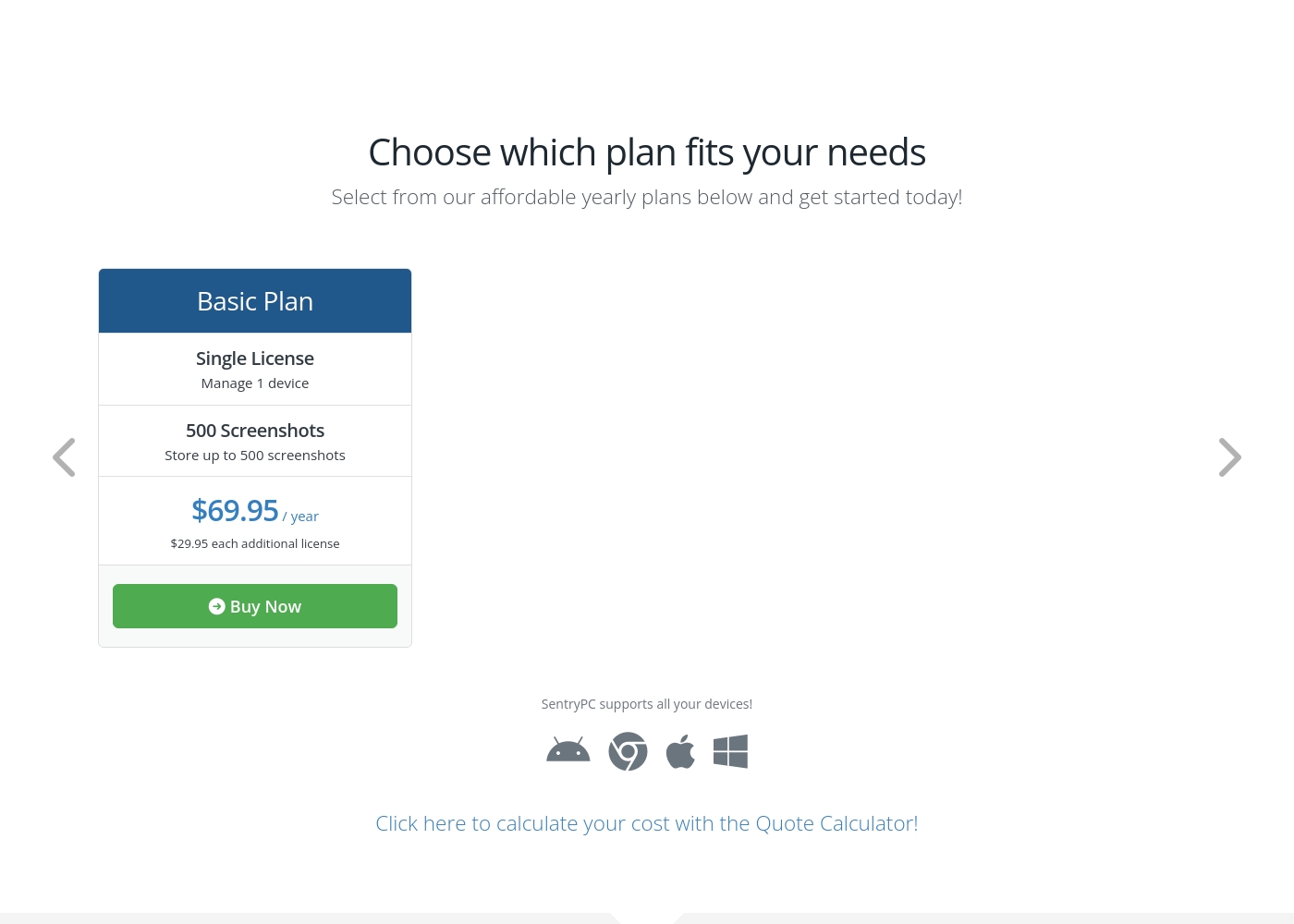
SentryPC costs between $69.95 and $9,995.00 per year with 6 plans: Basic Plan at $69.95, Business 50 at $1,495.00, Business 100 at $2,495.00, Business 250 at $4,995.00, Business 500 at $7,495.00, and Business 1,000 at $9,995.00.
SentryPC offers several affordable annual plans designed for both home users and large enterprises. Pricing is based entirely on the number of licenses and required screenshot storage.
Basic Plan
Price: $69.95 / year Best For: Home users Other Features:
- Single license to manage 1 device
- Includes 500 screenshots storage
- Additional licenses available for $29.95 each per year
- Single License (Manage 1 device)
- 500 Screenshots storage
- Free lifetime updates
- 50 Licenses (Manage up to 50 devices)
- 500 Screenshots storage
- Free lifetime updates
- 100 Licenses (Manage up to 100 devices)
- 1,000 Screenshots storage
- Free lifetime updates
- 250 Licenses (Manage up to 250 devices)
- 1,000 Screenshots storage
- Free lifetime updates
Pricing Notes
- mLite App offers a free plan and a 1-day free trial.
- SentryPC is priced by licenses and yearly tiered plans.
Pricing Head-to-Head
User Reviews
SentryPC’s external sentiment is sparse and highly polarized, based solely on the few available reviews. One user described the software as 'mind blowing,' suggesting strong satisfaction with its monitoring capabilities and performance. However, this positive view is sharply contrasted by a critical review claiming severe functionality issues and the 'WORST CUSTOMER SUPPORT EVER.' The negative review specifically mentioned that the product does not work well. The company provided detailed context for this critical feedback, noting a particular scenario where they provided remote installation assistance, issued a full refund upon request, and claimed the reported malfunction was caused by the user sending an uninstall command.
Given the extremely low volume of feedback, it's challenging to establish statistically significant recurring themes regarding ease of use, pricing, or integrations. The available data suggests a dramatic difference in user experience, ranging from total success (accuracy/liking) to fundamental failure (reliability/support). Customers should note the conflict surrounding technical support responsiveness and ultimate operational reliability 🧐 before committing to a subscription plan.
This software is simply mind blowing. I am currently using SentryPC and I am highly satisfied with its performance and comprehensive monitoring capabilities. It provides full transparency for device usage in real-time.
Our Verdict
If you want privacy-first family safety, mLite App is hard to beat. For enterprise-scale monitoring and policy control, SentryPC shines. Both are solid; the choice hinges on your priority. If you’re balancing safety and privacy at home, go with mLite App; if you’re enforcing rules and visibility across many devices, choose SentryPC. In short, mLite App for families, SentryPC for teams—your move.
Frequently Asked Questions
Does mLite App offer a free trial or plan beyond the basics like SentryPC?
Yes, mLite App offers a 1-day free trial and a free plan. You can explore features before committing.
How does mLite App protect data compared to SentryPC?
mLite App uses encryption to keep data private. SentryPC emphasizes monitoring and control, with different security disclosures.
Which platforms does mLite App support?
mLite App runs on Android and iOS. This makes it easy to cover most families’ devices.
What features does mLite App provide that SentryPC doesn’t?
mLite App offers real-time location, location history, and a Panic Button. SentryPC focuses on broader monitoring and filtering.
How do I set up mLite App on family devices?
Install mLite App on both devices, then link them per guidance. The process is quick.
Does SentryPC offer a free trial or money-back guarantee?
Not explicitly stated as free trials; pricing is based on licenses and yearly plans.
Ready to Choose?
Both tools have their strengths. Choose based on your specific needs.