mLite App vs Parentaler
mLite App and Parentaler offer distinct approaches to child safety. mLite App focuses on privacy and simplicity. Parentaler provides extensive monitoring and control capabilities. The best choice depends on your specific needs.
Best for: Parents prioritizing privacy & data encryption, Families wanting simple location tracking
Best for: Parents needing broad monitoring (calls, SMS, social media), Families requiring content blocking & filtering
Pros
Cons
Powerful Tracking, Compromised Purchase Transparency.
We assess Parentaler as a highly functional monitoring tool with robust security features, including comprehensive communication viewing and precise GPS alerts. However, we found serious and recurring concerns regarding product fulfillment and billing transparency, as multiple users report being directed to the mSpy service upon purchase. Overall, we advise potential users to be keenly aware of these recurring payment and product delivery issues.
Pros
- Provides reliable GPS tracking and Geofencing alerts.
- Keyword Alert feature helps parents intervene quickly in serious situations.
- Enables comprehensive viewing of photos, videos, and communication logs.
- Effective for setting limits and managing screen time overuse.
Cons
- Widespread complaint of a bait-and-switch (users purchase Parentaler but receive mSpy).
- Reports of unauthorized annual charges despite selecting monthly plans.
- Customer support is reportedly resistant to issuing refunds for non-technical reasons.
- Advertised social media features may not be delivered via the substitute product.
AboutmLite App
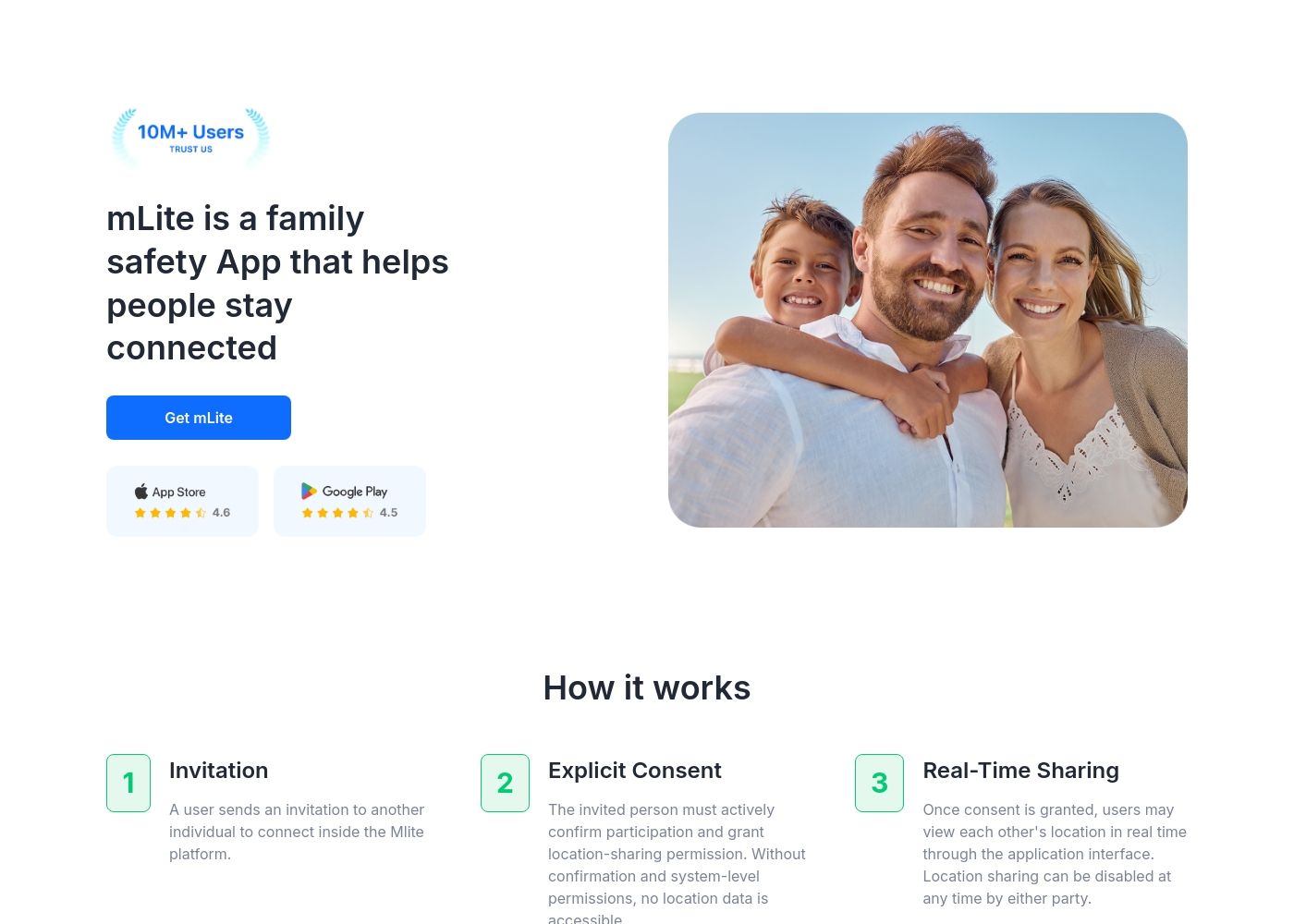
✅ mLite is a family safety app designed to help people stay connected. It’s for families, parents, and anyone who wants a straightforward way to share location with loved ones. The app works on both Android phones and iPhones, making it easy for everyone to join in.
AboutParentaler
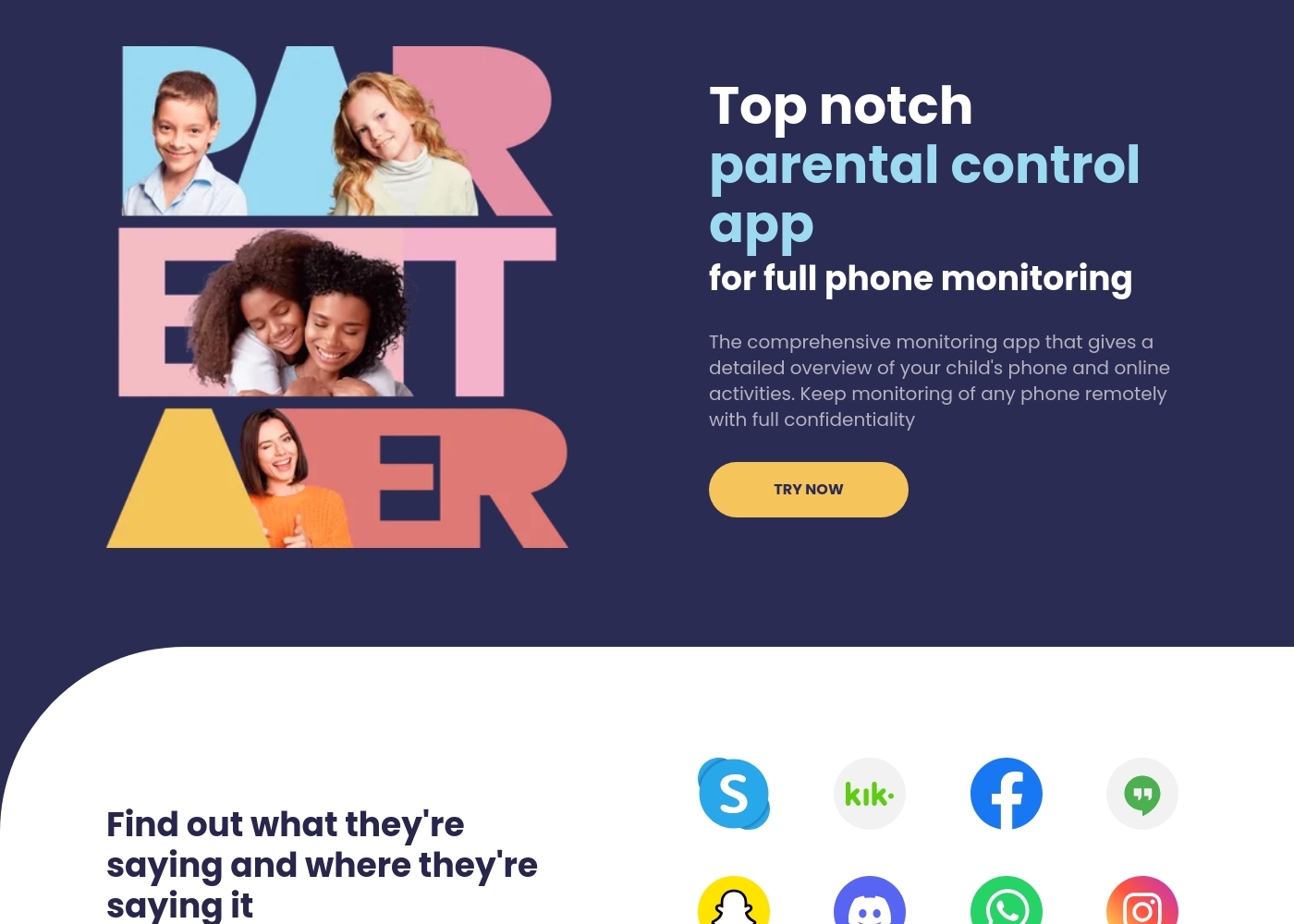
Parentaler is a top-notch parental control app. It gives you a detailed overview of your child’s phone and online activities, helping you monitor them remotely and with full confidentiality.
The application works smoothly on any iPhone, iPad, or Android device. You can then access all features through a simple dashboard using any device or browser.
Crucially, the app operates quietly in the background. It sends no notifications or alerts to your child’s phone, meaning they won't know when you are checking data.
Highlights
Feature Comparison
Features Overview
We highlight the main differences and pick a winner for each feature.
Location Tracking
Both offer location, but differ significantly. mLite App focuses on current location & history. Parentaler includes geofencing alerts.
mLite App provides real-time visibility and location history. Parents can easily see where their children are. It's designed for peace of mind. Parentaler offers comprehensive GPS location tracking. It features geofencing alerts for designated areas. Parents receive notifications upon arrival/departure. Parentaler's geofencing gives more proactive control. mLite App prioritizes simpler location awareness. It’s a trade-off between simplicity & features For example, imagine a parent wanting alerts. Parentaler instantly notifies when kids leave school. mLite App shows they're no longer there, but later.
Messaging Monitoring
Parentaler monitors a wider range of communications. mLite App focuses on essential messaging apps monitoring.
mLite App monitors popular messaging apps. It flags risky messages and online dangers. This feature helps avoid negative interactions online. Parentaler monitors SMS, emails, calls, and chats. It also views attachments, links, and calendar events. The system provides broader insight. Parentaler offers comprehensive view of all communication. mLite's approach highlights essential, key messaging apps. Each caters to varied monitoring needs. Consider a parent concerned about cyberbullying. Paretnaler spots it across texts and social media. mLite App alerts only on specific messaging platforms.
Content Blocking
Parentaler provides more robust content controls. mLite App doesn't offer native content blocking.
mLite App doesn't offer content blocking features. It focuses on location and communication. There is no specified alternative. Parentaler helps block inappropriate content. It blocks porn, specific apps, and Wi-Fi networks. Controls are key for safer online environments. Parentaler's explicit content controls enhance safety. mLite App requires alternative methods for blocking. The software offers a different focus. For example, parents use Parentaler to stop access. Parentaler blocks dangerous sites immediately to protect youth. mLite cannot.
Emergency Features
mLite App has a panic button for immediate help. Parentaler concentrates on monitoring and blocking.
mLite App features a Panic Button function. It sends alerts and location with one tap. Quick support for emergencies is helpful. Parentaler lacks direct emergency alert functions. Its strength is tracking and control features. Prompt alerts for emergencies. The panic button makes mLite App useful in emergencies. Parentaler prioritizes proactive monitoring and oversight. These features have different strengths. Envision a stressful situation for kids. With mLite, they instantly notify someone. Parentaler requires parent to check location.
Privacy Focus
mLite App emphasizes privacy with encryption. Parentaler focuses on providing monitoring over everything else.
mLite App encrypts data to keep it private. Only the parent can see the info. It helps build family trust. Parentaler monitors conversations, but lacks specific comment. Its details suggest broad data collection on youth. mLite's privacy-driven design balances data safety. Parentaler prioritizes access to all communications, always. Privacy matters to all, but may differ. If data safety is top priority, youth can use mLite's data encryption. Parents choose to keep family more secure.
Platform Accessibility
They both work on Android and iOS. Parentaler works on all devices and browsers.
mLite App works across Android & iOS. Families who prefer to pick their monitoring tools will like it. Parentaler lets you monitor from any device/browser. A broader user experience over browser. Parentaler has broad access. mLite requires mobile App use on both platforms. Broader use for families. A parent wants to monitor while at work. They can check Parentaler. mLite App will require that you use a Smartphone.
Customer Support
Parentaler offers 24/7 multilingual support. mLite App has unspecified support options.
mLite App's support details aren't specified. Users have varied experiences with their support team. Parentaler offers support 24/7 in multiple languages. All users can get fast solutions at any time. Parentaler gets more points for robust support. mLite App may need additional info on support. Easy support is key. A parent needs urgent help at midnight. With Parentaler, it is easy to get help any time.
Ease of Setup
Both offer straightforward setup. mLite emphasis quick onboarding. Parentaler ensures thorough control.
mLite App offers quick, guided onboarding. It ensures users start monitoring fast. Setup is designed for speed. Parentaler provides detailed installation guides. Users install the app and set up the child's device. The controls are easy to use and personalize settings. Both have easy methods to onboard users. mLite App has quicker basic set ups. The software offers easy setup. A busy parent values efficient setup! mLite makes things easy to set up; simple and quick.
mLite App pricing: mLite App requires an active subscription to access its core safety features like location history. While a specific starting price is not explicitly stated on the landing page, users can download the app for free on iOS and Android to view available plans and start connecting with family members via invites and explicit consent.
Any subscription typically includes real-time location sharing and emergency alerts across all supported devices. The app focus is on transparent, consent-based safety for families on the go 🛡️.
Detailed plan pricing is visible within the mobile application during the registration and invitation process. mLite provides an affordable, secure way to keep track of loved ones without the complexity of traditional hardware-based tracking systems.
Parentaler utilizes a subscription model, but the specific costs and plan names are not explicitly detailed in the available information.
To begin using the comprehensive monitoring tools, you first need to select a subscription option.
Standard Subscription Plan
Best For: Any parent or guardian needing full phone monitoring capabilities Other Features:
- Monitors social media and messenger conversations
- Detailed GPS location tracking and Geofencing alerts
- Website and Apps & Games blocking
- Access to SMS, calls, emails, and contacts
- Keyword alerts and screen capture functionality
- Full phone monitoring overview
- GPS location and Geofencing alerts
- Website porn and app blocker
- Monitor SMS, calls, and email
- Keyword alerts and screen capture
Pricing Notes
- mLite App offers a free plan and a trial before purchase.
- Parentaler's plans provides a high subscription price.
- Users value comparing costs to features offered.
Pricing Head-to-Head
User Reviews
Parentaler holds a mixed user rating of 3.6 on Trustpilot. Many parents praise the app's capability to provide essential monitoring features, specifically emphasizing reliable location tracking and timely Geofencing alerts which have helped in real-world emergencies, like locating a child after a vehicle breakdown.
Users also frequently cite the value of communication oversight, noting they successfully intervened in cases of potential cyberbullying, unsafe conversations, and concerning online searches using the Keyword Alert feature. The software is appreciated for helping manage excessive screen time, leading to positive changes in children's behavior and improved family understanding.
My daughter's car broke down deep in the country, and she didn't know her location. I used Parentaler to pinpoint her immediately. It let me reassure her that I was only minutes away. This app is absolutely essential for parent peace of mind.
Our Verdict
For many, Parentaler wins over mLite App based on monitoring. mLite App provides good location with privacy. Users can choose the app that fits them best. mLite App focuses on keeping data safe. Its location tools and emphasis on privacy stand out. Use for real-time alerts in stressful situations. Parentaler has broad monitoring and solid content blocking. Its functionality helps maintain a safe internet. This is ideal for youth who have social media and messaging platforms. The decision hinges on your needs. If parental supervision and data insights are what you want, choose Parentaler. Want to focus on trust and key needs? Pick mLite App. Choose mLite App for simple monitoring and data safety. Pick Parentaler if you want full monitoring.
Frequently Asked Questions
Which is better for location tracking: mLite App or Parentaler?
Both provide current locations. mLite App tracks history with safety design. Parentaler does more with geofencing. It depends on your goals!
What kind of blocking does Parentaler offer that mLite App doesn't?
Parentaler can block websites and apps. The App can also block Wi-Fi networks. mLite App does not have content blocking.
Is Parentaler worth the extra cost over mLite App?
Parentaler has a range of tools. Users who want simple location and monitoring can skip the price, and use mLite. Users should examine features.
Does mLite App have a panic button like Parentaler?
mLite App features Panic Button. The product is for immediate alerts in an emergency. Parentaler doesn't feature it though.
How does mLite App ensure privacy compared to Parentaler?
mLite App protects data to give privacy, at every turn. Parentaler's monitoring design captures the data always. Both take a route!
Can I monitor social media on both mLite App and Parentaler?
Parentaler gives access to socials. mLite focuses more on messaging and common platforms. Decide what is better for your concerns.
Ready to Choose?
Both tools have their strengths. Choose based on your specific needs.