mLite App vs Norton Family
mLite App and Norton Family offer ways to monitor kids' online activity to ensure safety. mLite App emphasizes privacy. Norton Family focuses on balanced oversight. Which is right for you?
Best for: Families who prioritize data privacy and encryption, Parents who need a panic button for emergencies
Best for: Families wanting comprehensive content blocking and filtering, Parents who need to manage screen time across multiple devices
Pros
Cons
Trusted Security Engine for Family Safety
We find Norton Family offers a powerful and mature set of parental control tools, utilizing Norton’s decades of security expertise. It excels at balancing screen time management with web safety and providing crucial location supervision. Overall, this is a highly reliable security package for families seeking broad digital management features within a trusted ecosystem.
Pros
- Built on a robust, proven, and highly reliable security platform.
- Comprehensive features including screen time limits, location tracking, and content filtering.
- Dedicated ‘School Time’ feature helps minimize remote learning distractions.
- Manageable via an easy-to-use Parent Portal and mobile app.
Cons
- Renewal costs are significantly higher than the introductory promotional price.
- Customer loyalty does not appear to be rewarded in the pricing structure.
- General Norton users sometimes report being overwhelmed by notifications.
- Little specific external feedback is available on the dedicated Family product features.
AboutmLite App
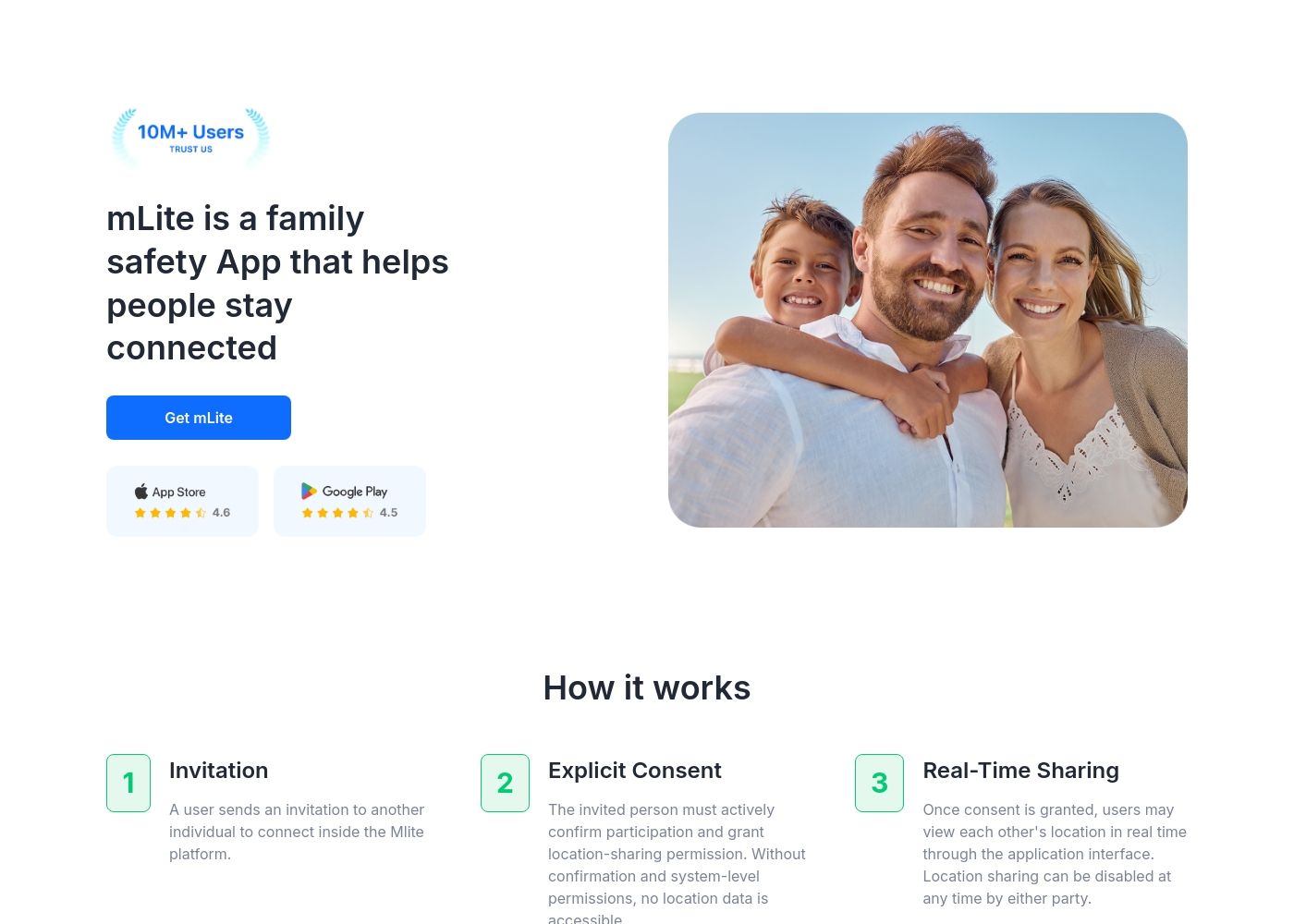
✅ mLite is a family safety app designed to help people stay connected. It’s for families, parents, and anyone who wants a straightforward way to share location with loved ones. The app works on both Android phones and iPhones, making it easy for everyone to join in.
AboutNorton Family
Norton Family is a comprehensive toolset designed to give parents awareness and control over their children’s digital interactions. It focuses on facilitating positive and age-appropriate experiences with technology. Parents can manage protection for their child's devices using an easy-to-use Web Portal or a mobile app 📱. The core mission is to help children learn responsible, healthy methods for exploring the internet.
Highlights
Feature Comparison
Features Overview
We highlight the main differences and pick a winner for each feature.
Real-Time Location
Both offer real-time location, but approaches differ.
mLite App provides real-time location and history viewing with encrypted data. It gives parents peace of mind when kids are apart. Location alerts also notify you when your child arrives or leaves. Norton Family offers location supervision with a 30-day history. It lets you set boundaries and receive alerts when kids arrive or leave. Check-in features allow kids to share their location easily. The key difference is mLite App's privacy focus with data encryption. Norton Family balances this with broader supervision features. For example, imagine a parent wants to know their child arrived at school. mLite App or Norton Family can send an alert when they arrive.
Web Supervision
Norton Family blocks content, mLite App doesn't.
mLite App focuses on location and communication monitoring; it doesn't include web supervision. The goal is visibility and privacy for parents. Norton Family lets you block unsuitable sites and stay informed of visits. Search supervision also shows terms they search for. Video supervision shows videos watched with snippets. The main trade-off: mLite App prioritizes privacy, while Norton Family prioritizes content control. Consider a parent worried about their child's access to inappropriate content. Norton Family can block those sites, while mLite App cannot.
Time Management
Norton Family enables time limits; mLite App doesn't.
mLite App monitors and safeguards but doesn't directly limit screen time. It focuses on keeping parents informed. It does not include features for setting time limits. Norton Family offers time limits and schedules across devices. School Time helps manage remote learning. Instant Lock also pauses devices when needed. The core difference: Norton Family actively manages screen time, while mLite App observes. For parents who want to limit their child's screen time, Norton Family provides better tools. mLite App doesn't provide these options.
Reporting & Alerts
Norton Family's reporting is far more robust.
mLite App offers alerts and information, but detailed reporting is not emphasized. The app focuses on real-time visibility. It is for parents who want simple updates. Norton Family delivers monthly or weekly reports via email or the Parent Portal. These include search terms, videos watched, and more. This supports informed conversations. Norton Family gives comprehensive reports. mLite App is about immediate awareness and encrypted data.
Cross-Platform Support
Both support mobile, but Norton Family adds Windows.
mLite App supports Android and iOS. It is quick to set up on both using the official guides. Norton Family supports Windows PCs, Android, and iOS. Not all features are available on every platform. Mac is not supported for installations. Norton Family provides broader platform coverage due to Windows support. mLite App focuses on mobile devices.
Privacy Focus
mLite App encrypts data; Norton Family doesn't.
mLite App's core design uses encryption to keep data private. Only the parent can see the information. This fosters trust and security. Norton Family focuses on visibility and oversight. It does not have encryption that keeps data from itself. Privacy is a primary design goal for mLite App. Norton Family focuses on functionality and features.
Emergency Features
mLite App includes a Panic Button for emergencies.
mLite App includes a Panic Button that sends an alert and location with one tap. This helps with quick response. It helps keep you connected. Norton Family doesn't offer a panic button or similar emergency feature. It emphasizes ongoing monitoring and reporting. If quick emergency alerts are critical, mLite App is the better choice. Norton Family lacks this feature.
Setup and Onboarding
mLite App has quicker setup.
mLite App setup involves installing the app on both devices. Then link them together per the official guidance. Start monitoring quickly and easily. Norton Family requires installation on Windows, Android, or iOS. You then manage it from my.Norton.com or the parent portal. It involves more steps. mLite App provides a slightly simpler setup process. Norton Family offers more control through the web portal.
mLite App pricing: mLite App requires an active subscription to access its core safety features like location history. While a specific starting price is not explicitly stated on the landing page, users can download the app for free on iOS and Android to view available plans and start connecting with family members via invites and explicit consent.
Any subscription typically includes real-time location sharing and emergency alerts across all supported devices. The app focus is on transparent, consent-based safety for families on the go 🛡️.
Detailed plan pricing is visible within the mobile application during the registration and invitation process. mLite provides an affordable, secure way to keep track of loved ones without the complexity of traditional hardware-based tracking systems.
Norton Family costs S$29.99 per year for the first year. It is offered as a single standalone annual subscription at S$29.99.
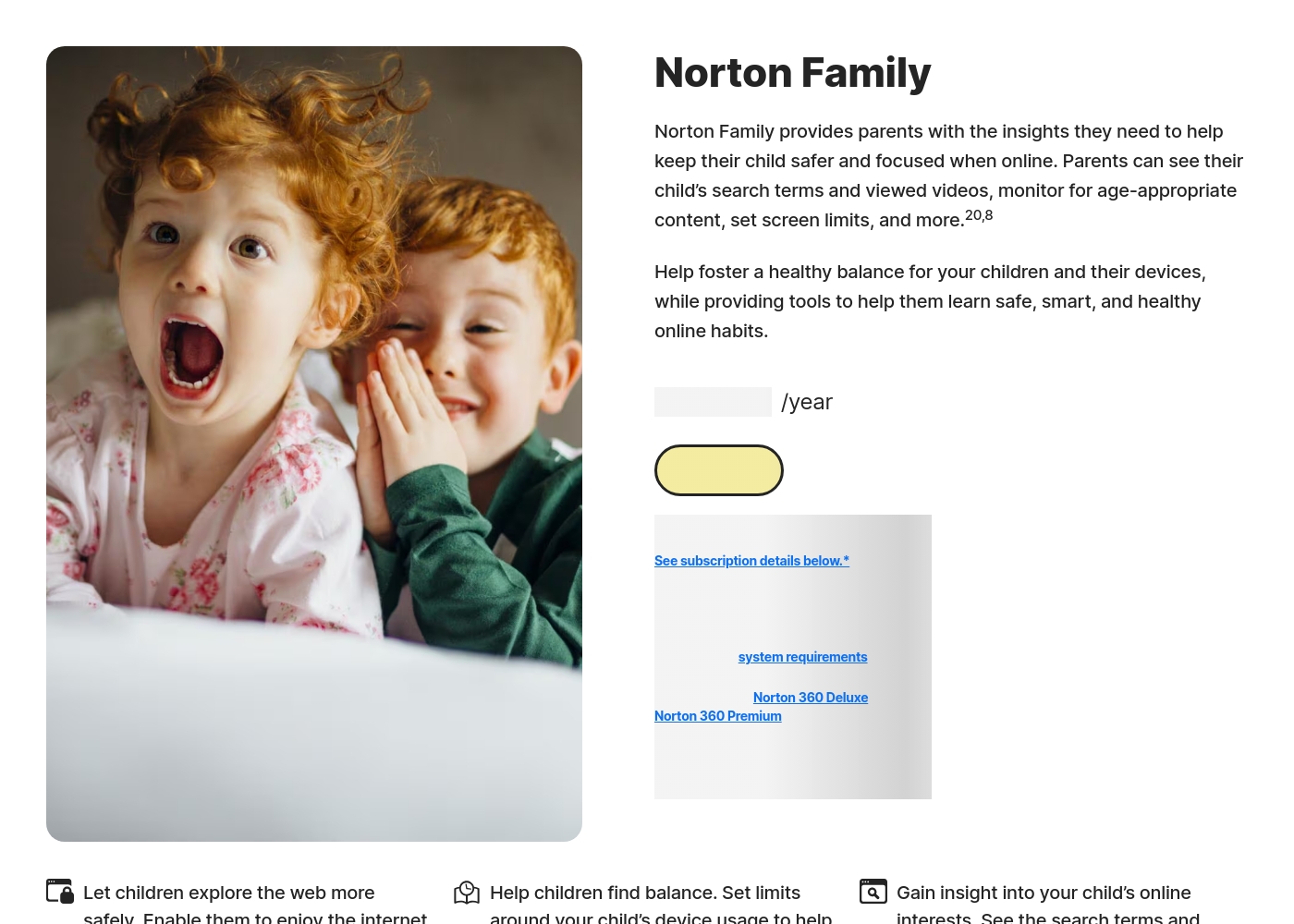
Norton Family is designed to help parents foster healthy online habits for their children.
Norton Family (1 Year Subscription)
Price: S$29.99 per year (introductory price) Best For: Parents seeking dedicated tools to help children balance screen time Refund Policy: 60-day money-back guarantee (for annual subscriptions) Other Features:
- Set time limits for device use (Time Supervision).
- See terms children are searching for (Search Supervision).
- Monitor videos viewed on YouTube.com (Video Supervision).
- Set up a block list for distracting sites during remote learning (School Time).
- Use Location Supervision to map mobile devices.
- Web Supervision (blocking unsuitable content)
- Time Supervision (setting device limits)
- Search Supervision (seeing terms children search)
- Video Supervision (monitoring YouTube videos)
- App Supervision (managing downloaded apps)
Pricing Notes
- mLite App offers a 1-day free trial.
- Norton Family is included with Norton 360 Deluxe and Premium.
- Norton Family offers a trial but requires a payment method upfront.
Pricing Head-to-Head
User Reviews
Reviewers overwhelmingly praise Norton’s broader security ecosystem, which includes Norton Family. Customers consistently highlight the robust protection provided, confirming that the software ensures their devices are safe from threats and malware.
Consumers often mention the peace of mind they gain from the software operating efficiently in the background, offering prompt alerts and regular scans. The user experience is generally considered easy, even for non-tech-savvy users, and the comprehensive bundles (including VPN and Identity Theft services) are highly valued.
I have been using Norton since its very beginning and have never had protection issues. I have examined others and there is simply no comparison to Norton's performance and protection.
Our Verdict
Choosing between mLite App and Norton Family depends on what matters most. Norton Family is often the better choice for thorough oversight. It gives detailed reports and broad control. mLite App excels in privacy and quick emergency alerts. It encrypts data and has a panic button. It focuses on visibility with family safety. Norton Family stands out with web and time management. It offers content-blocking and screen time limits. Its cross-platform support helps manage kid's activities. Consider privacy needs. If you value encrypted data, mLite App wins. Prefer content control, Norton Family is best. Each is designed with safety in mind. For families wanting comprehensive online management, pick Norton Family. For privacy-focused monitoring and emergency features, choose mLite App. Both offer free trials for testing.
Frequently Asked Questions
Is Norton Family better than mLite App for blocking harmful content?
Yes, Norton Family is better. It offers web supervision to block unsuitable sites. mLite App focuses on location and communication. This includes no content-blocking.
Does mLite App offer time management features like Norton Family?
No, mLite App doesn't offer time management features. Norton Family includes time limits and scheduling. This feature is across Windows, Android, and iOS devices.
Which is more privacy-focused: mLite App or Norton Family?
mLite App prioritizes privacy with encryption. This keeps your family's data safe. Norton Family focuses on broad oversight. So safety with convenience is what users can expect.
Can I manage screen time with mLite App, similar to Norton Family?
No, mLite App does not have screen time management. Norton Family offers screen time schedules. These are simple to manage on each device.
Does Norton Family have a panic button like mLite App?
No, Norton Family doesn't include a panic button. mLite App has a one-tap emergency alert. This feature sends location information quickly.
Is Norton Family's reporting better than mLite App's?
Yes, Norton Family offers more comprehensive reports. These are delivered weekly or monthly. mLIte App provides more immediate visibility.
Ready to Choose?
Both tools have their strengths. Choose based on your specific needs.