mLite App vs Net Nanny
mLite App and Net Nanny are both top parental control tools, but they solve different problems. mLite App excels at physical security, location tracking, and immediate emergency features. Net Nanny is the veteran choice for powerful online content filtering and blocking. The comparison hinges on prioritizing safety in the real world versus security online.
Best for: Parents prioritizing physical safety and real-time location monitoring for children., Families needing deep visibility into phone messaging, installed apps, and new contacts.
Best for: Large families needing to efficiently protect 5 to 20 devices cost-effectively annually., Parents whose primary concern is blocking pornography and adult internet content reliably.
Pros
Cons
Unreliable protection paired with hidden costs.
We note Net Nanny boasts impressive dynamic filtering features and competitive volume pricing for large families. However, recent user feedback highlights critical operational failures, extreme difficulty managing subscriptions, and severely problematic customer service interactions. Overall, we advise prudence due to concerning reports regarding recurring billing practices and software reliability across platforms.
Pros
- Cost-effective protection for up to 20 devices annual plans.
- Includes dynamic filtering against adult content and sensitive material.
- Real-time alerts and visibility via the Family Feed feature.
- Full feature suite is included across all three annual pricing tiers.
Cons
- Software functionality is often unreliable (time limits fail, Mac freezing).
- Auto-renewal system is difficult or impossible to cancel online.
- Reports of severe bugs and inaccurate dashboard data tracking.
- Customer support is slow, unresponsive, and often unavailable.
AboutmLite App
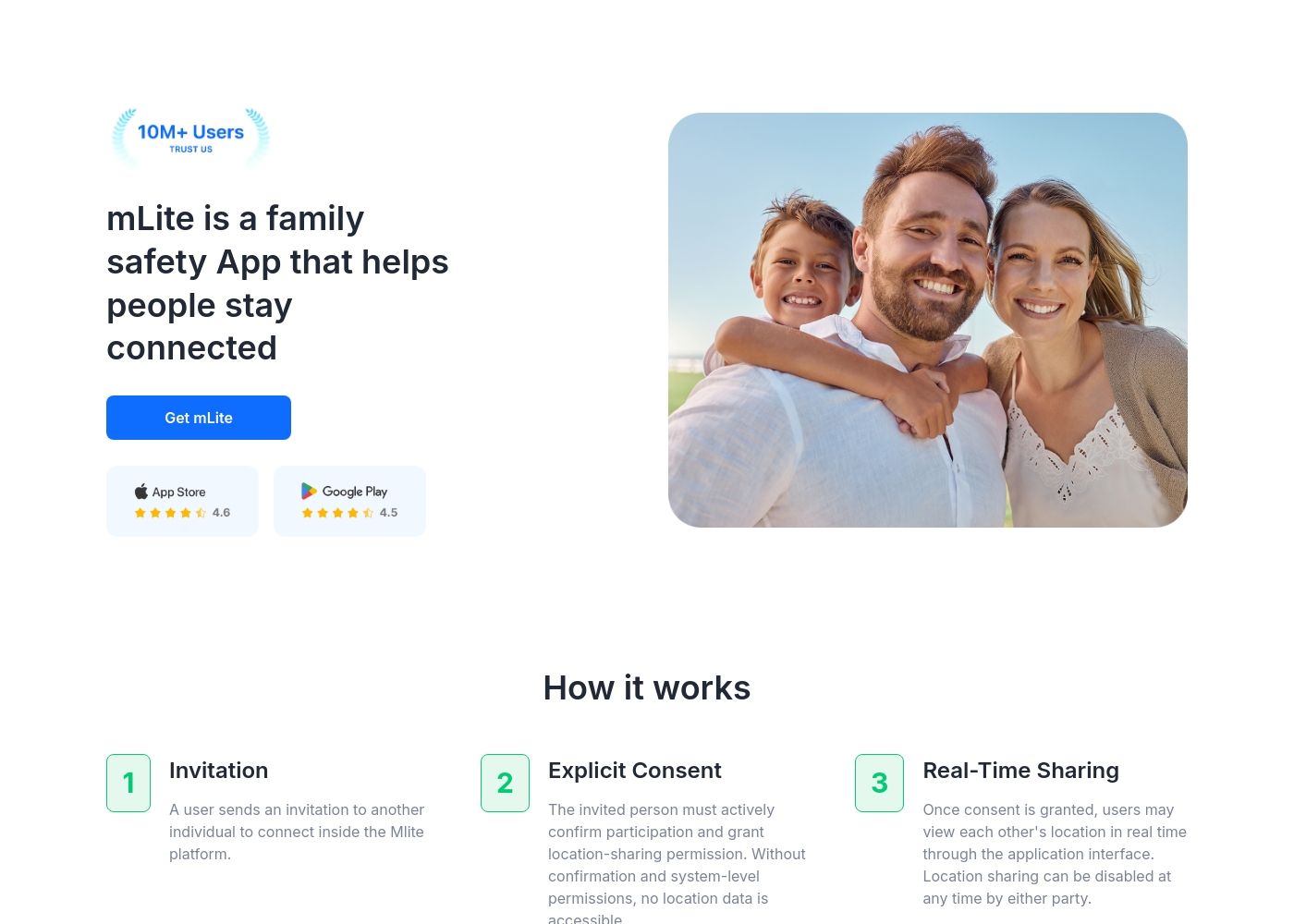
✅ mLite is a family safety app designed to help people stay connected. It’s for families, parents, and anyone who wants a straightforward way to share location with loved ones. The app works on both Android phones and iPhones, making it easy for everyone to join in.
AboutNet Nanny
Net Nanny is widely trusted parental control software. It is consistently ranked as the Best Parental Control App. ✅ Millions of parents have trusted this software since 1996.
It’s designed to keep your kids safe from adult content when they browse online. The system allows children to use the internet safely while still being protected. It offers the visibility parents need today.
Highlights
Feature Comparison
Features Overview
We highlight the main differences and pick a winner for each feature.
Core Safety Focus
mLite App is for location safety; Net Nanny manages online content risks perfectly.
mLite App prioritizes real-time location tracking and immediate emergency responses. It includes a critical Panic Button feature for quick alerts instantly. Net Nanny is fundamentally an internet filter and content blocker protecting minors. Net Nanny protects children from sensitive online topics like suicide and weapons. mLite App handles communication monitoring; Net Nanny focuses only on web browsing. Choose mLite App for physical safety; choose Net Nanny for digital content control.
Emergency Preparedness
mLite App offers an instant Panic Button; Net Nanny alerts on dangerous online searches.
mLite App features a dedicated Panic Button that sends location instantly when tapped. This allows for a fast emergency response when seconds count most. Net Nanny sends real-time alerts only for highly sensitive online material searches. mLite App is designed for immediate physical danger awareness. mLite App offers Surroundings Recording and Live Camera remote access. mLite App is clearly superior for immediate, actionable emergency readiness.
Internet Content Filtering
Net Nanny is a proven filter; mLite App lacks specific, active blocking features.
Net Nanny is renowned as the #1-Rated Internet Filter, trusted since 1996 for reliability. It includes dynamic filtering against adult content and acts as a powerful porn blocker. mLite App focuses on monitoring installed apps and messengers, not content filtering. Net Nanny ensures kids browse safely while protecting them instantly from inappropriate viewing. If filtering and content control are paramount, Net Nanny is the necessary choice here.
Device Monitoring Depth
mLite App offers deeper environmental access; Net Nanny monitors search activity and apps used.
mLite App provides comprehensive monitoring of Messengers, Contacts, and Installed Apps visibility. mLite App also uniquely offers Live Camera and Surroundings Recording features. Net Nanny offers visibility into used apps and reports search activities via the Family Feed. Net Nanny does not mention deeper access like Contacts monitoring or remote camera/audio. mLite App gives a detailed, granular view of device interactions and environment.
Multi-Device Value
Net Nanny offers huge value for 20 devices; mLite App has an unclear scaling cost.
mLite App starts very low, at $0.99, but its large pricing range ($2023 max) implies high scaling costs. Net Nanny uses annual, device-based plans covering 1, 5, or 20 devices. The 20-device plan costs less than $5 per device annually, maximizing family savings. mLite App’s initial commitment is low, but Net Nanny provides predictable, scalable annual pricing. Net Nanny excels in cost-effectiveness for managing multi-device households efficiently.
Reliability & Sentiment
mLite App reports high satisfaction; Net Nanny suffers from critical functional stability issues.
mLite App claims 87% customer satisfaction based on its 6 million downloads worldwide. Net Nanny has widespread user reports citing software functionality is often unreliable and buggy. Users frequently report device freezing and wildly inaccurate dashboard data tracking with Net Nanny. mLite App appears to offer a more stable experience based on high reported customer sentiment. Choosing mLite App might lead to less functional frustration and fewer headaches.
Access to Trial
mLite App offers a free trial; Net Nanny does not mention any risk-free testing options.
mLite App encourages users to try before committing with its 1-day free trial offering. The trial allows users to explore key features and easily test the setup process. Net Nanny does not detail a free trial or money-back guarantee policy currently. This means testing mLite App is risk-free before making a financial commitment. Access to a trial significantly reduces friction for new mLite App users.
Privacy and Data Security
mLite App emphasizes encryption; Net Nanny is not explicit regarding data security methods.
mLite App promotes a privacy-first design using encryption for data in transit and at rest. Encryption ensures that only the parent can reliably view the collected monitoring information. Net Nanny documentation does not specify its sensitive search data storage or retention policies. For users prioritizing clear data security measures, mLite App offers explicit reassurance. mLite App takes a necessary transparent approach to sensitive data handling.
mLite App pricing: mLite App requires an active subscription to access its core safety features like location history. While a specific starting price is not explicitly stated on the landing page, users can download the app for free on iOS and Android to view available plans and start connecting with family members via invites and explicit consent.
Any subscription typically includes real-time location sharing and emergency alerts across all supported devices. The app focus is on transparent, consent-based safety for families on the go 🛡️.
Detailed plan pricing is visible within the mobile application during the registration and invitation process. mLite provides an affordable, secure way to keep track of loved ones without the complexity of traditional hardware-based tracking systems.
Net Nanny costs between $39.99 and $89.99 per year with three plans: 1 Desktop at $39.99, 5 Devices Family Protection Pass at $54.99, and 20 Devices Family Protection Pass at $89.99.
Let's explore which annual Net Nanny package works best for your family's needs.
1 Desktop
Price: $39.99 / Year (Currently discounted from $49.99) Best For: Single device use on PC or Mac Other Features:
- Protect one desktop device
- Includes all Net Nanny features
- Supports Windows and macOS
- Protect one desktop device (PC or Mac)
- Includes all Net Nanny features
- Supported on Windows 10 & 11 and macOS 10.13 to 11.x
- Protect up to 5 total devices
- Includes all Net Nanny features
- Supports PC, Mac, and iOS devices
- Costs $11 per device/year
- 30% Off For A Limited Time
- Protect up to 20 total devices
- Includes all Net Nanny features
- Supports PC, Mac, and iOS devices
- Costs less than $5 per device/year
- Labeled 'Best Value'
Pricing Notes
- mLite App offers a very low barrier to entry with a starting price of $0.99 and a 1-day free trial.
- Net Nanny uses an annual, device-based model, offering greater savings for 5 or more devices.
- The 20 Devices Net Nanny plan costs less than $5 per device annually, providing superior multi-device value.
- mLite App's actual full pricing structure remains complex compared to Net Nanny's clear annual tiers.
Pricing Head-to-Head
User Reviews
Net Nanny currently holds a very poor 2.1 rating on Trustpilot, reflecting widespread customer dissatisfaction. Users frequently report critical failures in core functionality and serious concerns regarding billing practices.
Recurring complaints revolve around system reliability; many users state the software does not work properly on modern devices, citing issues like apps ignoring set time limits, device freezes, and wildly inaccurate dashboard reporting (e.g., usage times ticking up five minutes per second). Beyond technical faults, customers vehemently criticize Net Nanny’s handling of subscriptions and auto-renewal.
The software doesn't work consistently after a restart; I always have to sign in manually. Since installing it, my Mac freezes frequently during downloads. I have not yet received any response from customer service about these issues.
Our Verdict
Choosing between mLite App and Net Nanny is simple: they address two different dangers. If physical safety and knowing your child’s location is vital, pick mLite App immediately. If comprehensive content filtering is your non-negotiable priority, then Net Nanny holds the advantage. Decide if real-world or online threats matter more for your family. mLite App’s superpower is its focus on immediate, real-world action and visibility. It gives you live location tracking and Surroundings Recording accessibility instantly. The dedicated Panic Button in mLite App offers an essential failsafe in an emergency situation. mLite App also reports high user satisfaction and stability, unlike its competitor. Net Nanny excels at comprehensive content filtering, a key feature mLite App lacks entirely. Net Nanny is the #1-Rated Internet Filter and blocks dangerous material like porn reliably. The system sends critical real-time alerts if children search for sensitive topics like weapons. Net Nanny also offers better value if you need to protect 5 to 20 devices efficiently. The central deciding factor is product reliability and trust versus feature breadth. Net Nanny is a powerful filter, but extreme user complaints about bugs and billing are alarming. mLite App is reliable and feature-rich for physical safety, but it won't filter web access. We recommend mLite App for families needing trusted location data and emergency readiness features. Choose Net Nanny only if its superior, scalable content filtering is your absolute requirement. Use the 1-day free trial to test mLite App risk-free first.
Frequently Asked Questions
Which is better for physical safety in real life: mLite App or Net Nanny?
mLite App is significantly better for physical safety and emergency response features. mLite App offers live location tracking, Location Alerts, and a specialized Panic Button. Net Nanny focuses exclusively on online content protection and internet filtering. Use mLite App if real-time tracking and emergency awareness are paramount.
Does mLite App have internet content filtering capabilities like Net Nanny?
No. mLite App focuses on monitoring installed applications, contacts, and messengers on the device. Net Nanny is the dedicated solution for dynamic web filtering and comprehensive porn blocking. If filtering specific keywords and web content is crucial, Net Nanny is required.
Which software offers the best value for protecting many devices in a large family?
Net Nanny offers superior value for protecting multiple devices annually. Net Nanny’s 20-device plan costs less than $5 per device per year overall. mLite App’s pricing starts low ($0.99) but its cost scaling is not clearly defined for multi-device households. Large families see better savings with Net Nanny's annual packages.
Why are Net Nanny's customer reviews so poor compared to mLite App?
Net Nanny users frequently report severe software bugs, inaccurate usage data, and difficulty canceling subscriptions. mLite App reports a high 87% satisfaction rate among its 6 million users globally. Net Nanny reviews criticize poor software reliability and alleged problematic billing practices severely.
Does Net Nanny offer monitoring features like live camera or messenger tracking?
No, Net Nanny does not mention features like Live Camera or Surroundings Recording. Net Nanny focuses on securing web browsing and reporting online search activity via its Family Feed feature. mLite App provides these deeper device access and environmental monitoring features.
Can I try mLite App or Net Nanny before fully committing to a subscription?
You can try mLite App risk-free immediately with a 1-day free trial offered to all new users. Net Nanny does not explicitly advertise a free trial or a money-back guarantee policy currently. This makes mLite App easier and less risky to test out first.
Ready to Choose?
Both tools have their strengths. Choose based on your specific needs.