mLite App vs mSpy
mLite App and mSpy both offer parental control, but with different focuses. mSpy boasts extensive monitoring, while mLite App focuses on privacy and essential features. Deciding between them depends on your monitoring needs and comfort level. Here's a breakdown to help you choose.
Best for: Parents prioritizing privacy and trust-building, Families needing essential location tracking and alerts
Best for: Parents needing comprehensive monitoring, including keystrokes and screen recording, Families wanting detailed insight into social media and online activity
Pros
Cons
Effective Monitoring with Severe Pitfalls
We found mSpy offers a highly capable feature suite, including Keylogger, Screenrecorder, and robust GPS tools, which are powerful when functioning correctly. However, external reports show major issues surrounding reliability, hidden pricing, and difficult installation processes. Overall, this tool provides powerful monitoring features, but its severe operational and billing pitfalls prevent a strong recommendation.
Pros
- Excellent feature set including Keylogger and Screenrecorder capabilities.
- Effective remote features like call recording and microphone control (available in Extreme plan).
- Geofencing and GPS tracking are praised for accurately monitoring location.
- Family Kit successfully allows monitoring up to three devices simultaneously.
Cons
- Frequent reports of inaccurate data tracking, app failure, or connectivity issues.
- Users report that the service stops working after a short period, requiring constant reinstallation.
- Many customers report unauthorized billing, hidden costs, and surprise fees for required add-ons.
- The refund policy is considered very narrow, making returns extremely difficult to obtain.
AboutmLite App
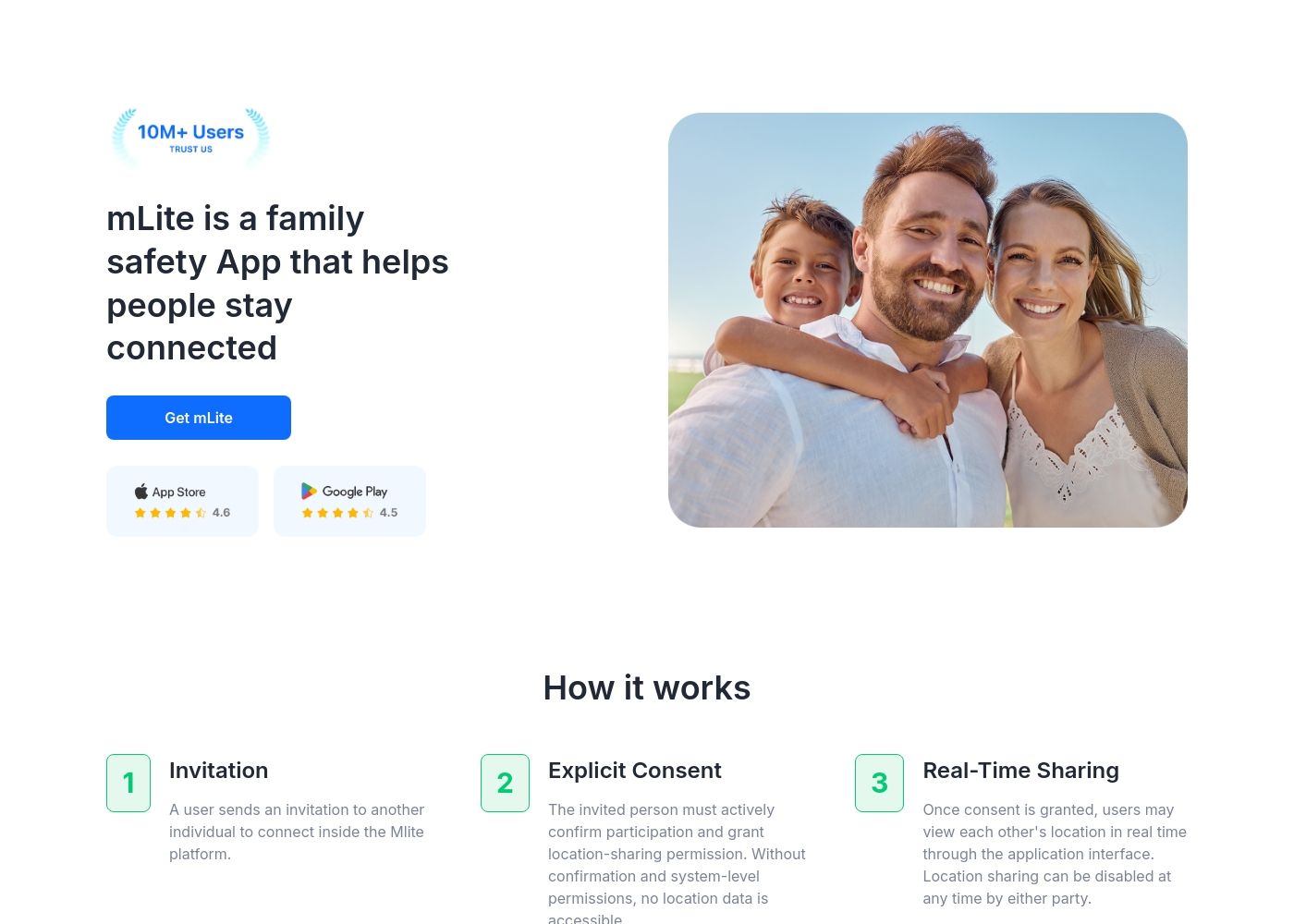
✅ mLite is a family safety app designed to help people stay connected. It’s for families, parents, and anyone who wants a straightforward way to share location with loved ones. The app works on both Android phones and iPhones, making it easy for everyone to join in.
AboutmSpy
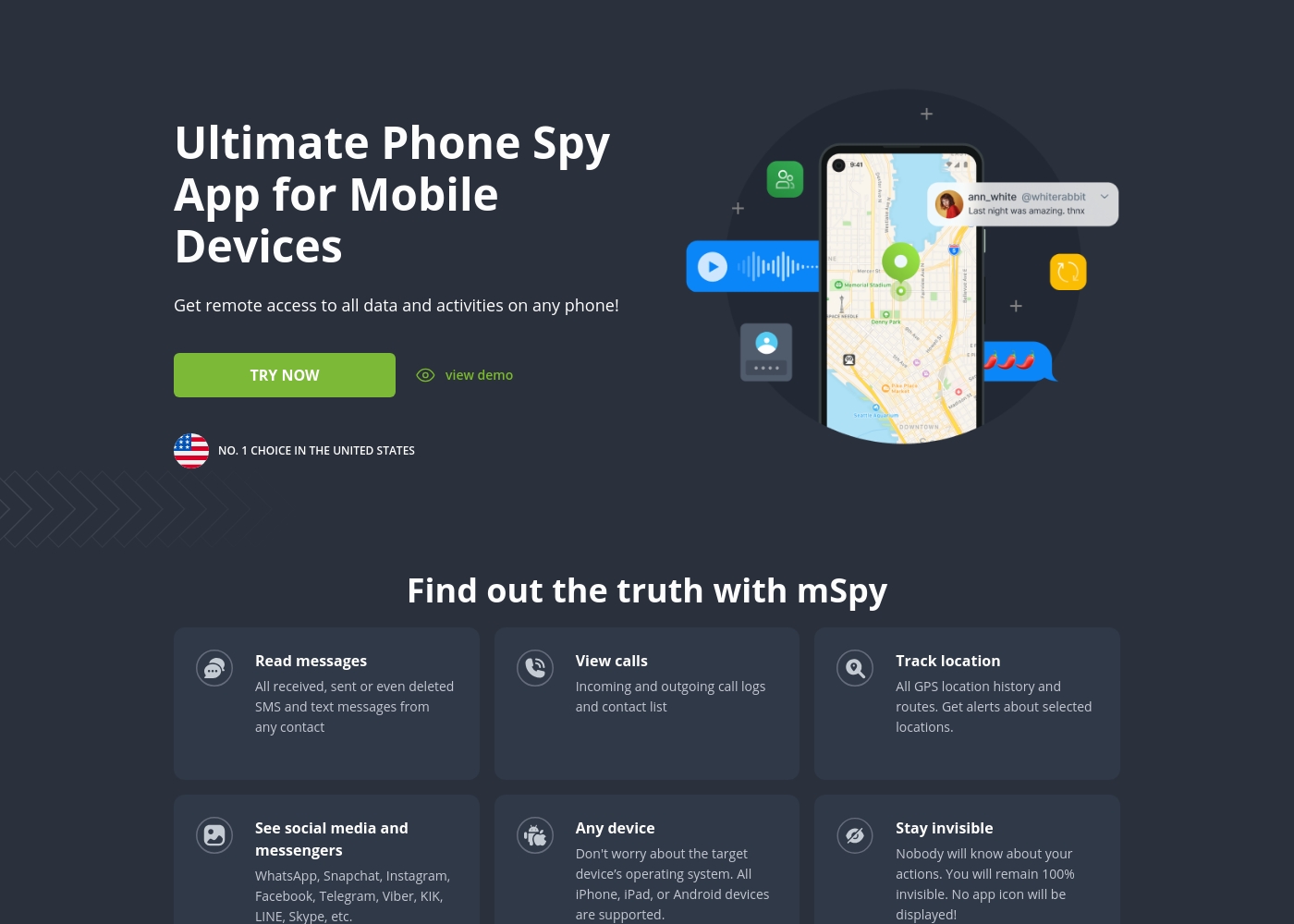
mSpy is the #1 Choice in the United States for trusted parental control. It is a powerful mobile monitoring solution, more than just a simple app. This tracker lets you see exactly what’s happening on their phone without needing to stand over them. It works great on your favorite device, offering solutions that are compatible with any operating system 💡. Installation is simple, allowing you to get the full monitoring power without restrictions, even offering local sync and non-jailbreak solutions.
Highlights
Feature Comparison
Features Overview
We highlight the main differences and pick a winner for each feature.
User Interface
mLite App focuses on simplicity, while mSpy offers in-depth options.
mLite App provides a straightforward interface designed for ease of use. Its features are easy to find. Perfect for parents who prefer simplicity. mSpy offers a comprehensive control panel with many data points. Navigating different features can be overwhelming at times. It may require some time to learn the UI. mLite App shines with ease of use. mSpy has more capability, at the expense of simplicity. If you prefer a simple, focused interface, mLite App is easier. Prefer powerful features? mSpy is the choice, but expect a steeper learning curve. A less tech-savvy user will favor mLite.
Location Tracking
Both offer tracking, but mSpy adds live location sharing.
mLite App offers real-time location and location history. Geofencing sends alerts when kids enter/leave designated zones. mSpy offers live location tracking and route history. It includes geofencing alerts and even live location sharing via a temporary link. Both offer solid options. mSpy provides more versatility with its temporary live location link feature. If you need simple location tracking and geofencing, mLite App works well. For more advanced sharing, mSpy edges ahead with a live link option.
Social Media Monitoring
mSpy monitors more platforms than mLite App.
mLite App monitors standard messenger apps. This includes apps kids commonly use. mSpy monitors 15+ social media and messaging platforms. It gives insight into even AI chatbots. mSpy delivers deeper social media monitoring. mLite App focuses on core channels. If you need to monitor many platforms and AI chats, mSpy wins. For basic visibility of key messengers, mLite App offers a simpler solution.
Content Control
mSpy excels with website and app blocking.
mLite App does not specifically offer website or app blocking. This will depend on using parental controls on the device itself. mSpy blocks websites and apps directly. This will help you stop access to harmful content. mSpy provides content control inside the application. If content control is important, mSpy has built-in blocking. mLite App relies on device-level controls, adding complexity.
Emergency Features
mLite App's panic button provides faster alerts.
mLite App features a panic button. One tap sends an alert and location to your device. It aims to help in emergencies. mSpy lacks a dedicated panic button. Location data and geofencing alerts can still help during emergencies. The panic button puts mLite App ahead. It sends out immediate alerts and location. If you need quick emergency alerts, mLite App wins with its panic button. mSpy relies on ongoing monitoring and geofencing.
Data Privacy
mLite App emphasizes data privacy.
mLite App uses encryption to protect data. Only you can see the information. It’s designed to build trust between you and your kids; it is not for spying. mSpy does not specify encryption methods. It stores collected data securely, but the site does not detail specifics. Privacy-first design gives mLite App an edge. mSpy focuses on wide-ranging data collection. If you prioritize privacy, mLite App's encryption provides more reassurance. mSpy offers a deeper feature set, but with less clarity on data handling.
Stealth Mode
mSpy runs in full hidden mode for monitoring
mLite App runs in visible mode to build trust. The user is aware of monitoring. mSpy runs in hidden mode. It provides full visibility of the data. The hidden mode gives mSpy a lead for full monitoring. Choose mSpy to be invisible , or mLite App to build open trust.
Pricing
mLite App has lower entry costs.
mLite App offers plans starting from $0.99. This provides a simple solution at a lower cost. mSpy does not publicly list price. It claims to be under $1 per day. Given its lower barrier to entry, mLite App is more affordable. mLite App is the better option if budget matters.
mLite App pricing: mLite App requires an active subscription to access its core safety features like location history. While a specific starting price is not explicitly stated on the landing page, users can download the app for free on iOS and Android to view available plans and start connecting with family members via invites and explicit consent.
Any subscription typically includes real-time location sharing and emergency alerts across all supported devices. The app focus is on transparent, consent-based safety for families on the go 🛡️.
Detailed plan pricing is visible within the mobile application during the registration and invitation process. mLite provides an affordable, secure way to keep track of loved ones without the complexity of traditional hardware-based tracking systems.
mSpy offers a choice between two main subscription options, helping users align coverage with their specific monitoring needs. Both plans include the powerful suite of monitoring features available through your personal Control Panel.
Single Device Plan
Best For: Monitoring one child or device Other Features:
- Provides remote access to call logs and contact lists.
- Allows viewing of received, sent, and deleted text messages.
- Includes access to all GPS location history and geofencing alerts.
- Supports monitoring across all major social media and messenger apps.
- Offers features like Keylogger and Screenrecorder capabilities.
This plan is ideal if you only need to keep an eye on a single smartphone or tablet. It delivers the full range of mSpy features for comprehensive, invisible surveillance on one target device. This is the simplest and most accessible option for new users.
- Coverage for one device only
- Invisible monitoring mode
- Keylogger and Screenrecorder
- GPS Location Tracking
- Social Media monitoring (WhatsApp, Snapchat, etc.)
- Coverage for up to 3 devices simultaneously
- All features of the Single Device Plan
- Suitable for monitoring multiple children or mobile devices
- Centralized control via a single Control Panel
Pricing Notes
- mLite App offers a free trial, allowing users to test features before subscribing.
- mSpy's pricing is not explicitly stated but is claimed to be less than $1 per day.
- Consider hidden costs reported by mSpy users, such as unexpected fees.
Pricing Head-to-Head
User Reviews
mSpy maintains a moderate 2.9-star rating on Trustpilot, reflecting significant variation in user experiences. Many satisfied customers specifically praise the effective monitoring features, such as remote call recording, screenshot capture, and the precise Geofencing alerts, which help parents track children's locations.
For those features that work, the software is considered powerful. However, the user base reports heavy friction regarding pricing, reliability, and support.
Matthew Stone was crucial when I needed an urgent reinstallation on my daughter’s phone. I only had ten minutes with the device, and he handled everything remotely. He got things rolling again quickly and professionally.
Our Verdict
Choosing between mLite App and mSpy depends on your family's priorities and the level of monitoring you need. For many, mLite App is a great place to start. mLite App excels in ease of use, clear real-time insights, and focus on preserving user privacy. Its encrypted data is designed to build trust and maintain visibility. mSpy delivers a comprehensive monitoring solution with keylogging, screen recording and advanced social media tracking. The hidden monitoring brings greater power and control. The biggest factor is whether you need deeper monitoring or prefer privacy-focused solution with transparency. Do you want to track every detail or just the essentials? If safety is your only goal, pick mLite App. If you need full transparency monitoring, then mSpy is the winner!
Frequently Asked Questions
Which is better for building trust: mLite App or mSpy?
mLite App is better for building trust. It is not hidden and encrypts data. mSpy is hidden and tracks all data.
Does mLite App have screen recording like mSpy?
No, mLite App doesn't support screen recording. mSpy does offer screen recording. This lets you catch a lot more on the user's device.
Is mSpy worth the cost over mLite App?
mSpy is worth it if you need full monitoring. For basic peace of mind, start with mLite App. That said, mSpy has mixed user reviews regarding true costs.
Can I use mLite App to block websites, like mSpy can?
No, mLite App lacks website blocking. mSpy directly blocks specific sites you disapprove of. Try setting that on the device itself.
Which app has a panic button for emergencies: mLite App or mSpy?
mLite App features a panic button. mSpy does not. This sends out quick alerts and location.
How does mLite App protect data better than mSpy?
mLite App protects data with encryption. Only you can see it, building trust. mSpy focuses on gathering a wider range of data.
Ready to Choose?
Both tools have their strengths. Choose based on your specific needs.