Loomly vs SocialBee
Loomly and SocialBee are both social media managers, but they're aimed at different people. Loomly focuses on approval workflows, while SocialBee leads with AI content creation. Your choice depends on your team's top priority.
Best for: Teams needing basic scheduling and a large royalty-free media library, Managers focused solely on creating multi-level client approval workflows
Best for: Solopreneurs and small business owners managing their own social media., Small teams and startups needing a centralized content calendar.
Unstable pricing and inaccessible support.
We observed that Loomly offers a feature-rich social management environment, historically praised for ease of use and client onboarding. However, recent, extreme price hikes and inaccessible customer support channels pose severe, well-documented risks. Overall, we rate this tool low due to the collapse of foundational business trust.
Pros
- Historically considered a fantastic and easy-to-use platform.
- Strong historical support for client collaboration and approval workflows.
- Access to post inspiration feeds and a royalty-free content library.
- Effective scheduling features (when technical integrations operate).
Cons
- Recent, extreme price increases (reported up to 900%) are pushing loyal users away.
- Customer support is currently inaccessible, relying primarily on non-helpful chatbots.
- Reliability issues with core platform integrations (e.g., persistent Instagram API limitations).
- Predatory billing practices, including automatic enrollment in expensive new tiers.
Powerful AI hub for busy teams.
We find SocialBee excels as a centralized command center for social media, particularly for small teams and agencies. Its AI content generation and smart scheduling genuinely streamline workflows. Overall, it's a robust platform that delivers on its core promises of efficiency and organization for a dedicated investment.
Pros
- AI-powered content creation eliminates writer's block.
- Centralized inbox for managing comments and DMs across platforms.
- Strong team collaboration features with workspaces and approvals.
- Automated scheduling and optimal posting time suggestions.
Cons
- Starting price of $29/month may not suit solo users on tight budgets.
- Requires purchasing the base plan even for fewer than 5 social channels.
- Some users report occasional glitches with post publishing reliability.
- Customer support responsiveness can sometimes be slow.
AboutLoomly
Loomly is an all-in-one social media management tool made for brands and the teams who manage them. It helps marketers increase their reach and build their brand presence online.
This platform lets you craft, optimize, schedule, and analyze content across all your social channels. It is designed to be simple and user-friendly, helping you level up quickly. 💡
AboutSocialBee
SocialBee is an AI-powered platform for scheduling, publishing, and managing social media content. It’s built for solopreneurs, small teams, and agencies who want to streamline their workflow and stay consistent online. 💡
Highlights
Feature Comparison
Features Overview
We highlight the main differences and pick a winner for each feature.
AI Content Creation
SocialBee offers AI to generate captions and visuals. Loomly provides manual creation tools and a media library.
Loomly gives you access to over 5 million royalty-free photos and videos. You can edit them with a built-in editor. The platform also offers daily post inspiration for ideas. SocialBee uses AI to generate captions and visuals from prompts. You can describe what you need, and it creates on-brand content. It also pulls media from Canva, Unsplash, and GIPHY. The key difference is creation assistance. SocialBee actively generates content for you. Loomly provides assets and ideas for you to create manually. For a solo creator battling writer's block, SocialBee's AI is a significant time-saver.
Scheduling & Publishing
Both schedule posts, but SocialBee suggests best times and automates resharing. Loomly focuses on calendar views.
Loomly allows you to schedule and auto-post across channels. You can preview posts and customize them for each platform. The workflow is straightforward for planning content. SocialBee uses content categories for automated scheduling. It suggests the best posting times based on your performance. It can also automatically reshare your top posts. SocialBee's scheduling is more automated and data-driven. Loomly's approach is more manual and calendar-based. If you want to set it and forget it, SocialBee's smart scheduling saves more effort over time.
Collaboration & Teams
Both have approval workflows. SocialBee adds dedicated workspaces and in-post comments for cleaner team separation.
Loomly offers customizable, multi-level approval workflows. You can loop in clients or managers. It tracks all feedback in a post history log. SocialBee provides workspaces to separate client accounts completely. It includes an approval system, internal notes, and in-post comments. This is designed for agencies managing multiple clients. SocialBee's workspace model is more robust for agencies. Loomly's approval workflows are strong but lack the full client separation. For an agency juggling 5+ clients, SocialBee's workspaces prevent cross-client confusion.
Analytics & Reporting
SocialBee provides clearer, shareable reports and longer data retention on paid plans.
Loomly offers advanced analytics for follower growth and engagement. You can automate report delivery. It also has URL click tracking. SocialBee provides analytics for reach, engagement, and growth in one view. It highlights best-performing content. You can generate branded PDF reports in seconds. SocialBee's reporting is more visual and easier to share with clients. Its data retention is also clearly defined up to two years. To impress a client with a clean, one-click PDF report, SocialBee has the edge.
Customer Support
Loomly's support is reported as nearly inaccessible. SocialBee's is slower but available.
Users report Loomly's support relies on unhelpful chatbots and automated replies. Getting human help is described as very difficult. This is a major concern for business users. Some users note SocialBee's support can have slow response times. However, it is still functional and available. The platform also offers free demo calls. The clear difference is accessibility. SocialBee has usable support. Loomly's is effectively broken for critical issues. If you hit a technical problem, SocialBee is far more likely to resolve it for you.
Pricing & Value
SocialBee starts at $29/month. Loomly's prices are hidden but face criticism for drastic hikes.
Loomly's pricing tiers are not explicitly stated. However, reviews highlight severe, unexpected price increases of up to 900%. This has forced many loyal users to leave. SocialBee starts at $29/month, with clear annual discounts. It offers a 14-day free trial and a 30-day money-back guarantee. There are no contracts. SocialBee offers transparent pricing and a refund option. Loomly's pricing is opaque and has been punitive for existing customers. For budget predictability and trust, SocialBee is the safer financial choice.
Although we cannot show specific prices right now, Loomly offers flexible tiers designed to fit different team sizes and social media needs. These plans scale efficiently to support content management for organizations ranging from individual marketers up to large agencies managing robust social media campaigns.
Core Features Plan (Implied Base Tier)
Other Features:
- Social media planning and scheduling across platforms
- Access to a royalty-free photo and video library
- Daily post inspiration, so you never run out of ideas
- Built-in tools for designing and editing visuals
This introductory level is likely ideal for individual users or small businesses focused on streamlining their basic content workflow and maintaining a consistent posting cadence. It gives you the fundamental toolkit to preview, schedule, and auto-post your content efficiently toward achieving better social media results.
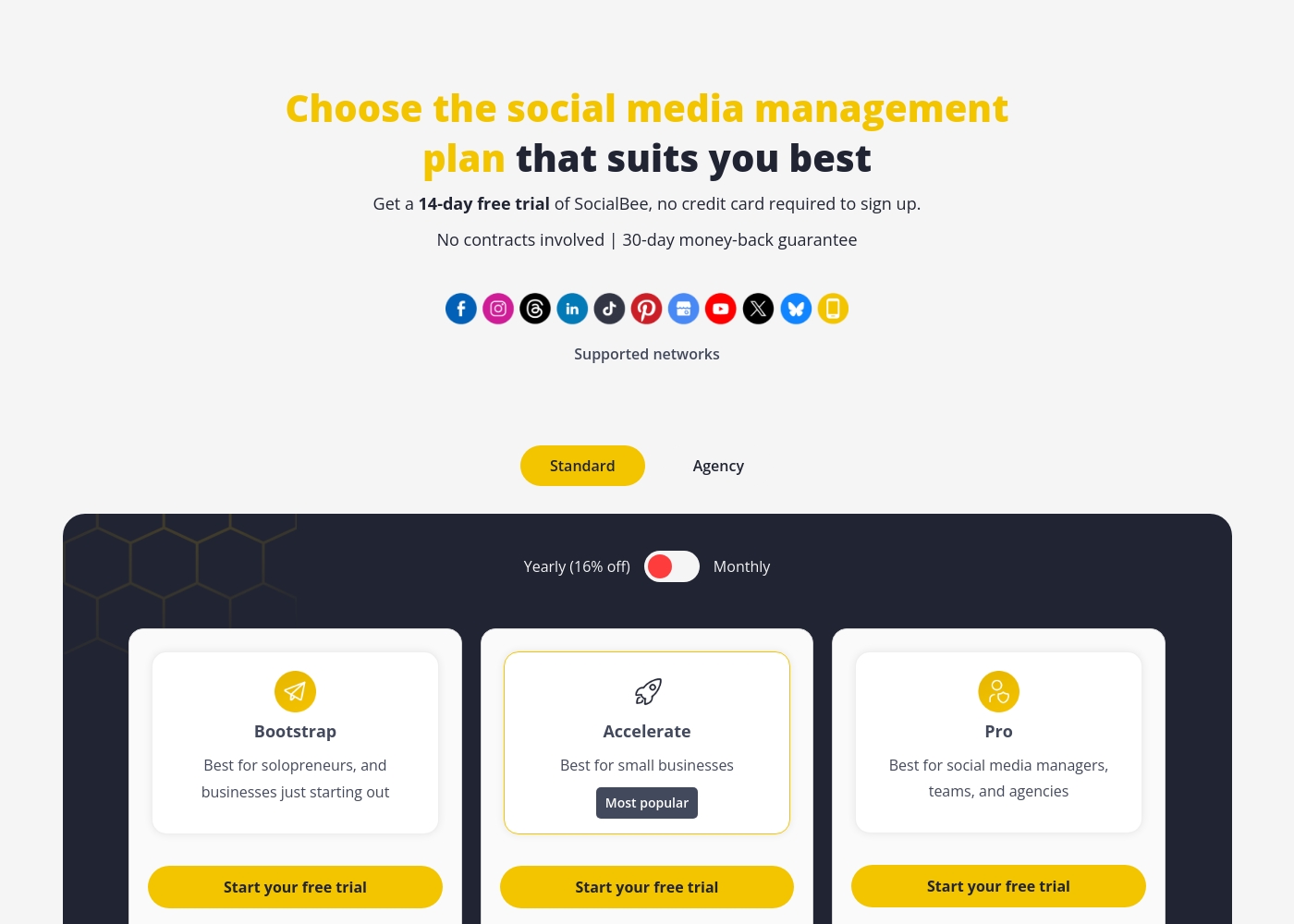
SocialBee pricing: SocialBee offers flexible plans starting at $29/month, or $24.20/month when billed annually. Every plan includes a 14-day free trial with no credit card required and a 30-day money-back guarantee for all users. Scale your social media management from individual profiles to large agency operations with professional tools at every level. Currently, seasonal promotions offer up to 70% off monthly plans or 50% savings on yearly options for new subscribers using specific codes during check-out periods. Check their website to confirm current promo codes like SOCIALBEEBF25 are still active for these significant savings across all tiers of service including Agency plans starting originally at $179 per month with support for 50 social profiles and up across their higher software tiers like Pro150 for larger scale needs and team management requirements as your business grows further into social media management roles locally or abroad regardless of the specific niche you are operating in at this moment in time professionally speaking on behalf of social bee labs srl or its direct parent webpros corporation and subsidiaries at large for all international and domestic clients respectively without and with vat gst or other local taxes applied at final check-out pages online for all users during the registration process on site directly via the web portal or mobile application access points available globally via internet connections now and in the foreseeable future too for all of our clients today and tomorrow indefinitely until service terms change on this platform specifically regarding current costs and subscription packages available online right now for purchase directly through their billing system with secure end to end encryption for all standard payments mentioned in the earlier paragraphs and sections above this specific text and field description here within the json structure provided by the developer console today for this specific task and objec
Pricing Notes
- Loomly's specific prices are not listed, but users report extreme, unannounced price increases.
- SocialBee's pricing is transparent, starting at $29/month with clear tiers for different team sizes.
- SocialBee offers a 30-day money-back guarantee, while Loomly's refund policy is unclear.
- Both tools offer a 14-15 day free trial, but SocialBee's is for its Pro plan.
Pricing Head-to-Head
User Reviews
User feedback focuses heavily on recent, dramatic changes that have severely impacted trust and usability. While Loomly was historically seen as a well-functioning platform with smooth onboarding, recent reviews are overwhelmingly negative 📉.
The most frequent and critical complaint revolves around abrupt, massive price increases, frequently cited as 300% to 900% hikes, often coupled with automatic enrollment in the costly new plans or insufficient notice, forcing small businesses and entrepreneurs to leave. Reliability is also a persistent concern, with users reporting technical issues connecting to platforms like Facebook and persistent Instagram API limitations, such as constraints on video length or square image formatting.
After years of loyalty, Loomly sent notice raising my price nearly 300% without explanation or justification. This massive price hike is shocking and unacceptable for a small business that relies on stable budgeting. We had no choice but to terminate service and move our content elsewhere.
External reviews for SocialBee are mixed but generally positive. On Trustpilot, users often praise the platform's intuitive interface and time-saving scheduling.
However, some mention occasional glitches with post publishing and delays in customer support responses. 💬 Capterra reviews (currently behind a security wall) historically highlight its strong AI content tools and clear reporting for agencies.
SocialBee has cut our posting time in half. The AI captions are surprisingly good, and scheduling everything from one dashboard is a game-changer. We wish the mobile app was a bit more robust.
Our Verdict
For most people, SocialBee is the safer and more powerful choice. Loomly has become too risky due to pricing and support issues. Loomly's core strength was its approval workflow system. It's designed for getting sign-offs from clients and managers. The platform also offers a large library of royalty-free media. SocialBee's superpower is its AI content creation and all-in-one hub. It generates posts for you and manages all your social conversations. Its agency-focused workspaces are incredibly organized. The deciding factor is trust. Loomly's recent history of massive price hikes and broken support makes it hard to recommend. SocialBee offers transparent pricing and a money-back guarantee. Choose SocialBee if you want AI help, clear reporting, and reliable support. Loomly only makes sense if you need its specific approval features and can tolerate its business practices.
Frequently Asked Questions
Which is better for small teams: Loomly or SocialBee?
SocialBee is generally better for small teams. It offers clearer pricing, AI tools, and workspace separation. Loomly's support issues make it risky for any business.
Is SocialBee worth the extra cost over Loomly?
SocialBee starts at $29/month, but Loomly's cost is unpredictable. Given Loomly's reported price hikes and inaccessible support, SocialBee offers much better value and peace of mind.
Can I try both before buying?
Yes. Loomly offers a 15-day free trial. SocialBee offers a 14-day free trial for its Pro plan. Both are no-credit-card-required options.
Which tool has better AI features?
SocialBee has clear AI features for generating captions and visuals. Loomly does not offer AI content creation; it provides manual tools and inspiration.
Which is better for managing client approvals?
Both offer approval workflows. Loomly has strong multi-level approval features. SocialBee adds this within its client workspaces for better separation.
What about their customer support?
Loomly's support is reported as nearly impossible to reach, relying on chatbots. SocialBee's support is slower but functional, with demo call options available.
Ready to Choose?
Both tools have their strengths. Choose based on your specific needs.