Software A vs Snagit
This comparison pits AI-powered documentation against the industry standard for capture. Snagit is known for the fastest, clearest screen capturing and annotation. Komodo Decks turns recordings into written SOPs instantly using advanced AI features. Your decision relies entirely on whether you prioritize productivity tools or pure automation power.
Pros
Cons
Industry-standard capture, marred by licensing.
We find Snagit is truly the industry standard for screen capture and annotation on both Mac and Windows, offering professional quality and great simplicity. Its powerful features dramatically simplify complex communication, making the tool invaluable for documentation. Overall, the software quality is exceptional, although recent mandatory subscription changes may frustrate long-term users.
Pros
- Dramatically simpler and easier to use than comparable desktop tools.
- Deep feature set supports complex projects and professional annotation.
- The software is considered an industry-standard, essential tool by users.
- Customer support is often reported as very good, responsive, and quick to resolve issues.
Cons
- Recent shift to a mandatory annual subscription frustrates long-time perpetual license holders.
- Individual licenses enforce a strict one-sign-in limit, making device switching cumbersome.
- Support experiences are inconsistent, with some users reporting unhelpful staff or long waits.
- Requires purchasing the more expensive 'Teams' license for flexible multi-device access.
AboutSoftware A
AboutSnagit
Snagit is hailed as the best snipping tool available for both Mac and Windows users. It’s a powerful application designed to simplify how you capture and share information. You get tools to quickly capture screenshots and record your screen directly. It's built for anyone who needs to clearly communicate processes or complex concepts. This unified approach makes your entire workflow much smoother. 💡
Highlights
Feature Comparison
Features Overview
We highlight the main differences and pick a winner for each feature.
Documentation Automation
Komodo Decks automates SOP creation; Snagit requires total manual effort.
Komodo Decks uses AI to transform screen recordings into ready-to-share SOPs. The platform tracks actions, slices steps, and writes instructional text automatically. This process delivers finalized documentation in under two minutes for major time savings. Snagit is a classic capture tool designed for speed and clarity. While you can record videos, generating a step-by-step written guide is completely manual. Snagit focuses on image annotations, not text generation or documentation throughput. This is the core difference: Komodo Decks uses AI to eliminate manual documentation hours. Snagit provides powerful tools for individuals communicating visually. If documentation efficiency is your goal, Komodo Decks is the clear choice. Manual documentation using Snagit may become time-consuming very quickly.
Screenshot & Annotation
Snagit is the industry standard for fast, high-quality visual capture and markups.
Snagit is specifically hailed as the best snipping tool for both Mac and Windows users. It delivers exceptional speed and powerful annotation features for screenshots. Users rely on Snagit to grab visuals fast and add detailed clarity to images immediately. Komodo Decks centers its features on video recording and AI-driven guide creation. While it certainly captures screens, the primary workflow leads toward documentation output, not quick image marking. Komodo Decks includes a clean recording experience, but annotation focus is less central. If your daily work involves rapid screen grabs and detailed image markups, Snagit excels here. Komodo Decks prioritizes video automation over snapshot markups. Snagit’s deep feature set supports complex projects and professional annotation tools.
Pricing & Value Model
Komodo Decks offers unlimited free features; Snagit uses a mandatory annual subscription.
Komodo Decks offers a robust Free plan with unlimited screen recording and unlimited video length. Crucially, the core AI features like automatic guide creation also come standard for free users. This provides exceptional value for teams starting out. Snagit requires a mandatory annual subscription, costing $39.00 per year for individuals. There are no free options, only a 14-day free trial before purchase is required. This subscription model ensures you always have the latest version. Komodo Decks wins on value by offering its most powerful features at no cost whatsoever. Snagit charges annually, but many users feel the tool’s exceptional quality justifies the price tag. Snagit’s $39.00 license is strictly non-transferable, which frustrates large teams.
AI Meeting Automation
Komodo Decks automates meeting notes; Snagit offers no meeting automation tools.
Komodo Decks includes an AI meeting recorder that syncs directly with your calendar for automatic recording. The AI Notetaker instantly generates summaries, weekly recaps, and crucial action items after the call. Action items can be shared immediately to tools like Slack or Jira. Snagit is a screen capture utility primarily focused on asynchronous visual communication. It offers standard screen recording functionality but lacks any integrated AI notetaking capabilities. Snagit does not sync with calendars or generate automated summaries. Teams spending lots of time in meetings benefit significantly from Komodo Decks' automation. The ability to push clear action items to Slack saves valuable time from manual transcription work. If meeting follow-up is a pain point, Komodo Decks solves it directly.
Professional Delivery
Komodo Decks offers advanced branding and 4K exports for premium content.
Komodo Decks offers advanced features like Custom Branding Pro for professional delivery. Premium tiers support up to 4K resolution exports for the highest quality visuals. Users can fully control the viewing experience, adding logos and custom colors. Snagit focuses primarily on functional output for internal documentation and quick communication. Specific features like 4K exports and advanced custom branding for external viewers are not detailed. Snagit's strength lies in quick annotation clarity. If you are creating high-value sales enablement assets, Komodo Decks provides superior presentation tools. The option for subdomain support and customized landing pages adds a crucial professional layer. Snagit is excellent for internal process documentation, but less polished externally.
Cross-Platform Support
Both tools offer excellent native desktop apps for Mac and Windows environments.
Komodo Decks offers native desktop applications compatible with both Windows and Mac operating systems. This ensures a clean and fast recording experience regardless of your OS. The core functionality is also accessible via its browser-based editor. Snagit is specifically designed to be the best snipping tool for both Mac and Windows users. Its cross-platform excellence ensures a unified and consistent user experience on both desktop environments. Users can easily switch between their primary work machines. For basic capture needs, both Komodo Decks and Snagit seamlessly support Windows and Mac. Snagit gets slightly better sentiment as it is critically known for this cross-platform consistency. Neither tool requires complex drivers for system audio.
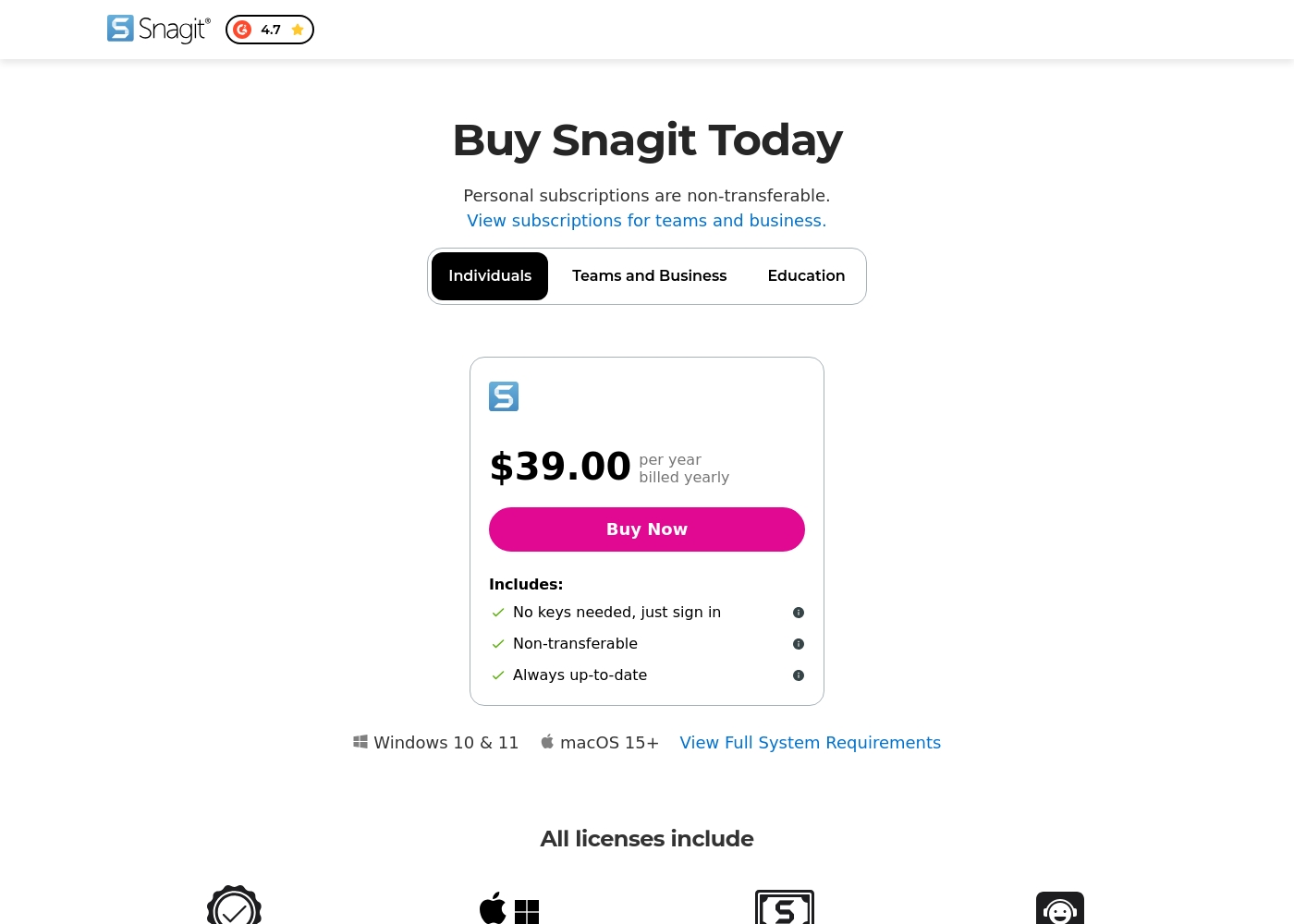
Snagit costs $39.00 per year with one explicitly priced plan visible: the Individuals subscription priced at $39.00 annually.
Here’s a deeper look at what is included in the available subscription options.
Individuals
Price: $39.00 per year, billed yearly Websites Supported: Not explicitly stated Best For: Personal use Refund Policy: 14-day money-back guarantee Other Features:
- No physical keys needed; unlock software via account sign-in
- Always up-to-date access to the latest features and versions
- Compatibility for both Mac and Windows systems
- Includes Snagit Certification and Live support
- No keys needed, just sign in
- Always up-to-date software and features
- Mac and Windows compatibility
- Snagit Certification
- Live support
Pricing Notes
- Komodo Decks offers unlimited screen recording and core AI features in its generous Free tier.
- Komodo Decks premium pricing is not publicly listed; users must contact sales for details on 4K export and Custom Branding Pro.
- Snagit’s Individual plan costs $39.00 annually and is strictly non-transferable, frustrating users who switch devices.
- Snagit enforces a mandatory annual subscription, removing previous perpetual license options.
- Both Komodo Decks and Snagit offer a way to try before you commit, with Komodo Decks offering a permanent Free tier.
Pricing Head-to-Head
User Reviews
Reviewers consistently recognize Snagit as an industry-standard tool. Users frequently praise the software's deep feature set, clarity, and ease of use, noting that it is much faster and simpler than comparable, more complex alternatives. Long-time customers, however, express significant frustration over the shift from perpetual licenses to a mandatory annual subscription model. This change is seen as an unnecessary profit driver that introduces considerable overhead, especially for professionals needing to switch between multiple devices.
The new licensing structure strictly limits individual subscriptions to one sign-in at a time, requiring users to repeatedly sign out and sign in, or forcing expensive upgrades to the 'Teams' tier for flexible access. Customer support also receives mixed reviews; while many customers report positive experiences, noting quick fixes and responsive staff within 24 hours (sometimes via live chat), others complain about unhelpful service, lack of follow-up, and receiving generic, automated-sounding answers. Despite these operational headaches, the general consensus remains that Snagit is an awesome, essential piece of software that many users 'can't live without.' 🤩
This is a great product. It's dramatically simpler than comparable capture tools like those from Adobe, yet it has a deep feature set. We use the product for complex projects all the time and love the functionality.
Our Verdict
Choosing between Snagit and Komodo Decks is deciding between manual excellence and AI automation. If you need the fastest tool for visuals and annotation, Snagit is your winner. If you need a documentation engine that dramatically reduces manual work, pick Komodo Decks. Komodo Decks' superpower is its powerful automation engine and zero barrier to entry. Its AI turns complex processes into professional SOPs automatically in minutes. Plus, the unlimited free recording and AI meeting notes features are phenomenal value. Snagit excels at being the best snipping tool available today. It provides unmatched speed and clarity for capturing images and adding critical markups. Many users consider Snagit an essential daily productivity tool they simply cannot live without. The deciding factor is your team’s pain point: speed for personal communication, or efficiency for scaled documentation. Komodo Decks builds an intelligent library; Snagit focuses only on immediate visual output clarity. If you generate detailed operational guides daily, Komodo Decks saves massive labor hours. If you spend $39.00 annually and only need the highest quality screenshot/annotation tool, Snagit remains the industry king.
Frequently Asked Questions
Which tool is better for creating step-by-step Standard Operating Procedures (SOPs)?
Komodo Decks is significantly better for creating SOPs due to its powerful AI module. It automatically tracks actions, slices steps, and writes the instructional text for you. Snagit requires you to manually transcribe and organize all documentation after recording the video.
Is Snagit worth the annual cost compared to using Komodo Decks’ free plan?
If you prioritize deep image annotation and rapid screenshot capture, Snagit is worth the $39.00 annual cost. Komodo Decks offers great value with free access to its core AI and unlimited recording. Your wallet might prefer Komodo Decks, but your workflow might better suit Snagit’s capture speed.
Does Komodo Decks have native desktop apps like Snagit?
Yes, Komodo Decks offers optimized native desktop apps for both Windows and Mac users. Snagit is also famed for its excellent, consistent experience across both operating systems. Both tools provide strong cross-platform recording capabilities.
Can I use Komodo Decks to automate meeting notes and action items?
Yes, Komodo Decks excels here with its integrated AI meeting recorder and notetaker. It generates summaries and crucial action items automatically after the call. Snagit offers general recording but lacks this critical post-meeting AI automation feature.
Which tool offers unlimited screen recording length?
Komodo Decks guarantees truly unlimited screen recording length, even in its free tier. This is ideal for documenting long, complex processes. Snagit's limits are not explicitly stated, but it focuses on demonstrating shorter actions.
I need to give constant visual feedback; which tool is faster?
Snagit is likely faster for constant visual feedback due to its focus as the best snipping tool. It’s designed for rapid capture and detailed annotation of images for clarity. Komodo Decks’ overhead is geared toward video documentation and long-form guide creation.
Ready to Choose?
Both tools have their strengths. Choose based on your specific needs.