Hoverwatch vs Norton Family
Hoverwatch and Norton Family target two very distinct monitoring styles. Hoverwatch provides deep and invisible oversight, primarily focused on the Android platform. Norton Family offers robust, structured parental controls across all major mobile and PC platforms. One is stealthy; the other focuses on guided boundaries and time management.
Best for: Advanced users requiring completely invisible Android device monitoring., Individuals needing deep communication logs (texts, calls, media attachments).
Best for: Parents seeking structured time limits and healthy digital habit management., Families needing cross-platform control across Windows, Android, and iOS devices.
Pros
Cons
Trusted Security Engine for Family Safety
We find Norton Family offers a powerful and mature set of parental control tools, utilizing Norton’s decades of security expertise. It excels at balancing screen time management with web safety and providing crucial location supervision. Overall, this is a highly reliable security package for families seeking broad digital management features within a trusted ecosystem.
Pros
- Built on a robust, proven, and highly reliable security platform.
- Comprehensive features including screen time limits, location tracking, and content filtering.
- Dedicated ‘School Time’ feature helps minimize remote learning distractions.
- Manageable via an easy-to-use Parent Portal and mobile app.
Cons
- Renewal costs are significantly higher than the introductory promotional price.
- Customer loyalty does not appear to be rewarded in the pricing structure.
- General Norton users sometimes report being overwhelmed by notifications.
- Little specific external feedback is available on the dedicated Family product features.
AboutHoverwatch
Hoverwatch is a monitoring application for Android devices. 💡 It’s designed for parents who want to ensure their children’s safety, and for employers managing company devices. The software runs quietly in the background, tracking activity without disrupting the user. It works by recording data from the device itself.
AboutNorton Family
Norton Family is a comprehensive toolset designed to give parents awareness and control over their children’s digital interactions. It focuses on facilitating positive and age-appropriate experiences with technology. Parents can manage protection for their child's devices using an easy-to-use Web Portal or a mobile app 📱. The core mission is to help children learn responsible, healthy methods for exploring the internet.
Highlights
Feature Comparison
Features Overview
We highlight the main differences and pick a winner for each feature.
Device Visibility & Stealth
Hoverwatch is completely invisible, while Norton Family is a visible, transparent guidance tool.
Hoverwatch is specifically designed to remain completely invisible on the target device. This ensures discreet monitoring for maximum insight into device activity. Norton Family emphasizes transparent parental oversight and promotes guidance over secrecy. Children know Norton Family is installed and understand the digital boundaries in place. Hoverwatch is superior if absolute stealth is your primary requirement for monitoring Android devices. If setting open, guided rules is the goal, Norton Family’s approach works better.
Time & Usage Management
Norton Family offers excellent active controls like limits and schedules; Hoverwatch only passively logs time.
Norton Family excels using Time Supervision to set strict schedules and daily time limits across platforms. It includes a specific School Time mode to limit distractions during remote learning hours. Hoverwatch logs comprehensive activity data, but it offers no active control features or scheduling mechanisms. You cannot remotely pause or restrict device access using any Hoverwatch features. Use Norton Family if you must actively enforce screen limits or instantly lock the device for homework time.
Platform Coverage
Norton Family offers robust iOS control; Hoverwatch supports Mac installations but lacks strong iOS features.
Hoverwatch supports installation on Android, Windows PC, and Mac computers. Norton Family supports installation on Windows PC, Android, and iOS devices. If you need robust parental controls for an iPhone or iPad, Norton Family is the essential choice. Hoverwatch is often noted for deep Android capabilities, but it does support Mac installation, while Norton Family does not. Most parents will find Norton Family’s mobile support more crucial for comprehensive family coverage.
Communication Logging
Hoverwatch captures texts/calls directly; Norton Family focuses on supervising searches and videos.
Hoverwatch logs text messages, call history, media attachments, and detailed messenger app data. This offers a deep, granular view into direct communications. Norton Family uses general content filtering and reports on search terms and videos viewed. It doesn't capture direct messaging logs the same way Hoverwatch does. Choose Hoverwatch for comprehensive communication oversight and Norton Family for content blocking and web safety guidance.
Location & Boundaries
Norton Family offers geo-fencing and active alerts; Hoverwatch only provides basic location tracking history.
Hoverwatch uses GPS, Wi-Fi, and cellular data to track and report the device's location awareness. Norton Family maps device location with a strong 30-day history and includes Favorite Locations features. Favorite Locations allows parents to set geofences and receive arrival or departure alerts. Norton Family also has an 'Alert Me' feature for automatic updates, giving richer, boundary-based functionality. For proactive safety alerts and geofencing, Norton Family is superior.
Unique Features
Hoverwatch captures camera unlock photos; Norton Family manages app installations and remote locks.
Hoverwatch uniquely captures a quick front-camera photo when the monitored device screen is unlocked. It is also the only tool here that notifies you if the SIM card is changed in the device. Norton Family offers Instant Lock to pause device usage and App Supervision for managing downloads. These distinctions reflect a fundamental difference in monitoring philosophy. Both tools offer highly valuable yet specific unique features.
Hoverwatch pricing: Plans from $0/month Plans range: $0–$499.95/month Billing options: Monthly subscription

Norton Family costs S$29.99 per year for the first year. It is offered as a single standalone annual subscription at S$29.99.
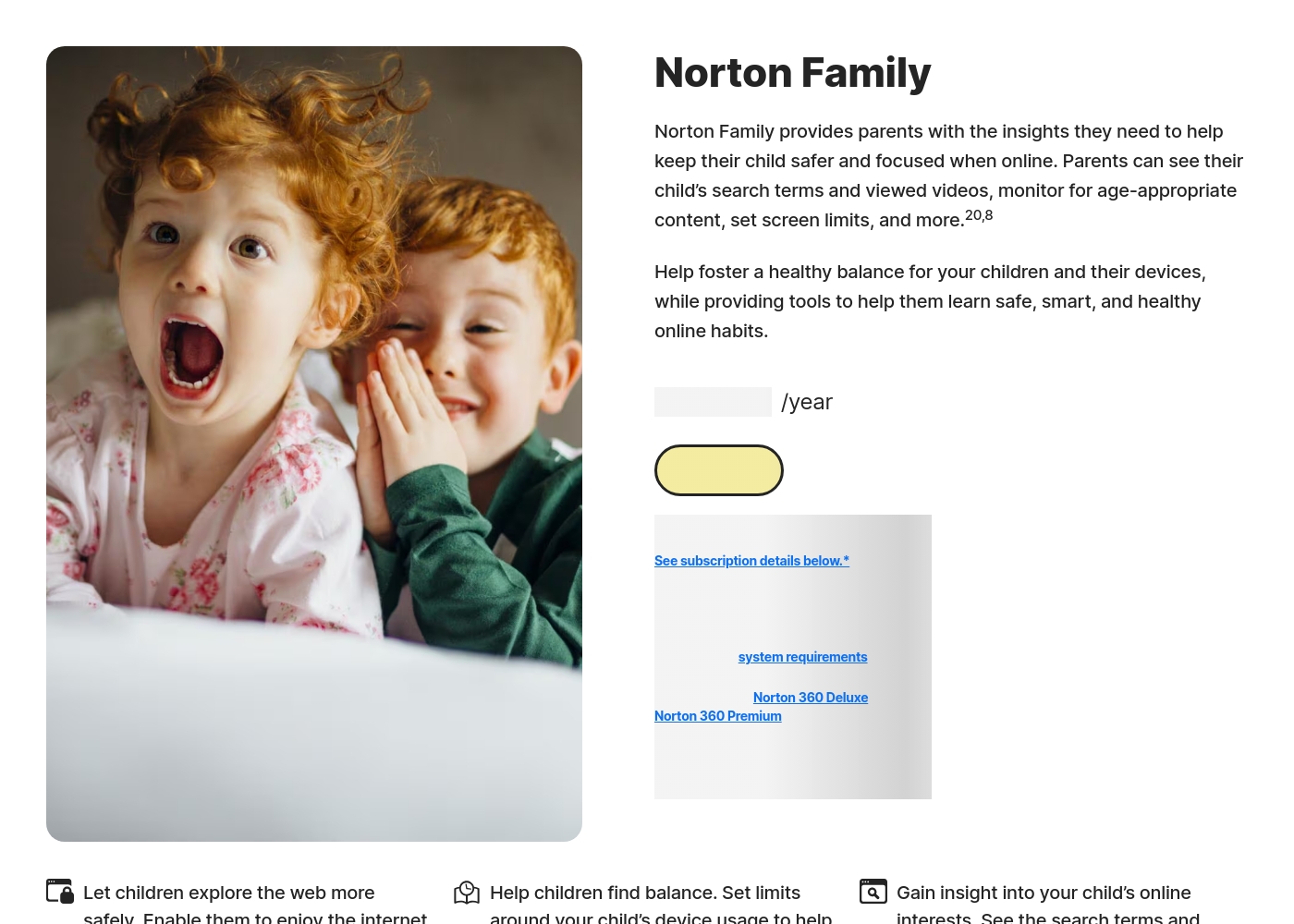
Norton Family is designed to help parents foster healthy online habits for their children.
Norton Family (1 Year Subscription)
Price: S$29.99 per year (introductory price) Best For: Parents seeking dedicated tools to help children balance screen time Refund Policy: 60-day money-back guarantee (for annual subscriptions) Other Features:
- Set time limits for device use (Time Supervision).
- See terms children are searching for (Search Supervision).
- Monitor videos viewed on YouTube.com (Video Supervision).
- Set up a block list for distracting sites during remote learning (School Time).
- Use Location Supervision to map mobile devices.
- Web Supervision (blocking unsuitable content)
- Time Supervision (setting device limits)
- Search Supervision (seeing terms children search)
- Video Supervision (monitoring YouTube videos)
- App Supervision (managing downloaded apps)
Pricing Notes
- Hoverwatch pricing is monthly subscription based, scaling aggressively depending on the device count required.
- Norton Family offers monthly and yearly options and is often included with expansive Norton 360 security bundles.
- Norton Family’s introductory annual pricing (e.g., $49.99/year) may be significantly lower than the renewal MSRP pricing.
- Hoverwatch explicitly limits monitoring to a maximum of 5 devices, while Norton Family offers much greater scalability via bundles.
- Norton Family offers a clearer free trial option, which is not transparently advertised or detailed by Hoverwatch.
Pricing Head-to-Head
User Reviews
Reviewers overwhelmingly praise Norton’s broader security ecosystem, which includes Norton Family. Customers consistently highlight the robust protection provided, confirming that the software ensures their devices are safe from threats and malware.
Consumers often mention the peace of mind they gain from the software operating efficiently in the background, offering prompt alerts and regular scans. The user experience is generally considered easy, even for non-tech-savvy users, and the comprehensive bundles (including VPN and Identity Theft services) are highly valued.
I have been using Norton since its very beginning and have never had protection issues. I have examined others and there is simply no comparison to Norton's performance and protection.
Our Verdict
This comparison boils down to total stealth versus active family safety controls. If complete secrecy is your priority, Hoverwatch wins immediately. If you need functional limits for kids, Norton Family is the better, more comprehensive package. Hoverwatch’s superpower is its completely invisible Android experience and deep logging capabilities. It captures hidden details like front-camera unlock photos and exact communication logs. Hoverwatch gives you granular access to texts, calls, and media across up to five devices silently. It’s ideal for the user needing maximum discretion and raw activity data. Norton Family is built to manage digital boundaries across every major platform, including iOS. It features powerful Time Supervision and the unique School Time mode for focused learning. Norton Family allows parents to set geofences and instantly pause device use remotely with Instant Lock. Unlike Hoverwatch, Norton Family bundles security and structured, comprehensive reporting. The key deciding factor is the ability to enforce rules. Hoverwatch offers unparalleled stealth monitoring but cannot set time limits or schedules. Norton Family forgoes stealth for highly effective time limits and robust content filtering. If you need to stop screen time at 9 PM on an iPad, you must rely on Norton Family. Choose Hoverwatch if your sole requirement is silent, deep logging on Android devices. Go with Norton Family if you manage school-age kids and require time limits, site blocking, and iOS support. Norton Family is the clear operational winner for modern, structured parental guidance.
Frequently Asked Questions
Which is better for completely hidden monitoring: Hoverwatch or Norton Family?
Hoverwatch is designed to be completely invisible on the target Android device. Norton Family operates transparently and visibly for children. If you must have stealth monitoring, Hoverwatch is the correct tool.
Can Hoverwatch monitor iOS devices like Norton Family?
No, Hoverwatch does not support installation or effective monitoring on iOS devices. Norton Family supports robust parental controls on Windows, Android, and crucial iOS devices. For iPhone or iPad oversight, you must choose Norton Family.
Does Norton Family have active device controls or time limits?
Yes, Norton Family excels in this area with Time Supervision features and schedules. You can set time limits and instantly lock devices for focus using the Norton Family Parent Portal. Hoverwatch only passively records activity.
Which tool provides better data on text messages and call logs?
Hoverwatch offers superior, granular logging of raw communication data. It captures exact text messages, call history, and attached media files. Norton Family focuses on search and video supervision rather than direct communication logs.
How do the price ranges of Hoverwatch and Norton Family compare?
Hoverwatch uses monthly plans, with high costs for monitoring up to five devices. Norton Family offers competitive yearly plans, often bundled with Norton 360 security. Norton Family offers better perceived value but watch out for higher renewal pricing.
Can I set geographical boundaries or alerts using Hoverwatch or Norton Family?
Norton Family allows you to set Favorite Locations and receive alerts when the device arrives or leaves. Hoverwatch provides location history via GPS, but it lacks the geofencing and active boundary management features of Norton Family.
Ready to Choose?
Both tools have their strengths. Choose based on your specific needs.