Google Slides vs Keynote
People often pit Google Slides' universal cloud power against Keynote's design elegance. Google Slides wins on accessibility and real-time team collaboration speed. Keynote offers a more refined presentation experience, especially within the Apple ecosystem. We break down the key differences to help you choose the right tool.
Best for: Remote teams needing instant, live co-editing across continents, Organizations requiring consistent domain templates (premium users)
Best for: Mac and iOS power users relying on Apple device continuity, Presenters needing dedicated, separate presenter notes during virtual meetings
Stellar collaboration, challenging ecosystem.
We find Google Slides an exceptional tool for real-time collaboration, offering universal access and effortless integration across devices, making presentation creation highly efficient. However, reports detail that paying for premium features means entering the Google Workspace ecosystem, which is plagued by catastrophic billing complexity, non-existent support, and difficult account management on the administrative side. Overall, it's a stellar free application compromised by frustrating administrative overhead in its paid tiers.
Pros
- Free core access for anyone with a Google Account.
- Seamless, live co-editing makes real-time collaboration highly efficient.
- Works universally across all device types (desktop, mobile, tablet).
- Compatibility allows easy importing of PowerPoint and Canva files.
Cons
- Premium presentation features require a paid Google Workspace subscription.
- Paid Workspace users report severe, recurring billing and double-charging issues.
- Customer support for Workspace is frequently described as useless or non-existent.
- Difficult cancellation processes and high administrative fees for paid plans are reported.
Pros
Cons
AboutGoogle Slides
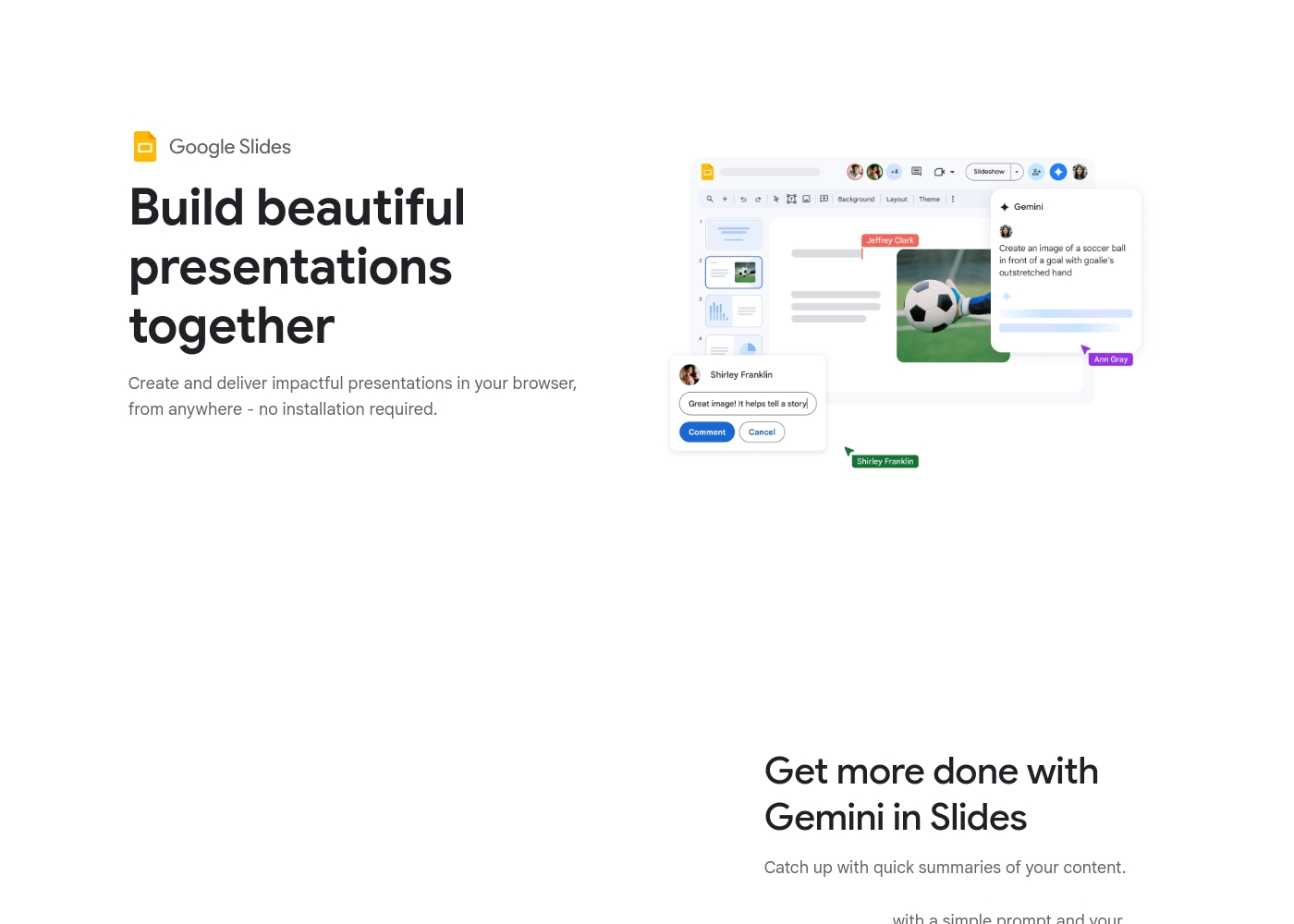
Google Slides is a powerful tool designed to help you create and deliver polished presentations. It operates right in your browser, letting you work from anywhere without needing special software installs. This flexibility extends to mobile devices, as you can view, present, or collaborate on slides using your phone or tablet. Anyone with a Google Account can start creating today.
The platform comes packed with high-quality, pre-designed templates, including different layouts, colors, and fonts. For organizations, it offers premium features like domain templates to ensure consistency across the whole company. You can easily liven up your work with videos, smooth transitions, and even playful GIFs and stickers. 💡
AboutKeynote
Highlights
Feature Comparison
Features Overview
We highlight the main differences and pick a winner for each feature.
Collaboration & Co-editing
Google Slides excels at immediate, live co-editing for large teams. Keynote offers strong sharing features across device types.
Google Slides provides true real-time co-editing for multiple users simultaneously. Users can track co-editors instantly using live pointers and simple sharing controls in Google Slides. Keynote supports strong collaborative functionality across different platforms. Keynote allows editing and sharing via the Keynote for iCloud web browser interface. The primary difference is Google Slides' focus on synchronous, immediate teamwork. Keynote emphasizes smooth sharing and cross-platform accessibility via the web. Choose Google Slides for projects demanding high collaboration velocity and instant sync.
Accessibility & Platform
Google Slides is universal, working from any browser or platform. Keynote excels within the Apple ecosystem but offers web access.
Google Slides requires no software installation; it works entirely in your browser. Users get universal access on desktop, mobile, and tablet with Google Slides. Keynote is naturally integrated across Mac, iPad, and iPhone devices for consistency. Keynote for iCloud lets Windows and Linux users collaborate via a compatible web browser. If you live outside the Apple device sphere, Google Slides is the simpler entry point. Keynote is best if your entire workflow is Apple-based and you want native apps. Google Slides ensures everyone on any device can participate effortlessly.
Pricing Model Clarity
Google Slides has a clear free tier but opaque paid Workspace costs. Keynote’s pricing is completely undisclosed in the data.
Google Slides offers a functional core version that is completely free with any Google Account. Premium features in Google Slides require a paid Google Workspace subscription. Keynote’s specific pricing plan tiers and costs are not explicitly stated in the documentation. We do not know if Keynote is free, subscription-based, or included with hardware. Google Slides offers transparency regarding basic, zero-cost access. Keynote's financial model remains entirely unknown based on the provided data. This makes budgeting and financial planning much easier with Google Slides.
Offline Capability
Google Slides confirms offline work across many devices. Keynote's ability to create or edit offline is not specified.
Google Slides assures users they can access and edit presentations completely offline. This reliable feature works on both computer and mobile devices with Google Slides. Keynote's official documentation does not explicitly state offline editing capability. Working offline lets you maintain maximum productivity while commuting or traveling internationally. This core feature is a necessary capability for modern users demanding flexibility. Google Slides is the superior choice if you frequently work without reliable internet access.
Virtual Presenting Tools
Keynote offers dedicated notes separate from the main display on Mac. Google Slides integrates directly with Meet.
Keynote on Mac displays essential presenter notes and controls in a separate, dedicated window. This crucial feature helps the presenter stay focused during video conference calls. Google Slides can present directly from Google Meet for smoother delivery (Premium feature). Google Slides offers a speaker spotlight feature to place the video feed into the slide. Keynote's dedicated notes window is crucial for complex virtual presentations where timing matters. Google Slides emphasizes sharing and recording capabilities for asynchronous viewing needs. Keynote prioritizes the presenter's focus during the actual live presentation.
Compatibility & Import
Google Slides confirms easy import of PowerPoint and Canva files. Keynote’s compatibility with external files is not specified.
Google Slides allows users to import both Microsoft PowerPoint and Canva presentations easily. You can even edit the PowerPoint file directly without creating a separate Google Slides copy. Keynote’s ability to import or edit external presentation file formats is not detailed. This makes transitioning from legacy systems much simpler with Google Slides' confirmed support. If you frequently handle files from outside your ecosystem, Google Slides drastically reduces conversion friction. Google Slides is highly compatible with the diverse file formats used by the industry.
Customer Support
Both platforms are tied to large ecosystems with significantly reported customer support issues. Expect difficulty and high frustration levels.
Paid Google Slides users widely criticize the Workspace support as useless or non-existent in external reviews. Keynote users report massive frustration with Apple ecosystem support, citing long holds and zero follow-up. Reviews cite severe billing and difficult cancellation issues for both large systems. Both tools provide poor customer service post-purchase and struggle with administrative tasks. Users should plan for self-service solutions and community forums for basic help. Neither Google Slides nor Keynote is a clear winner in this critical operational area.
Design Polish
Keynote is built with powerful design controls for refinement. Google Slides provides robust templates for quick starts and branding consistency.
Keynote allows users to quickly select a professional theme and easily adjust the aspect ratio. Keynote provides robust design features without involving excessive complexity. Google Slides also offers an array of high-quality, pre-designed templates out of the box. Google Slides uses powerful premium domain templates for enforcing strict organizational branding. Keynote focuses more on individual design refinement and powerful graphical creation tools. Google Slides prioritizes large-scale template consistency for big teams. Keynote offers the better experience if deep visual customization is your primary goal.
Google Slides is available for free with a Google Account, but premium features require a Google Workspace plan.
While this page doesn't show exact dollar amounts, it clearly outlines three paths for accessing Google Slides features. Let’s explore which option might be the best for you.
Basic Access (via Google Account)
Price: Free with standard Google Account Best For: Individuals and casual collaboration Other Features:
- Create and deliver presentations in your browser
- Flexible collaboration with live editing and comments
- Import Microsoft PowerPoint or Canva presentations
- Co-editing functions
- Offline access on mobile
- Create and deliver impactful presentations
- Flexible collaboration with live editing and comments
- Import Microsoft PowerPoint or Canva presentations
- Co-editing functions
- Offline access via mobile/computer
- Includes core features
- Access to some premium features
- Potential access to Gemini A.I. via add-on
- Business-focused tools
- Includes all features
- Stay on brand with domain templates
- Meet directly in documents
- Present from Google Meet with controls
- Speaker spotlight and easy presentation recording
Pricing Notes
- Google Slides offers a fully functional core version free with any Google Account.
- Premium features in Google Slides require a paid Google Workspace account; pricing is not publicly listed.
- Keynote's pricing model, tiers, and costs are completely unknown based on the provided data.
- Users frequently report severe billing issues and difficult cancellation processes for both Google Workspace (Google Slides) and the general Apple ecosystem (Keynote).
Pricing Head-to-Head
User Reviews
User reviews for the Google Workspace platform, which hosts Google Slides, reveal significant operational concerns, often overshadowing the application's benefits. The dominant theme is the non-existent and unhelpful customer support.
Users repeatedly report hours wasted trying to resolve issues, describing the process as a 'dark web maze' where technicians either fail to read requests or provide circular instructions. A massive source of frustration is the challenging subscription and billing system.
Worst experience ever. It's impossible to cancel your subscription and there is virtually no support available for basic issues. Hands down the most annoying digital ordeal I have ever come across.
Our Verdict
For most modern teams, Google Slides is the marginal winner due to superior accessibility and collaboration features. Keynote is better if you prioritize design polish and live entirely within the Apple ecosystem. Both Google Slides and Keynote are powerful tools, but they appeal to very different user needs. Google Slides dominates in real-time teamwork and easy accessibility across all devices. It allows many users to edit presentations simultaneously using live co-editing and pointers. Google Slides works perfectly in any browser, keeping friction minimized for external partners. You also get a totally free feature-rich tier, a massive advantage over Keynote. Keynote offers a more refined and visually polished feel, strongly benefiting users invested in Apple hardware. Keynote provides superior tools for focused virtual presenting on Mac devices. This includes keeping essential presenter notes hidden from the audience in a separate window. Keynote focuses on powerful design control for effortless theme selection and visual appeal. The main factor is your team's device affinity and synchronous collaboration needs. If you require confirmed offline work and strong Microsoft compatibility, choose Google Slides. If you frequently present on a Mac and need integrated design tools, Keynote is the clearer, more native choice. Choose Google Slides if universality, cost, and immediate collaboration are your top priorities. Pick Keynote if you are an established Mac user demanding high design precision and polish. Be warned that customer support and billing are major pain points for both paid Google Slides and Keynote ecosystem users.
Frequently Asked Questions
Which is better for real-time remote collaboration: Google Slides or Keynote?
Google Slides is clearly superior for robust, real-time collaboration. It supports simultaneous co-editing and live pointers instantly in the browser. Keynote offers strong collaboration but relies on the Keynote for iCloud web access.
Can I easily import Microsoft PowerPoint files into Google Slides and Keynote?
Yes, Google Slides confirms direct import and editing of PowerPoint files without conversion. Keynote’s compatibility with external file types is not specified in the available data. Google Slides minimizes friction when working with legacy files.
Does Keynote work on Windows computers easily, like Google Slides?
Keynote can be used on Windows via Keynote for iCloud in a standard web browser. Google Slides works entirely within any web browser, making it natively cross-platform. Both tools now offer browser-based access for Windows users.
Which platform offers better presentation tools for video calls and virtual presenting?
Keynote is better for virtual presenting if you use a Mac computer. It allows you to use dedicated presenter notes separate from the main display. Google Slides integrates presentation controls when presenting directly from Google Meet.
Is there a completely free version of Google Slides available?
Yes, Google Slides provides a fully functional core version free for anyone with a Google Account. Keynote's specific pricing or free access options are not explicitly stated in the documentation. Google Slides is the transparently free option.
Which tool has clearer pricing information: Google Slides or Keynote?
Google Slides has clearer pricing and is confirmed to have a free tier available. Keynote's pricing structure, paid tiers, and costs are completely undisclosed in the available information. Google Slides offers better transparency on cost.
Ready to Choose?
Both tools have their strengths. Choose based on your specific needs.