FlexiSPY vs Norton Family
FlexiSPY and Norton Family are both monitoring tools, but they serve vastly different purposes. FlexiSPY offers total, often secret, device surveillance for hardcore monitoring needs. Norton Family provides balanced parental controls focusing on safety, limits, and easy reporting. Deciding depends entirely on your need for invasive detail versus boundary management and user experience.
Best for: Employers needing deep oversight and monitoring on company devices., Users requiring unique capabilities like live call interception and recording.
Best for: Parents seeking simple controls and setting healthy screen time boundaries., Families wanting transparent, affordable pricing and easy device management.
Unrivaled monitoring scope, high technical demands.
We recognize FlexiSPY provides extremely powerful, industry-leading monitoring features like call recording and ambient listening, which users find comprehensive compared to competitors. However, external feedback reveals significant concerns regarding product reliability and the responsiveness of customer service. Overall, FlexiSPY is unparalleled in capability but requires patience for technical troubleshooting.
Pros
- Industry-leading feature set, including unique call interception and VoIP recording capabilities.
- Reliable performance for core tracking features like keylogs and message logs.
- Company upholds its refund guarantee commitment efficiently, even on high-cost sales.
- Can be completely hidden, ensuring discreet monitoring.
Cons
- Customer service is frequently reported as unresponsive and ineffective by users.
- Core monitoring features (e.g., location, call recording) sometimes fail or capture data intermittently.
- Bugs require users to frequently uninstall and reinstall the software.
- Potential for the monitoring app to display visible alerts to the target user (e.g., casting messages).
Trusted Security Engine for Family Safety
We find Norton Family offers a powerful and mature set of parental control tools, utilizing Norton’s decades of security expertise. It excels at balancing screen time management with web safety and providing crucial location supervision. Overall, this is a highly reliable security package for families seeking broad digital management features within a trusted ecosystem.
Pros
- Built on a robust, proven, and highly reliable security platform.
- Comprehensive features including screen time limits, location tracking, and content filtering.
- Dedicated ‘School Time’ feature helps minimize remote learning distractions.
- Manageable via an easy-to-use Parent Portal and mobile app.
Cons
- Renewal costs are significantly higher than the introductory promotional price.
- Customer loyalty does not appear to be rewarded in the pricing structure.
- General Norton users sometimes report being overwhelmed by notifications.
- Little specific external feedback is available on the dedicated Family product features.
AboutFlexiSPY
FlexiSPY is monitoring software you install on a computer or mobile device. It’s the world's most powerful tool for tracking activity across phones, tablets, and computers.
FlexiSPY is essential for two main groups: parents and business managers. It serves as robust Parental Control Software for parents worried about their children's safety.
For businesses, it is critical Employee Monitoring Software to manage insider threats originating from company devices. This powerful program works seamlessly on Android, iOS, PC, and Mac devices.
AboutNorton Family
Norton Family is a comprehensive toolset designed to give parents awareness and control over their children’s digital interactions. It focuses on facilitating positive and age-appropriate experiences with technology. Parents can manage protection for their child's devices using an easy-to-use Web Portal or a mobile app 📱. The core mission is to help children learn responsible, healthy methods for exploring the internet.
Highlights
Feature Comparison
Features Overview
We highlight the main differences and pick a winner for each feature.
Monitoring Depth
FlexiSPY provides extreme, invisible surveillance capabilities. Norton Family focuses on manageable, clear parental oversight.
FlexiSPY offers industry-leading depth, including ambient recording and live phone call recording. You can read messages, keylogs, and capture VOIP calls using FlexiSPY's feature set. This level of comprehensive capture is unmatched by any competitor tool. Norton Family focuses on necessary parental controls and setting boundaries in a safe way. It tracks searches, watched videos, and visited websites without invasive audio capture. Norton Family prioritizes communication guidance over complete, hidden data harvesting.
Stealth & Secrecy
FlexiSPY is designed to operate 100% hidden from the user. Norton Family is visible, focusing on compliance.
FlexiSPY prides itself on being the only monitoring app that is completely hidden. This ensures your tracking efforts remain discreet and undetected by the device user. This stealth capability is essential for serious surveillance use cases. Norton Family is not an invisible spy tool; its presence is known, which helps guide behavior. Norton Family uses visibility combined with clear reporting to encourage better online habits. If total secrecy is mandatory, FlexiSPY is the clear winner here. Norton Family is best used when device users know they are being supervised.
Communication Capture
FlexiSPY records calls and ambient audio; Norton Family focuses on visual content tracking.
FlexiSPY captures communication across all formats, including SMS, emails, and deep Instant Messenger reading. Crucially, FlexiSPY records actual mobile and VOIP calls (Skype, LINE). It can even control the device microphone to listen to its physical surroundings remotely. Norton Family's communication monitoring is limited to the history of searches and videos watched over platforms like YouTube. Norton Family lacks any microphone access, call interception, or ambient recording features. For comprehensive audio and message retention, FlexiSPY is the powerful tool you need.
Time Management
Norton Family provides flexible screen time limits; FlexiSPY has no native time controls.
Norton Family excels at helping parents manage device usage with Time Supervision settings. You can set daily limits and specific schedules across Windows, Android, and iOS devices. Norton Family includes 'School Time' to block distractions during online learning hours. FlexiSPY is purely a data harvesting and surveillance tool and offers no functionality for setting limits. FlexiSPY reports usage but cannot enforce healthy device boundaries remotely. If limiting screen time is essential for your children, Norton Family is the necessary choice.
Installation Experience
Norton Family is straightforward to set up; FlexiSPY is complex and often requires assistance.
Norton Family setup is simple and uses standard interfaces across mobile and Windows platforms. Users report a smooth, intuitive process to install and begin monitoring via the Parent Portal. FlexiSPY installation can be highly complex and non-intuitive, particularly on certain operating systems. FlexiSPY offers an optional 'No Hassle Remote Installation Service' at an extra cost to manage this complexity. FlexiSPY’s reliance on paid assistance highlights its steeper learning curve compared to Norton Family.
Device Compatibility
FlexiSPY supports Mac computers; Norton Family only handles Windows and mobile devices.
FlexiSPY offers robust monitoring software for all major platforms: Android, iOS, Windows PC, and Mac. The FlexiSPY Laptop Locator feature works specifically for tracking Windows devices. Norton Family supports Android, iOS, and Windows PCs, but critically, it does not support Mac monitoring. If you need to monitor an Apple computer, you must select FlexiSPY. Both FlexiSPY and Norton Family offer dedicated Parent mobile viewer apps.
Pricing Transparency
Norton Family is transparent and affordable; FlexiSPY pricing is hidden and likely much higher.
Norton Family features transparent pricing, including a low introductory rate and clear renewal costs. It is often bundled with Norton 360, adding significant value. FlexiSPY’s pricing structure is deliberately hidden until you select the exact device platform you want to monitor. This suggests a higher-priced, premium product with fewer options for comparison upfront. Norton Family represents significantly better initial value and financial transparency for families.
Customer Support
Norton Family support is reliable; FlexiSPY support is frequently described as terrible by users.
Norton Family benefits from the established, large-scale support structure of Norton. Users generally find support adequate for setup and basic troubleshooting questions. FlexiSPY receives heavy, consistent criticism regarding its support quality and responsiveness. Users claim that technical troubleshooting is frustrating and support is often non-existent. When the advanced features of FlexiSPY inevitably cause bugs, getting help is extremely difficult.
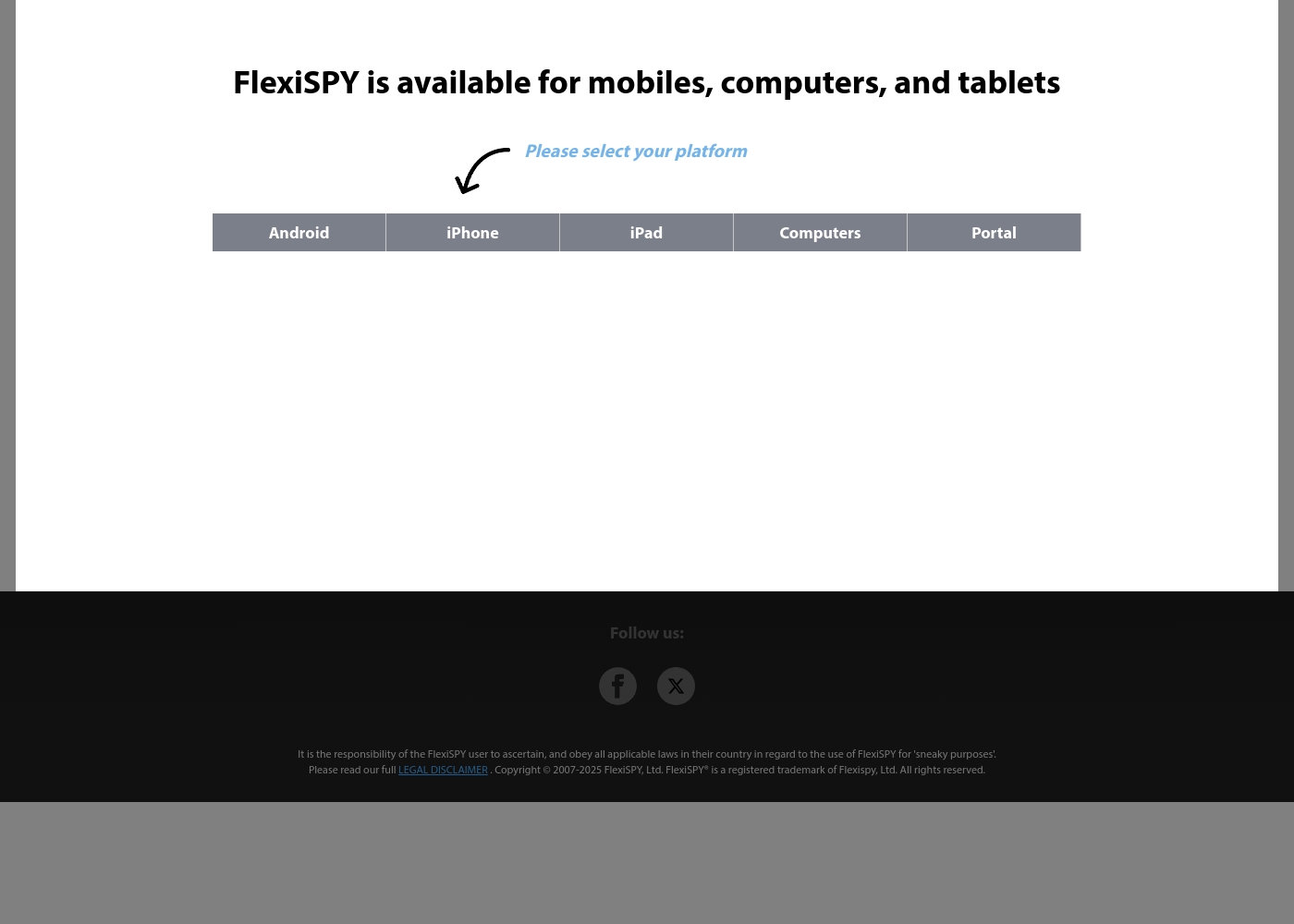
We know FlexiSPY offers powerful monitoring tools, but you need to choose your device type first to see the subscription options. Pricing dynamically changes depending on whether you monitor an Android phone, iPhone, iPad, or computer. Since the exact subscription tiers are hidden until platform selection, we summarize the known details based on device type.
FlexiSPY Mobile Monitoring
Best For: Parental Control and staying informed about children's safety. Other Features:
- Monitor all digital and audio communications.
- Record and intercept real phone calls and VOIP calls like Skype.
- Track device locations accurately via GPS.
- Access and download pictures and videos taken by the phone.
- Use the Free FlexiVIEW Mobile Viewer App for accessing data.
If you need detailed oversight for any smartphone or tablet, the mobile plans are the recommended choice. These options include unique capabilities like call interception and deep message monitoring across many chat apps. It's designed to be the most powerful monitoring software available for mobile platforms.
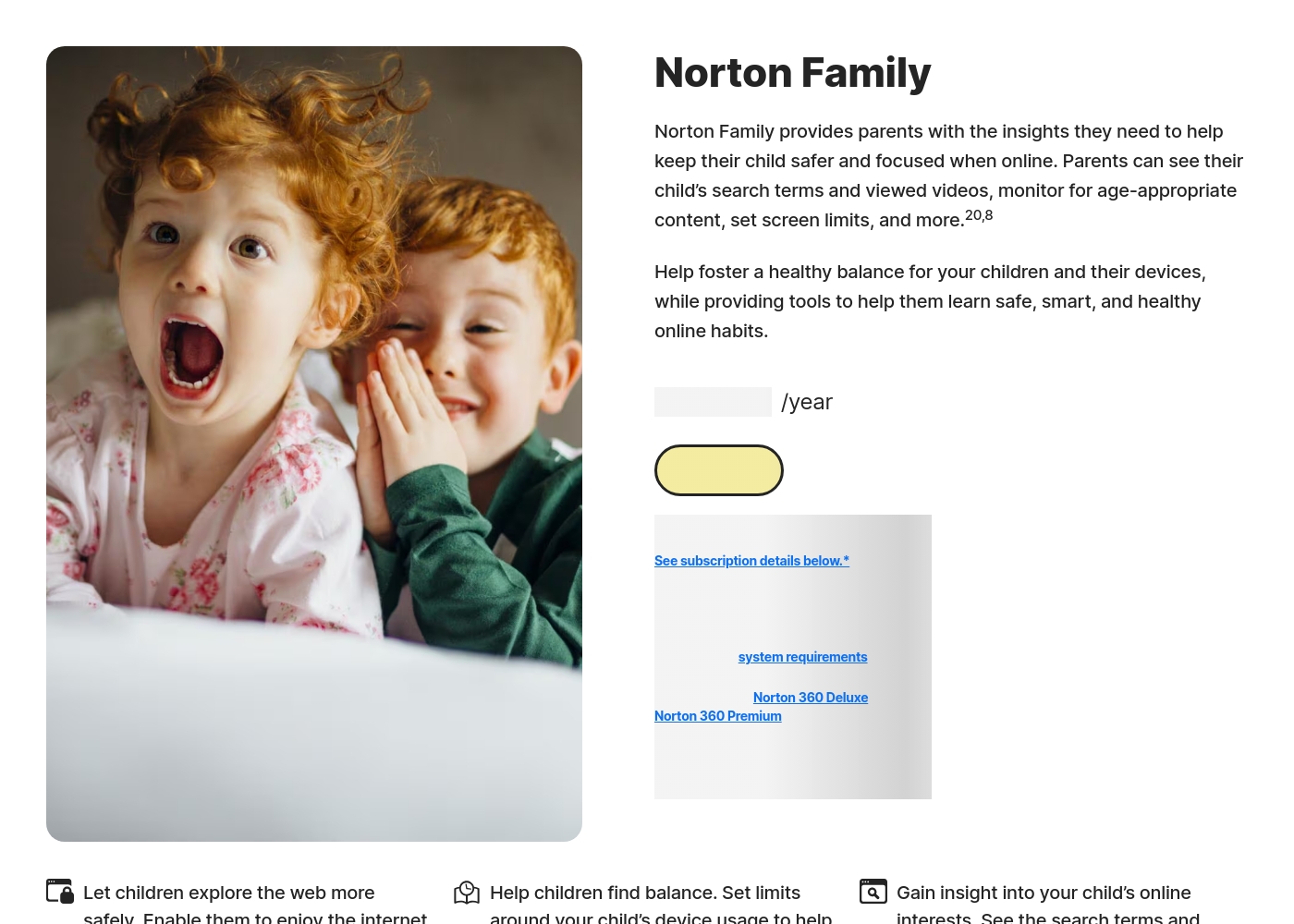
Norton Family costs S$29.99 per year for the first year. It is offered as a single standalone annual subscription at S$29.99.
Norton Family is designed to help parents foster healthy online habits for their children.
Norton Family (1 Year Subscription)
Price: S$29.99 per year (introductory price) Best For: Parents seeking dedicated tools to help children balance screen time Refund Policy: 60-day money-back guarantee (for annual subscriptions) Other Features:
- Set time limits for device use (Time Supervision).
- See terms children are searching for (Search Supervision).
- Monitor videos viewed on YouTube.com (Video Supervision).
- Set up a block list for distracting sites during remote learning (School Time).
- Use Location Supervision to map mobile devices.
- Web Supervision (blocking unsuitable content)
- Time Supervision (setting device limits)
- Search Supervision (seeing terms children search)
- Video Supervision (monitoring YouTube videos)
- App Supervision (managing downloaded apps)
Pricing Notes
- FlexiSPY keeps pricing hidden, requiring users to select their target platform (Android, Mac, etc.) first.
- FlexiSPY's advanced feature set implies a significantly higher cost than consumer-grade Norton Family.
- Norton Family is often included when purchasing Norton 360 security and anti-virus bundles.
- Norton Family advertises plans starting from $1/year, but standard annual renewals are higher.
- Norton Family offers a generous 60-day refund guarantee for annual subscriptions.
Pricing Head-to-Head
User Reviews
FlexiSPY holds a 3.3 TrustScore across over 200 reviews, indicating a heavily polarized user base. Long-term customers consistently praise the application's robust feature depth, calling it the most powerful monitoring tool available.
Users frequently report that the comprehensive suite—including keylogging, ambient recording, call/VoIP logging, and accurate location history—is well worth the cost and provides necessary peace of mind. However, the most severe and recurring negative criticism focuses on two areas: reliability and support.
I’ve been an Extreme customer for over 10 years and appreciate the feature updates. Keylogs, call recording, and ambient recording are invaluable tools. Their support engineers have always guided me through solving the occasional bug. I don't need to try any other program because FlexiSPY has everything I require and m
Reviewers overwhelmingly praise Norton’s broader security ecosystem, which includes Norton Family. Customers consistently highlight the robust protection provided, confirming that the software ensures their devices are safe from threats and malware.
Consumers often mention the peace of mind they gain from the software operating efficiently in the background, offering prompt alerts and regular scans. The user experience is generally considered easy, even for non-tech-savvy users, and the comprehensive bundles (including VPN and Identity Theft services) are highly valued.
I have been using Norton since its very beginning and have never had protection issues. I have examined others and there is simply no comparison to Norton's performance and protection.
Our Verdict
Choosing between FlexiSPY and Norton Family is really a choice between comprehensive spying and ethical supervision. If you need balance and safety controls, choose Norton Family immediately. FlexiSPY is the unrivaled power tool reserved for extreme surveillance needs. FlexiSPY's superpower is its invasive feature set and stealth operation. It’s the only tool that can record live phone calls and remotely control device microphones. FlexiSPY gives you total, 100% hidden oversight across mobile and computer devices, including Mac support. However, you must tolerate complexity and famously poor customer support from FlexiSPY. Norton Family shines brilliantly by making parental control simple and transparent for daily use. It helps you set healthy time limits and use School Time to reduce digital distractions. Norton Family reports are clear and focused on setting boundaries and guiding behavior safely. Norton Family also offers easy integration with Norton 360 security bundles immediately. The deciding factor is control versus conversation: hidden monitoring versus clear supervision. Do you absolutely require capturing every keystroke and VOIP call secretly? Pick FlexiSPY despite the high price. Do you want clear boundaries and easy reports for your child's device? Go with accessible Norton Family for peace of mind. Ultimately, Norton Family is the smarter choice for most families needing balance and ease of management. FlexiSPY is reserved for users who need unparalleled but technically demanding surveillance capabilities.
Frequently Asked Questions
Which is truly easier to install: FlexiSPY or Norton Family?
Norton Family is significantly easier to install, offering a smooth, intuitive setup process. FlexiSPY installation is complex and often requires technical skill to complete successfully. FlexiSPY offers a paid 'No Hassle Remote Installation Service' to manage its difficulty. For quick, stress-free setup, choose Norton Family.
Does FlexiSPY have screen time limits like Norton Family?
No, FlexiSPY is purely a data capture and surveillance tool with no timing controls. Norton Family excels in time management with 'Time Supervision' features. Norton Family lets you set limits and use 'School Time' to block distractions.
Which software offers better support for Mac computer monitoring?
FlexiSPY supports monitoring on Mac computers, while Norton Family does not offer Mac support. FlexiSPY can track location and usage on Mac devices. Norton Family is limited to Windows PCs alongside mobile devices (iOS/Android).
Can Norton Family record phone calls, like FlexiSPY claims?
No, Norton Family does not have any call interception or recording capabilities. FlexiSPY is unique in the market for its ability to record live standard phone calls and VOIP calls. Norton Family prioritizes web safety and time management over deep communication capture.
Which tool is more discreet and operates hidden in the background?
FlexiSPY is designed to be 100% hidden and provides discreet, undetectable monitoring. Norton Family is visible on the device, as it is designed for transparent parental supervision. If secrecy is your goal, FlexiSPY is the required tool.
Is Norton Family only for parents, or can businesses use it?
Norton Family is primarily designed and marketed as a parental control solution. FlexiSPY, due to its deep surveillance features, is better suited for businesses. Businesses often use FlexiSPY for employee device monitoring and insider threat management.
Ready to Choose?
Both tools have their strengths. Choose based on your specific needs.