Brave vs Firefox
Brave and Firefox are the dual champions of privacy-focused browsing. Brave focuses on aggressive tracking prevention for maximum speed and integrated Web3 tools. Firefox, backed by Mozilla, offers unmatched organizational features and deep customization. Both are excellent, but they serve different needs entirely.
Best for: Tech enthusiasts who want integrated Web3 tools, Users prioritizing raw browsing speed and efficiency
Best for: Students or researchers with complex tab management needs, Users who want deep customization via themes and styles
Unmatched Speed, Mixed Reliability.
We found Brave delivers on its core promise of superior speed and robust, built-in privacy protection, blocking trackers and ads better than competitors. However, the user experience is hampered by reports of random crashes, site loading failures, and difficulties managing certain optional features like translation and communication tools. Overall, Brave is an exceptional choice for privacy-focused power users, though its reliability needs improvement for mainstream adoption.
Pros
- Exceptionally fast browsing speeds (3x to 6x faster than competitors).
- Blocks all privacy-invasive ads, trackers, and popups by default.
- Built-in security shielding against tracking and fingerprinting.
- Includes feature-rich tools like Brave Search and the Leo AI assistant.
Cons
- Users report issues with random crashes, hanging, and site incompatibility (e.g., Gmail).
- Customer service is difficult or impossible to contact for support and refunds.
- Settings for advanced privacy features are not always easily controllable or visible.
- Unwanted crypto features are sometimes pushed or defaulted onto the user.
Privacy-Focused, But Performance Is Unstable.
We appreciate Firefox's singular focus on privacy, non-profit mission, and market-leading features like default tracker blocking and robust tab management. However, external feedback consistently highlights severe instability, reliability issues, and performance degradation following forced updates. Overall, Firefox presents a powerful feature set marred by a frustrating and often unreliable user experience.
Pros
- Free to use with no hidden costs or subscription fees.
- Developed by a non-profit organization focused on user privacy.
- Trackers and third-party cookies are blocked by default.
- Highly customizable through themes and powerful extensions like uBlock Origin.
Cons
- Frequent, mandatory updates often cause major performance issues.
- Users report loss of open tabs, sessions, settings, and themes after updates.
- Instability leads to frequent crashing and difficulty loading websites.
- Some critics challenge Mozilla’s corporate decisions and perceived political stance.
AboutBrave
Brave is a powerful browser designed for anyone who wants a less annoying and more private online experience. It's built on the reputable, open-source Chromium Web core, but with a crucial difference: it prioritizes the user over profits.
The makers of Brave Software Inc. are an independent, privately-held company. They exist to fight against Big Tech's poor privacy practices. This commitment means you get robust, built-in security that works right out of the box. No complicated setup or PhD is required. You're ready to browse securely immediately. ✅
AboutFirefox
Firefox is a unique browser designed to bring calm and control back to your online life. We think of it as "bubble wrap for your brain."
It was created in 2004 by Mozilla as a faster, more private, and customizable choice compared to older browsers. Importantly, Firefox is still a not-for-profit entity and is not owned by any billionaires. This browser is for anyone who wants a better, more ethical space to browse, research, and shop. You can even personalize the look with add-on themes, saying, "Bye, boring browser." ✅
Highlights
Feature Comparison
Features Overview
We highlight the main differences and pick a winner for each feature.
Performance & Speed
Brave prioritizes aggressive speed; Firefox provides automatic, reliable performance gains.
Brave loads websites 3x to 6x faster than standard browsers today. This speed comes from Brave blocking all ads, trackers, and cookie notices instantly. Blocking unwanted content saves significant data and reduces CPU load. Firefox also gains speed by automatically blocking most ad trackers in the background. Firefox improves performance without requiring users to change complicated settings. Brave makes a concrete performance promise that Firefox doesn't explicitly match. If milliseconds matter to your workflow, Brave’s built-in efficiency offers superior results.
Advanced Privacy Tools
Brave integrates more advanced, default privacy features out of the box.
Brave uses Shields to prevent active tracking and sophisticated fingerprinting attempts. Brave automatically enables Global Privacy Control (GPC) to stop data sharing. Firefox utilizes automatic tracker blocking and gives users a Protection Report to see what's screened. Firefox requires extensions for deep privacy customization. Brave’s GPC and fingerprinting protections are active immediately upon installation. Users who want immediate, maximum privacy without effort should choose Brave.
Organization & Focus
Firefox offers superior tools for content organization and distraction-free viewing.
Firefox features powerful multi-tasking tools like vertical tabs and tab groups. You can easily search and manage your massive library of open tabs. Brave lacks these advanced vertical tab and grouping features for organized research. Brave reduces distractions by blocking ads but offers fewer organizational aids. Managing digital clutter is a key strength for Firefox users, benefiting researchers and students. If you routinely juggle 20+ tabs for projects, Firefox keeps your workflow tidy.
Built-in Ecosystem
Brave integrates AI, search, and Web3 tools; Firefox relies on third-party extensions.
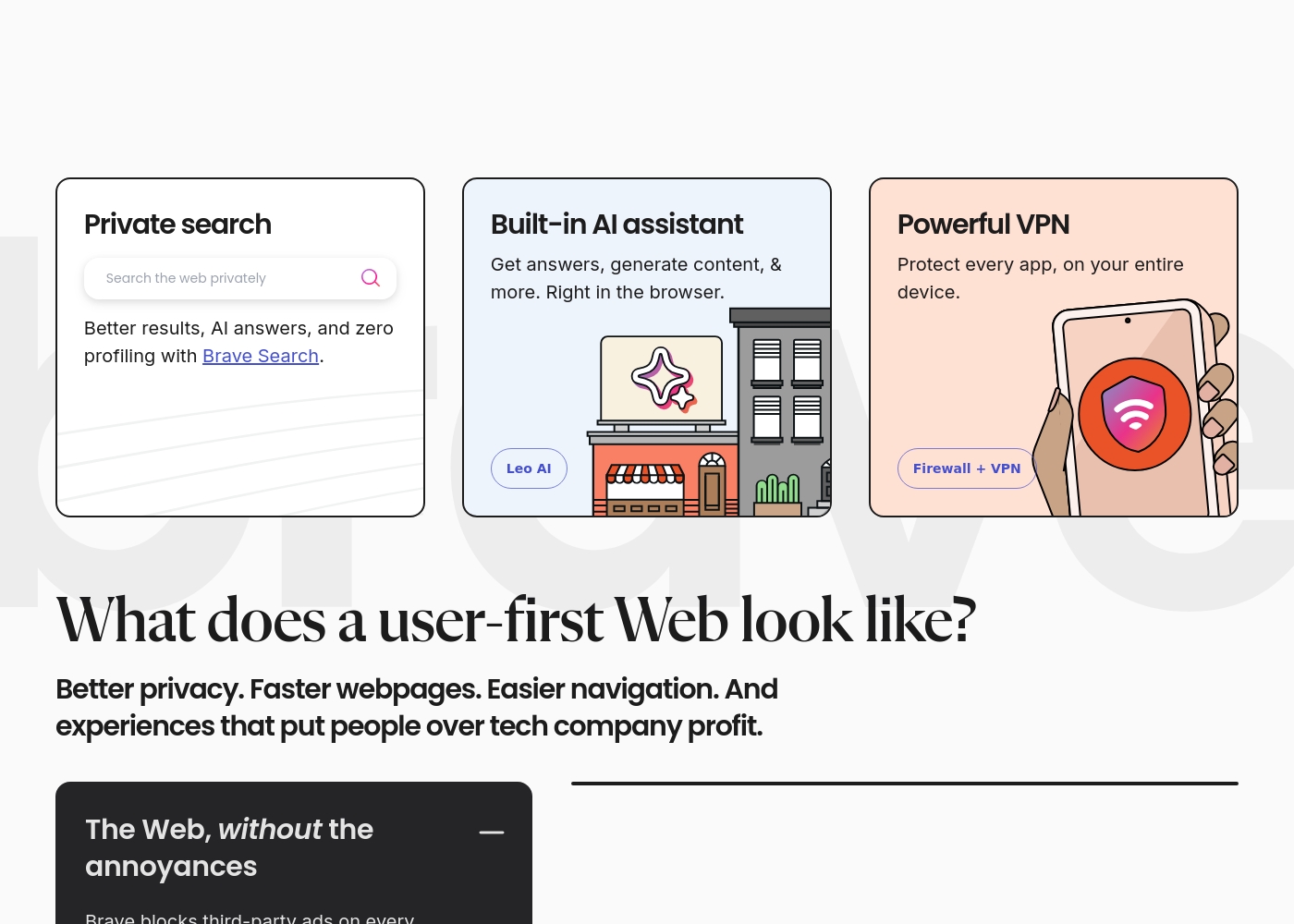
Brave includes Leo AI assistant and the private Brave Search engine, which performs zero profiling. Brave also has an integrated Wallet for managing crypto assets. Firefox requires users to find and vet third-party extensions for similar functionalities. Though Firefox has robust extensions, they are separate from the core product. Brave aims to be an all-in-one privacy and innovation hub, ready out of the box. For users interested in AI and the decentralized web, Brave offers clear, built-in advantages.
Monetization Model
Firefox is backed by a non-profit; Brave uses an optional user rewards system.
Firefox is developed by Mozilla, a not-for-profit committed to an open, accessible internet. Using Firefox directly supports this user-first mission. Brave is a for-profit entity offering an optional Rewards program using BAT tokens. Users can earn crypto rewards by viewing privacy-respecting ads. The Firefox model appeals strongly to users prioritizing ethical software development. Deciding factor: Do you prefer supporting a non-profit or earning optional crypto rewards?
Device Security
Brave offers an optional device-wide VPN; Firefox offers strong in-browser security only.
Brave provides an optional subscription for the Brave Firewall + VPN. This service secures and encrypts every connection, across the entire device. Firefox provides strong security within the browser shell through tracker and malware blocking. Firefox does not offer a first-party VPN service for device-wide security. Brave's subscription model extends serious security far beyond just the browsing window. One Brave VPN subscription covers up to five different devices conveniently.
Here are the details for how users access the features and the subscription options available.
Brave Browser (Standard)
Price: Free Best For: Everyday users seeking privacy, speed, and default security protection. Other Features:
- Blocks privacy-invasive ads and trackers automatically.
- Includes the high-performing Brave Search and Leo AI assistant.
- Websites load 3x-6x faster than other browsers.
- Built on the secure, open-source Chromium web core.
This is the simplest option for almost all users getting started with Brave. You can quickly download the browser for desktop or mobile and start browsing privately right away. Since it blocks third-party data storage and prevents tracking, you get a much safer and faster online experience at zero cost.
- Blocks privacy-invasive ads and trackers by default
- Includes Brave Search and Leo AI assistant
- Up to 3x-6x faster page loading speed
- Built-in security protection
- Available on all major desktop and mobile operating systems
- Protects every app on your entire device
- Encrypts every connection no matter where you are
- Subscription-based feature for enhanced communication
Firefox costs $0 per month with 1 plan: Firefox Browser at $0.
Since the Firefox browser is available as a free download, we can look at the features included in this core offering.
Firefox Browser
Price: $0 Best For: Users prioritizing privacy, customization, and non-profit development Other Features:
- Automatically blocks most ad trackers
- Privacy built-in; personal data is not sold
- Syncs history, tabs, and passwords across all your devices
- Supports customizable extensions and themes
- Includes powerful organization features like vertical tabs and reading mode
- Blocks ads and enhances privacy
- Customizable settings and extensions
- Multi-tasking features (reading mode, pop out videos, tab groups)
- Sync passwords, history, and tabs across all screens
- Trackers and 3rd party cookies blocked by default
Pricing Notes
- The core Brave browser and all key features (ad-blocking, AI, search) are completely free.
- Brave offers subscription enhancements like the Firewall + VPN and Talk Premium.
- Firefox operates on a completely free model; it is developed by Mozilla, a non-profit.
- There are no mandated costs for using Firefox's core functions or organizational tools.
Pricing Head-to-Head
User Reviews
External user sentiment for Brave is highly polarized, primarily collected on Trustpilot where the rating averages around 2.9 stars. Users consistently praise the core product's speed and efficiency, frequently noting that the browser is significantly faster and lighter than alternatives like Chrome.
The powerful ad-blocking feature is universally appreciated, enhancing the online experience and maximizing privacy. However, substantial reliability issues prevent a higher consensus rating.
I made the switch to Brave a good while ago and it’s been working pretty well. I don't care about the wallets or rewards; I just need a browser that works reliably. It is considerably lighter and faster than Google Chrome.
Trustpilot sentiment is overwhelmingly negative, averaging a “Poor” rating, primarily due to issues revolving around reliability and performance. Users frequently report that the browser becomes slow, struggles to load pages, and crashes, particularly following system updates.
These updates are mandatory and often lead to critical data loss, such as settings changing, themes being reset, and entire sessions or open tabs being erased without the ability to restore them. Reliability issues relating to basic functions—like restoring previous sessions or closing tabs—are major recurring complaints.
Firefox offers very good customization and is highly user friendly. I appreciate the powerful, secure extensions like NoScript and uBlock Origin that give me control over my browsing experience.
Our Verdict
Choosing between Brave and Firefox means deciding on your primary browsing focus. Both Brave and Firefox offer exceptional privacy that crushes corporate competitors. However, your daily habits determine the winner here. Brave’s superpower is performance and integrated innovation. Brave gives you maximum speed by blocking everything instantly out of the box. Users get a built-in AI assistant and zero-profiling private search included free. Firefox’s strength lies in user control and organization tools. Firefox allows deep customization with themes and robust tab management features. Remember, Firefox is also backed by a non-profit organization. The deciding factor is complexity: do you want ready-to-use speed or organization mastery? For crypto enthusiasts and speed demons, Brave is the clear path forward. If you manage 30+ tabs for research and love themes, Firefox will serve you better. Choose Brave for unmatched speed; choose Firefox for personalized control.
Frequently Asked Questions
Which browser is actually faster, Brave or Firefox?
Brave claims significantly better raw speed due to its aggressive content blocking. Brave loads websites up to 3x to 6x faster than its competitors. Firefox also improves speed by blocking trackers, but the speed gains are less quantified.
Does Firefox have a built-in AI assistant like Brave?
No, Firefox does not currently offer a native, built-in AI assistant like Brave’s Leo AI. Brave includes the Leo AI assistant completely free within the core browser experience. Firefox users rely on external extensions for AI functionality.
Which browser is operated by a non-profit organization?
Firefox is developed and maintained by Mozilla, a committed not-for-profit institution. Brave is developed by a for-profit company that offers an optional crypto based rewards program. Using Firefox supports a long-standing open-internet mission.
Can I get a full device VPN protection through Brave or Firefox?
Yes, Brave offers the option of a paid subscription for the Firewall + VPN service. This service secures your entire device, not just the browser. Firefox does not provide a first-party device VPN solution.
Which tool is better for organizing endless browser tabs?
Firefox is much better for organization and digital productivity. Firefox offers built-in vertical tabs, tab groups, and a dedicated Reading Mode. Brave currently lacks these advanced organizational features.
Is migrating my bookmarks to Brave or Firefox difficult?
No, moving your existing data to either browser is very easy. Brave and Firefox both have simple import tools to move favorites and settings quickly. You can be up and running on either browser in about 60 seconds.
Ready to Choose?
Both tools have their strengths. Choose based on your specific needs.