Bark vs Norton Family
This is a classic parental friction point: AI monitoring depth versus reliable, clear web control. Bark dives deep into social media content using advanced AI detection tools. Norton Family excels at simple web supervision and consistent time limits for focus. Here is how to decide which tool is right for your family.
Best for: Parents extremely concerned about social media risks (cyberbullying, self-harm)., Families prioritizing deep, text-based and visual content analysis using AI protection.
Best for: Existing Norton 360 users looking for bundled parental controls., Parents prioritizing structured time limits and reliable web filtering simplicity.
Comprehensive AI Safety For Modern Families
We find Bark offers an essential, modern solution for digital parenting, leveraging advanced AI to monitor threats without excessive surveillance. The platform provides comprehensive coverage across various devices and social media platforms, including tamper-proof device options. Overall, Bark delivers robust protection and specific, actionable guidance for handling complex online safety issues.
Pros
- AI monitors 30+ social media platforms for severe issues like self-harm and bullying.
- System focuses only on potential threats, preserving a child's general privacy.
- Comprehensive controls cover screen time management, app blocking, and GPS location tracking.
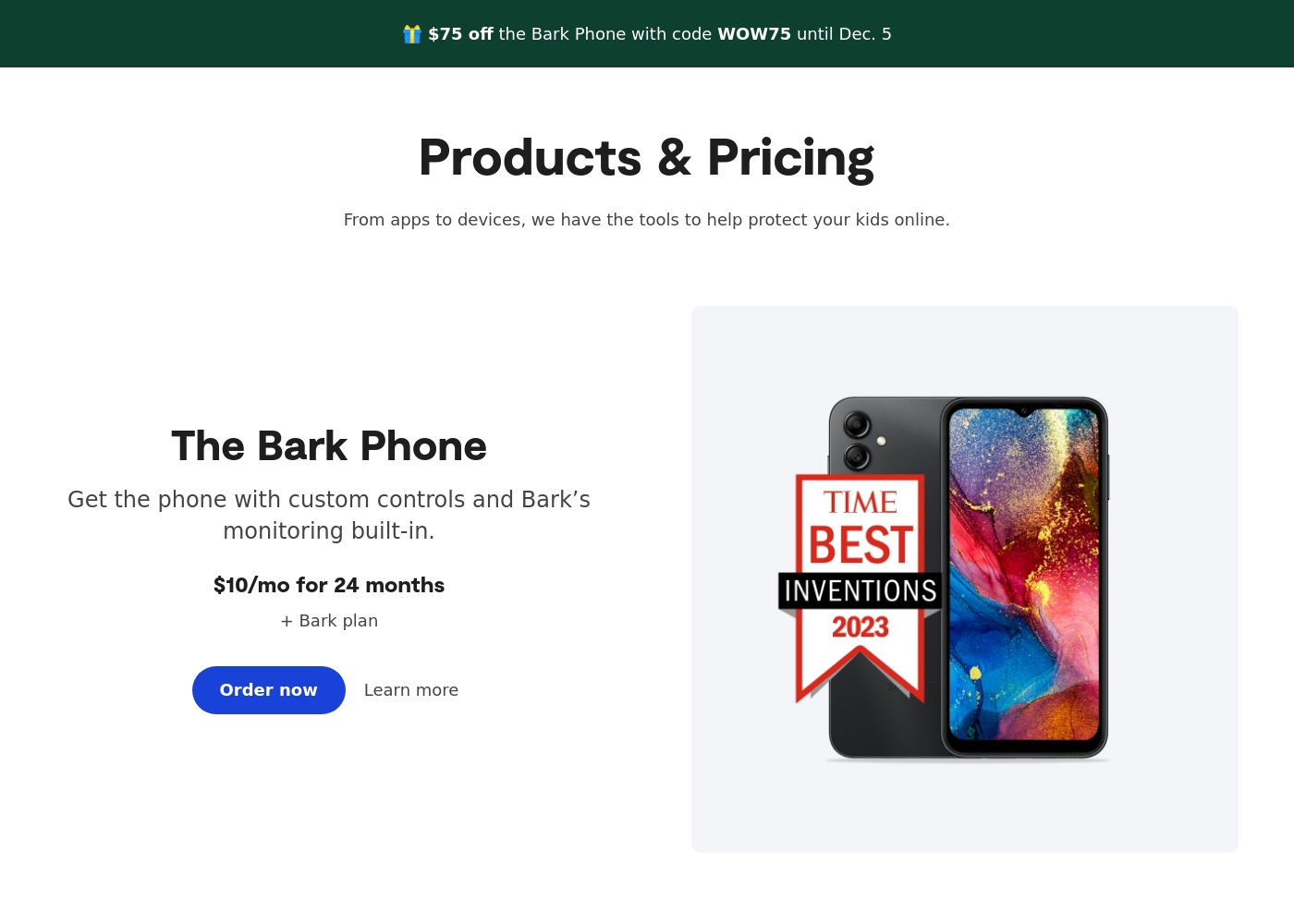
- Specialized options like the Bark Phone offer tamper-proof, built-in controls for a first device.
Cons
- Users have noted some complexity or inconsistency with the mobile app's user interface.
- The varied product line (App, Phone, Watch, Home) creates a complex overall pricing structure.
- The mandatory free trial registration requires a credit card and auto-enrolls into a paid subscription.
Trusted Security Engine for Family Safety
We find Norton Family offers a powerful and mature set of parental control tools, utilizing Norton’s decades of security expertise. It excels at balancing screen time management with web safety and providing crucial location supervision. Overall, this is a highly reliable security package for families seeking broad digital management features within a trusted ecosystem.
Pros
- Built on a robust, proven, and highly reliable security platform.
- Comprehensive features including screen time limits, location tracking, and content filtering.
- Dedicated ‘School Time’ feature helps minimize remote learning distractions.
- Manageable via an easy-to-use Parent Portal and mobile app.
Cons
- Renewal costs are significantly higher than the introductory promotional price.
- Customer loyalty does not appear to be rewarded in the pricing structure.
- General Norton users sometimes report being overwhelmed by notifications.
- Little specific external feedback is available on the dedicated Family product features.
AboutBark
Bark offers a comprehensive suite of digital safety tools designed for modern families. The system provides monitoring and parental controls across various device types, including phones, tablets, and home internet networks. Whether you need an optimized safety phone or just the software for existing devices, Bark offers solutions tailored to your needs. Their robust systems actively scan texts, emails, web browsers, and over 30 social media apps for concerning content. They have already covered 7.4 million children, indicating a strong commitment to digital protection. ✅
AboutNorton Family
Norton Family is a comprehensive toolset designed to give parents awareness and control over their children’s digital interactions. It focuses on facilitating positive and age-appropriate experiences with technology. Parents can manage protection for their child's devices using an easy-to-use Web Portal or a mobile app 📱. The core mission is to help children learn responsible, healthy methods for exploring the internet.
Highlights
Feature Comparison
Features Overview
We highlight the main differences and pick a winner for each feature.
Core Monitoring Depth
Bark uses AI to scan 30+ social platforms deeply; Norton Family focuses on searches and videos.
Bark delivers powerful alerts for cyberbullying and dangerous content across texts and apps. It scans images and videos using AI across 29 risk categories automatically. Norton Family gives essential visibility into children's search terms and viewed videos. It provides activity logs but lacks Bark's deep social media content analysis. If comprehensive content risk assessment is your goal, Bark is the clear technological leader here. Norton Family works best for monitoring general browser activity and simple search history.
Device Ecosystem
Bark offers dedicated hardware for ultimate security control. Norton Family uses software on existing devices.
Bark provides a full ecosystem, including the Bark Phone, Bark Watch, Bark App, and Bark Home. This multi-product approach ensures consistent, often tamper-proof, protection. Norton Family is software-based; it installs on your child’s existing Windows, Android, or iOS devices easily. Note that Norton Family does not support Mac OS installation on child devices. Bark clearly wins if you need a specialized, unified hardware/software safety ecosystem. Norton Family offers easier integration if you only use existing, standard family devices.
Screen Time Control
Both offer firm time limits; Norton Family specialized 'School Time' is unique to its platform.
Bark provides robust screen time management, allowing custom schedules and the ability to instantly pause the internet. This feature works across all connected Bark products and apps immediately. Norton Family uses Time Supervision for highly detailed daily and weekly schedules. It also includes a specialized 'School Time' feature to minimize distractions during class hours. Both are excellent for time management, but Norton Family’s dedicated focus on remote learning is a useful differentiator.
Reporting & Guidance
Bark sends expert recommendations with alerts. Norton Family delivers standard detailed activity log reports.
When Bark alerts you to an issue, it immediately includes personalized, expert recommendations for response. These insights help parents approach sensitive issues calmly and constructively. Norton Family sends monthly or weekly summary reports in addition to email alerts for blocked activity. These reports detail history, videos watched, and sites visited over time. While Norton Family reports are factual, Bark's system is far better designed to facilitate meaningful parent-child dialogues.
Ease of Setup
Norton Family setup is simpler on existing devices. Bark setup varies depending on the hardware chosen.
User reviews praise Norton Family for its straightforward installation process on Windows, Android, and iOS devices. Management via the Parent Portal is intuitive and quick to grasp. Bark’s setup can be more involved, especially when integrating iOS devices or pairing Bark Home/Bark Watch hardware. The unified safety net of Bark is powerful, but it requires more initial setup effort. Pick Norton Family for hassle-free installation on common family devices.
Value Proposition
Norton Family offers superior bundled value. Bark provides unlimited coverage but is standalone software.
Norton Family is included at no extra software cost if you purchase Norton 360 Deluxe or Premium. This integration provides immense value for families using Norton security products already. Bark requires a distinct subscription cost, although one plan covers all children and devices. While Bark provides unlimited coverage, the bundled offering of Norton Family cannot be beaten on inherent value. However, Bark’s price reflects deeper feature capability.
Bark costs between $49 and $99 per year, offering two main app subscription plans: Bark Jr at $49/year and Bark Premium at $99/year. Bark also offers devices like the Bark Watch and Bark Phone in device installment plans.
You can protect your family with Bark's powerful monitoring and parental controls through several options tailored to your needs. Note that the prices listed below for the App plans reflect the software subscription cost only.
Bark Jr
Price: $5/month or $49/year Websites Supported: Unlimited devices & accounts Best For: Families focused on basic control and location tracking Other Features:
- Gain control over screen time
- Block unwanted websites and apps
- Filter inappropriate content
- Track your child's whereabouts with live GPS
- Gain control over screen time
- Block unwanted websites and apps
- Filter inappropriate content
- Track your child's whereabouts with live GPS, location alerts, and check-in features
- Covers every child and device in the family
- Monitor and receive alerts for social media, phones, tablets, and computers
- Manage screen time
- Block specific websites and apps
- Track location
- Alerts for potential dangers (Parent’s top choice for comprehensive coverage)
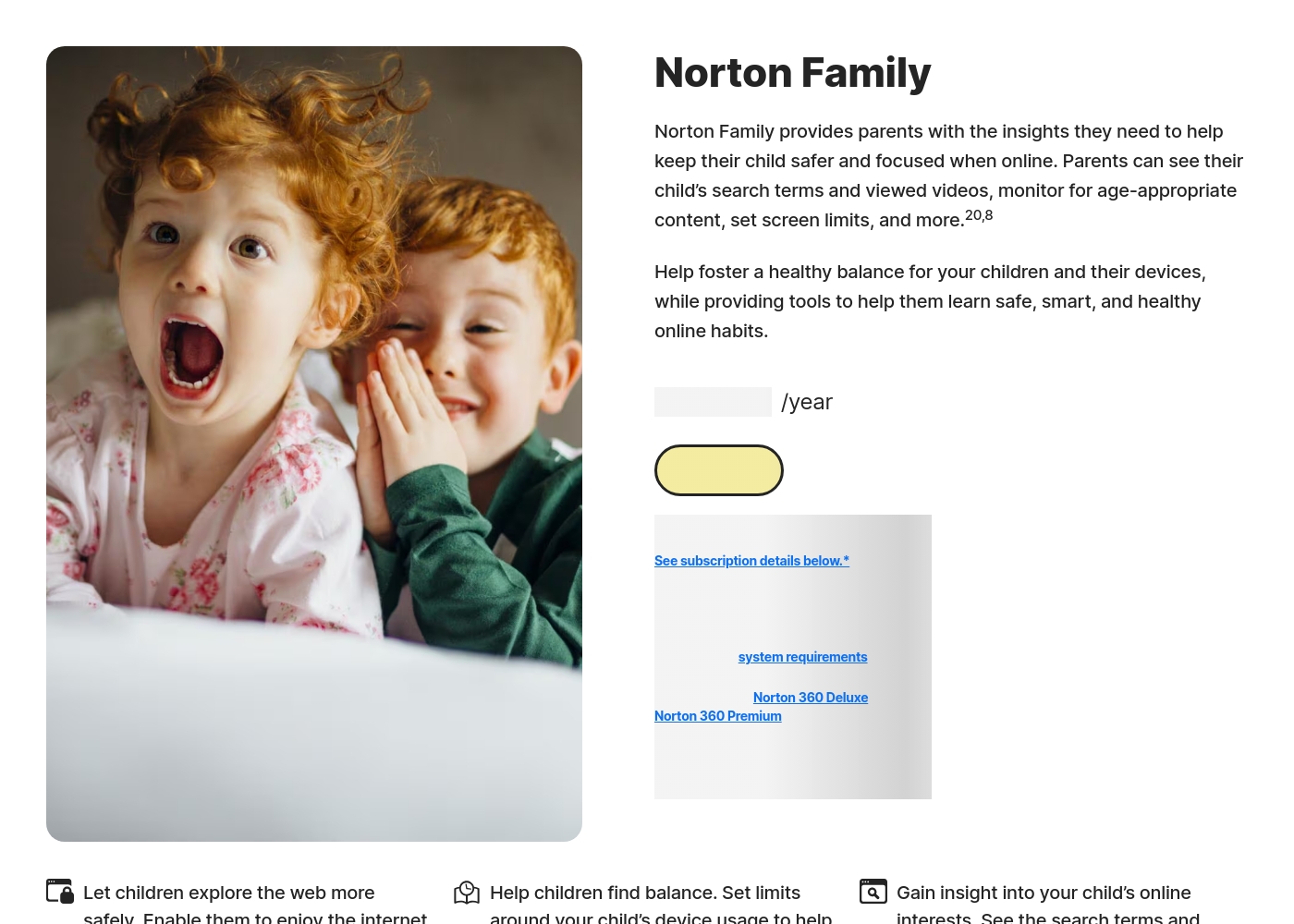
Norton Family costs S$29.99 per year for the first year. It is offered as a single standalone annual subscription at S$29.99.
Norton Family is designed to help parents foster healthy online habits for their children.
Norton Family (1 Year Subscription)
Price: S$29.99 per year (introductory price) Best For: Parents seeking dedicated tools to help children balance screen time Refund Policy: 60-day money-back guarantee (for annual subscriptions) Other Features:
- Set time limits for device use (Time Supervision).
- See terms children are searching for (Search Supervision).
- Monitor videos viewed on YouTube.com (Video Supervision).
- Set up a block list for distracting sites during remote learning (School Time).
- Use Location Supervision to map mobile devices.
- Web Supervision (blocking unsuitable content)
- Time Supervision (setting device limits)
- Search Supervision (seeing terms children search)
- Video Supervision (monitoring YouTube videos)
- App Supervision (managing downloaded apps)
Pricing Notes
- Bark offers a straightforward 7-day free trial that does not require payment details upfront.
- Norton Family operates a trial, but you must provide payment information and cancel before it ends to avoid charges.
- Norton Family is often included at no additional software cost as part of a larger Norton 360 security bundle.
- Bark's wide pricing variance reflects software plans combined with optional dedicated hardware (Phone, Watch) costs.
- Be aware that Norton Family renewals are often significantly higher than the initial introductory pricing.
Pricing Head-to-Head
User Reviews
Bark receives generally positive feedback, especially concerning its effectiveness in digital safety. Users frequently praise the AI monitoring system, noting that it provides helpful alerts only when concerning content is detected.
This strikes a crucial balance between essential protection and maintaining a child's privacy. Many families feel safer using the service, often highlighting the reliability of location tracking and comprehensive screen time scheduling features.
The Bark Phone is excellent security. It’s better than the parental controls on a standard iPhone. Bark has truly saved my teenager’s life three or four times by alerting us to severe dangers. You get to monitor everything that matters, which provides essential peace of mind.
Reviewers overwhelmingly praise Norton’s broader security ecosystem, which includes Norton Family. Customers consistently highlight the robust protection provided, confirming that the software ensures their devices are safe from threats and malware.
Consumers often mention the peace of mind they gain from the software operating efficiently in the background, offering prompt alerts and regular scans. The user experience is generally considered easy, even for non-tech-savvy users, and the comprehensive bundles (including VPN and Identity Theft services) are highly valued.
I have been using Norton since its very beginning and have never had protection issues. I have examined others and there is simply no comparison to Norton's performance and protection.
Our Verdict
Choosing between Bark and Norton Family means selecting your top safety priority. They both keep kids safe, but they target different areas of risk. If you need deep intelligence into communication and social media, Bark is the technological leader. If reliable time limits and ease of use are crucial, Norton Family offers a smoother, more reliable experience. Bark's superpower is its deep, AI-driven content risk analysis. It monitors over 30 social media apps, texts, and emails seamlessly for threats. Bark sends personalized guidance with every alert to expertly guide parental conversations. Investing in the Bark ecosystem (Phone, Watch, Home) also ensures consistent, tamper-proof protection. Norton Family's strength lies in traditional controls and superior bundling value. It gives clear visibility into crucial web searches and video snippets instantly. Norton Family is included free with Norton 360 security suites, providing incredible savings. Users report high satisfaction with Norton Family’s robust web filtering and highly reliable scheduling tools. The deciding factor boils down to monitoring reach versus platform integration and reliability. Choose Norton Family if you already use Norton 360 or primarily need reliable time limits and simple web filtering. Pick Bark if you need proactive content warnings specifically for risky social media discussions. For families with kids heavily using various social media platforms, Bark offers the necessary deep analysis for peace of mind. For those prioritizing simple scheduling, high value through bundling, and strong reliability, Norton Family is the better, higher-rated choice.
Frequently Asked Questions
Which offers better social media monitoring: Bark or Norton Family?
Bark is the clear winner for social media monitoring. It uses advanced AI to scan texts and content on over 30 apps for 29+ risk categories. Norton Family provides less sophisticated social media oversight, focusing more on basic web logging.
Is Norton Family a better value if I already use Norton 360?
Yes, absolutely. Norton Family is included as part of the Norton 360 Deluxe or Premium bundle subscriptions. This bundling offers immense value compared to Bark, which requires a separate subscription fee. Bark subscriptions deliver great value because they cover unlimited devices and kids.
Does Norton Family support the same tamper-proof controls as Bark Phone?
No. Bark Phone offers dedicated hardware with exclusive features and tamper-proof settings that cannot be easily deleted. Norton Family uses software controls and features the 'Instant Lock' to pause devices instantly.
Which parental control service has better user reviews and fewer reliability issues?
Norton Family (4.5 rating) generally exhibits higher user satisfaction and reliability in reviews. Bark (3.2 rating) users appreciate the features but often report reliability concerns and friction during subscription cancellation.
Can Bark or Norton Family monitor videos watched on YouTube and Hulu?
Norton Family includes specific Video Supervision which lets you review snippets of videos watched on YouTube and Hulu (on Windows). Bark monitors video content indirectly using AI analysis for concerning images or audio.
Does Norton Family support Mac installation on the child's device?
No, this is a key limitation. Norton Family can be installed on Windows, Android, and iOS devices only. Bark can monitor iOS via a desktop app and supports devices across its proprietary ecosystem.
Ready to Choose?
Both tools have their strengths. Choose based on your specific needs.