Wondershare DVD Creator

Wondershare DVD Creator

The fast, easy way to burn personalized DVDs with exceptional value.

#1 dans DVD Creator
2 min read · Updated 10/3/2025
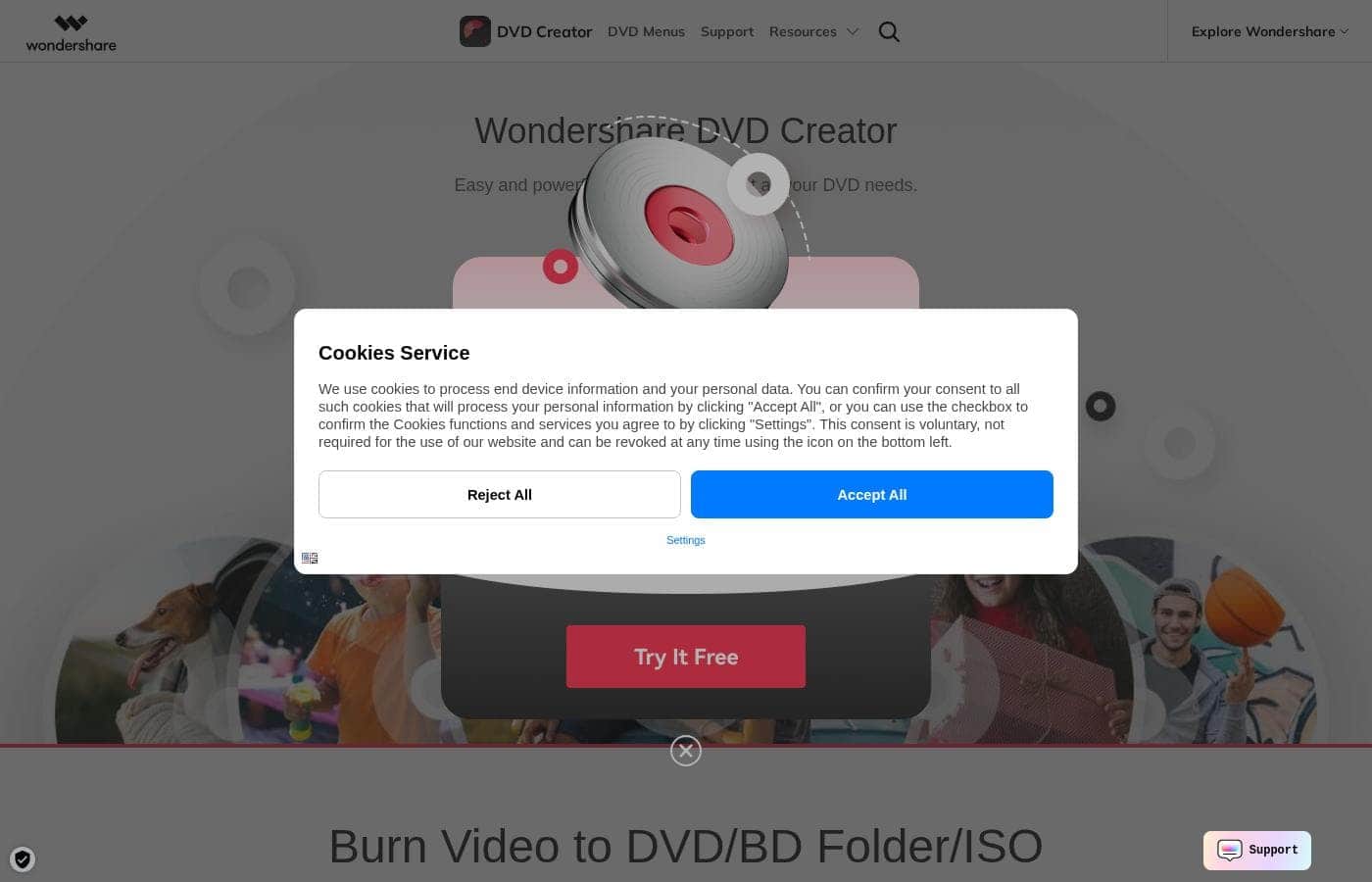
Wondershare DVD Creator homepage screenshot

At a glance

Quick overview for Wondershare DVD Creator: rating, pricing summary, key features, and highlights.

Ciroapp review

4.3
Reliable DVD Burning with Exceptional Service.

We find Wondershare DVD Creator delivers on its promise of fast and easy burning, backed by robust customization options and extra bundled tools. User feedback consistently validates the software's ease of use and praises the exceptional quality of technical support. Overall, this is a strong, reliable choice for creating custom DVDs with great intrinsic value.

Pros

  • Pro:Exceptionally responsive and highly helpful customer support.
  • Pro:Burning is a fast and streamlined process simplified to three steps.
  • Pro:High speed conversion time ensures an efficient workflow.
  • Pro:Over 100 free, highly customizable templates are available to users.

Cons

  • Con:Potential risk for the program to crash or freeze during burning tasks.
  • Con:Initial delays were reported in receiving the purchase registration key.
  • Con:Some content features require a separate purchase, reducing previous value.
Free trial
Yes
Range: $49.95/year – $132.95 one-timeFree trial, Yearly subscription, One-time payment
This section is a summary. Detailed sections about features, use cases, pricing, and reviews follow below.

Wondershare DVD Creator review, pricing, features, pros & cons

It can be frustrating when you want to convert your film collection but the burning process is agonizingly slow and lacks creative flair. Wondershare DVD Creator solves this by offering a fast burning process completed in just three quick steps. You can easily add artistic touches using its wide range of personalization features.

What is Wondershare DVD Creator?

Wondershare DVD Creator is a comprehensive suite built for converting and burning videos onto physical DVDs. If you have movie or film collections, this software simplifies the technical process while empowering you with creative control. It’s designed for anyone seeking speed without compromising the quality of the final disc output. 💡

This application is more than just standard burning software; it aims to provide excellent value. Beyond its core function, the package includes 8 additional useful tools. This combination of speed, ease of use, and extra tools makes it an economical choice for home media enthusiasts.

Wondershare DVD Creator Key Features

✅ Burn DVDs in Three Quick Steps

You can convert your film collection without long delays or complex setups. Wondershare DVD Creator makes the burning process incredibly simple and fast. It only takes three quick steps to complete any project, streamlining the entire experience.

The software also boasts a super fast conversion speed, cutting down significantly on the time it takes to get your final disc. It is designed for speed without sacrificing quality.

✨ Over 100 Free Menu Templates

Give your newly burned DVDs a professional and finished look right away. The software offers abundant templates, providing more than 100 free designs for you to choose from instantly. These professional options include both static and dynamic templates.

This wide variety helps you match any theme instantly without needing advanced design skills.

🎨 Deep Personalization and Artistic Touches

Once you select a template, you are free to add unique artistic touches and truly personalize the presentation. You can easily set the perfect mood by customizing the background image used on your menu screens. It's also simple to add new music to accompany the menu, giving the disc a polished feel.

You can even adjust the title thumbnails for better visual navigation of the content.

✨ Smart Chaptering for Navigation

Provide your viewers with an enhanced and professional viewing experience. The software supports creating chapters within your videos for better organization and flow. This feature is useful for longer films or collections, allowing users to jump quickly to specific scenes.

For Windows users, you can choose how to set these markers, either automatically based on time or by manually defining them yourself.

💡 Flexible Media Conversion

Wondershare DVD Creator accepts a wide range of source files for conversion. It’s built for converting and burning diverse movie and film collections onto physical discs reliably. The software handles common video formats, including MP4 and AVI, ensuring wide compatibility.

This flexibility means you can process almost any source material you have, and you can even burn images directly to a DVD format.

✨ Exceptional Value with Bonus Tools

This application offers much more than standard burning capabilities; it serves as a comprehensive suite. It aims to provide excellent value to home media enthusiasts looking for powerful tools. The core package includes eight additional useful tools beyond its main function.

This combination of core capabilities and extra utilities makes it an economical choice.

Use Cases

✅ Archiving Your Film Collection Quickly

If you need to rapidly clear space on your computer, burning your extensive movie or film collection to physical DVDs is the simplest solution. Wondershare DVD Creator streamlines this typically frustrating process. You can complete the entire conversion and burning workflow in just three quick steps.

The application features super fast conversion speed, ensuring you spend minimal time waiting for files to process. It’s designed to simplify the technical steps, delivering professional-quality discs without needing expert knowledge.

🎁 Creating a Personalized, High-Quality Gift

Problem: You are creating a gift DVD for a special event, like a wedding or graduation, but generic discs look impersonal and plain.

Approach: Begin by browsing the library of over 100 free templates, including dynamic options, to find a style that fits your theme. You can instantly add artistic touches by customizing its menu. Change the background image, include relevant music, and adjust title thumbnails for a highly polished appearance.

Outcome: You deliver a meaningful, personalized gift that captures the essence of the event with a high degree of creative flair.

📖 Enhancing Navigation for Long Format Videos

When burning long videos, such as tutorials, documentaries, or lengthy family histories, good navigation is crucial for the viewer.

Here’s how you optimize viewing (Windows only):

  1. Import your entire long video file into the software.
  2. Utilize the Smart Chaptering feature to automatically section the content.
  3. Optionally, insert manual chapter markers at key sections or transitions.
  4. Burn the personalized DVD, allowing the recipient to easily jump directly to the scenes they want using their remote control.

🎞️ Consolidating Diverse Video and Image Files

Often, the content you want to burn comes from multiple sources in different formats, such as MP4 clips from your phone, AVI videos from a camera, or even static images. You do not need multiple programs to standardize these files.

Wondershare DVD Creator seamlessly supports converting these diverse media types. You simply add your images and various video files into the project. The software handles the complex conversion automatically, preparing everything for a coordinated burn onto a single physical disc.

💰 Maximizing Value with Supplementary Tools

If you are a home media enthusiast seeking an economical choice, Wondershare DVD Creator provides exceptional value compared to standard burning applications. Beyond its core function of creating personalized DVDs, the software includes a package of eight useful additional tools.

This makes it a comprehensive suite for managing all your media conversion needs. You benefit from a robust burning application supported by necessary utilities, all bundled into one affordable offering.

Pricing Overview for Wondershare DVD Creator

Pricing range
$49.95/year – $132.95 one-time
Pricing types
Free trial, Yearly subscription, One-time payment

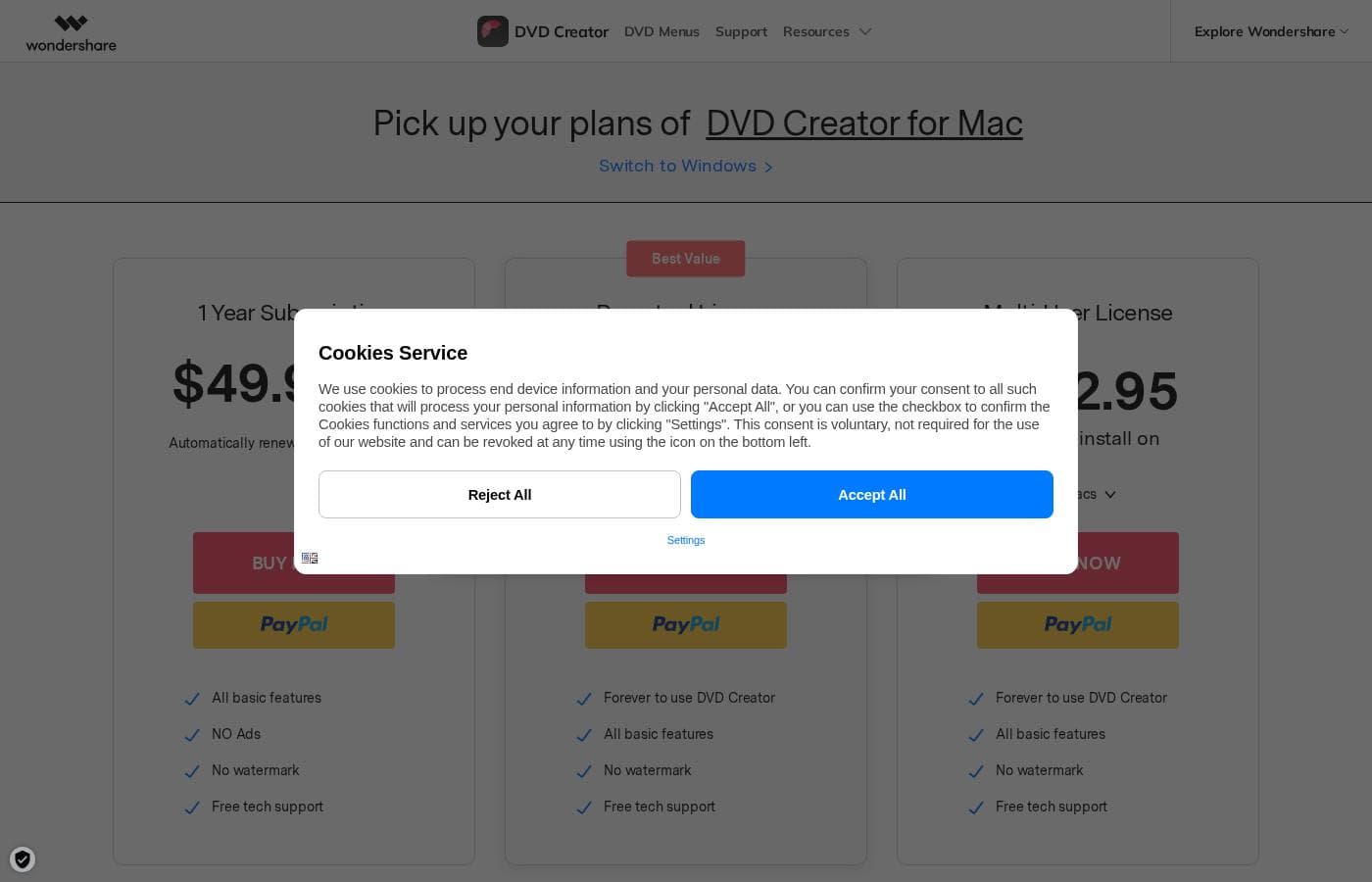
Wondershare DVD Creator for Mac offers flexible purchasing options, including an annual subscription for $49.95/year or a one-time Perpetual License starting at $59.95.

Plans & Pricing

1 Year Subscription

Yearly$49.95
Not explicitly stated (Implied 1 Mac)
  • All basic features
  • NO Ads
  • No watermark
  • Free tech support
  • Automatically renew, cancel any time

Perpetual License

Contact for pricing
Not explicitly stated (Implied 1 Mac)
  • Forever to use DVD Creator
  • One-time fee for free perpetual update
  • All basic features
  • No watermark
  • Free tech support

Multi-User License

Contact for pricing
Installable on 2-5 Macs
  • Forever to use DVD Creator
  • All basic features
  • No watermark
  • Free tech support

Wondershare DVD Creator costs between $49.95/year and $132.95 one-time fee with 3 plans: 1 Year Subscription at $49.95/Year, Perpetual License at $59.95 one-time, and Multi-User License at $132.95 one-time.

These three options let you choose the best fit for your budget and usage needs, whether you prefer a flexible subscription or lifetime access.

1 Year Subscription

Price: $49.95 / Year Websites Supported: Not explicitly stated Best For: Not explicitly stated Refund Policy: Not explicitly stated Other Features:

  • Automatically renew, cancel any time
  • All basic features
  • NO Ads
  • No watermark
  • Free tech support

This annual option provides full access to the software for twelve months. It’s a great choice if you prefer predictable yearly budgeting and want flexibility, since you can cancel the automatic renewal anytime. 👌

Perpetual License (Most Popular)

Price: $59.95 / One-time fee Websites Supported: Not explicitly stated Best For: Not explicitly stated Refund Policy: Not explicitly stated Other Features:

  • Forever to use DVD Creator
  • One-time fee for free perpetual update
  • All basic features
  • No watermark
  • Free tech support

The Perpetual License is the most popular choice for long-term users. You pay once and own the software forever. Since it includes free perpetual software updates, this plan offers excellent value without having any recurring subscription fees.

Multi-User License

Price: $132.95 / One-time fee Websites Supported: 2-5 Macs Best For: Not explicitly stated Refund Policy: Not explicitly stated Other Features:

  • Forever to use DVD Creator
  • All basic features
  • No watermark
  • Free tech support

If you need to install DVD Creator across multiple computers, the Multi-User License is ideal. For $132.95, you receive a single license that works permanently for 2 to 5 Macs. This is a cost-effective solution for families or small offices that share software.

Wondershare provides a trial version so you can test the functionality before committing to a purchase. The trial version allows you to use most features, but note that it applies a watermark when burning a DVD disc. Full paid versions remove the watermark, include all basic features, and ensure you get free technical support.

User Reviews

Trustpilot users generally rate Wondershare DVD Creator highly (4.2/5), frequently praising its ease of use and robust customization features for adding effects and background music. A widely celebrated theme is the exceptional quality and responsiveness of customer support.

Users report receiving assistance that is fast, efficient, and professional, capable of resolving complicated setup issues like initial registration key delivery problems and software malfunctions. However, the external feedback is not entirely seamless.

Some initial onboarding issues surrounding purchase key delivery have been noted, even if swiftly resolved by support. Furthermore, one significant reliability concern was raised regarding the program occasionally crashing or freezing near the 75% burning mark.

Another user mentioned feeling disappointed that features previously included, like 3D styles, now seem to require a separate purchase. Overall, the community finds the software a powerful creative tool backed by an impressively supportive technical team.

👍

What users say elsewhere

Janice P.
· Trustpilot
5.0 / 5

This product is reasonably priced and does precisely what it advertises to do quickly. I have tried similar products over the years, but I always come back to Wondershare DVDcreator. It works quickly and reliably every time.

Jenny W.
· Trustpilot
5.0 / 5

It’s an easy program to use, and I love inserting various effects and background music into my projects. It’s also great for making dynamic videos using only pictures. I bought it again recently because I trust it.

No reviews yet.

Write a Review

Write a Review for Wondershare DVD Creator
0/100 characters
0/2000 characters

Why use Wondershare DVD Creator?

The central appeal of Wondershare DVD Creator is its commitment to both simplicity and powerful customization. You don't need expert knowledge to get started; the software streamlines the entire process significantly.

  • Speed and Simplicity: The burning process is done in just three quick steps, supported by super fast conversion speed and an easy-to-use interface.
  • Abundant Templates: Choose from over 100 free templates, including both static and dynamic options, helping you match any theme instantly.
  • 🎨 Deep Customization: You can easily add personalization by customizing the background image, adding new music, and adjusting title thumbnails.
  • 💰 Exceptional Value: The inclusion of 8 useful additional tools establishes this offering as the best value-for-money DVD burner currently available.
  • 📖 Smart Chaptering: For better navigation (on Windows), the software supports creating chapters for your videos, either automatically or manually.

Ready to transform your workflow with Wondershare DVD Creator?

Frequently Asked Questions

What are the main limitations in the free trial version?

The trial version allows you to test most features before committing. However, it applies a noticeable watermark when burning a DVD disc. You are also limited to only three available templates instead of the full library of over 100.

How do I cancel the 1 Year Subscription if I don't want it to automatically renew?

The 1 Year Subscription includes automatic renewal for convenience. You have the flexibility to cancel this automatic renewal process at any time, according to the plan details.

Does the one-time Perpetual License include software updates?

Yes, it does. The Perpetual License is a one-time fee that specifically includes free perpetual updates. This means you own the software forever without needing future subscription fees for standard updates.

Is there a money-back guarantee or documented refund policy?

A standard money-back guarantee period is not explicitly specified on the official pricing page. You should check the main Wondershare site for their detailed refund terms before purchasing.

If I buy the Multi-User License, how many devices can I install it on?

The Multi-User License is per-seat based and permits installation on 2 to 5 Macs permanently. This setup is ideal for small teams or a household that needs multiple installations.

If I buy the Mac version, can I switch to the Windows version later?

The pricing section provides a clear link to 'Switch to Windows,' suggesting cross-platform options are available. The exact process for migrating your license is not explicitly detailed, though.

How quickly can I expect technical support to respond if I have an issue?

A formal Service Level Agreement (SLA) is currently not published. However, external user feedback consistently praises the support team for being exceptionally fast, professional, and highly responsive.

Besides burning DVDs, what other integrated tools are included for added value?

In addition to the main DVD creation functionality, Wondershare includes eight extra useful tools. These integrated tools provide extra value for media management and editing tasks.

Will I see advertisements within the paid versions of the software?

No. A key feature of all three paid plans—Subscription, Perpetual, and Multi-User—is that they explicitly state the inclusion of 'NO Ads'.

What video file types can I load and burn onto a DVD?

The documented examples show support for common video and image types. You can easily import and burn files like MP4, AVI, and various image formats to your DVD.

Is it possible to add chapters to my long videos for better navigation?

Yes, the software supports Smart Chaptering for navigation. This feature allows you to create chapters either automatically or manually, although chapter creation is specified for Windows users.

Who is the Perpetual License best suited for compared to the yearly subscription?

The Perpetual License is best for long-term users. Since you pay once for lifetime ownership and free perpetual updates, it offers the greatest cost efficiency for consistent use.

Ready to try Wondershare DVD Creator? Check out the official site or pricing.