vidIQ

vidIQ review

The all-in-one YouTube growth toolkit for creators who want to research, optimize, and track smarter.

By Ciroapp Editorial Team · Updated Sep 17, 2026

Commission may apply at no extra cost

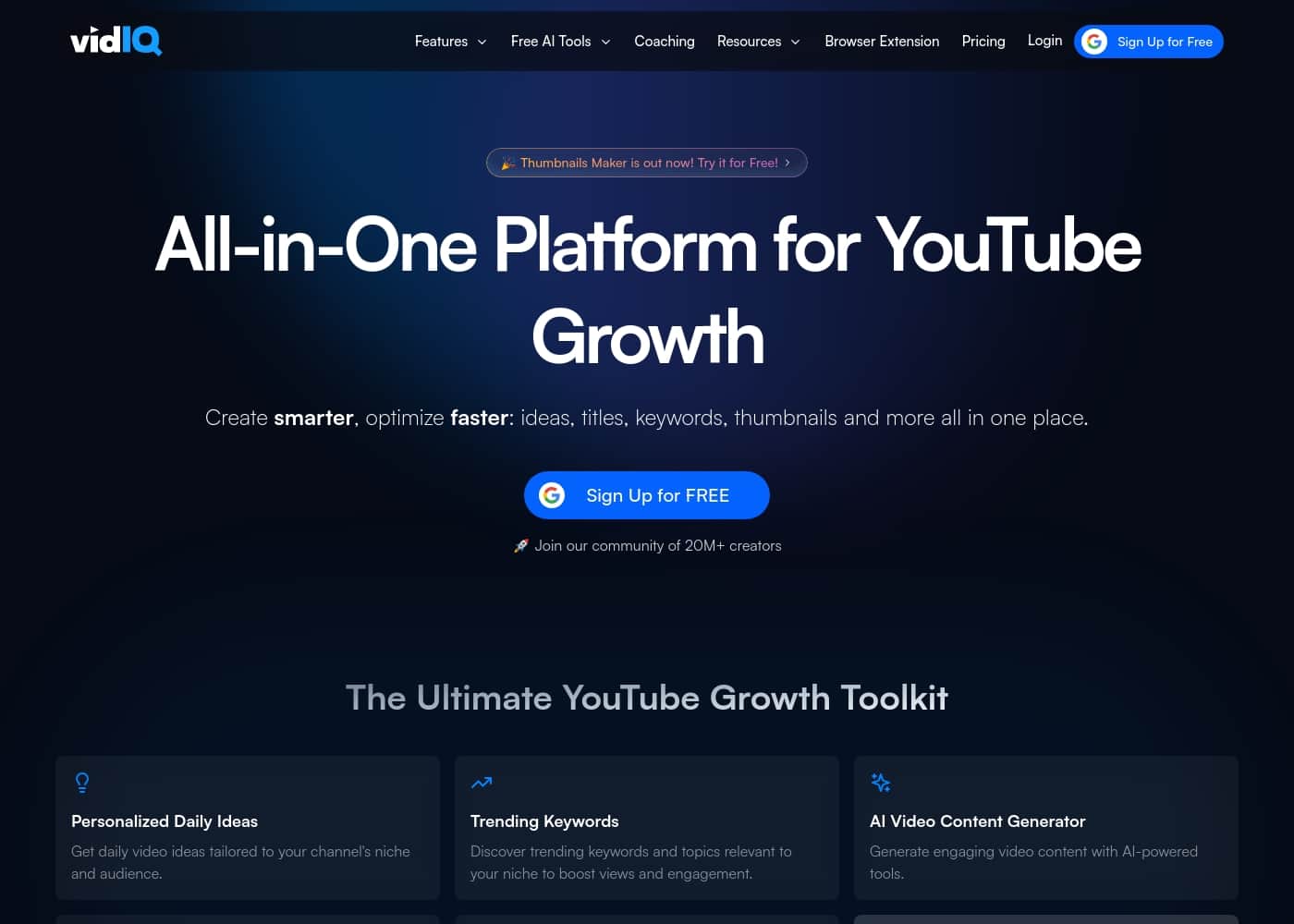
vidIQ homepage screenshot

At a glance

Quick overview for vidIQ: rating, pricing summary, key features, and highlights.
Vendor page checked Oct 16, 2026

Ciroapp score

3.4/ 5

vidIQ bundles YouTube-specific keyword research, channel analytics, and optimization tools into one dashboard that connects directly to your account. It looks strong for creators who publish regularly, though public pricing details are limited and the YouTube-only focus won't suit multi-platform creators. Overall, it's a practical pick for data-driven YouTube growth if the subscription fits your channel's stage.

Pros

  • Keyword research is purpose-built for YouTube, showing search volume and competition relevant to video content rather than generic web SEO data
  • Direct integration with your existing YouTube account means analytics and optimization work on your real channel data without manual imports
  • Consolidates keyword research, analytics, and optimization into a single platform, replacing the need to juggle several separate tools

Cons

  • The platform is YouTube-specific, so creators working across TikTok, Instagram, or other platforms will still need separate tools for those channels
  • Most of the value depends on connecting your YouTube account, which requires granting third-party access to your channel data
  • Advanced capabilities are typically locked behind paid tiers, so creators on free plans may find the most useful insights out of reach
Best for
  • Active YouTube creators who publish regularly and want a data-driven workflow for choosing and optimizing video topics
  • Small-to-mid-size channels that have hit a growth plateau and need keyword and analytics insights to diagnose what to change
  • Content teams managing one or more YouTube channels who want research, optimization, and reporting consolidated in a single platform
This section is a summary. Detailed sections about features, use cases, pricing, and reviews follow below.

What is vidIQ?

Growing a YouTube channel requires more than consistent uploads; it demands data-driven decisions about what to publish, how to title it, and where your audience is coming from. vidIQ positions itself as an all-in-one platform built specifically for active creators who want to close that gap. By connecting directly to your existing YouTube account, it layers research and analytics tools on top of the data YouTube already provides.

vidIQ is a YouTube growth toolkit that integrates with your channel to provide keyword research, channel analytics, and optimization features in a single platform. Rather than juggling separate tools for finding video ideas, analyzing competitors, and tracking performance, creators use vidIQ to handle all of these workflows in one place. The platform is aimed at creators who publish regularly and want measurable improvements in views, subscribers, and overall channel performance.

Should you choose vidIQ?

Quick buyer guidance before you compare plans or click through.

Choose it if

  • Active YouTube creators who publish regularly and want a data-driven workflow for choosing and optimizing video topics
  • Small-to-mid-size channels that have hit a growth plateau and need keyword and analytics insights to diagnose what to change
  • Content teams managing one or more YouTube channels who want research, optimization, and reporting consolidated in a single platform

Skip it if

  • Creators who only post occasionally and won't act on research data — the toolkit's value comes from applying insights repeatedly
  • Multi-platform creators whose primary need is growth on TikTok, Instagram, or other non-YouTube platforms, since vidIQ is YouTube-specific
  • Users unwilling to grant a third-party tool access to their YouTube account data

Next steps before buying

  1. 1Visit vidiq.com and create an account, choosing the plan that matches your channel's stage and budget
  2. 2Connect vidIQ to your YouTube account so the platform can pull in your channel data and tailor its analytics and recommendations
  3. 3Start with keyword research on your next planned video topic to validate demand and competition before you produce it
  4. 4Apply the optimization tools to improve the title, description, and tags of your most important existing videos, then track performance changes in the analytics dashboard

vidIQ Key Features

✨ Keyword Research Built for YouTube

vidIQ's keyword research tools let creators search for terms and see the search volume, competition level, and related terms specific to YouTube search — not general web search. This helps you identify topics where demand exists but competition is manageable, so you can prioritize video ideas with a realistic chance of ranking in YouTube search results and suggested feeds.

✨ Channel Analytics and Performance Tracking

The platform provides channel analytics that go beyond YouTube Studio's native reporting, surfacing trends in views, watch time, and subscriber growth. By tracking performance over time and across videos, creators can identify which content formats and topics actually drive growth, then double down on what works instead of relying on intuition.

✨ Video Optimization Tools

vidIQ includes optimization features that guide you through improving titles, descriptions, and tags based on the keywords you're targeting. Because the tools integrate directly with your YouTube account, you can apply changes without leaving the platform, making the optimization step part of your normal publishing workflow rather than a separate chore.

✨ Seamless YouTube Integration

vidIQ connects directly to your existing YouTube account, pulling in your channel data automatically. This seamless integration means no manual data entry, and the insights you see reflect your actual channel performance. It also enables features like scorecards and recommendations that are tailored to your specific channel rather than generic best practices.

Use Cases

💡 Finding Video Topics with Real Demand

Before scripting a video, creators use vidIQ's keyword research to check whether people actually search for the topic and how competitive the space is. This prevents wasted production effort on videos nobody is looking for and helps prioritize ideas with the best balance of demand and achievable ranking.

💡 Diagnosing Why a Channel Stalled

When views flatten, vidIQ's channel analytics help creators look at which videos over-performed or under-performed and when the trend changed. Comparing metadata, topics, and performance patterns across uploads makes it easier to identify what to change — whether that's the niche focus, posting cadence, or packaging style.

💡 Optimizing Metadata Before and After Publishing

Creators use vidIQ's optimization tools to refine titles, descriptions, and tags for target keywords. Because the platform integrates with the YouTube account, these adjustments can be made quickly during upload or retroactively on older videos to recover search traffic.

💡 Benchmarking Against Competitors

Growing channels study what similar channels publish and how those videos perform. vidIQ's competitive insights let creators track rival channels' output and results, informing their own content calendar and helping them spot underserved topics in their niche.

vidIQ pricing

Prices not verified yet — see the vendor page.

vidIQ's pricing page

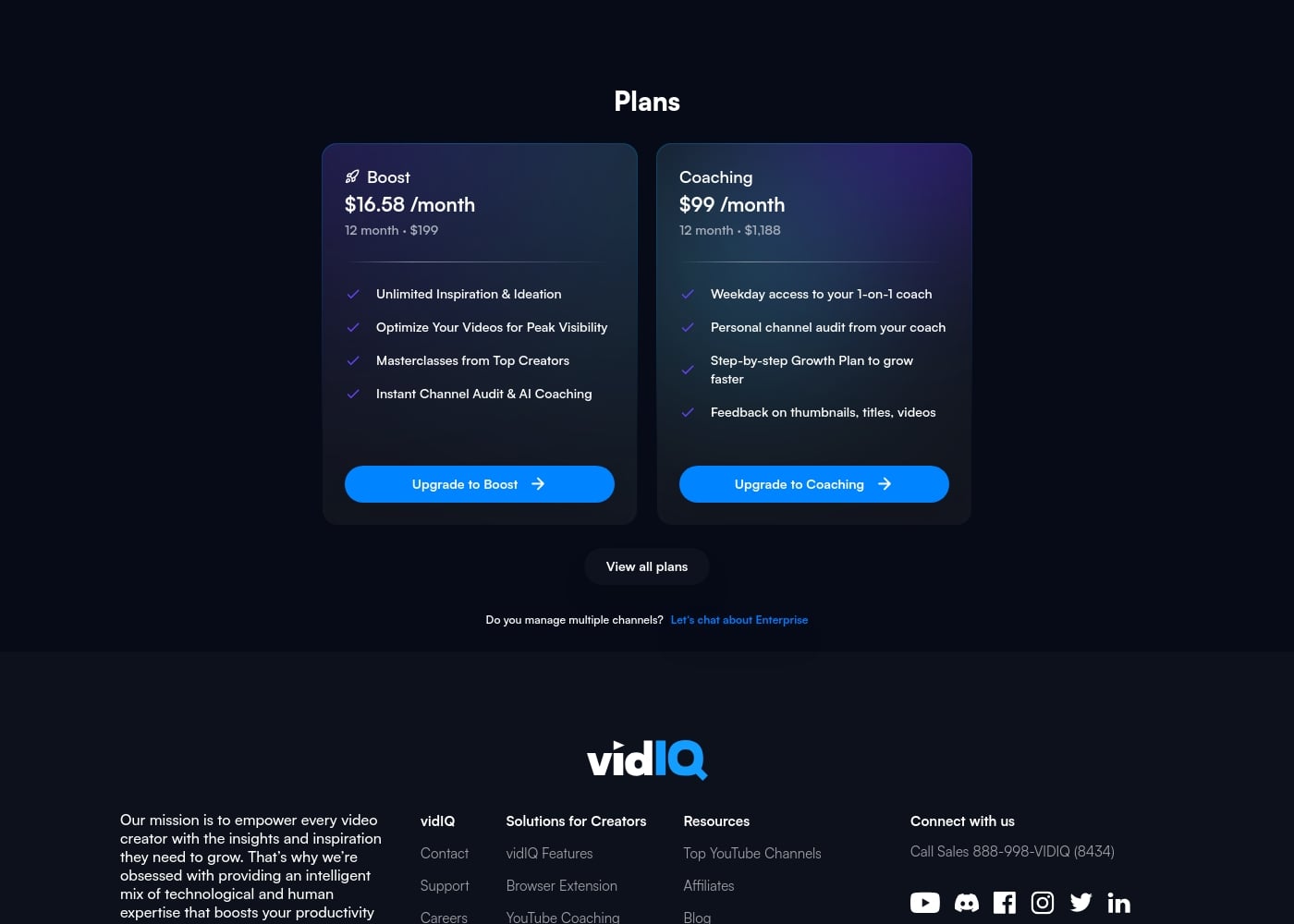
vidIQ pricing page screenshotView pricing page screenshot

Price history

Tracking prices since Oct 16, 2026. No price change detected yet.

Email me when vidIQ changes price

One email when we detect a price change on the vendor's pricing page. No newsletter, no deals. Unsubscribe in one click.

User Reviews

No reviews yet.

Write a Review

Write a Review for vidIQ
0/100 characters
0/2000 characters

Why use vidIQ?

YouTube's recommendation algorithm rewards videos that match viewer intent, but discovering that intent manually is slow and unreliable. vidIQ addresses this by surfacing keyword demand, competitor insights, and performance analytics directly alongside your workflow.

This means creators can validate video ideas before production, optimize titles and descriptions with real data, and measure whether changes actually move the needle. The result is less guesswork and a faster feedback loop between publishing and learning.

vidIQ alternatives

Other tools in the YouTube category

View all YouTube tools
TubeBuddy

TubeBuddy

YouTube3.9/5

TubeBuddy is an essential workflow optimization software built specifically for YouTube creators. Think of it as your best friend for success on the platform. This software supports creators at every point in their journey, whether you're just starting out or working to scale up. TubeBuddy integrates tools for AI, SEO, bulk processing, and overall workflow management right into your YouTube Studio. You install a simple browser extension, authorize your channel, and it starts working right away to help you succeed.

vidIQ FAQ

Does vidIQ work with any YouTube channel?

vidIQ integrates directly with your existing YouTube account, so any channel can connect it. Once connected, the platform pulls in your channel data to power its analytics, keyword research, and optimization features. This makes it suitable for new channels building from zero as well as established channels looking to refine their strategy.

Do I need to give vidIQ access to my YouTube account?

Yes. vidIQ's core features — channel analytics, tailored recommendations, and seamless optimization — depend on connecting directly to your YouTube account. This grants the platform access to your channel data so its insights reflect your actual performance. Creators uncomfortable with third-party account access should weigh that against the functionality they'd lose by using vidIQ without the integration.

How is vidIQ different from just using YouTube Studio?

YouTube Studio provides native reporting on your own channel, but it doesn't help you research topics, evaluate keyword demand, or study competitors before you produce a video. vidIQ adds those research and planning layers on top of your channel data, closing the loop from idea validation through optimization to performance tracking in one place.

Is vidIQ useful for small or brand-new channels?

New channels often benefit the most from keyword research, since choosing low-competition topics with real search demand is one of the few levers a small channel can pull early. While some advanced insights may be limited to paid plans, the research workflow — finding demand, optimizing metadata, and tracking results — applies at any channel size.

Ready to try vidIQ? Check out the official site or pricing.

Are you vidIQ? Claim this listing · Get the badge