TimelinesAI

TimelinesAI

Unified WhatsApp Communication and CRM Sync for Teams

#1 dans WhatsApp
2 min read · Updated 10/6/2025
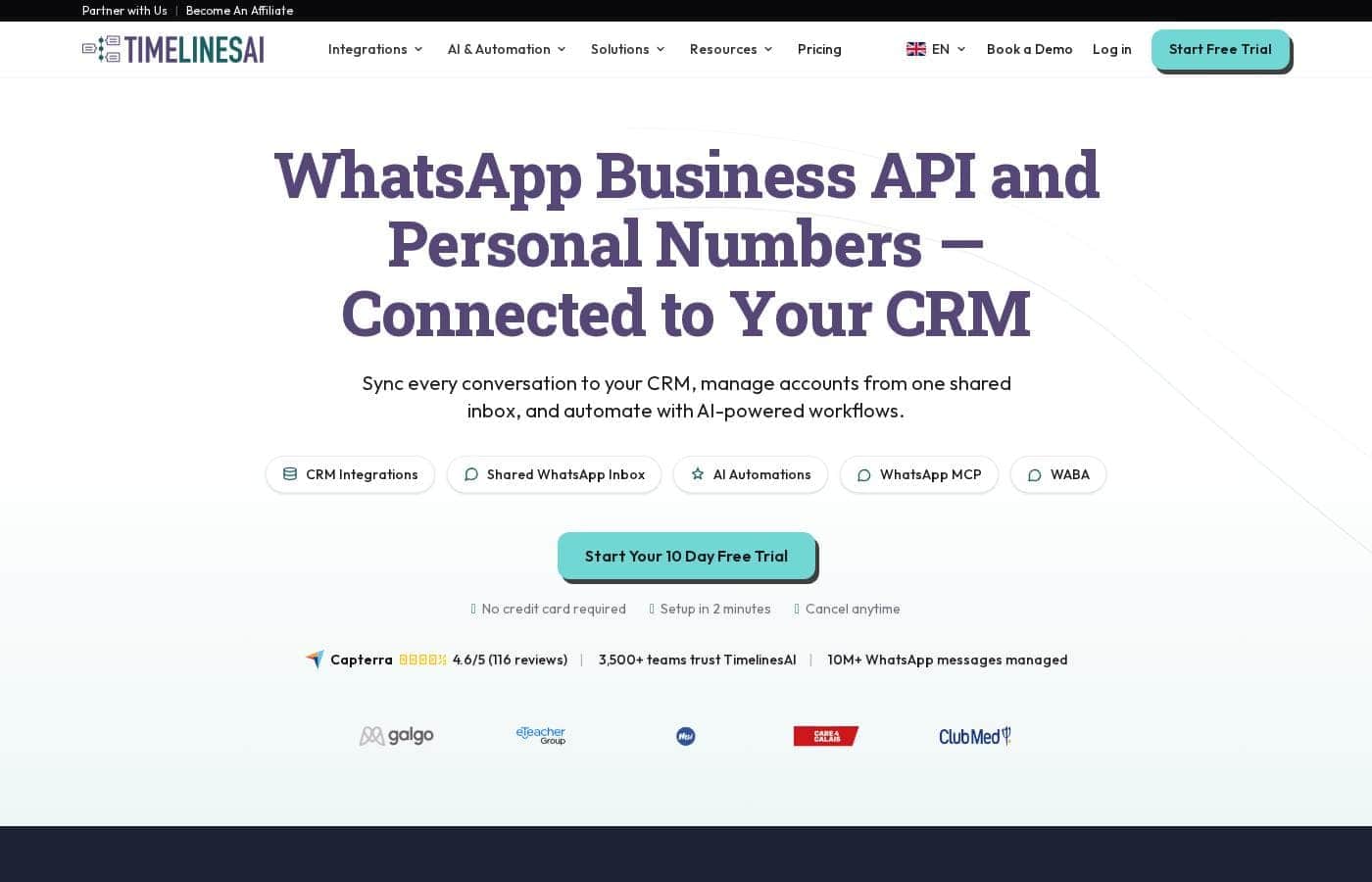
TimelinesAI homepage screenshot

At a glance

Quick overview for TimelinesAI: rating, pricing summary, key features, and highlights.

Ciroapp review

4.2
Seamless WhatsApp CRM Sync Solution

We found TimelinesAI offers a robust solution for centralizing business WhatsApp communication, especially for teams managing multiple personal numbers without the API hassle. Overall, this service delivers high value through strong CRM integration and team collaboration features, though pricing transparency needs improvement.

Pros

  • Pro:Unifies multiple WhatsApp numbers into a single shared team inbox.
  • Pro:Works with existing numbers; does not require the WhatsApp Business API.
  • Pro:Seamless, one-click integration with major CRMs (HubSpot, Pipedrive, etc.).
  • Pro:Includes AI features like ChatGPT chat summaries and auto-replies.

Cons

  • Con:Specific pricing details for all plans are not publicly published.
  • Con:Entry-level plan limits chat history access to only 30 days.
  • Con:Lower tiers impose strict limits on active chats per seat.
Free trial
Yes — 10 days
Range: Not explicitly statedFree trial, Monthly subscription, Yearly subscription
This section is a summary. Detailed sections about features, use cases, pricing, and reviews follow below.

TimelinesAI review, pricing, features, pros & cons

Are you struggling to track communications across several individual WhatsApp numbers? TimelinesAI addresses this core frustration. It gives your business 360° visibility and control over all conversations.

You can easily centralize chats and integrate them instantly into your existing CRM. ✨

What is TimelinesAI?

TimelinesAI is a powerful WhatsApp management solution. It’s designed specifically for businesses that use multiple individual WhatsApp accounts. It works seamlessly with your existing personal or business numbers, meaning you don't need the WhatsApp Business API. Simply scan a QR code, and you can connect instantly.

This solution provides a centralized platform for managing all client communication, bringing visibility and control back to your workflows. You can effortlessly connect an unlimited number of accounts into a single, unified inbox for real-time tracking.

Setting up is quick; in-app onboarding gets you started within minutes. You also get flexible permission settings and robust team collaboration tools for effective chat management. 💡

TimelinesAI Key Features

✨ Centralized Inbox for Team Visibility

It's frustrating trying to track communications across many individual WhatsApp numbers. TimelinesAI solves this by building a unified inbox for your business. You instantly gain 360° visibility and control over every conversation, regardless of which number received the message.

You can effortlessly connect an unlimited number of existing WhatsApp accounts—personal or business—into this single platform. Setting up is quick; simply scan a QR code with your mobile app, and you're ready to go within minutes. Crucially, the system works without requiring the complex WhatsApp Business API.

This consolidation ensures that your team always has access to complete chat history. It provides control and ensures you never have communication blind spots with your customers or leads.

✨ One-Click CRM Synchronization

Stop losing valuable customer data in scattered chat histories. TimelinesAI features native, one-click integrations with the major CRMs your team already uses. This feature connects WhatsApp instantly with platforms like Pipedrive, HubSpot, Zoho, monday.com, and Salesforce.

Once connected, the system automatically synchronizes all chats and messages from your multiple accounts, 24 hours a day, 7 days a week. This constant data flow keeps your records accurate and up-to-date. Your agents can even send 1:1 WhatsApp messages directly from within the CRM interface.

✨ Boosting Conversion with Automated Workflows

TimelinesAI helps you streamline your sales pipeline through smart automation. You can instantly send customized WhatsApp messages that are triggered by changes in your CRM, such as a Deal stage moving forward. This lets you greet leads right when they need attention.

To ensure nothing slips through the cracks, the system instantly creates a task and assigns it to a responsible agent whenever a new chat arrives. Furthermore, you can personalize automated messages using any field that is available in your CRM, making sure every outbound greeting feels tailored and relevant.

✨ Team Collaboration and Account Management

TimelinesAI provides flexible tools designed specifically for effective team chat management. You can assign chats instantly to specific teammates, ensuring quick follow-up and accountability. Collaboration features like notes and filters help organize communication and provide context.

For larger organizations, you can create separate, isolated teams within a single workspace. This streamlines organization by allowing you to establish distinct groups with allocated roles. The platform supports communication features like attachments and fully manages group chats, making it valuable for businesses that rely on group communication, such as e-learning providers.

✨ Leveraging AI for Instant Responses and Summaries

Integrate powerful AI capabilities to increase your team's efficiency immediately. You can connect TimelinesAI with your OpenAI assistant to automate smart replies and generate instant, detailed chat summaries. This ensures you grasp the context of long conversations quickly.

This integration allows for robust auto-response functionality. Your AI can be trained using your own tone, workflows, and documents, providing accurate and personalized replies, even when your team is offline. A clever feature ensures the AI auto-disables whenever a teammate replies, preventing conflicting responses.

✨ Flexible Connectivity and Business Reporting

TimelinesAI offers several options to connect your WhatsApp data to the rest of your tech stack. The native Zapier integration instantly connects WhatsApp with over 1,000 other applications, often utilizing pre-made templates for common scenarios. Additionally, a specialized Chrome extension lets agents working in any CRM or ATS send messages, add attachments, and view message history directly.

To help you make smarter decisions, TimelinesAI provides detailed business reporting. These metrics evaluate the effectiveness of your WhatsApp communications. You can easily track key insights, seeing how active your account is and how individual agents and the team are performing over time.

Use Cases

🚀 Automating Follow-ups Based on CRM Status

When your sales pipeline moves fast, you cannot afford manual messaging delays. Use Automated Workflows to link your CRM status changes directly to WhatsApp. For example, if a Deal in Pipedrive moves to the 'Proposal Sent' stage, TimelinesAI can instantly send a customized WhatsApp message to the contact.

This system ensures critical communications happen immediately, speeding up your sales cycle. You can personalize these messages using any data fields available in your CRM. You’ll never miss a crucial window of opportunity for follow-up again.

⏱️ Onboarding New Team Members Quickly

Bringing a new agent onto the B2B sales team is simple and fast. Since TimelinesAI uses your existing business or personal WhatsApp numbers, there is no complicated API setup or pre-configuration needed. You simply scan a QR code to connect their individual account to the unified inbox.

After connecting, you invite the new agent and set their permissions instantly. The entire process uses in-app onboarding and takes just minutes, letting your team get back to communicating efficiently right away.

👀 Centralizing Scattered Communication History

Problem: Your team uses several individual WhatsApp numbers for client communication, resulting in scattered data and blind spots for managers.

Approach: Connect all these individual numbers to the TimelinesAI Unified WhatsApp Inbox. The system synchronizes all chats, regardless of which number received the message.

Expected outcome: You gain complete 360° visibility and control over all customer chats in a single location. This allows managers to organize, review, and keep track of every conversation easily.

📈 Maximizing Agent Efficiency and Performance

Managers need clear data to optimize customer communication strategies. TimelinesAI provides robust WhatsApp Business Reporting features. You can get an insight into how active your account is during specific time periods.

You can also understand how your individual agents are performing using key metrics. This visibility helps you make data-driven decisions and ensures your team is operating at peak effectiveness.

Tip: Look at activity levels and response times to see where agents might need extra support or training.

🤖 Handling High Volumes of Offline Inquiries with AI

If your team receives messages outside of business hours, you need a reliable way to keep leads engaged. By connecting the ChatGPT autoresponder, you can instantly automate WhatsApp chats with intelligent, multilingual replies. You can train the AI to use your company’s unique tone and workflows.

This AI agent handles incoming messages and instantly answers customers, even when your team is offline. The system automatically disables the AI agent when a teammate replies, ensuring a seamless human handoff and avoiding conflicting messages.

🔗 Ensuring Data Integrity Across Systems

Many sales teams struggle to manually log WhatsApp chats accurately into their CRM. With one-click integration, TimelinesAI constantly syncs all messages and attachments from multiple WhatsApp numbers to your CRM. This works seamlessly with HubSpot, Zoho, Salesforce, and Pipedrive.

Sales reps can send 1:1 messages directly from the CRM interface using the Chrome Extension. This capability ensures that the conversation history is always updated in the CRM automatically, keeping your contact records pristine and up-to-date.

🤝 Collaborating on Complex Client Issues

When a client issue requires input from multiple team members, collaboration is vital. TimelinesAI helps you manage complex chats within the unified inbox using built-in team features. You can quickly assign chats to the responsible agent.

Use private notes and filters to add context or internal instructions to a conversation thread. This capability streamlines internal communication and helps improve sales and support quality using pre-defined templates.

Pricing Overview for TimelinesAI

Pricing range
Not explicitly stated
Pricing types
Free trial, Monthly subscription, Yearly subscription

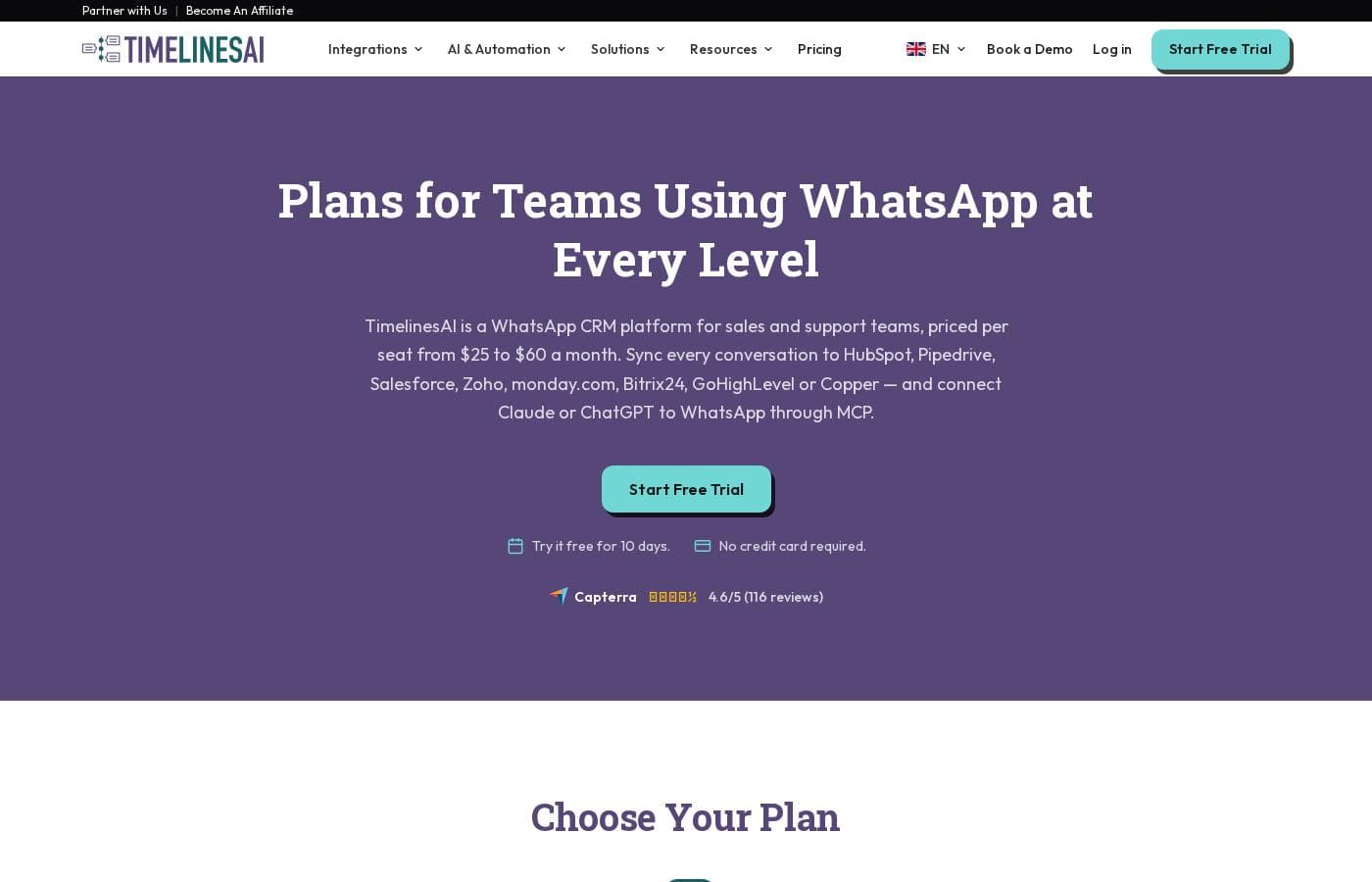
TimelinesAI offers three usage tiers designed for teams managing WhatsApp communication: Shared Inbox, CRM Integration, and Mass Messaging & Automation. While specific pricing is not published on the front page, all plans are available monthly or yearly, and new users can start immediately with the 10-day free trial.

Plans & Pricing

Shared Inbox

MonthlyNot explicitly stated
YearlyNot explicitly stated
1000 active chats per seat; 30 days chat history
  • Supports both WhatsApp and WhatsApp Business mobile apps
  • 1000 Active chats per seat limit
  • 30 days Chat history access

CRM Integration

MonthlyNot explicitly stated
YearlyNot explicitly stated
2000 active chats per seat; Unlimited chat history
  • Supports both WhatsApp and WhatsApp Business mobile apps
  • Auto-response functionality
  • ChatGPT-based chat summary
  • Native CRM integrations (Pipedrive, HubSpot, Zoho, Salesforce, etc.)

Mass Messaging & Automation

MonthlyNot explicitly stated
YearlyNot explicitly stated
5000 active chats per seat; Unlimited chat history
  • Supports both WhatsApp and WhatsApp Business mobile apps
  • Mass Messaging campaign
  • Pipedrive Workflow Builder
  • Workspaces
  • AI-powered auto-replies using ChatGPT

TimelinesAI offers three main plans, starting with Shared Inbox, followed by the popular CRM Integration, and topped by Mass Messaging & Automation. Specific pricing details are not explicitly stated on the public page; however, you can save up to 20% by choosing annual billing.

Since the specific pricing isn't visible, let's look closer at what each plan includes and who it is designed for.

Shared Inbox

Price: Not explicitly stated Websites Supported: Not explicitly stated Best For: Not explicitly stated Refund Policy: Not explicitly stated Other Features:

  • Supports both WhatsApp and WhatsApp Business mobile apps
  • 1000 Active chats per seat limit
  • 30 days of Chat history access

This plan is ideal if you are looking for a foundational solution to consolidate multiple WhatsApp numbers and manage basic team communication. It provides essential organization for smaller teams just starting to use a shared inbox.

CRM Integration - Most Popular

Price: Not explicitly stated Websites Supported: Not explicitly stated Best For: Not explicitly stated Refund Policy: Not explicitly stated Other Features:

  • Supports both WhatsApp and WhatsApp Business mobile apps
  • 2000 Active chats per seat limit
  • Unlimited Chat history access
  • Auto-response functionality
  • ChatGPT-based chat summary

Choose the CRM Integration plan if connecting WhatsApp conversations directly with tools like Pipedrive, HubSpot, or Salesforce is critical to your workflow. This tier significantly increases your active chat capacity and unlocks valuable time-saving AI summary features.

Mass Messaging & Automation

Price: Not explicitly stated Websites Supported: Not explicitly stated Best For: Not explicitly stated Refund Policy: Not explicitly stated Other Features:

  • 5000 Active chats per seat limit
  • Unlimited Chat history access
  • Mass Messaging campaign tools
  • Pipedrive Workflow Builder
  • AI-powered auto-replies using ChatGPT
  • Workspaces

If your business relies heavily on outreach, high-volume communication, and sophisticated automation, the Mass Messaging & Automation plan is your best fit. This top-tier option offers the highest resource limits and unlocks the most powerful marketing and workflow features.

Before committing to any subscription, you can easily test TimelinesAI's full functionality. They offer a 10-day free trial that is 100% functional, and no credit card is required to start. This is a great way to see how the platform fits your team's needs.

User Reviews

TimelinesAI is listed on Capterra, indicating active user feedback, though specific details regarding user sentiment were not provided in the source snippets. Typically, customers evaluating this platform praise its core function: unifying multiple personal WhatsApp numbers into a single shared inbox.

Users deeply value the ability to connect WhatsApp directly with major CRMs like Pipedrive and HubSpot via a seamless, one-click setup. They also appreciate that the system avoids the complexity of the WhatsApp Business API.

Common areas of discussion often include the reliability of automation triggers, the accuracy of the ChatGPT-powered chat summaries, and the limits imposed on active chats and chat history in the lower-tiered plans. While the 10-day free trial is likely beneficial for validating integrations, users generally seek clear upfront pricing information to assess long-term value.

💡

No reviews yet.

Write a Review

Write a Review for TimelinesAI
0/100 characters
0/2000 characters

Why use TimelinesAI?

Stop losing valuable customer data in scattered chat histories and start maximizing team performance today. By centralizing your communication flow, TimelinesAI helps you convert more leads and streamline operational efficiency. This system ensures every conversation is tracked, managed, and acted upon promptly.

Here are compelling reasons to choose TimelinesAI:

  • Gain complete 360° visibility and control over all customer chats in a unified inbox, regardless of which individual number received the message.
  • Instantly connect WhatsApp to major CRMs like HubSpot, Pipedrive, Zoho, and Salesforce with a single click for 24/7 automatic data synchronization.
  • Boost team effectiveness by assigning chats, using collaboration features like notes and filters, and creating separate, isolated teams within a single workspace.
  • Automate crucial tasks; instantly create tasks or send personalized WhatsApp messages triggered by changes in your CRM Deal stage, ensuring you never miss a lead.
  • Leverage advanced tools like ChatGPT integration to generate quick conversation summaries and provide automatic, multilingual responses, even when your team is offline.
  • Make data-driven decisions using key metrics and detailed reporting that evaluates the effectiveness of your WhatsApp communications and agent performance. ✅

Ready to transform your workflow with TimelinesAI?

Frequently Asked Questions

How is the active chat limit calculated in the different pricing plans?

The plans scale based on the maximum number of active chats you can manage per seat. The limits range from 1000 active chats per seat in the Shared Inbox plan up to 5000 in the Mass Messaging & Automation plan. These limits define the volume of communication each user can handle concurrently.

If I choose the Shared Inbox plan, how long is my chat history available?

The entry-level Shared Inbox plan limits your accessible chat history to 30 days. To retain all conversation records, you must upgrade to the CRM Integration or Mass Messaging & Automation plans, which both provide unlimited chat history access.

Is a credit card required to start the free trial, and how long does it last?

No, a credit card is not required to begin your trial. You get a full 10-day free trial that is 100% functional, allowing you to thoroughly test all features before committing to a paid subscription.

Does TimelinesAI adhere to specific security standards like GDPR or provide data transmission details?

Not explicitly stated on the official site. We recommend contacting their sales or support team directly to inquire about specific data security protocols and regulatory compliance certifications.

Can I get a refund if I cancel my annual subscription early?

Not explicitly stated on the official site regarding a formal refund policy or money-back guarantee. You should test the service fully using the 10-day feature-complete trial.

What is the primary difference between the ChatGPT features in the mid-tier and top-tier plans?

The CRM Integration plan includes ChatGPT-based chat summarization capabilities. The top-tier Mass Messaging plan, however, unlocks the more advanced AI-powered auto-replies using ChatGPT.

Does TimelinesAI require us to use the official WhatsApp Business API?

No, it does not require the official WhatsApp Business API. TimelinesAI works seamlessly with your existing personal or business numbers, which you connect instantly by scanning a QR code.

What are the common CRM systems that integrate natively with TimelinesAI?

The platform offers one-click native integration with several major CRMs. These include Pipedrive, HubSpot, Salesforce, Zoho, and monday.com.

Can the shared inbox support communication within WhatsApp group chats?

Yes, TimelinesAI is unique in that it supports both regular and group chats. This is useful for teams, like those in e-learning, that rely heavily on WhatsApp groups for client communication.

How quickly can my team start using the platform after signing up?

Setup is extremely quick. You use in-app onboarding to generate a QR code, scan it with your phone, and you can start using the unified inbox instantly with no complex pre-setup required.

Is it possible to automate messages based on changes in my CRM pipeline?

Yes, advanced plans allow for automated workflows. You can instantly send customized WhatsApp messages triggered by changes in a CRM Deal stage, like moving a lead to 'Closed Won'.

Does TimelinesAI offer a guaranteed service level agreement (SLA) for support responsiveness?

Not explicitly stated on the official site. They do mention providing in-app chat support to help users get started quickly with complicated setups like Zapier and other integrations.

Ready to try TimelinesAI? Check out the official site or pricing.