TheDock

TheDock

The fast, cloud-based WordPress solution for solid websites.

#1 dans WordPress Theme Builder
2 min read · Updated 11/21/2025
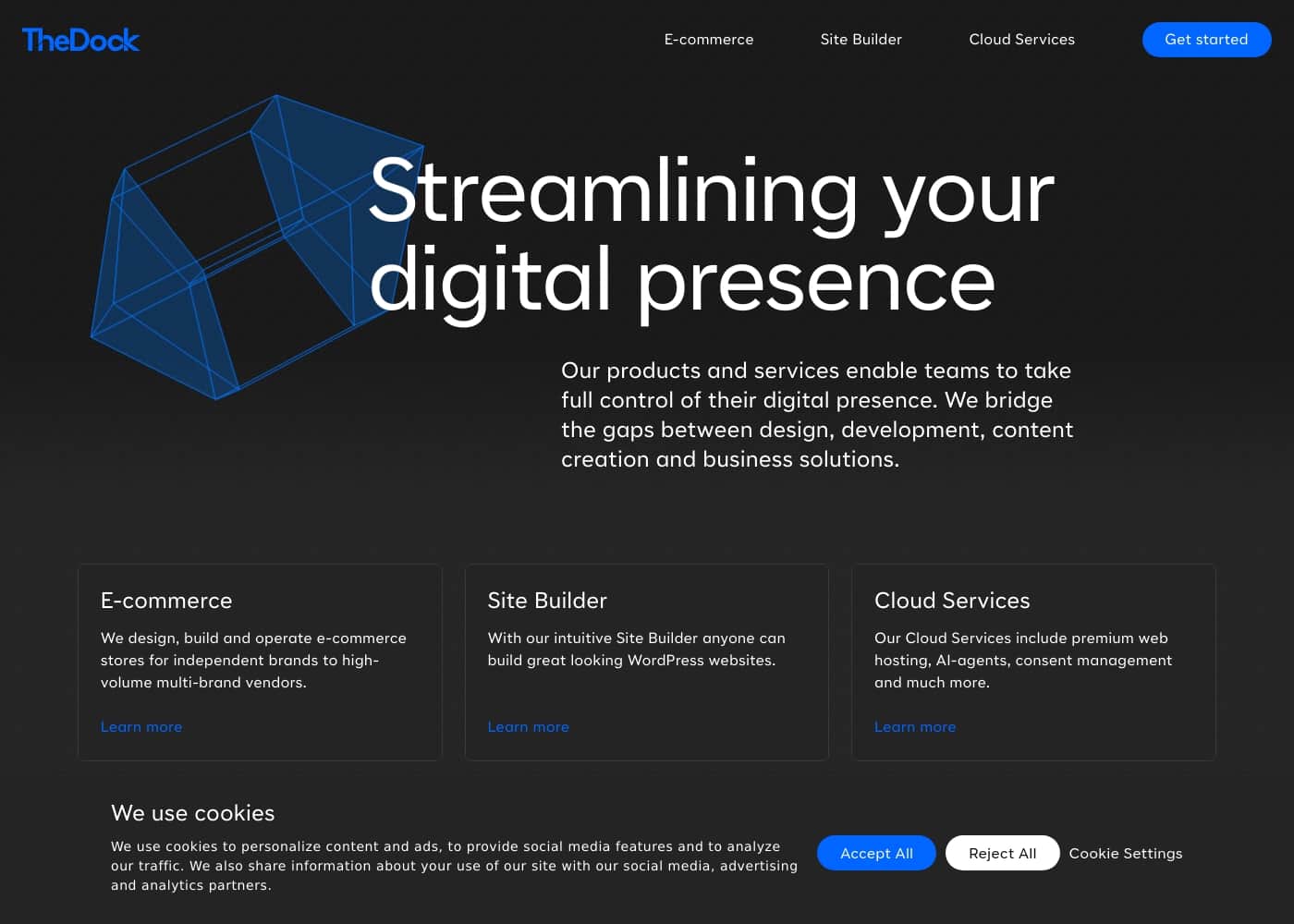
TheDock homepage screenshot

At a glance

Quick overview for TheDock: rating, pricing summary, key features, and highlights.
Money-back guarantee
Yes — 30 days
Range: $99One-time payment
This section is a summary. Detailed sections about features, use cases, pricing, and reviews follow below.

TheDock review, pricing, features, pros & cons

Traditional WordPress theme development often forces you into frustrating local environments and cumbersome deployment routines. Setting up projects traditionally wastes precious time.

TheDock offers a powerful alternative. It delivers a fast, cloud-based workflow that lets your entire team work really fast ✨. You get quick theme changes and instant updates without the headaches.

What is TheDock?

TheDock is a complete WordPress application built to streamline how modern teams create websites. It’s designed to help everyone—designers, developers, and content creators—collaborate effectively.

Because everything runs in the cloud, you can simplify the entire development lifecycle, leading to much faster website delivery. For designers, this means you can operate without the burden of extra plugins and shortcodes. Developers benefit from simplified theme editing that makes inefficient local environments obsolete. It's a truly faster way to ship solid websites 💡.

TheDock Key Features

☁️ Theme Development Moves to the Cloud

You can eliminate the frustrations of cumbersome local environments and lengthy deployment routines. TheDock hosts all theme editing entirely in the cloud, giving your whole team immediate access. This change means you safely skip complex .env files and slow local setups, reducing project friction dramatically.

The cloud workflow allows for instant theme updates and extremely quick changes. This modernized process helps you ship solid websites much faster than traditional methods allowed. It's a complete shift toward efficiency for modern team development workflows.

✨ Built for Seamless Team Collaboration

The platform is designed to unify your team. Designers and developers can easily collaborate and share work within one centralized space. This shared environment fosters clarity and speeds up the feedback loop across roles.

While development happens in the cloud, content management remains native. Editors can continue to change site content within standard WordPress functionality, just as easily as they always have. We streamline the build process without complicating the content workflow.

✨ Automatic Management of Responsive Layouts

Stop manually tweaking designs for every device size. All your layouts are inherently based on a native 12-column grid system. This powerful foundation automatically adjusts your design to any screen size.

This automatic adjustment ensures that your websites are completely responsive by default. For designers, this means you can focus on creativity, knowing layout scaling is handled reliably.

✨ Maintain Design Consistency with Global Base Size

Achieving perfect design unity is easy when sizes are controlled centrally. All sizing dimensions, including typography, margins, and section widths, are rooted in a single responsive Global Base Size. This method ensures your layouts are fundamentally cohesive and organized.

You move beyond setting type sizes and margins in fixed, exact pixels. By using a responsive base size, TheDock leverages REM units, resulting in highly unified and scalable site designs.

✨ Advanced Data Handling with ACF Integration

For websites that manage structured or data-oriented content, the standard WordPress Block Editor can struggle. TheDock provides a better, organized workflow for working with custom data fields. We enhance the experience of using WordPress's native custom meta fields.

Any custom field added through the platform connects to the industry-standard Advanced Custom Fields (ACF). This integration provides the user with a much better, more intuitive editing experience for handling complex data sets.

✨ Simplified WordPress Native Tools

We make it simpler to build out custom content structures right within the platform. You can easily create new Post Types and Taxonomies using our intuitive visual editor. This keeps your content structure organized and easy to manage from the beginning.

For designers, this powerful structure comes clean and ready to use, meaning you can operate effectively without relying on extra shortcodes or complex third-party plugins.

Use Cases

☁️ Moving Theme Development to the Cloud ☁️

Developers often waste time grappling with frustrating local environments. Managing complex deployment routines and handling messy .env files slows down every project. TheDock eliminates this friction entirely by running theme development in the cloud.

You can safely skip the infrastructure setup and focus directly on core theme editing. Team members benefit from quick changes and instant theme updates.

🎯 Establishing Unified Design Consistency

Designers need layouts that look perfect and consistent across all pages and devices. Traditional systems make this hard because they rely on exact pixels for sizing. TheDock solves this using a responsive Global Base Size.

All typography, margins, and widths are rooted in this base size. This ensures your layouts remain perfectly unified without the constant need for manual fine-tuning.

✨ Streamlining Cross-Team Collaboration

Collaboration can be cumbersome when designers, developers, and content writers use separate tools. TheDock provides one shared cloud space for your entire team. Designers and developers can work together on theme changes seamlessly.

Meanwhile, content editors can manage site content easily, just like in native WordPress. This unified workflow significantly speeds up how you deliver projects.

⚙️ Creating Data-Rich Content with ACF

When you handle data-oriented posts or complex layouts, the standard WordPress Block Editor isn't ideal. TheDock improves this process by connecting internal custom fields to Advanced Custom Fields (ACF). It allows developers to create new Post Types and Taxonomies using a visual editor. Editors then interact with a superior interface to manage structured data efficiently.

Expected outcome: Better organization and a much smoother editing experience for data-heavy content.

⚡️ Building Responsive Layouts Automatically

Designers must ensure every website works perfectly across all screen sizes. Traditional methods require heavy shortcodes or complex external plugins to achieve this responsiveness. TheDock uses a native 12-column grid structure for every layout you create.

This grid automatically adjusts your design elements to fit any screen, meaning your sites are fully responsive by default.

🛠️ Full Site Editing Without Code

If you are a designer who wants control over the entire website appearance, TheDock helps you modify the design and layout easily. You gain access to powerful Full Site Editing capabilities within your WordPress environment. This means you can adjust theme architecture without writing external code. You can make fundamental changes without relying on confusing plugins or shortcodes.

Tip: This powerful capability is included with the Single License purchase.

Pricing Overview for TheDock

Pricing range
$99
Pricing types
One-time payment
Money-back guarantee
Yes — 30 days

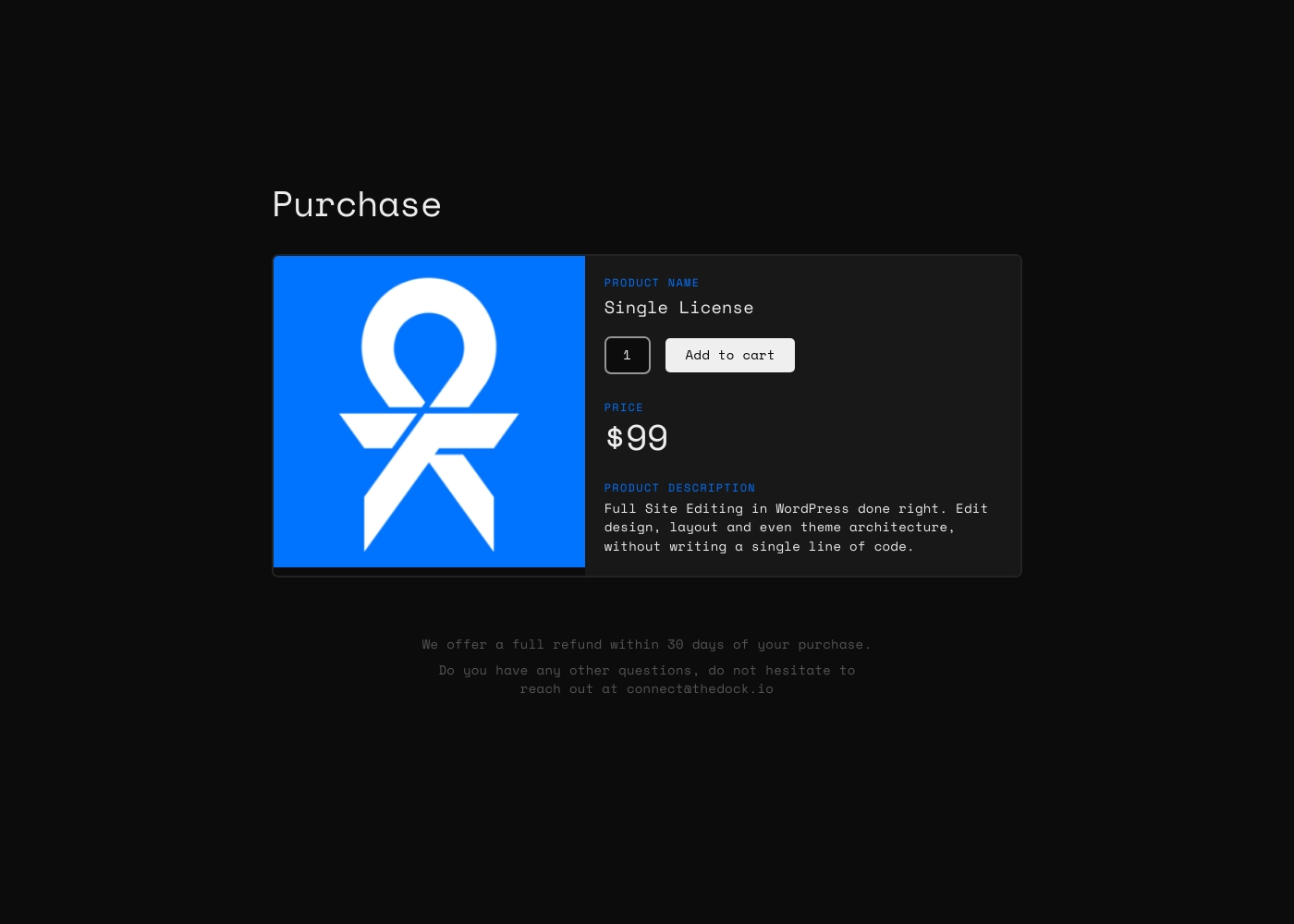
TheDock currently offers a Single License available for a one-time purchase price of $99. This includes the full site editing tools you need for WordPress development.

You can also benefit from our 30-day money-back guarantee.

Plans & Pricing

Single License

Contact for pricing
Not explicitly stated
  • Full Site Editing in WordPress
  • Edit design, layout, and theme architecture
  • No coding required

TheDock costs $99 as a single purchase license, offering one plan: Single License at $99.

Below you will see the detailed plan and its features included with your purchase.

Single License

Price: $99 (Single purchase) Websites Supported: Not explicitly stated Best For: Users needing full WordPress site editing capabilities without coding. Refund Policy: 30-day full refund Other Features:

  • Full Site Editing for WordPress done right
  • Edit design, layout, and theme architecture
  • Allows codeless theme development

This license is perfect for designers and developers who want a powerful, no-code solution for building and editing WordPress themes. It’s a straightforward payment that gets you started quickly with advanced, cloud-based theme editing tools.

Currently, TheDock is available through the purchase of this single license; a free program or trial period is not explicitly stated. We want you to feel absolutely comfortable with this investment. Since we don't offer a trial, every purchase includes a generous 30-day money-back guarantee. If TheDock is not the right fit for your workflow, you can request a full refund within that period. 😊

User Reviews

No reviews yet.

Write a Review

Write a Review for TheDock
0/100 characters
0/2000 characters

Why use TheDock?

If you are ready to modernize your build process, TheDock offers distinct advantages over traditional WordPress setups. This unified workflow creates immediate efficiencies for your whole team, speeding up how you deliver projects:

  • Eliminate Local Setup: Theme development happens entirely in the cloud. You safely skip frustrating .env files, slow local environments, and complex deployment routines entirely.
  • Foster Team Collaboration: Designers and developers can easily collaborate in one shared space. Editors can also change site content just as easily as they always have in native WordPress.
  • ⚡️ Automatic Responsive Layouts: All your layouts use a native 12-column grid. This automatically adjusts your design to any screen size, ensuring your sites are responsive by default.
  • ⚙️ Organized Data Handling: The platform uses an improved workflow for structured data. Custom fields are connected to Advanced Custom Fields (ACF), providing a much better editing experience for data-oriented posts.
  • 🎯 Maintain Design Consistency: All sizing, from typography to margins, is rooted in a responsive Global Base Size. This keeps your layouts perfectly unified, moving beyond setting type sizes in exact pixels.

Ready to transform your workflow with TheDock?

Frequently Asked Questions

How many websites can I build with the Single License?

The total number of websites supported by the Single License is not explicitly stated on the official site. The product is offered as a single one-time purchase license.

Is the $99 Single License a one-time cost or a recurring subscription?

The Single License is listed as a one-time purchase price of $99. The official site does not indicate any mandatory annual or monthly recurring subscription fees for this license.

How does the 30-day money-back guarantee work?

TheDock offers a full refund within 30 days of the date you purchased the license. Since they don’t offer a traditional trial, this refund policy helps secure your investment.

Can I try TheDock before committing to the purchase?

TheDock does not currently offer a free program or a standard trial period. They encourage users to take advantage of the 30-day money-back guarantee to fully test the software.

Does TheDock integrate with other tools besides core WordPress features?

The platform streamlines structured data handling by integrating directly with Advanced Custom Fields (ACF). Other specific third-party integrations are not explicitly mentioned in the available content.

What kind of support is provided, and what is the response time?

Specific details regarding support responsiveness or a Service Level Agreement (SLA) are not explicitly stated on the official site. You can direct your questions via email to connect@thedock.io.

Does the $99 license include hosting services for my websites?

The purchase page references a potential 'License + Hosting' option, but the detailed description for the $99 Single License does not explicitly include hosting services. It focuses only on the site editing tools.

How does TheDock simplify the workflow for developers specifically?

It eliminates the need for frustrating local development environments, including complex setup routines and .env files. All theme development happens smoothly in the cloud.

How are design consistency and responsiveness enforced?

Design consistency is anchored in a responsive Global Base Size for all sizing elements, like typography and margins. This foundation ensures layouts move beyond exact pixels and utilize a native 12-column grid for automatic adjustments.

Who benefits the most from using TheDock’s cloud workflow?

TheDock is best suited for designers, developers, and teams who prioritize speed and consistency in WordPress theme building. It's ideal for those seeking a fast, no-code theme editing solution.

Are there specialized licenses available for agencies or multiple users?

Currently, only the Single License is explicitly detailed within the public pricing information. Information regarding multi-seat licenses, agency packages, or team pricing is not listed.

Where is my data stored since the platform is cloud-based?

Specific details regarding data storage locations, compliance certifications, or geographic regions where data is processed are not explicitly stated on the official site.

Can I easily create new post types and taxonomies?

Yes, TheDock allows you to easily create new Post Types and Taxonomies using its built-in visual editor, leveraging native WordPress features.

What is the policy for cancellations if I don't want future updates?

Since the $99 license is a one-time purchase, there is no recurring subscription to cancel. The specific policy regarding continued product access or update discontinuation after purchase is not specified.

Ready to try TheDock? Check out the official site or pricing.