Speechify

Speechify review

Turn any document into natural-sounding audio you can listen to anywhere

By Ciroapp Editorial Team · Updated Sep 16, 2026

Commission may apply at no extra cost

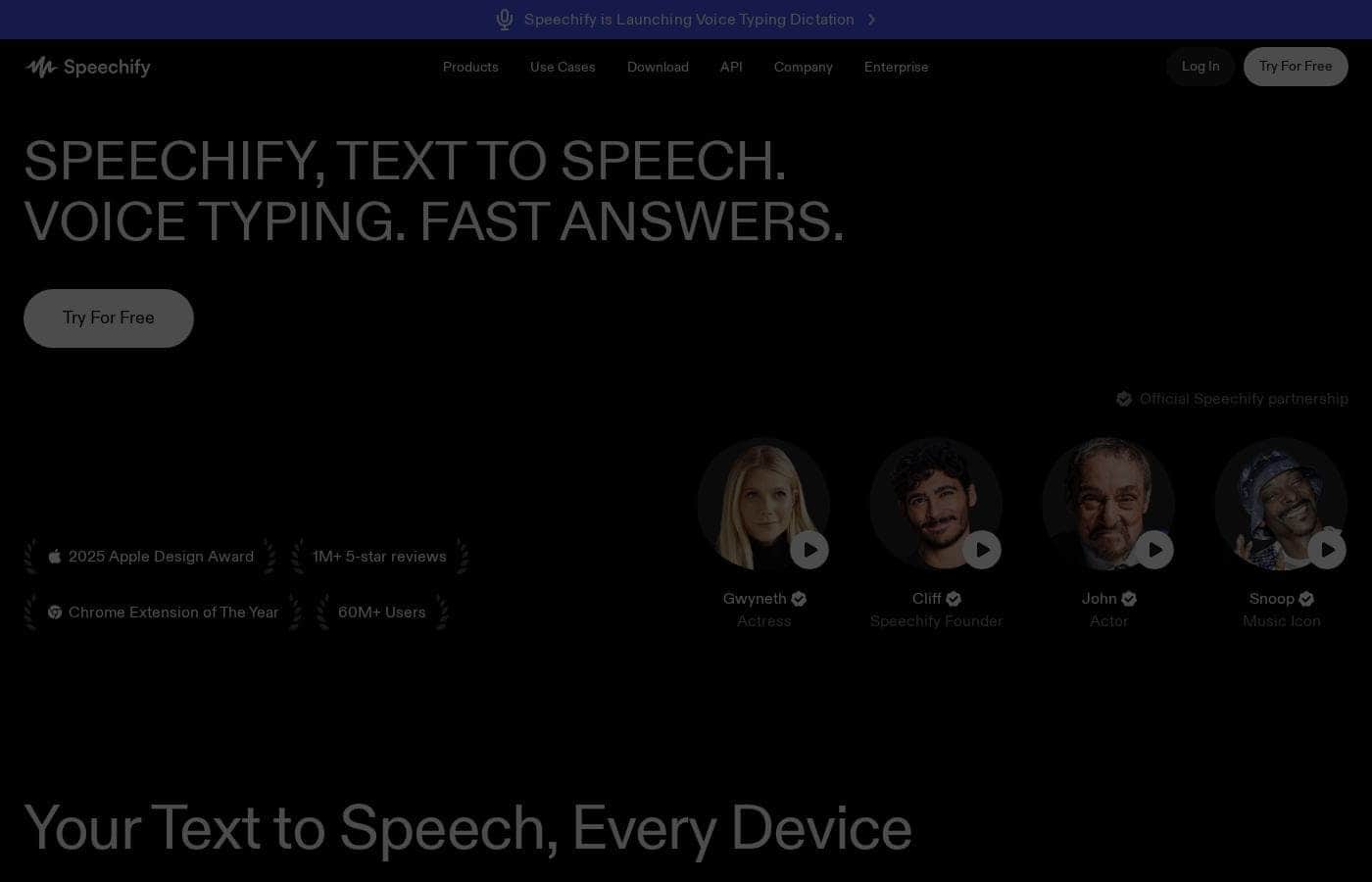
Speechify homepage screenshot

At a glance

Quick overview for Speechify: rating, pricing summary, key features, and highlights.
Vendor page checked Oct 13, 2026

Ciroapp score

4.0/ 5

Speechify turns PDFs, emails, and Google Docs into natural-sounding audio, with apps for web, mobile, and Chrome or Edge, plus a free plan to test it first. Paid tiers run from $1 to $2,800 a month without much guidance, and audio can't convey charts or diagrams. Overall, it's a strong pick for clearing reading backlogs by ear.

Pros

  • Pros:Reads the formats your reading already lives in—PDFs, emails, and Google Docs—so you rarely need to convert or copy-paste files before listening
  • Pros:Available as a web app, mobile apps, and browser extensions for both Chrome and Microsoft Edge, so listening carries across desktop and mobile
  • Pros:Voices are natural and human-like rather than robotic, which matters for staying engaged over long documents and full chapters

Cons

  • Cons:Plan pricing spans an enormous range—from $1 to $2,800 per month—and it is not obvious which tier fits which user, so choosing a plan takes research
  • Cons:Audio narration cannot convey visual elements, so charts, tables, diagrams, and images inside PDFs are lost when a document is converted to speech
  • Cons:Dense technical or formula-heavy material is difficult to absorb by ear regardless of voice quality, which limits how much of a reading list you can realistically outsource to audio
Best for
  • Students with heavy reading loads who want to convert textbooks, PDFs, and course documents into audio for commutes or study sessions
  • Professionals who spend hours on reports, articles, and email and want to reclaim commute or gym time for that reading
  • People with reading speed or comprehension difficulties, including seniors, who retain more when hearing text read aloud
This section is a summary. Detailed sections about features, use cases, pricing, and reviews follow below.

What is Speechify?

Speechify converts written text into spoken audio so you can consume documents, articles, and email without sitting in front of a screen. It accepts common formats like PDFs and Google Docs, then reads them aloud in natural-sounding voices through its web app, mobile apps, and Chrome or Edge browser extensions. The tool is aimed at students, seniors, and professionals—anyone who processes a lot of written material or benefits from hearing content rather than reading it.

Speechify is a text-to-speech reader that transforms written content—including PDFs, emails, Google Docs, and other document formats—into audio narration. It runs across platforms: a web app, native mobile apps, and browser extensions for Chrome and Microsoft Edge, so listening follows you as you switch between devices. Voices are built to sound human rather than robotic, which is what separates it from the flat, mechanical TTS most people associate with screen readers.

Should you choose Speechify?

Quick buyer guidance before you compare plans or click through.

Choose it if

  • Students with heavy reading loads who want to convert textbooks, PDFs, and course documents into audio for commutes or study sessions
  • Professionals who spend hours on reports, articles, and email and want to reclaim commute or gym time for that reading
  • People with reading speed or comprehension difficulties, including seniors, who retain more when hearing text read aloud
  • Multi-device users who want listening to continue across desktop browsers, mobile apps, and the web

Skip it if

  • Readers who primarily consume visual-heavy documents—charts, diagrams, and image-laden PDFs—since narration cannot convey graphics
  • Light users on a tight budget, since top-tier plans reach $2,800/month and casual occasional use may never justify those prices
  • Anyone who needs to absorb formula-dense or highly technical material precisely, where listening is a poor substitute for careful reading

Next steps before buying

  1. 1Visit speechify.com and create an account on the free plan so you can test the reader on your own documents before paying
  2. 2Install the Chrome or Edge browser extension, or download the mobile app, so Speechify is available wherever you normally read
  3. 3Upload or open a PDF, email, or Google Doc and run a playback session to judge voice quality and comfort on material you actually read
  4. 4Compare the paid tiers—starting at $1/month—against how much you realistically listen per week, and only subscribe once the free plan's limits get in your way

Speechify Key Features

✨ Natural, human-like narration

Speechify's core differentiator is voice quality: instead of the flat, robotic cadence typical of older text-to-speech engines, it produces voices that sound close to a human reader. That distinction matters more than it might seem—when you are listening to a 40-page report or a full textbook chapter, a grating synthetic voice becomes fatiguing fast, while a natural one lets you stay focused on the content for long sessions.

✨ Reads the documents you already have

The tool accepts the formats most of your reading already lives in: PDFs, emails, and Google Docs, among others. There is no need to copy and paste text or convert files into a special format first—you point Speechify at the document and it reads it aloud. That low friction is what makes it practical for daily use rather than an occasional novelty.

✨ Works across the devices you use

Speechify runs as a web app, as mobile apps, and as browser extensions for Chrome and Microsoft Edge. That coverage means listening fits into the gaps of your day: a report at your desk, an article on your phone during a commute, or a saved page while you browse. Because the tool follows you across these surfaces, you are not locked into consuming content on a single device.

✨ Built for a broad range of listeners

Rather than targeting one niche, Speechify is designed for students, seniors, and professionals alike. It is positioned as especially useful for people who struggle with reading speed or comprehension—hearing content read aloud can help them keep pace with demanding school or work loads that would otherwise overwhelm them.

Use Cases

💡 Turning commute and chore time into reading time

Much of the material you would otherwise read while sitting down can be listened to while doing something else. With Speechify's mobile apps and web app, a commute, a workout, or household chores become windows for getting through reports, articles, or class readings. For heavy readers, this can recover hours of otherwise unusable time each week.

💡 Keeping up with coursework

Students juggling textbooks, journal PDFs, and shared Google Docs can feed those documents into Speechify and listen instead of reading line by line. Listening during dead time—walking to campus, at the gym—helps students keep pace with demanding reading loads, and hearing difficult material read aloud can also support comprehension and retention.

💡 Accessibility and reading challenges

For people with slow reading speed, comprehension difficulties, or fatigue that makes extended reading hard, having text read aloud in a natural voice removes a real barrier. Seniors can keep up with news, correspondence, and documents by ear. In these situations Speechify functions less as a productivity tool and more as a practical accessibility aid.

💡 Clearing professional reading backlogs

Professionals facing long reports, client PDFs, and overflowing inboxes can have Speechify narrate that material while they handle other work. It will not replace careful reading of documents that need line-by-line scrutiny, but for content you simply need to absorb—status reports, industry articles, internal memos—listening is often easier to fit into a packed schedule.

Speechify pricing

Prices not verified yet — see the vendor page.

Speechify's pricing page

Speechify pricing page screenshotView pricing page screenshot

Price history

Tracking prices since Oct 1, 2026. No price change detected yet.

Pricing range: See vendor pricing

Pricing types: Free plan, Monthly subscription

Pricing notes

Plans from $1/month

Speechify pricing: Plans from $1/month Plans range: $1–$2800/month Billing options: Free plan, Monthly subscription

Email me when Speechify changes price

One email when we detect a price change on the vendor's pricing page. No newsletter, no deals. Unsubscribe in one click.

User Reviews

No reviews yet.

Write a Review

Write a Review for Speechify
0/100 characters
0/2000 characters

Why use Speechify?

Reading time is often the bottleneck when you have dense coursework, long reports, or an overflowing inbox. Listening lets you use time that would otherwise go to waste—commutes, workouts, chores—to get through material you would otherwise have to sit and read.

For people who struggle with reading speed or comprehension, hearing text read aloud can meaningfully improve how much material they get through and how well they keep up with demanding workloads.

Speechify alternatives

Other tools in the Text to Speech category

View all Text to Speech tools
ElevenLabs

ElevenLabs

Text to Speech4.2/5

ElevenLabs is the leading AI voice platform trusted by millions of developers, creators, and large enterprises. It specializes in converting text into highly expressive and human-sounding audio, offering low-latency conversational agents and leading AI generation tools. You can use it to create high-quality audiobooks, compelling video voiceovers, or power realistic avatars. The goal is simple: transform your written content into natural, scalable audio quickly and reliably.

DupDub

DupDub

Text to Speech3.8/5

DupDub is an innovative all-in-one platform built for seamless content creation. It’s designed to help you effortlessly craft and publish projects faster than you thought possible. This tool is perfect for many professionals, including marketers, book authors, trainers, and podcasters. By leveraging powerful AI technology, DupDub takes your initial ideas and quickly develops them into polished, final media pieces. You can even explore new motion avatars for dynamic, vivid visual content creation.

Speechify FAQ

Does Speechify have a free plan?

Yes. Speechify offers a free plan alongside monthly subscription options. Paid plans start at $1/month, though the top of the range reaches $2,800/month, so it is worth checking the current pricing page to see what each tier includes before committing to a subscription.

What kinds of content can Speechify read aloud?

Speechify converts written material—including PDFs, emails, Google Docs, and other document formats—into spoken audio with natural, human-like voices. If your text lives in one of those formats, you can generally have it narrated without manual conversion.

Where can I use Speechify?

It runs as a web app, as mobile apps, and as browser extensions for Chrome and Microsoft Edge. In practice that means you can listen at your desk, on your phone during a commute or workout, or while browsing the web, without being tied to one device.

Is Speechify only for people with reading difficulties?

No. While it is especially useful for people who struggle with reading speed or comprehension, it is built for a broad audience—students, seniors, and professionals who simply want to get through more written material by listening during commutes, exercise, or chores.

Ready to try Speechify? Check out the official site or pricing.

Are you Speechify? Claim this listing · Get the badge