Slider Revolution

Slider Revolution review

The WordPress slider plugin that doubles as a visual page builder with 250+ templates included.

By Ciroapp Editorial Team · Updated Sep 16, 2026

Commission may apply at no extra cost

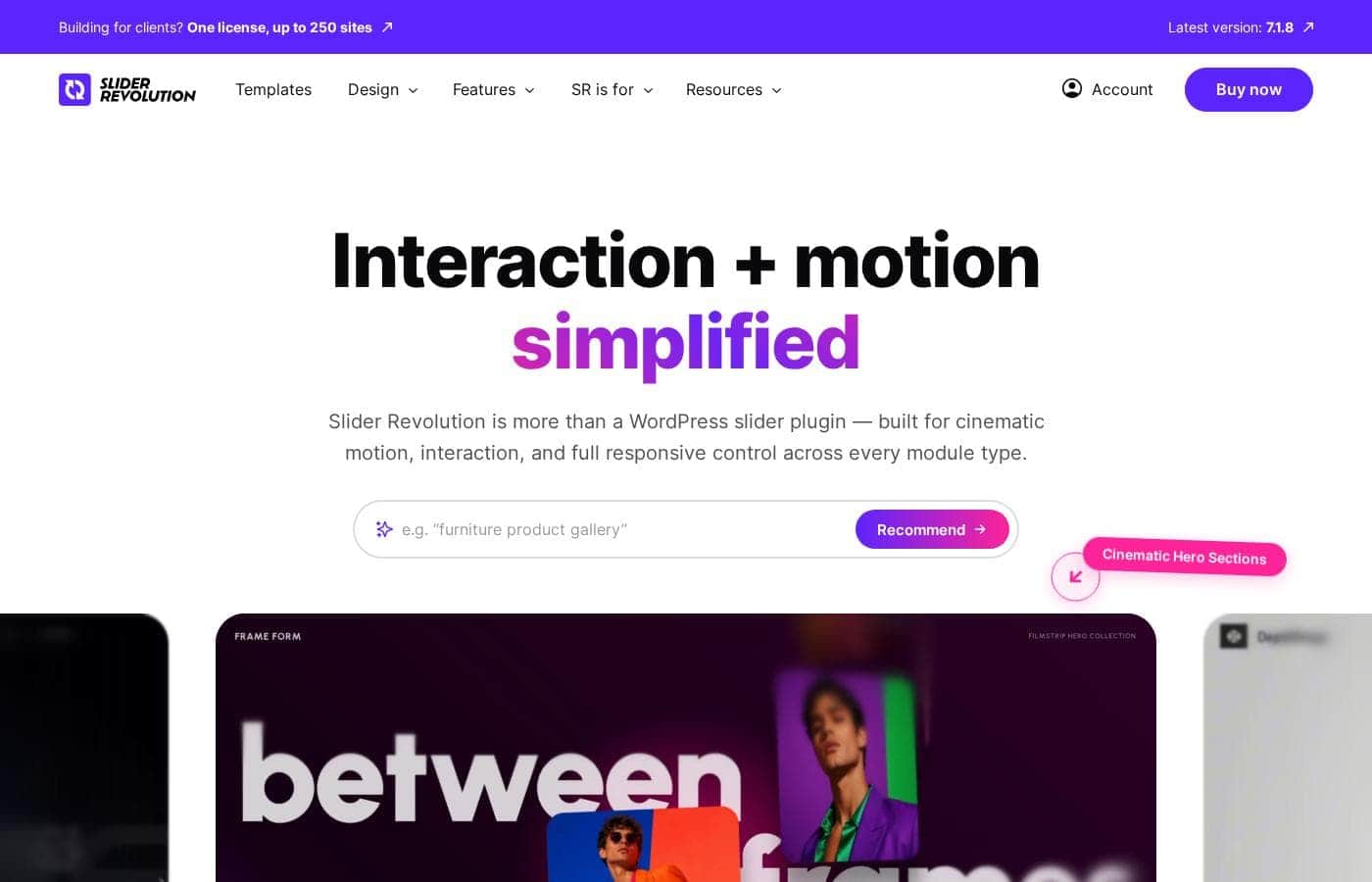
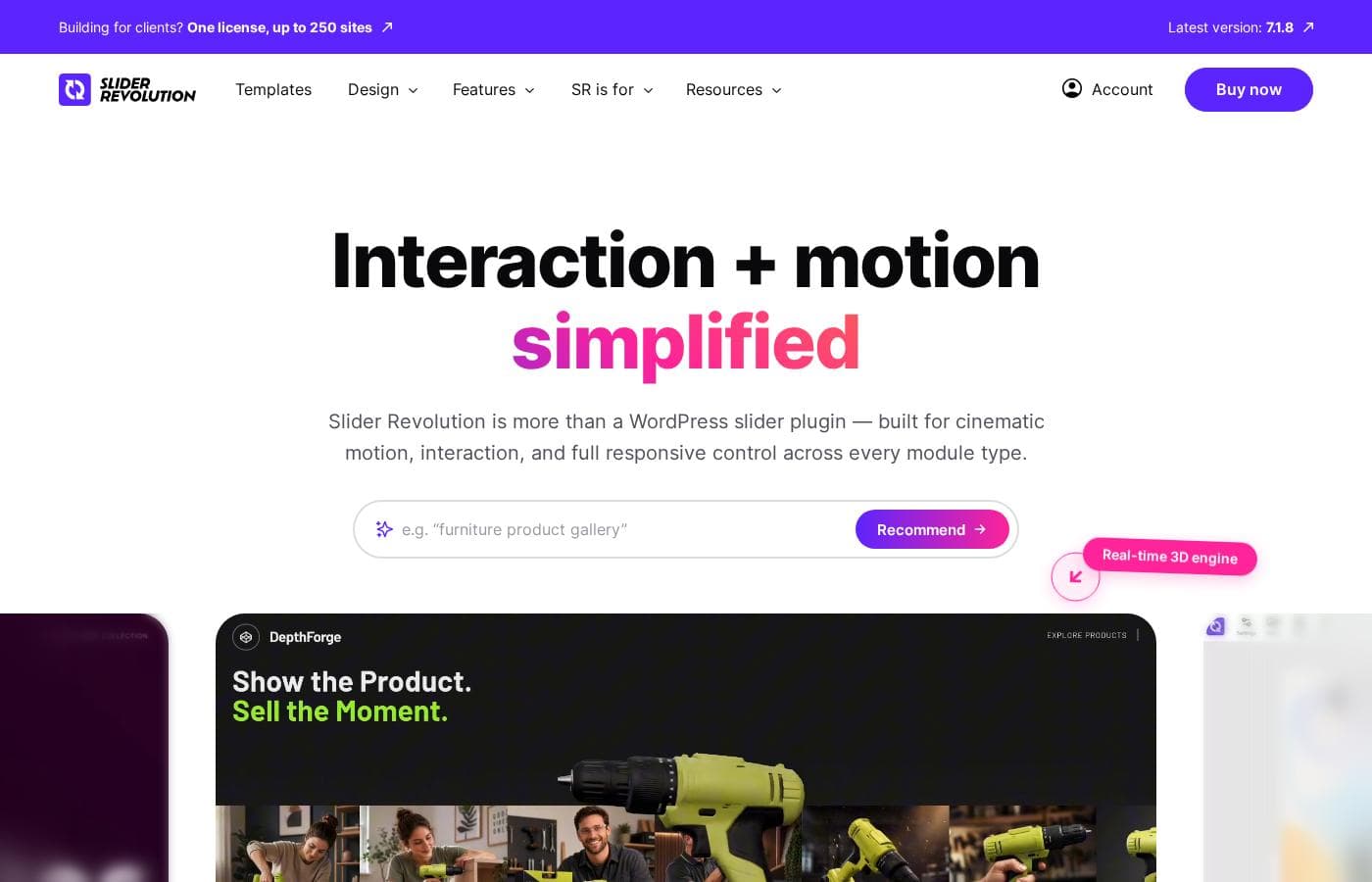
Slider Revolution homepage screenshot

At a glance

Quick overview for Slider Revolution: rating, pricing summary, key features, and highlights.
Vendor page checked Oct 12, 2026

Ciroapp score

3.8/ 5

Slider Revolution packs sliders, carousels, hero sections, and page building into one WordPress plugin, backed by a 250-plus template library that grows monthly. It's code-free and responsive out of the box, but the editor is dense and it only runs on WordPress. Overall, it's a strong pick for regular visual work, and overkill for one simple slider.

Pros

  • Pros:Includes 250+ templates in the package cost, so projects start from a finished design instead of a blank canvas
  • Pros:New templates are added every month, keeping the library current without extra purchases
  • Pros:Combines slider, carousel, hero, and page building in one WordPress plugin, reducing the number of tools needed

Cons

  • Cons:The editor is feature-dense, and users who only need a basic slider face a learning curve to find the relevant options
  • Cons:The breadth of features is overkill for a single static image slider, where a lightweight free plugin would be simpler
  • Cons:As a WordPress-only plugin, it does not help with sites on Shopify, Wix, Squarespace, or static HTML
Best for
  • WordPress site owners who want animated sliders, carousels, or hero sections without writing code
  • Freelancers and agencies building client sites who can reuse the 250+ template library across projects
  • Small businesses that regularly need polished hero headers and promotional banners
This section is a summary. Detailed sections about features, use cases, pricing, and reviews follow below.

What is Slider Revolution?

Slider Revolution is best known as a WordPress slider plugin, but it has grown into a full visual page builder and design tool. One plugin covers sliders, carousels, hero sections, and entire websites, all built through a visual editing workflow. Every package includes a library of more than 250 templates, and new designs are added every month.

You pick a template, install it, and customize it rather than starting from a blank canvas.

Slider Revolution is a WordPress plugin for creating animated sliders, carousels, hero sections, and complete pages. It works as a design layer on top of WordPress: instead of writing HTML, CSS, and JavaScript by hand, you compose slides and sections visually and preview the result as you go. The bundled template library spans common needs such as hero headers, content carousels, and product showcases, so most projects begin from a working design rather than an empty canvas.
Should you choose Slider Revolution?

Quick buyer guidance before you compare plans or click through.

Choose it if

  • WordPress site owners who want animated sliders, carousels, or hero sections without writing code
  • Freelancers and agencies building client sites who can reuse the 250+ template library across projects
  • Small businesses that regularly need polished hero headers and promotional banners
  • Users who want one plugin to cover both visual design modules and basic page building

Skip it if

  • Sites that need only a simple static image slider, where a lightweight free slider plugin is simpler and sufficient
  • Projects outside WordPress, since the plugin only runs on WordPress sites
  • Developers who prefer hand-coding custom animations and find visual builders constraining

Next steps before buying

  1. 1Start on the free plan or a monthly/yearly subscription, then install and activate the plugin on your WordPress site
  2. 2Browse the 250+ template library and pick a design that matches your goal: slider, carousel, hero section, or full page
  3. 3Install the template and customize it in the visual editor, replacing text and images and checking the responsive preview
  4. 4Publish the finished module in a post or page, or keep combining modules to build out a complete page

Slider Revolution Key Features

✨ Visual editor without code

Slides and sections are composed visually in layers, so images, text, buttons, and animations are arranged on a canvas rather than written in markup. Changes can be previewed as you work, which keeps the gap between what you build and what visitors see small. The intended workflow is to install a template and customize it without touching code.

✨ 250+ template library

The cost of the package includes more than 250 ready-made templates covering sliders, carousels, hero sections, and full page layouts. You select a design, install it, and customize it to match your brand and content. New templates arrive every month, so the library grows without additional purchases.

✨ Sliders and carousels

The plugin's original strength remains central: animated image and content sliders for headers, galleries, and showcases. Slide transitions are prebuilt, so you configure behavior in the editor rather than scripting it. Carousels rotate products, photos, or featured posts in a compact, repeating format.

✨ Hero sections and page building

Beyond sliders, the same editor builds hero sections and complete web pages, which can reduce the need for a separate page builder on simpler projects. A homepage, for example, can be assembled from hero, content, and carousel modules within the plugin and published as a WordPress page.

✨ Responsive output

Everything created in the plugin is built to display across desktop, tablet, and mobile screen sizes. Templates arrive responsive out of the box, so a single build serves visitors on different devices instead of requiring separate mobile designs.

Use Cases

💡 Hero sections for business and landing pages

A strong header often decides whether a visitor keeps reading. Businesses can install a hero template, drop in their own headline, imagery, and call-to-action, and publish an animated page top without writing code.

💡 Product and portfolio carousels

Shops and portfolio sites use the carousel builder to present products, projects, or photos in a rotating format. Prebuilt transitions keep the display polished while the template structure keeps setup quick.

💡 Full pages without a separate page builder

For sites that need only a homepage or a few landing pages, the plugin's page-building capability can replace an additional builder. Hero, content, and slider modules combine into a complete page inside WordPress.

💡 Featured content sliders for blogs and news sites

Publishers can highlight recent posts or popular stories in a slider at the top of the homepage, drawing attention to key content. Templates aimed at content showcases make this a customization job rather than a development job.

Slider Revolution pricing

Prices not verified yet — see the vendor page.

Slider Revolution's pricing page

Slider Revolution pricing page screenshotView pricing page screenshot

Price history

Tracking prices since Oct 1, 2026. No price change detected yet.

Pricing types: Free plan, Monthly subscription, Yearly subscription

Pricing notes

Slider Revolution pricing: Plans from $0/month Billing options: Free plan, Monthly subscription, Yearly subscription

Email me when Slider Revolution changes price

One email when we detect a price change on the vendor's pricing page. No newsletter, no deals. Unsubscribe in one click.

User Reviews

No reviews yet.

Write a Review

Write a Review for Slider Revolution
0/100 characters
0/2000 characters

Why use Slider Revolution?

Hand-building an animated slider means writing animation code and then testing it across screen sizes and browsers. Slider Revolution handles that work for you, with animation behavior and responsive output built into every template.

Because everything happens inside WordPress, the finished slider or section publishes directly alongside your existing posts and pages. The monthly template additions also mean the library keeps pace with current design trends without extra purchases.

Slider Revolution alternatives

Other tools in the WordPress Slider plugin category

View all WordPress Slider plugin tools

Slider Revolution FAQ

Does Slider Revolution include templates, or do I have to buy them separately?

The package includes more than 250 templates in the cost of the plugin. You select a template, install it, and customize it to your content. New templates are added every month, so the library continues to grow without additional purchases.

Is Slider Revolution only for sliders?

No. Although it is best known as a WordPress slider plugin, it also works as a responsive page builder and design tool. The same editor builds carousels, hero sections, and complete websites, so a single plugin can cover several design needs.

Do I need coding or design skills to use it?

No coding is required for the standard workflow: you pick a template from the library, install it, and customize it in the visual editor by replacing text and images and adjusting settings. Design sense helps, but the templates provide the underlying layout and animation work.

Is there a free version of Slider Revolution?

Pricing starts at $0 with a free plan available, alongside monthly and yearly subscription options, so you can evaluate the plugin before committing to a paid tier.

Ready to try Slider Revolution? Check out the official site or pricing.

Are you Slider Revolution? Claim this listing · Get the badge