Mailfloss

Mailfloss

Automated email verification that boosts deliverability.

#1 dans Email Cleaner
3 min read · Updated 10/5/2025
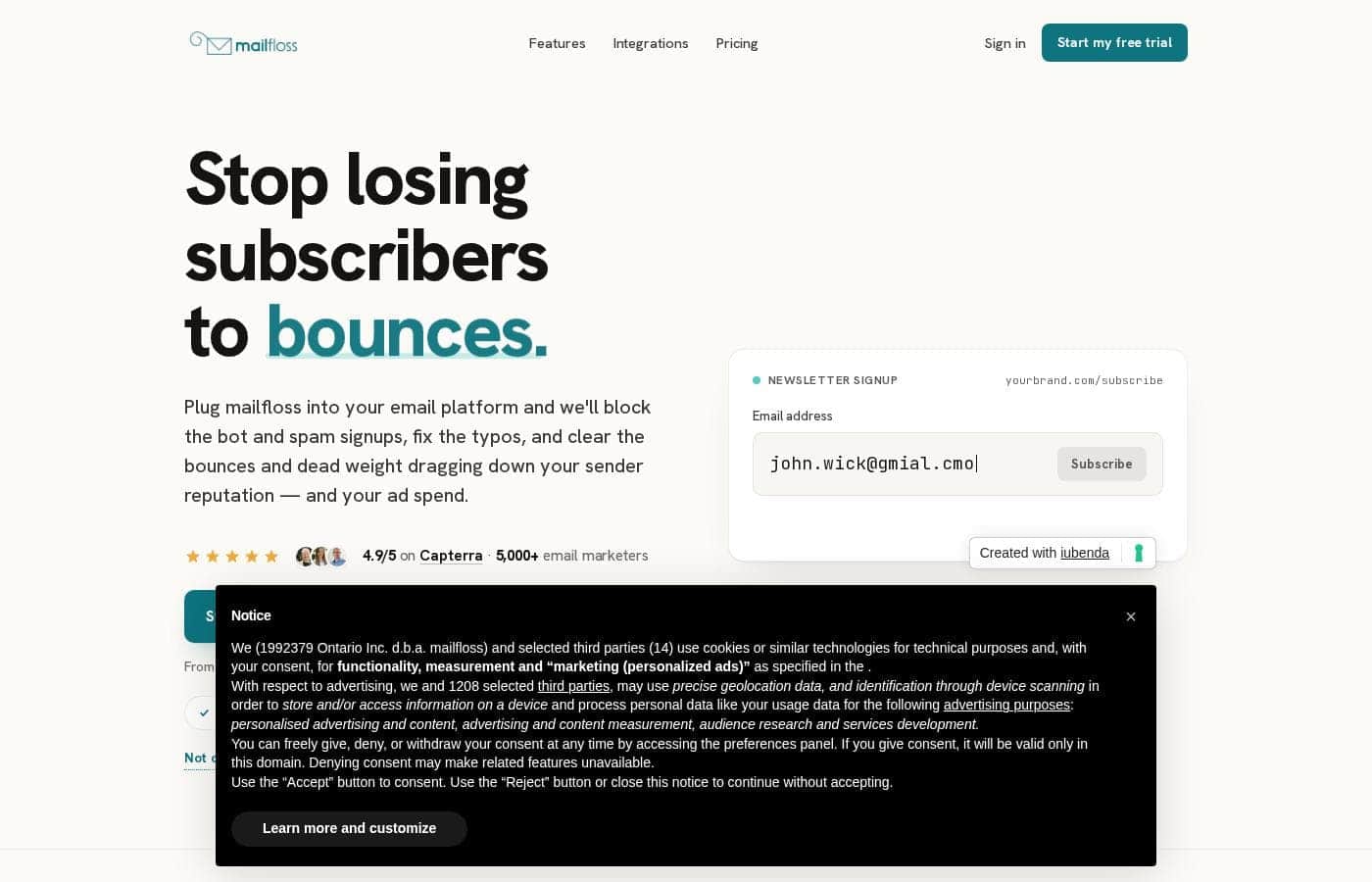
Mailfloss homepage screenshot

At a glance

Quick overview for Mailfloss: rating, pricing summary, key features, and highlights.

Ciroapp review

4.2
Essential set-and-forget email list hygiene.

We find Mailfloss offers comprehensive, automated list cleaning that promotes superior deliverability with minimal effort. Overall, it's a strongly featured, credit-based verification tool designed to maintain list health daily, offering transparency and control over cleanup actions.

Pros

  • Pro:Automated daily list cleaning and decay protection.
  • Pro:Extremely simple setup (claimed 60 seconds).
  • Pro:Includes automatic typo fixing for common domains.
  • Pro:30-day money-back satisfaction guarantee is included.

Cons

  • Con:Pricing is strictly credit-based, requiring accurate volume planning.
  • Con:Overage fees apply quickly if monthly credit limits are exceeded.
  • Con:Entry-level Lite plan supports only one ESP integration.
  • Con:Specific public user sentiment for accuracy and support is currently unavailable.
Free trial
Yes — 7 days
Money-back guarantee
Yes — 30 days
Range: $29–$209/monthFree trial, Monthly subscription, Usage-based pricing
This section is a summary. Detailed sections about features, use cases, pricing, and reviews follow below.

Mailfloss review, pricing, features, pros & cons

Sending emails to fake or invalid addresses actually hurts your business and leads to penalties. This means fewer messages reach your real paying customers' inboxes. 😩

Mailfloss automatically addresses this issue before it becomes a problem. It connects to your existing provider to remove invalid emails daily, helping increase your deliverability instantly. ✨

What is Mailfloss?

Mailfloss is an automatic email list cleaning tool trusted by people from small and big businesses across industries. It works by connecting right to your favorite email service provider. 💡

Once connected, Mailfloss scans for invalid email addresses and removes them every single day. This daily scanning is performed automatically, helping you increase your email deliverability and ensuring more messages land in the priority inbox.

Mailfloss Key Features

🛠️ Quick and Easy 60-Second Setup

Getting started is incredibly fast and simple for everyone. All it takes is a few button clicks to fully connect the service. You only have to go through the setup process one time.

There is no complex code or developer involvement required. You also eliminate the need to handle cumbersome spreadsheets for verification. Once connected, Mailfloss works for you daily and automatically.

✨ Daily, Automated List Cleaning

Mailfloss works constantly and automatically behind the scenes for you. It connects to your current email service provider and scans your lists every single day. This daily scanning identifies and removes invalid email addresses.

This continuous process is awesome for ease of use. You can truly set it up and forget it while your email reputation is constantly improving. Cleaning out this junk helps maintain high deliverability instantly.

✨ Intelligent Auto Typos Fixer

The system automatically fixes common keyboard errors and misspellings. This applies to emails from popular providers like Gmail, Yahoo, Hotmail, and AOL. Mailfloss corrects these typos and automatically syncs the changes to your list.

You do not need to lift a finger to manually correct these errors. This feature ensures that valid users aren't lost due to simple clerical mistakes.

✨ Complete Control Over Cleanup Actions

Mailfloss puts you in complete control when managing invalid emails. You decide exactly what happens to contacts identified as fake or bad. You can set the options to your preference in the initial setup.

These powerful options give you flexibility in your contact management:

✨ Flexible Contact Disposition Options

You have powerful options at your fingertips when bad emails are discovered. Mailfloss lets you choose your preferred action after verification. You are in complete control of what the tool does to the invalid addresses.

  • Automatically delete the contacts.
  • Unsubscribe invalid users.
  • Update tags and custom fields.

✨ Boosted Deliverability and Improved Reputation

Sending emails to fake or invalid addresses hurts your business quickly. This harmful practice causes penalties, meaning more of your messages land in spam folders. Mailfloss removes these bad addresses before they become a major problem.

Clearing out invalid emails leads to measurable results. Customers have reported seeing open rates increase by an average of 4%. Boosting your domain reputation should lead to more emails getting into the priority inbox.

Use Cases

🛡️ Maintaining Continuous Daily List Health

Running an email marketing business means your list is always changing. New subscribers arrive, but some addresses inevitably go bad, hurting your sender reputation. Trying to clean this manually is tedious and costly. Mailfloss solves this by connecting directly to your provider in under a minute.

It constantly scans for invalid emails daily, removing them before they cause trouble. You truly can set it up once and forget it, knowing your deliverability is protected. This automated defense against 'list decay' ensures you always send messages to real, reachable customers.

⏱️ Achieving Instant Setup and Deployment

We know you don't have time for complicated deployments, specialized developers, or cumbersome spreadsheets. Mailfloss makes list protection accessible to everyone. The setup takes about 60 seconds and requires only a few button clicks to begin.

📈 Recovering Sender Reputation and Open Rates

Problem: Your low delivery rates are damaging your IP address reputation with major mailbox providers. Sending to fake addresses causes penalties, meaning fewer of your messages reach your customers.

Approach: Implement Mailfloss's daily automated cleaning. The system rapidly purges the junk dragging your statistics down and works constantly.

Outcome: Users report seeing their domain and IP reputation climb quickly back to high. This simple step has also resulted in customers seeing open rates increase by an average of 4%.

✏️ Fixing Valuable Subscriber Typos

Sometimes a valuable new customer simply misspells 'hotmail.com' or 'yahoo.com' during the signup process. Manually finding these common typos is nearly impossible at the scale required for growing businesses. Mailfloss automatically identifies misspellings of popular services like Gmail and AOL.

It fixes those errors instantly and syncs the corrected, verified address back to your list. You get to keep valid subscribers, and you don't have to lift a finger to fix the underlying data.

⚙️ Customizing Actions for Invalid Contacts

You need full control over how invalid emails are handled in your customer database. Mailfloss integrates with your existing email provider so you can decide the exact action taken when an address fails verification. This powerful control ensures your list hygiene matches your unique marketing workflow.

Tip: Use tags or custom fields to track users who failed verification before you decide to fully delete them.

🚀 The Three-Step Path to Automated Verification

Starting with Mailfloss is designed to be effortless so you can focus on building relationships, not scrubbing lists. Once you connect your platform, you never worry about verification again.

  1. Connect your preferred email marketing platform in a few clicks.
  2. Set your preference options; you are in complete control of the actions.
  3. Mailfloss works for you daily, automatically removing or managing bad emails.

Expected outcome: Setup is complete in 60 seconds, and list hygiene becomes fully automatic.

Pricing Overview for Mailfloss

Pricing range
$29–$209/month
Pricing types
Free trial, Monthly subscription, Usage-based pricing
Money-back guarantee
Yes — 30 days

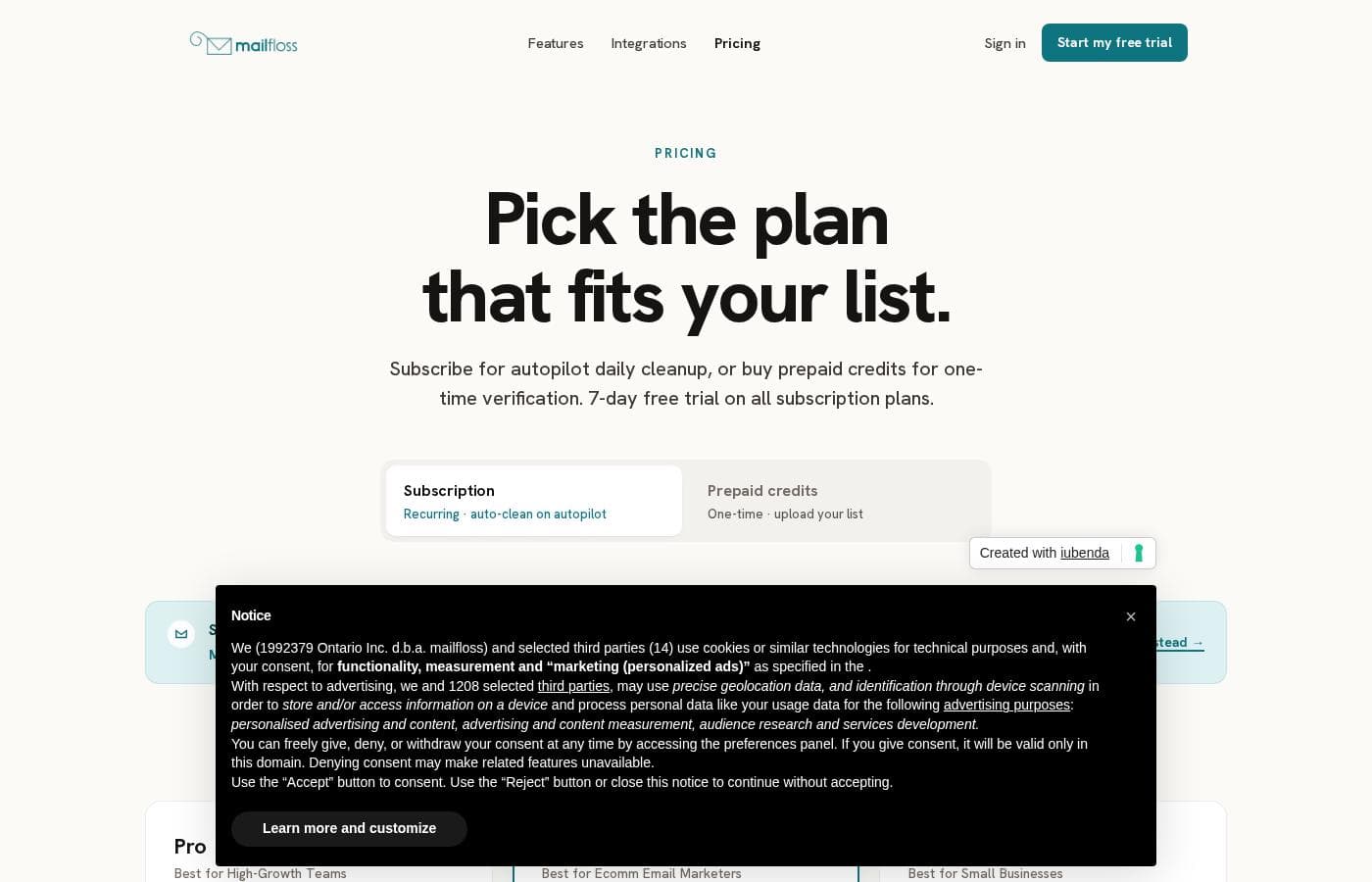
Mailfloss offers three subscription tiers starting at $29 per month, with pricing based on the number of verification credits provided monthly. All subscription plans include a 7-day free trial and automated daily email cleanup services.

Plans & Pricing

Lite

Monthly$29
10,000 credits/month; 1 ESP Integration; $0.005 overage per email; 10% off prepaid credits
  • Automatic Daily Cleanup
  • Decay Protection
  • Whitelist/Blacklist Options
  • Zapier access
  • Real-time API
  • Awesome support
  • Auto-Remove invalid emails
  • Auto typo fixer
  • + 3 more features

Business

Monthly$59
25,000 credits/month; 10 ESP Integrations; $0.003 overage per email; 15% off prepaid credits
  • Automatic Daily Cleanup
  • Decay Protection
  • Whitelist/Blacklist Options
  • Zapier access
  • Real-time API
  • Awesome support
  • Auto-Remove invalid emails
  • Auto typo fixer
  • + 4 more features

Pro

Monthly$209
125,000 credits/month; Unlimited ESP Integrations; $0.001 overage per email; 20% off prepaid credits
  • Automatic Daily Cleanup
  • Decay Protection
  • Whitelist/Blacklist Options
  • Zapier access
  • Real-time API
  • Priority awesome support
  • Auto-Remove invalid emails
  • Auto typo fixer
  • + 4 more features

Mailfloss costs between $29 and $209 per month with three plans: Lite at $29, Business at $59, and Pro at $209.

Keep reading to see the specific features included with each plan tier.

Lite

Price: $29/month Websites Supported: 1 ESP Integration Best For: Small Businesses Refund Policy: Not explicitly stated Other Features: 10,000 credits/month, $0.005 overage per email, Automatic Daily Cleanup, Decay Protection, 10% off prepaid credits

This Lite plan is perfect for small businesses just starting to automate their email list hygiene. You get essential daily cleanup tools and a good credit allotment to keep things validated effortlessly. It offers great features for managing a single email marketing connection.

Business

Price: $59/month Websites Supported: 10 ESP Integrations Best For: Ecomm Email Marketers Refund Policy: Not explicitly stated Other Features: 25,000 credits/month, $0.003 overage per email, Single Sign On, Zapier access, 15% off prepaid credits

The Business plan provides significantly more credits and integration flexibility, making it ideal for e-commerce marketers running multiple campaigns. With 10 ESP integrations and a lower overage rate, you can scale your verification efforts easily. This plan also includes Single Sign On functionality.

Pro

Price: $209/month Websites Supported: Unlimited ESP Integrations Best For: High-Growth Teams Refund Policy: Not explicitly stated Other Features: 125,000 credits/month, $0.001 overage per email, Priority awesome support, Single Sign On, 20% off prepaid credits

If you work on a high-growth team or manage extensive email lists, the Pro plan offers the highest verification volume for the best value. This tier includes unlimited integrations and the lowest overage cost, giving you plenty of room to expand. You also benefit from priority customer support when you need help!

All subscription plans come with a 7-day free trial so you can test the daily verification and cleanup automation before committing. Additionally, Mailfloss offers a 30-day money-back guarantee, promising a full refund if you don't see an improvement in your email deliverability during that period. You can easily change or cancel your plan anytime inside the app without contracts.

User Reviews

We searched major review platforms for user feedback on Mailfloss, but specific, recent sentiment data is currently unavailable across Trustpilot and Capterra. Therefore, we must rely solely on the company's stated features, pricing, and claims regarding automation reliability and accuracy.

Mailfloss markets itself as an essential tool for boosting deliverability by offering automated list cleaning daily. They emphasize a 60-second simple setup and powerful integrations with major email service providers.

Key promoted features include automatic typo fixing, decay protection, and highly customizable cleanup actions. The service offers a clear, credit-based pricing model starting at $29/month, backed by a 7-day free trial and a 30-day money-back guarantee.

While we cannot verify user satisfaction across critical areas like support responsiveness, onboarding experience, or verification accuracy, the advertised service suggests a strong focus on 'set it and forget it' list hygiene, aiming to significantly reduce bounce rates for high-volume email marketers. 📧 We will update this summary once verified user reviews become available.

No reviews yet.

Write a Review

Write a Review for Mailfloss
0/100 characters
0/2000 characters

Why use Mailfloss?

Dealing with junk emails is tedious and costly, but Mailfloss makes the process painless and hassle-free. This tool works constantly and automatically so you can dedicate your energy to building customer relationships, not scrubbing lists. Here’s why clearing out the junk with Mailfloss is a smart decision: ✅

  • 1. Simple, 60-Second Setup: Getting started is incredibly fast. You only need a few button clicks, and you only have to do it once. You won't need developers, and there are no more cumbersome spreadsheets needed for verification.
  • 2. Enjoy Daily, Automatic Cleaning: The system scans for and removes bad emails every single day. This ease of use is awesome; you truly set it up and forget it while your reputation improves.
  • 3. Fix Typos Automatically: Mailfloss even fixes common misspellings of popular provider emails like Gmail, Yahoo, and Hotmail. It fixes these typos and syncs them automatically to your list, so you don't have to lift a finger.
  • 4. Customize Your Cleanup: You are in complete control of what happens to invalid emails. You can choose to automatically delete the contacts, unsubscribe them, or update tags and custom fields.
  • 5. Proven Deliverability Boost: Clearing invalid emails leads to measurable results. Customers have reported seeing open rates increase by an average of 4%. Boosting your domain reputation should lead to getting more emails seen.
  • 6. Try With Peace of Mind: You can start with a free 7-day trial and easy setup today. Mailfloss also offers a satisfaction guarantee; if you don't see an improvement in deliverability within 30 days, you can cancel for a refund. Stop worrying about junk mail hurting your reputation and start getting into the priority inbox today. ✨

Ready to transform your workflow with Mailfloss?

Frequently Asked Questions

Do I need a credit card to sign up for the 7-day free trial?

Yes, a credit card is required when starting the 7-day free trial for subscription plans. This requirement ensures that your email validation remains active once the trial period ends.

How does the 30-day money-back guarantee work?

Mailfloss guarantees that your email deliverability will improve within the first 30 days. If you don't see a benefit during this period, you can cancel your subscription and receive a full refund.

How many email service providers (ESPs) does Mailfloss integrate with?

Mailfloss integrates with over 40 of the most popular email service providers. They support major platforms like MailChimp, HubSpot, ActiveCampaign, and many others, continually adding new options.

What are the costs if I verify more emails than my monthly limits allow?

If you exceed your plan's monthly credit limit, an overage fee applies per extra email verified. This cost is tiered, ranging from $0.005 per email on the Lite plan down to $0.001 on the Pro plan.

What if I don't use a supported email service provider?

You can still purchase prepaid credits for simple, one-time bulk list cleaning. You upload your email list file or copy and paste the emails to use these credits, which do not expire.

Can I easily cancel my subscription if I want to stop using Mailfloss?

Yes, you can change or cancel your plan at any time directly within the application. Since there are no contracts, you are free to stop the service when you no longer need it.

What is the difference between support tiers across the plans?

The Lite and Business plans include “Awesome support” for assistance. Subscribers to the Pro plan receive “Priority awesome support,” offering a higher level of dedicated service.

How can I customize what happens to invalid emails found on my list?

You have full choice over the cleanup actions performed on your list. You can opt to automatically delete the invalid contacts, unsubscribe them, or update their tags and custom fields.

Does Mailfloss offer Single Sign-On (SSO) functionality?

Single Sign-On is included with the Business and Pro subscription plans for enhanced security. This feature is not listed for customers on the entry-level Lite plan.

How long does the initial setup take?

The setup process is very fast, marketed as taking only about 60 seconds. It involves a few button clicks to connect your platform; you do not need developers.

Is the pricing based on the number of users or email usage volume?

Pricing is strictly usage-based, determined by the monthly allocation of verification credits. The plans are not priced per user or per team seat size.

Are real-time verification and API access included in the plans?

Yes, Real-time API access, Real-time verification, and Zapier access are core features included in the Lite, Business, and Pro subscription plans.

Does Mailfloss comply with international data privacy standards like GDPR?

Not explicitly stated on the official site. The platform focuses on deliverability improvement, but specific details regarding data security compliance are not provided.

What payment methods are accepted for subscriptions?

Mailfloss accepts credit cards from Visa, Mastercard, and American Express. If you need to pay via a prepaid or debit card, the site advises contacting them for alternative arrangements.

Ready to try Mailfloss? Check out the official site or pricing.