Leave Dates

Leave Dates

The Annual Leave Planner - Putting the Whooop into 'Out of Office'

#1 dans Leave Management
2 min read Β· Updated 10/4/2025
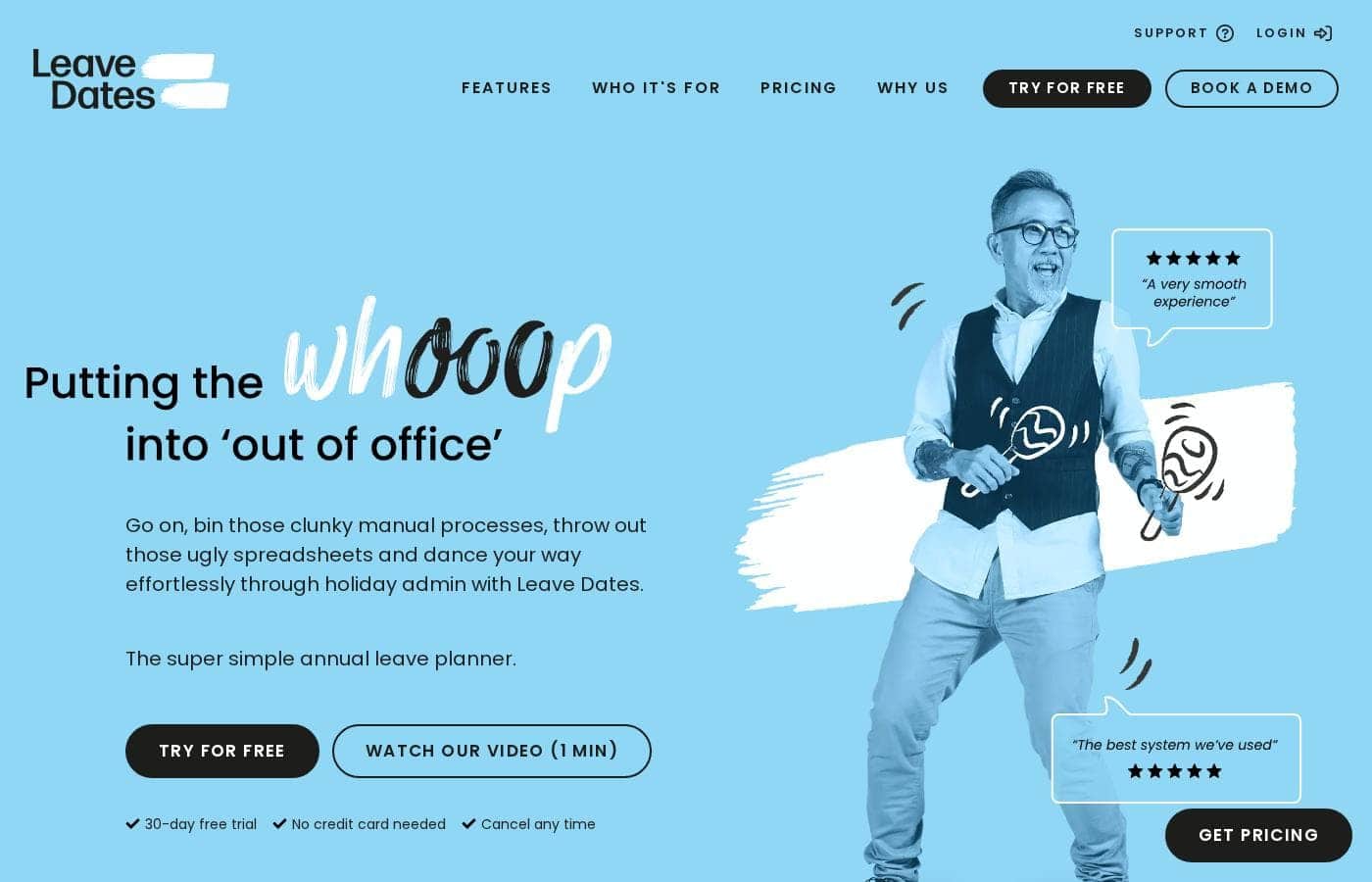
Leave Dates homepage screenshot

At a glance

Quick overview for Leave Dates: rating, pricing summary, key features, and highlights.

Ciroapp review

4.6
Effortless, intuitive calendar management.

We found Leave Dates to be an intuitive and highly effective annual leave planner that successfully simplifies complex holiday administration processes. Its user-friendly interface supports both efficient admin control and necessary employee empowerment across devices. Overall, we recommend this robust solution for teams aiming to eliminate manual PTO tracking.

Pros

  • Pro:Simple and intuitive user interface is quick to learn.
  • Pro:Comprehensive 30-day free trial available without requiring a credit card.
  • Pro:Customer support is consistently reported as prompt and very helpful.
  • Pro:Employees gain 24/7 access to up-to-date leave entitlement.

Cons

  • Con:Specific subscription costs are not detailed publicly on the website.
  • Con:Information regarding third-party software integrations is unclear in provided material.
Free trial
Yes β€” 30 days
Range: Not explicitly statedFree trial, Monthly subscription, Yearly subscription
This section is a summary. Detailed sections about features, use cases, pricing, and reviews follow below.

Leave Dates review, pricing, features, pros & cons

Are ugly spreadsheets causing painful holiday admin? Throw out those clunky manual processes today. Leave Dates is the super simple path to effortless vacation planning.

It’s an easy way to bin that admin and give staff ownership of their time off. ✨

What is Leave Dates?

Leave Dates is the super simple annual leave planner designed to manage time off for your team. It delivers a single source of out of office knowledge available 24/7. This intuitive digital tool works across your laptop, phone, or tablet.

It truly simplifies the process for everyone involved. Employees can quickly view the calendar, select dates, and submit their requests within clicks. Approvers can then check and swiftly approve the time off.

Leave Dates is built equally for hardworking employers and empowered employees. πŸ’‘

Leave Dates Key Features

✨ Effortless Booking for Employees

Employees gain complete freedom to plan and book leave using our simple, intuitive interface. You can view the team calendar clearly across any deviceβ€”laptop, phone, or tablet. Booking is swift: simply click and drag the dates you want to take off, then hit 'book'.

This empowers staff to take ownership of their schedule and significantly cuts down on manual administration.

✨ Streamlined Request and Approval Workflow

The system ensures a smooth step between staff request and management action. Once employees submit a request, the workflow moves instantly to the designated approver. Approvers can quickly check the details and swiftly approve the time off.

Everyone involved is kept fully informed of the latest updates, making the process painless for both parties.

✨ Configurable Admin Control

You need an annual leave planner that works exactly your way, not the other way around. Admins have strong control to set up the system specific to their team's unique needs. This customization ensures accurate allowance calculation and compliance from day one. Setting up the web interface is simple from an admin perspective.

Key administrative tools include:

✨ Dedicated Customization Tools

Your team is unique, and your planner should reflect that. You can easily import data and set up rules specific to departments or team groups. Admins can also control how leave is tracked and reported. This level of control makes sure the planner mirrors your company policy perfectly.

  • Set custom allowances.
  • Import existing employee data.
  • Create specific leave limits.

✨ Anytime, Anywhere Access

Leave Dates is fully available whenever and wherever you need it. You can access your complete leave planner 24 hours a day, seven days a week. It works consistently across your laptop, phone, or tablet, ensuring functionality anywhere your team works.

Employees especially love having immediate, 24/7 access to their updated leave entitlement balances. πŸ’‘

✨ Automated Reporting and Email Alerts

Stay instantly informed without wasting time manually checking the system every hour. Leave Dates sends specific summary reports directly to your provided email address. You have the choice to receive these important updates daily or weekly.

This clear reporting keeps you synchronized and instantly aware of all upcoming time off commitments.

✨ Single Source of Out-of-Office Knowledge

You can eliminate unreliable spreadsheets and confusing paper trails immediately. Leave Dates provides a single, synchronized source of out-of-office knowledge for your entire team. This central hub is available 24/7, providing clarity and reducing confusion across all teams.

It acts as your dependable expert in annual leave tracking. ✨

Use Cases

✨ Booking Time Off While On the Go

Employees gain freedom to plan and book leave using our easy-to-use software. They can view the leave calendar instantly, even on their phone or tablet. They simply click or drag over their desired dates to take off.

  • Flow: View Calendar β†’ Select Dates β†’ Submit Request (Hit Book).

This simple process replaces endless emails or clunky paper forms. Staff gain complete ownership of their time off planning using the beautiful, intuitive interface.

πŸ’‘ Eliminating Approval Bottlenecks

Problem: Managers often struggle to confirm team coverage quickly when a request comes in. This complexity causes delays in confirming holiday plans.

Approach: Leave Dates delivers a single source of out of office knowledge immediately. Approvers can check the request and swiftly verify team availability using the central calendar. They receive prompt updates.

Expected outcome: Managers can approve or reject time off efficiently. Employees are kept instantly informed of the latest decision, ensuring smooth operations.

βœ… Switching from Spreadsheets to Simplicity

An employer decided to scrap painful holiday admin caused by ugly spreadsheets. Setting up Leave Dates was very simple from an admin perspective. You only need to import your existing data to get started immediately.

Admins can ensure the planner works exactly their way. You can customize allowances, create specific leave limits, and define various leave types. This level of customization ensures effortless management backed by complete control.

πŸ—“οΈ Empowering Staff to Track Their Own PTO

Staff constantly reaching out to HR for their remaining annual leave balance wastes everyone's time. Leave Dates solves this by empowering employees. Staff receive 24/7 access to their updated leave entitlement directly within the software.

This provides transparency and reduces unnecessary administrative queries. Staff can confidently use their accurate balance to plan their next vacation without waiting for an HR response.

πŸ“§ Keeping Leadership Informed of Absences

Employers need dependable, synchronized information about employee absences. Leave Dates provides clear, immediate reporting options sent directly to your email. You can choose to have either daily or weekly summary reports.

These automated reports keep you informed without requiring you to log into the main system every day. This consistency ensures you always have the necessary oversight.

Pricing Overview for Leave Dates

Pricing range
Not explicitly stated
Pricing types
Free trial, Monthly subscription, Yearly subscription

Leave Dates offers a robust, full-featured 30-day free trial to manage annual leave planning processes for your team. You can try the software completely free without requiring a credit card.

Plans & Pricing

30-Day Free Trial

Contact for pricing
Available only for 30 days.
  • Try for free
  • No credit card needed
  • Cancel any time
  • Easily request leave
  • View Leave Dates calendar on laptop, phone or tablet
  • Check and approve requests
  • Report and customise allowances and limits
  • Simple to use interface
  • + 1 more features

Leave Dates pricing structure is not explicitly stated in the available documentation, but it offers a "Try for free" option and a 30-day free trial for new users.

While exact plan costs aren't detailed, we can outline the key information about starting your service experience with Leave Dates.

30-Day Free Trial

Price: Not explicitly stated (Free for the trial period) Websites Supported: Not explicitly stated Best For: New businesses or teams looking to test full PTO tracking and customized approval workflows before subscribing. Refund Policy: Not applicable (Free trial) Other Features:

  • No credit card needed to start the trial
  • Ability to cancel service at any time
  • Easily request, view, and approve leave
  • Access reports, customize allowances, and set leave limits
  • Simple and intuitive user interface

This risk-free trial is a great way to handle your holiday admin processes without financial commitment. You can import your current data, set specific rules, and check how intuitive the beautiful interface feels before you decide to subscribe. It's a full-featured trial designed for thorough evaluation.


Leave Dates offers both a "Try for free" option and a 30-day free trial, ensuring you can fully evaluate the annual leave planner before you pay. You don't need a credit card to begin your free trial period, and you maintain the flexibility to cancel your use at any time, giving you peace of mind while finding the perfect solution for your team. πŸ‘

User Reviews

Users consistently praise Leave Dates as a super simple and intuitive tool for managing annual leave. Reviewers often highlight the beautiful and user-friendly interface, noting it's easy for both administrators and employees to learn quickly.

The system successfully replaces clunky spreadsheets, leading to streamlined and effortless administration. Customer support receives high marks for responsiveness, described as prompt, helpful, and efficient in resolving any encountered issues.

While explicit pricing details aren't always visible upfront, many users consider Leave Dates a highly affordable solution that offers excellent value for money. Key benefits also include 24/7 access to leave entitlements and the ability to customize allowances and reports, giving admins robust control.

Onboarding is reportedly simple, making implementation stress-free. It’s clear that users appreciate how this reliable tool empowers employees while greatly reducing time-consuming holiday admin tasks.

πŸ—“οΈ

What users say elsewhere

Sara K.
Β· Capterra
5.0 / 5

This annual leave planner is incredibly simple to implement and use daily. We finally threw away our unreliable spreadsheets, making the transition seamless. My team now manages their own time off easily, gaining great visibility.

Mark R.
Β· Capterra
4.5 / 5

Whenever we have a question, support is prompt, responsive, and deeply helpful. This is a highly reliable tool, always available 24/7, which makes coordinating time off simple across all our departments. It's a huge upgrade.

No reviews yet.

Write a Review

Write a Review for Leave Dates
0/100 characters
0/2000 characters

Why use Leave Dates?

Why keep wrestling with complex holiday systems when proven simplicity is ready? Leave Dates offers an intuitive, user-friendly, and highly affordable solution. The interface is often described as beautiful and it is very quick to learn. Setting up the system is also very simple from an admin perspective.

Here are the key reasons users choose Leave Dates:

  • Effortless Management: You can effortlessly dance through holiday admin. The system works 24/7 and keeps all your out-of-office details synchronized.
  • Customization and Control: Make the planner work exactly your way. Admins can set allowances, import data, create leave limits, and customize various leave types.
  • Empower Employees: Staff gain freedom to plan and book leave via our easy-to-use software. They receive 24/7 access to their updated leave entitlement.
  • Clear Reporting: Choose between daily or weekly summary reports. These are sent directly to your email to keep you informed immediately.
  • Highly Rated Support: Users consistently report customer service is prompt and very helpful. Any issues you encounter are dealt with efficiently.

Leave Dates is ideal for any employer ready to let go of frustrating holiday admin. It functions as your dependable, synchronized annual leave expert. Take our annual leave planner for a spin today. Start your 30-day free trial now; no credit card is needed. βœ…

Ready to transform your workflow with Leave Dates?

Frequently Asked Questions

What access do I get during the 30-day free trial period?

The free trial is fully featured and robust, giving you comprehensive access to all core tools. You can test employee leave requests, approval workflows, custom reports, and easily import your existing data. It is designed for thorough evaluation of the service.

Do I need a credit card to start the free trial?

No, you do not need to provide a credit card number to begin your comprehensive 30-day free trial. This ensures the trial is completely risk-free for your evaluation.

Is the subscription priced per employee (per seat) or based on usage?

The official site does not explicitly state whether pricing is calculated per seat or based on usage. You should contact the vendor directly for specific details on their subscription model and plan structure.

Does Leave Dates integrate with our existing HR or payroll software?

Information regarding specific third-party software integrations is not explicitly stated in the provided material. You may need to inquire directly with their support team about current integration capabilities.

Can I cancel my paid subscription service at any time?

Yes, the documentation emphasizes that you maintain the ability to cancel your service at any time you choose. This offers users maximum flexibility regarding their subscription commitment.

Does Leave Dates offer a money-back guarantee or refunds?

A formal money-back guarantee policy is not offered. Since you can fully test the system using the 30-day free trial, you should be confident in your decision before subscribing to a paid plan.

How difficult is it to move my current holiday data into the platform?

Setting up the system is reportedly very simple from an administrative perspective. The software allows administrators to easily import their current HR data to simplify the migration process quickly.

Is there a limit on the number of employees or leave requests we can manage?

Specific maximum employee numbers are not published on the site. However, the system allows admins to highly customize employee allowances and set specific leave limits within the software for effective control.

What is the expected support responsiveness if we need help?

While there is no published Service Level Agreement (SLA), users consistently describe customer support as prompt, very helpful, and efficient in resolving any encountered issues.

Where can employees access the platform and is the data secure?

Employees access the platform 24/7 securely using their laptop, phone, or tablet. The system functions as a reliable, centralized source of 'out of office' knowledge, synchronized across all devices.

Is Leave Dates primarily suitable for small businesses or can larger teams use it?

The platform is highlighted as a top staff holiday planner option for small businesses. It is an ideal solution for any employer ready to eliminate manual, frustrating holiday administration processes.

What types of summary reports can administrators receive?

Administrators can choose to receive summary reports daily or weekly. These reports are sent directly to your email to keep you immediately informed of time off activity.

Does the planner support various international regions or languages?

Details regarding support for various languages or specific configurations for regional holiday settings are not explicitly stated on the official site.

Ready to try Leave Dates? Check out the official site or pricing.