Hide My WP Ghost

Hide My WP Ghost

A powerful defense for WordPress that hides your footprint and stops attackers.

#1 dans WordPress Security Plugin
2 min read · Updated 10/3/2025
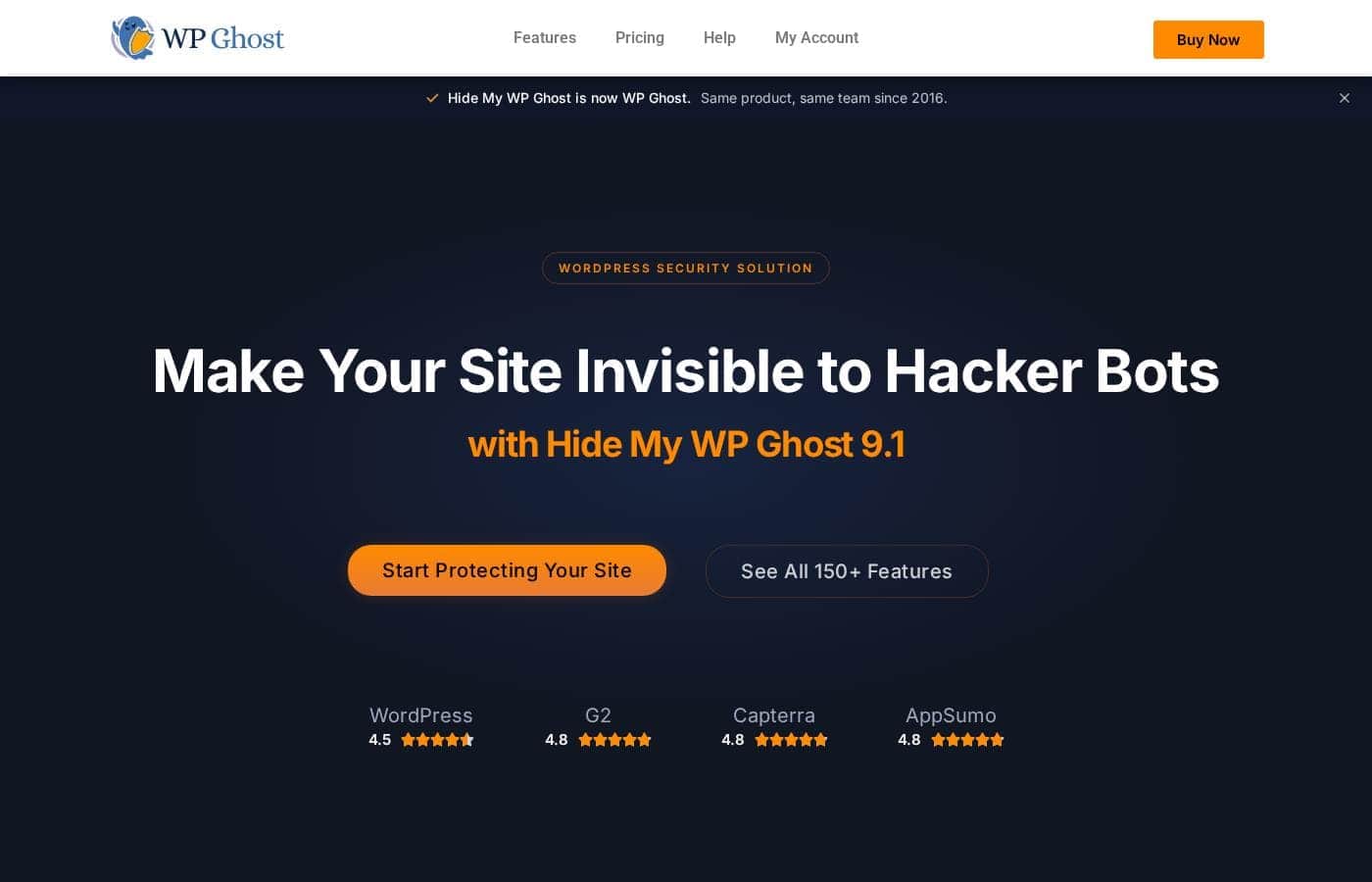
Hide My WP Ghost homepage screenshot

At a glance

Quick overview for Hide My WP Ghost: rating, pricing summary, key features, and highlights.

Ciroapp review

4.7
Effective hiding with outstanding speed and support.

We find that Hide My WP Ghost offers a highly effective, performance-optimized security solution that excels at obscuring the WordPress footprint and blocking common attacks. Overall, it's an excellent, reliable choice supported by high user satisfaction regarding responsiveness and feature depth.

Pros

  • Pro:Obscures WordPress structure and sensitive paths to reduce attacks.
  • Pro:Includes powerful 7G & 8G Firewall Protection.
  • Pro:Speed optimized with an extremely fast load time (0.03 seconds).
  • Pro:Robust compatibility tested with over 1,000 themes and plugins.

Cons

  • Con:Specific pricing numbers are not explicitly published in the material.
  • Con:A dedicated license is required for usage on each separate website.
  • Con:Updates and support services cease if a yearly plan is cancelled.
Money-back guarantee
Yes — 30 days
Range: Not explicitly statedFree plan, Yearly subscription, Lifetime deal
This section is a summary. Detailed sections about features, use cases, pricing, and reviews follow below.

Hide My WP Ghost review, pricing, features, pros & cons

Are you worried about the nearly 400,000 attacks targeting WordPress sites monthly? That constant threat risks exposing customer data and slowing your website. ✨ Hide My WP Ghost tackles this head-on by obscuring common WordPress paths and securing your critical wp-admin area, offering a strong defense.

What is Hide My WP Ghost?

Hide My WP Ghost is a comprehensive security solution built for WordPress websites. Its primary goal is to obscure your WordPress footprint, helping your site look less like a standard WP installation. This reduces the number of initial automated attack attempts.

The plugin protects the sensitive wp-admin area using specific security layers. You don't need to be an expert to use it. You can install and fully set up the Ghost in less than five minutes.

It offers robust defense designed for any site owner focused on security. 💡

Hide My WP Ghost Key Features

✨ Obscure Your WordPress Footprint

Your first line of defense is making your site look less like a standard WordPress installation. Hide My WP Ghost automatically changes and deeply hides all common WP paths. This includes paths to vulnerable areas like plugins, themes, and login pages, confusing automated hacker bots immediately.

This simple hiding mechanism significantly reduces the attacks targeting WordPress sites. If you see revealing URLs in your source code, you can change them too. Use URL Mapping and Text Mapping features to convert these internal paths into new, custom ones.

✨ Integrated Attack Prevention Filters

We add specific security layers and advanced filters to fight known web threats. These filters are crucial for protecting sensitive data and keeping your website online. They actively block malicious input before it can cause damage to your database or frontend.

Specifically, the plugin acts against several major attack vectors. We provide strong protection from SQL Injection, which targets your database. We also prevent Cross-Site Scripting (XSS) attacks by adding required security headers. Your server is further secured by controls against XML-RPC exploits, which are often tied to brute force attempts.

✨ Fortified Firewall Defense

Security requires a strong shield at the network’s edge. Hide My WP Ghost employs the formidable 7G and 8G firewalls crafted by security expert Jeff Starr. This sophisticated technology fends off a massive array of threats targeting your WordPress site.

This powerful firewall protection ensures your site is actively guarded against various targeted attacks. Critically, this defense performs its duties without compromising speed. Strong security should never slow your site down.

💡 Advanced Login and Admin Security

Protecting the critical wp-admin area is essential to prevent unauthorized access. The plugin helps block common security threats by preventing repetitive, successive brute force attempts aimed at breaking your login.

For added safety, implement Two Factor Authentication (2FA). This double authentication mechanism is an added hurdle that discourages most malicious entities. You can also create Temporary Logins when giving occasional access to third parties for a limited time.

✨ Proactive Monitoring and Auditing

We give you tools to keep constant oversight on your security posture and activity. Knowing exactly what happens on your site, both in the administrative and frontend areas, is vital for long-term security. These tools help you stay ahead of potential issues.

✨ Speed, Performance, and Compatibility

Hide My WP Ghost proves that robust security can be exceptionally fast. It is a highly speed-optimized plugin with an average loading time of just 0.03 seconds. This efficient performance ensures your security layers do not negatively impact site speed or search engine rankings.

Our plugin has been thoroughly tested for compatibility. It works reliably with more than 1,000 themes and plugins, including popular Cache, Security, and CDN plugins. If you operate a larger network, you'll be glad to know it fully supports all WordPress Multisite installations.

Use Cases

🤖 Preventing Automated Attack Bots

Your site constantly faces automated attacks targeting known WordPress structure. These bots consume bandwidth and search for vulnerabilities in standard paths like wp-admin or plugin folders. Hide My WP Ghost steps in by thoroughly changing and hiding these common paths.

This makes your website look less like a default WordPress install to automated scanners. This obscurity immediately reduces the number of initial attack attempts, protecting your sensitive data and stopping unwanted traffic before it even reaches your login screen.

Tip: If a plugin name still appears in your source code, use the URL Mapping feature to camouflage or change that specific identifier.

🤝 Granting Secure, Short-Term Access

When working with third-party developers or support teams, you often need to grant them administrative access temporarily. Creating permanent accounts for short tasks is risky, and sharing passwords is never recommended.

  1. Use the Temporary Logins feature in the plugin settings.
  2. Create a secure, unique account tied to a specific expiry date or time limit.
  3. The third party completes their work without needing your permanent credentials.
  4. The access automatically terminates when the limit is reached, maintaining tight security control.

🔎 Auditing Administrative and Frontend Activity

Suspicious activity on your site requires swift and accurate investigation. You need to know exactly what actions were taken and by whom, over any time period. The Users’ Activity Log continually records important administrative and frontend actions.

This continuous oversight improves overall security posture. If something goes wrong, you can quickly review the log. Pinpointing what happened lets you fix the issue faster and ensure data integrity.

🔓 Implementing Robust Login Defense

Brute force attacks attempt to guess user passwords through repetitive, aggressive login attempts. This constant hammering puts immense stress on your server and risks account compromise. Hide My WP Ghost addresses this using a layered approach to secure your entry point.

The plugin specifically prevents these repetitive, successive attempts associated with brute force tactics. You can further secure access by enforcing Two Factor Authentication (2FA) for users and hiding the default wp-admin login URL. This added hurdle discourages the majority of malicious entities.

🛡️ Protecting Against Specific High-Risk Threats

Security goes beyond hiding paths; your site needs active defense against targeted attacks. The plugin incorporates the formidable 7G & 8G Firewall, designed to function without impacting performance.

This firewall adds powerful security filters to block well-known threats like SQL Injection, Cross-Site Scripting (XSS), and XML-RPC attacks. This combination of obscurity and active defense provides a balanced, robust shield for your website.

Pricing Overview for Hide My WP Ghost

Pricing range
Not explicitly stated
Pricing types
Free plan, Yearly subscription, Lifetime deal
Money-back guarantee
Yes — 30 days

Hide My WP Ghost offers a flexible structure including a permanently Free Version, a paid Pro version available via Yearly subscription, and a Lifetime purchase option. Specific pricing details for the paid tiers are not currently published on this page.

Plans & Pricing

Free Version (Lite)

YearlyFree
Basic features only
  • Basic security options
  • Can be used on any number of websites

Pro/Ghost Version

YearlyNot explicitly stated
Installed on a limited number of websites (license per site activation is required)
  • Powerful security level to prevent most WordPress attacks (humans and bots)
  • Access to all security updates and features
  • Fast support replies
  • Includes 7G & 8G Firewall
  • URL Mapping & Text Mapping

Hide My WP Ghost pricing details are not explicitly stated, but the product offers three purchase options: a Free Version, a Pro/Ghost Yearly subscription, and a Lifetime deal.

Since pricing numbers aren't visible here, let's explore the known details and benefits of the available plans.

Free Version (Lite)

Price: Free Websites Supported: Any number of websites Best For: New users testing basic security Refund Policy: Not applicable Other Features: Basic security options for your website

This is a great starting place if you want simple protection. The Free Version provides the basic security you need to get started. You can install the Lite version on as many websites as you like, even if they aren't yours. This is how you can try out the core hiding functions before you decide to go Pro.

Pro/Ghost Version (Yearly)

Price: Not explicitly stated Websites Supported: Limited number of websites (license required per site) Best For: Businesses and users needing comprehensive protection and active support Refund Policy: 30-day money-back guarantee Other Features:

  • Access to all security updates and features for 1 year
  • Fast replies to support requests for 1 year
  • Powerful security level against hackers and bots
  • Supports WordPress Multisite (license covers the entire network)

Choosing the yearly Pro/Ghost plan provides a powerful security solution. It moves beyond basic hiding to offer defense against humans and sophisticated bots 🤖. If you own multiple sites, remember that the license is limited to the number of websites you purchase it for. Should you stop your yearly subscription, the plugin remains active, but you won't receive future updates or dedicated support. We think this is the best choice for professional developers and businesses.

Pro/Ghost Version (Lifetime)

Price: Not explicitly stated Websites Supported: Limited number of websites (license required per site) Best For: Dedicated agencies and site owners preferring a one-time purchase Refund Policy: 30-day money-back guarantee Other Features: Same powerful features as the Yearly plan with a single payment commitment.

The Lifetime plan is perfect for those who want to set it and forget it. You get all the premium features forever without worrying about annual renewals. Just like the yearly option, this version provides powerful security against advanced attacks. You can use PayPal or any major credit card to purchase this option.

Remember that Hide My WP Ghost offers a generous 30-day full refund if you purchase a plan and find it’s not right for you. They want to guarantee the plugin works on your site, or they will give you back your money. There is also a robust Free Version available right now with basic security tools.

User Reviews

External feedback for Hide My WP Ghost is limited but overwhelmingly positive. Users on Trustpilot describe the tool as a great product for security, specifically highlighting its effectiveness against cyber threats and the inclusion of necessary logging features.

Reviewers confirm it works reliably for standard WordPress sites, offering crucial defense like brute force protection. A key area of strength mentioned is customer support, which is described as "great" and exceptionally responsive.

Reviewers noted that the team replies very quickly, showing an understanding that quality and time are essential when dealing with site security issues. While the available snippets don't detail long-term reliability or comparative pricing value, they consistently affirm the tool's core security functions and the high quality of its accompanying staff assistance.

This combination of strong defense and rapid customer service contributes significantly to positive user sentiment. 🛡️

What users say elsewhere

L. P.
· Trustpilot
5.0 / 5

This is a great product for stepping up your WordPress security. It effectively protects my site from hackers, offering dependable brute force blockage and crucial activity logging.

K. M.
· Trustpilot
5.0 / 5

Not only is this a great product, the support is truly exceptional! The team replies very quickly to all requests. They understand that quality and time are of the essence for website protection.

No reviews yet.

Write a Review

Write a Review for Hide My WP Ghost
0/100 characters
0/2000 characters

Why use Hide My WP Ghost?

In a world where 83% of all hacked CMS websites run on WordPress, choosing effective protection is essential. Hide My WP Ghost combines obscurity with active defense, offering a balanced security approach that doesn't sacrifice performance. You're getting multiple crucial security benefits in one integrated tool:

  • Layered Attack Prevention: The plugin adds key filters to block common threats like SQL Injection, Cross-Site Scripting (XSS), and XML-RPC attacks. It also specifically prevents repetitive, successive attempts associated with brute force attacks.
  • Powerful Firewall Protection: Benefit from the formidable 7G & 8G Firewall, a high-performance shield designed to fend off various targeted threats without slowing down your site.
  • Performance Focused: Unlike some security plugins, Hide My WP Ghost is speed-optimized. It boasts an incredibly fast average loading time of just 0.03 seconds. This speed ensures your security layers do not negatively impact your site's performance.
  • Actionable Security Oversight: Use the built-in Website Security Check, which runs over 35 tasks to find vulnerabilities. The Users' Activity Log lets you monitor important administrative and frontend actions constantly.
  • Enhanced Login Security: Prevent brute force attempts and unauthorized access using Two Factor Authentication (2FA) and the ability to create secure Temporary Logins when third parties need access.
  • Exceptional Compatibility: The plugin has been tested with over 1,000 themes and plugins. It works reliably with popular CDN, Cache, and security plugins, even supporting WordPress Multisite installations.

If you manage a WordPress site and need a professional security upgrade that’s both fast and easy to implement, this plugin is an excellent choice. Those who manage multiple sites or require detailed activity logging will find true long-term value here. ✅ Start strengthening your website's defense today.

Ready to transform your workflow with Hide My WP Ghost?

Frequently Asked Questions

How does the licensing work for the Pro version?

The Pro version uses a per-site licensing model; you must activate the product for each website you want to secure. If you use a WordPress Multisite installation, one Pro license covers the entire network.

What happens if I cancel my yearly Pro subscription?

You can cancel your yearly plan at any time. The plugin remains active, and your security settings are maintained. However, you will lose access to support, future updates, and compatibility patches after the subscription expires.

Is there a free trial for the Pro features?

There is no temporary free trial. You can use the permanently free Lite Version to test out the basic security and core hiding functionalities of the plugin.

Can I transfer my Pro license if I move my website to a new domain?

Yes, licenses are transferable. You can easily deactivate the plugin on the old domain, then activate it on the new site using the 'Manage License' section in your account.

What payment methods are accepted for buying the Pro version?

You can purchase the plugin using PayPal or any major credit card. The Paddle payment gateway is used, supporting over 45 international payment methods.

Does this plugin integrate with my existing cache or security tools?

Yes, compatibility is extensive. The plugin has been tested with over 1,000 themes and works reliably with popular CDN, cache, and other security plugins, including Sucuri and Wordfence.

Are there any hosting environments where this plugin won't work?

It is incompatible with WordPress.com Business plans. It also may run into issues on Shared NGINX Hosting if the host does not allow or assist with manual configuration of NGINX rewrite rules via SSH.

How quickly can I expect a response from the support team?

The Pro version includes 'fast professional support' with a focus on resolving issues quickly. Users frequently describe the support as exceptional and highly responsive.

Where is the Users' Activity Log data stored?

The Users’ Activity Log, which tracks administrative and frontend actions, is stored locally on your WordPress site. The events log sometimes includes GeoIP data to identify the country of connection.

What is the initial setup or onboarding process like?

Setup is quick and easy. You can install and fully configure the Ghost plugin in less than five minutes, even without any programming or deep security knowledge.

Does the plugin support multiple languages or regions?

The plugin supports translations in many languages. These include Arabic, Spanish, French, Italian, Japanese, Dutch, Portuguese, Russian, and Chinese.

If I start with the Free version, can I keep my settings when upgrading to Pro?

Yes, you can easily save all the settings from your Free version installation. Then you can restore those exact settings after you activate your premium Pro version license.

Ready to try Hide My WP Ghost? Check out the official site or pricing.