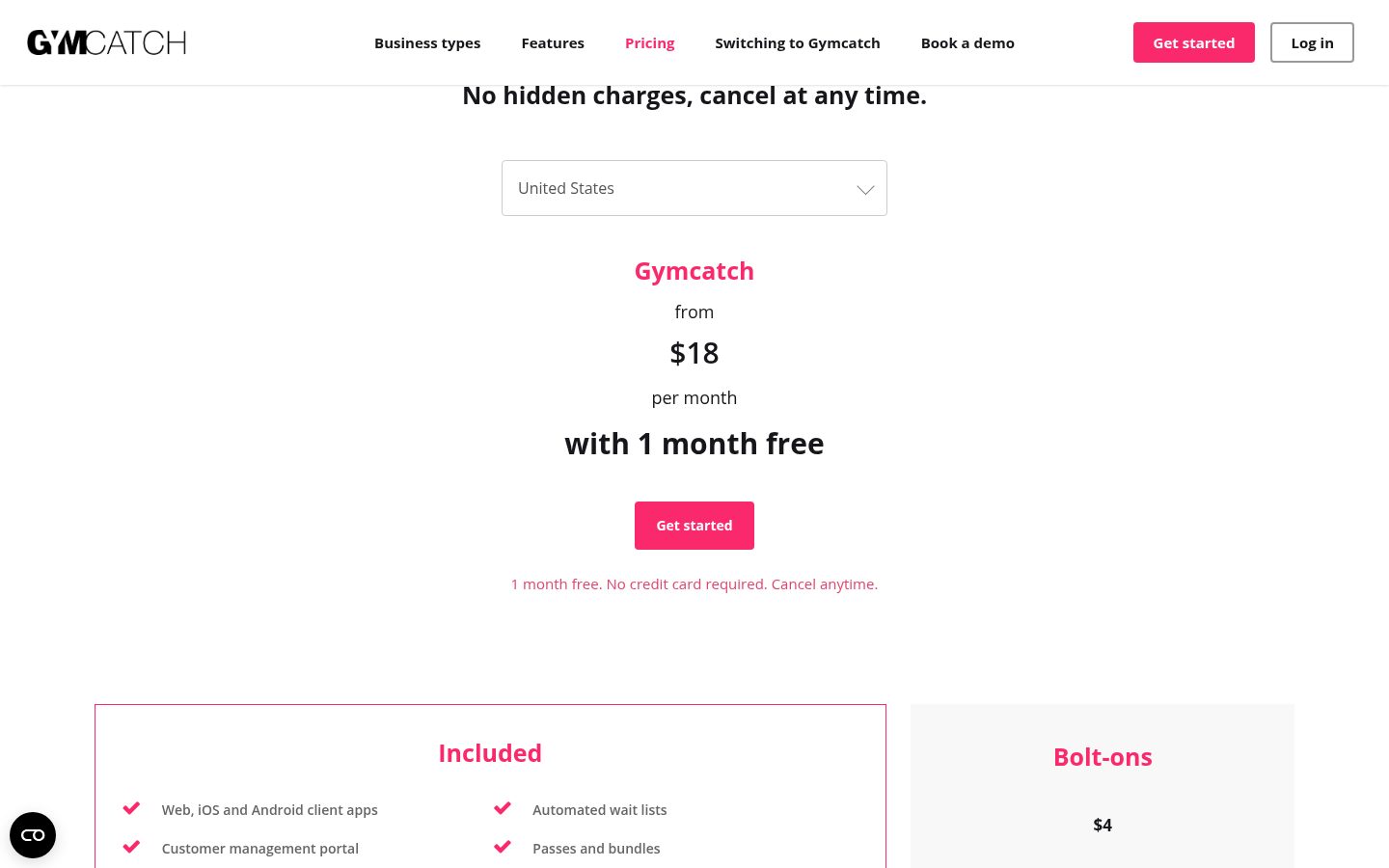
Gymcatch costs from $18 a month in the US (£10 + VAT in the UK), with a free first month and no credit card needed. Optional bolt-ons such as memberships, courses and discount codes are $4 (£2 + VAT) each per month.
Gymcatch prices its platform as a subscription with a free first month, and optional add-ons you switch on only when your business needs them.
The base platform starts at $18 per month in the US (£10 + VAT in the UK), and each bolt-on adds $4 (£2 + VAT) per month. Here's what the money actually buys you.
Start without paying
Every new business gets one month free. You don't need a credit card to begin, and you can cancel at any point. That gives you a full calendar cycle — bookings, payments, reminders, client records — to see whether the workflow fits how you actually teach.
The core system
The base platform covers the day-to-day running of a fitness or wellness business:
- Class, appointment and event scheduling, including livestream and on-demand sessions
- Unlimited bookings, customers and team members
- Class passes and bundles, multi-place bookings and automated wait lists
- Email and push notifications, social booking links and referral marketing
- iOS, Android and web apps for your clients, plus a customer management portal
Optional add-ons
Memberships, courses (blocks), discount codes, website integration code, customised waivers and auto credit-backs are bolt-ons at $4 (£2 + VAT) each per month, rather than bundled into a bigger tier. That suits solo instructors who need a handful of tools, and it keeps studios from paying for features nobody uses. Your total is the base fee plus $4 (£2 + VAT) for every bolt-on you enable, before payment processing fees.
Who each option suits
Solo instructors and personal trainers usually get everything they need from the core system plus one or two extras. Gyms and studios with several staff, multiple rooms or high session volumes should price the fuller add-on set early, since that's where the monthly total moves. Anyone running only occasional workshops may find the free month is enough to confirm the basics.
What to check before you buy
There's no stated money-back window, so treat the free month as your trial period. Load your real schedule into it, take a live payment, and see how the add-on charges stack up. If the numbers work in month one, they'll work in month twelve. 🙂