EdrawProj

EdrawProj

An all-in-one, highly visual solution for managing projects, resources, and time.

#1 dans Gantt Chart
2 min read · Updated 10/3/2025
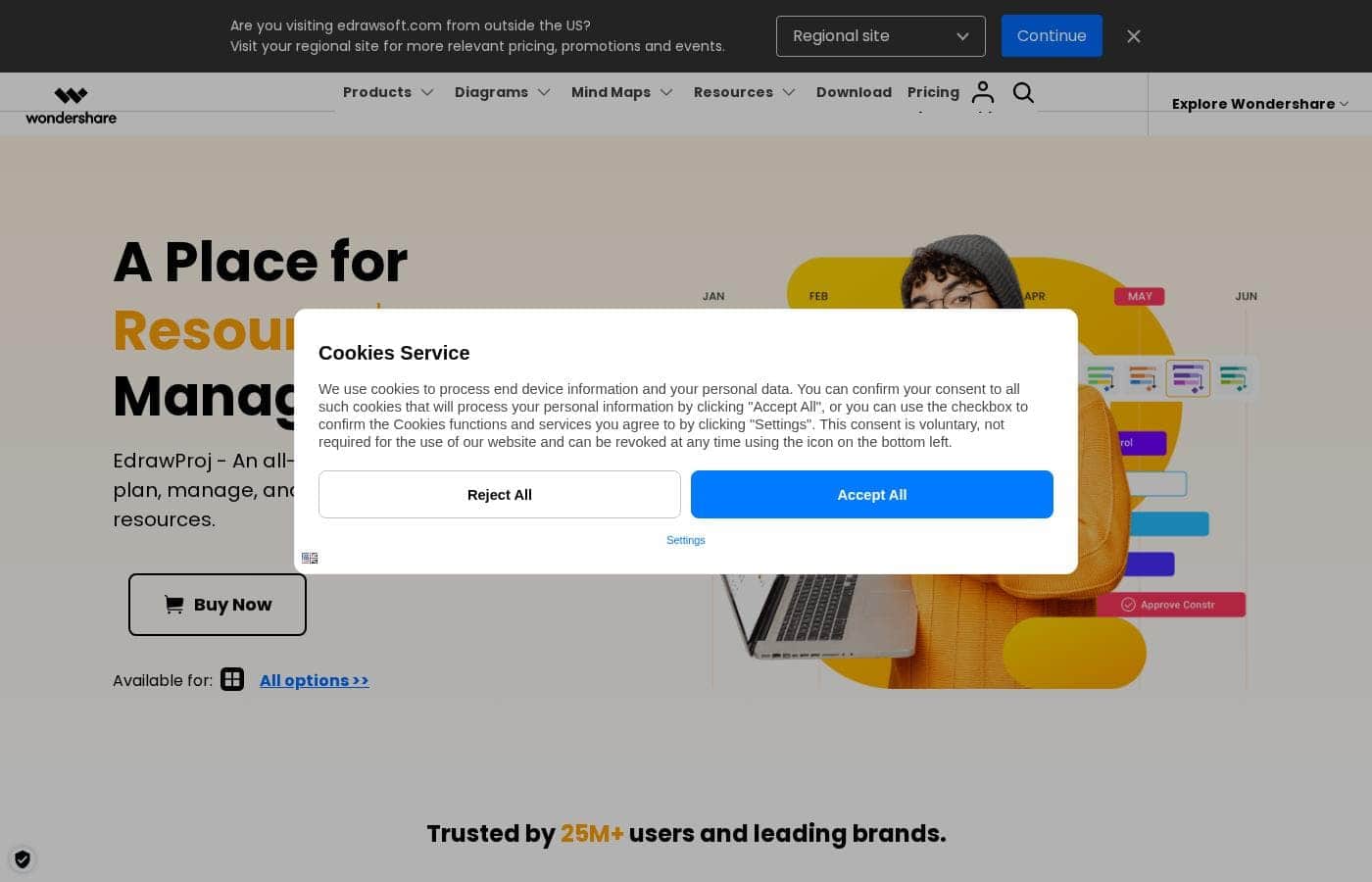
EdrawProj homepage screenshot

At a glance

Quick overview for EdrawProj: rating, pricing summary, key features, and highlights.

Ciroapp review

4.2
Highly Visual and User-Friendly Project Planning

We found EdrawProj is an exceptionally robust tool for creating highly visual project plans, especially leveraging its easy-to-use Gantt charts and extensive template library. Overall, it’s a powerful, intuitive solution ideal for teams prioritizing visual communication, but users must exercise caution regarding the terms of its perpetual license agreements.

Pros

  • Pro:Intuitive, powerful interface simplifies complex tasks quickly.
  • Pro:Extensive library of templates and symbols accelerates planning.
  • Pro:Supports advanced tracking features like Critical Path and Baseline setting.
  • Pro:Flexible payment options (Annual plan at $59 or Perpetual one-time purchase $118).

Cons

  • Con:Potential risk of hidden costs or reduced features in the 'Perpetual Plan' over time.
  • Con:Lack of specific EdrawProj user feedback compared to its sister diagramming tools.
Free trial
Yes
Money-back guarantee
Yes — 30 days
Range: $59/year – $118 one-timeFree trial, Yearly subscription, One-time payment
This section is a summary. Detailed sections about features, use cases, pricing, and reviews follow below.

EdrawProj review, pricing, features, pros & cons

Are you tired of juggling complex tasks and failing to track your resources accurately? Managing time, costs, and team processes often feels scattered and inefficient. EdrawProj addresses this core frustration by offering an all-in-one project management tool.

You’ll gain immediate control and maximize productivity with concrete tracking features. ✨

What is EdrawProj?

EdrawProj is a powerful, yet remarkably user-friendly, project management solution. It is designed to help you plan, manage, and track every essential component: tasks, costs, resources, and processes. The software is fundamentally built around creating and customizing professional Gantt charts effortlessly.

It helps you schedule all your activities, oversee every project aspect, and actively track your progress. This makes it an ideal tool for project managers, team members, and individuals across all professions. ✅

EdrawProj Key Features

✨ Effortless Gantt Chart Creation and Setup

EdrawProj centers on creating professional Gantt charts quickly and effortlessly. You won't need difficult training time to start planning tasks immediately. The intuitive, user-friendly interface lets you define task information across various dimensions. It is built so that anyone can create and manage these complex charts.

Use the intuitive drag-and-drop functionality to simplify your work. You can prioritize tasks and easily change their start dates or durations. This makes setting up your core project structure fast and precise. You are always in control of the foundational schedule and information flow.

✨ Precision Tracking with Baseline and Critical Path

Gain immediate clarity and control over your project's trajectory using professional tracking features. EdrawProj helps you move beyond simply guessing project status. You can use the Baseline feature to compare your initial plan against the project's real-time actual progress. This helps you swiftly identify potential delays.

Furthermore, the Critical Path feature helps maximize efficiency. This tool calculates the absolute minimum time required to finish the entire project. You can also add important Milestones to your plan. These mark significant decision points or events along the way.

✨ Unified Resource and Cost Management

Keep a clear, plain view of your team's resource status at all times. EdrawProj provides a specialized status view summarizing resource information instantly. You can easily optimize staff allocation and accurately calculate the overall performance of your project.

Tracking costs is also merged into your core workflow. You can measure progress, estimate budgets, and capture cost calculations all in one place. Generate reports that clearly show detailed working hours and cost information for seamless oversight.

✨ Handling Complexity with Dependencies

Don't let complex efforts overwhelm you. EdrawProj makes it easy to dissect large, complex work into smaller, more manageable pieces instantly. This structured approach streamlines efficient process management.

You can easily establish dependencies between tasks using the Task Link feature. This mechanism ensures that a dependent task cannot begin until its prerequisite tasks are fully completed. You can set up these crucial dependencies with just a click, guaranteeing proper sequencing.

✨ Visual Status and Time Control

Take effective control of your schedule and maximize productivity. You manage your time efficiently by setting up a personal project calendar across all your different endeavors. This ensures you stay on track and meet deadlines reliably.

Project status tracking is highly visual using customized colors. This helps quickly identify project health. You can use this visual system to distinguish status immediately: green typically shows completed work, gray indicates delayed tasks, and red flags critical issues that need swift action.

✨ Streamlined Reporting and Exporting

Streamline collaboration and communication easily by generating professional reports with a single click. These reports provide clear spreadsheets of vital information. You can share task details, captured cost calculations, and team working hours quickly.

EdrawProj lets you export your Gantt charts and data sheets into several editable formats. This includes exporting to Word, Excel, and PDF formats. You can also insert Hyperlinks into your charts, connecting to website URLs, or attachments like folders and PDF documents.

Use Cases

🚀 Planning Complex Projects from Scratch 🚀

Starting a large project requires simplifying complex tasks immediately. You can use the intuitive interface to dissect major undertakings into smaller, manageable steps. Apply the drag-and-drop function to quickly restructure your workflow. This allows you to set up task dependencies easily, ensuring one step doesn't begin before the previous one finishes. It’s an efficient way to structure challenging workflows.

Tip: Use the Task Link feature to establish firm dependencies with a single click.

⏰ Tracking Performance Against the Plan ⏰

It’s vital to compare what you planned versus what is actually happening. Before you start, set a Baseline for your project plan. This saves your initial timeline and cost estimates for later comparison.

As the project progresses, use the Baseline function to instantly compare current progress against that locked-in original plan. You can also identify the Critical Path. This highly useful tool shows the minimum time required to complete the project successfully. This capability ensures you proactively keep the project on its fastest required schedule.

👥 Optimizing Team Staffing and Resources 👥

If you struggle to balance team workload, EdrawProj helps calculate staff performance automatically. The software provides a special view summarizing all your project resource information. This gives you a plain, clear view of who is doing what and where bottlenecks might form.

Use this data to optimize staff allocation quickly and fairly. You can track working hours, measure resource costs, and ensure your team is utilized efficiently across all tasks. This keeps your project running smoothly without overloading key personnel.

💡 Ensuring Effortless Stakeholder Communication 💡

Stakeholders often require a fast, clear update on project status and funds used. Follow these steps to generate comprehensive reports quickly:

  1. Use customized colors (like green for complete or red for critical) to visually reflect current task status.
  2. Click to generate a detailed report showing task information and cost calculations.
  3. Export the data sheet to editable formats, including Word, Excel, and PDF.
  4. Share the clear, visually managed status report with executives or clients immediately.

Expected outcome: Transparent reporting without spending hours compiling data manually.

📅 Managing Your Personal Time and Deadlines 📅

Perhaps you are juggling multiple personal and professional endeavors. Managing time efficiently across various projects is essential for success. EdrawProj lets you set up a customized personal project calendar.

Use this calendar across all your different projects and tasks. This helps you track all your deadlines reliably. You maximize productivity by keeping control of your entire schedule in one powerful tool.

Pricing Overview for EdrawProj

Pricing range
$59/year – $118 one-time
Pricing types
Free trial, Yearly subscription, One-time payment
Money-back guarantee
Yes — 30 days

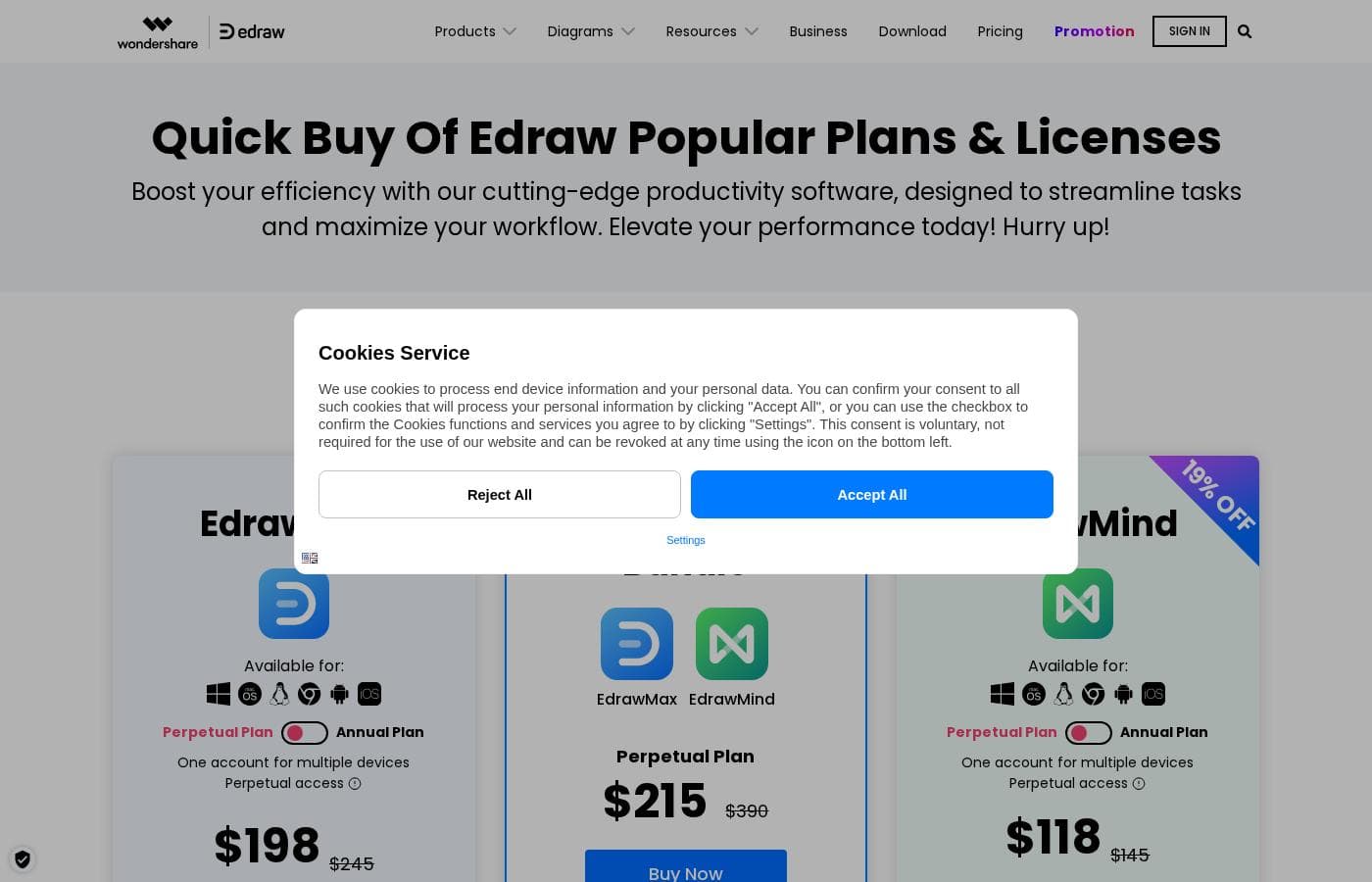
EdrawProj offers two simple licensing options: a $59 annual subscription for 1-year access, or a $118 perpetual license for a single one-time payment. Both plans allow you to use the software across multiple devices.

Plans & Pricing

Annual Plan

Yearly$59
  • 1-year access
  • One account for multiple devices
  • Planning & Tracking Each Task
  • Resource Management
  • Cost Tracking

Perpetual Plan

Contact for pricing
One-time purchase of $118
  • One account for multiple devices
  • Perpetual access
  • A one-stop project management solution

EdrawProj costs between $59 per year and $118 one-time with two plans: Annual Plan at $59 and Perpetual Plan at $118.

Let's explore which plan is the best fit for your project management needs.

Annual Plan

Price: $59 per year Websites Supported: Not explicitly stated Best For: A one-stop project management solution Refund Policy: Not explicitly stated Other Features: 1-year access, One account for multiple devices, Planning & Tracking Each Task, Resource Management, Cost Tracking.

If you prefer subscription flexibility, the Annual Plan is a great starting point. You get full access to EdrawProj's features for a whole year at a very friendly price. It's a convenient option for ongoing projects or managing yearly software budgets. 🚀

Perpetual Plan

Price: $118 (One-time purchase) Websites Supported: Not explicitly stated Best For: A one-stop project management solution Refund Policy: Not explicitly stated Other Features: Perpetual access, One account for multiple devices.

The Perpetual Plan is designed for power users who want to own the software outright. You pay just once and enjoy permanent access to the current features without recurring fees. This is generally the most cost-effective choice for long-term users and large teams.

EdrawProj offers a "Free Download" option, which means you can try out the software before purchasing a license. Furthermore, all purchases are secured by a generous 30-Day Money Back Guarantee, ensuring you can buy with confidence and peace of mind.

User Reviews

External feedback for Edrawsoft products, which includes EdrawProj, shows strong satisfaction levels. Users repeatedly praise the platform's intuitive design and power, noting it simplifies complex tasks like flow charting and detailed project planning.

Many reviewers call the software a “game-changer,” highlighting how extensive template libraries and drag-and-drop features speed up workflow significantly. The software is frequently considered worth the investment due to its continuous evolution and rich features, such as compatibility with various file formats.

Notably, the support team is often described as responsive and reliable, anticipating user needs. However, there is one serious cautionary flag regarding pricing structure, specifically a claim that the “lifetime subscription package” later restricted access to useful templates, demanding further fees.

Potential buyers should thoroughly check the conditions of the perpetual license model. Overall, the sentiment is overwhelmingly positive regarding usability and feature set.

🌟

What users say elsewhere

J.L.
· Trustpilot
5.0 / 5

This has become an essential part of my project management toolkit. Creating detailed Timelines and workflow diagrams is easy, significantly improving our planning presentation. The drag-and-drop interface and rich templates make complicated structures fast and intuitive.

R.N.
· Trustpilot
5.0 / 5

I loved using EdrawSoft! The platform is very intuitive and helped me create professional diagrams in minutes. The ready-made templates save a lot of time, and the variety of features is excellent.

No reviews yet.

Write a Review

Write a Review for EdrawProj
0/100 characters
0/2000 characters

Why use EdrawProj?

Stop guessing about project status and start collaborating seamlessly. EdrawProj provides professional capabilities without requiring difficult learning time. This beginner-friendly tool lets you master project management with newfound clarity and efficiency. It is trusted by millions of users because it provides clear benefits and advanced tracking capabilities:

  • Simplify Complex Work: Dissect large, complex tasks into smaller, manageable pieces instantly. Use the intuitive drag-and-drop functionality to easily set up task dependencies.
  • Achieve Clarity and Control: Manage your time efficiently by setting up a personal project calendar across various endeavors. This ensures you stay on track and avoid unexpected delays.
  • Professional Tracking Features: Use advanced project tools like setting a Baseline to compare your plan against actual progress. You can identify the minimum time required to finish a project using the Critical Path feature.
  • Streamlined Reporting: Gain a plain, clear view of resource statues instantly. Generate reports showing task information, cost calculations, and working hours, which you can easily export to editable formats like Word, Excel, and PDF. 💡
  • Visual Status Management: Track project status visually through customized colors. Use colors like green for completed work, gray for delayed tasks, and red for critical issues.

If you need to optimize staff allocation and calculate project performance easily, EdrawProj is built for you. Why not download the free version and see the difference a powerful, professional tool can make?

➡️ Take control of your projects and start managing smarter today.

Ready to transform your workflow with EdrawProj?

Frequently Asked Questions

Is EdrawProj priced per user seat or based on the number of devices I use?

The licensing structure is account-based, not per traditional user seat. Both the Annual and Perpetual plans allow you to use the software via 'One account for multiple devices,' making the software portable.

How does EdrawProj ensure the security of my project data and personal information?

The platform prioritizes security by using the highest level of SSL encryption for all file and information transfers. Advanced encryption fraud protection is also in place to secure your financial and personal details.

What is the specific duration of the free trial or free download period?

The official site confirms a 'Free Download' is available so you can evaluate the tools before purchasing. However, the exact duration or limitations for that trial are not explicitly stated.

If I purchase the Perpetual Plan, do I have to pay for future software updates?

The Perpetual Plan guarantees you permanent access to the features available at the time of purchase. Information regarding the cost of major version upgrades or continued access to features like community templates is not clearly specified.

What is the money-back guarantee policy if I decide the software isn't right for me?

EdrawProj offers a generous 30-Day Money Back Guarantee with all purchases. Refunds are approved based on the specific accepted circumstances outlined in their policy.

Does EdrawProj offer integrations or compatibility with other project management software?

Not explicitly stated on the official site. However, the software does support seamless collaboration by letting you export reports to editable formats like Word, Excel, and PDF instantly.

Which operating systems are supported by EdrawProj?

EdrawProj is highly versatile and supports all major operating systems. You can use the software on Windows, Mac, and Linux environments.

How responsive is the technical support team after purchase?

The company places a high value on customer satisfaction and promises rapid technical support services. External feedback suggests the support staff is generally reliable and responsive.

What is the difference between account-based and non-account-based activation?

Account-based activation uses a sign-up process for use on desktop, web, and mobile. Non-account-based activation uses a traditional license key to activate only the desktop software.

What kind of project managers or industries is this software best suited for?

EdrawProj is designed to serve a universal audience. It's recommended for project managers and individuals across all professions who need a simple, visual tool for tracking tasks, resources, and costs.

Are there quotas or limits on the number of projects or tasks I can manage?

Not explicitly stated on the official site. The product is described as a 'one-stop solution,' implying comprehensive capability, but specific numerical limits are not published.

How do I cancel the Annual Plan subscription if I don't want to renew it?

The cancellation process for the Annual Plan is not explicitly detailed in the pricing information. You should check the terms of service or contact customer support directly to manage renewals.

Ready to try EdrawProj? Check out the official site or pricing.