DCImanager

DCImanager review

Data center infrastructure management for colocation, hosting, and enterprise IT teams

By Ciroapp Editorial Team · Updated Sep 17, 2026
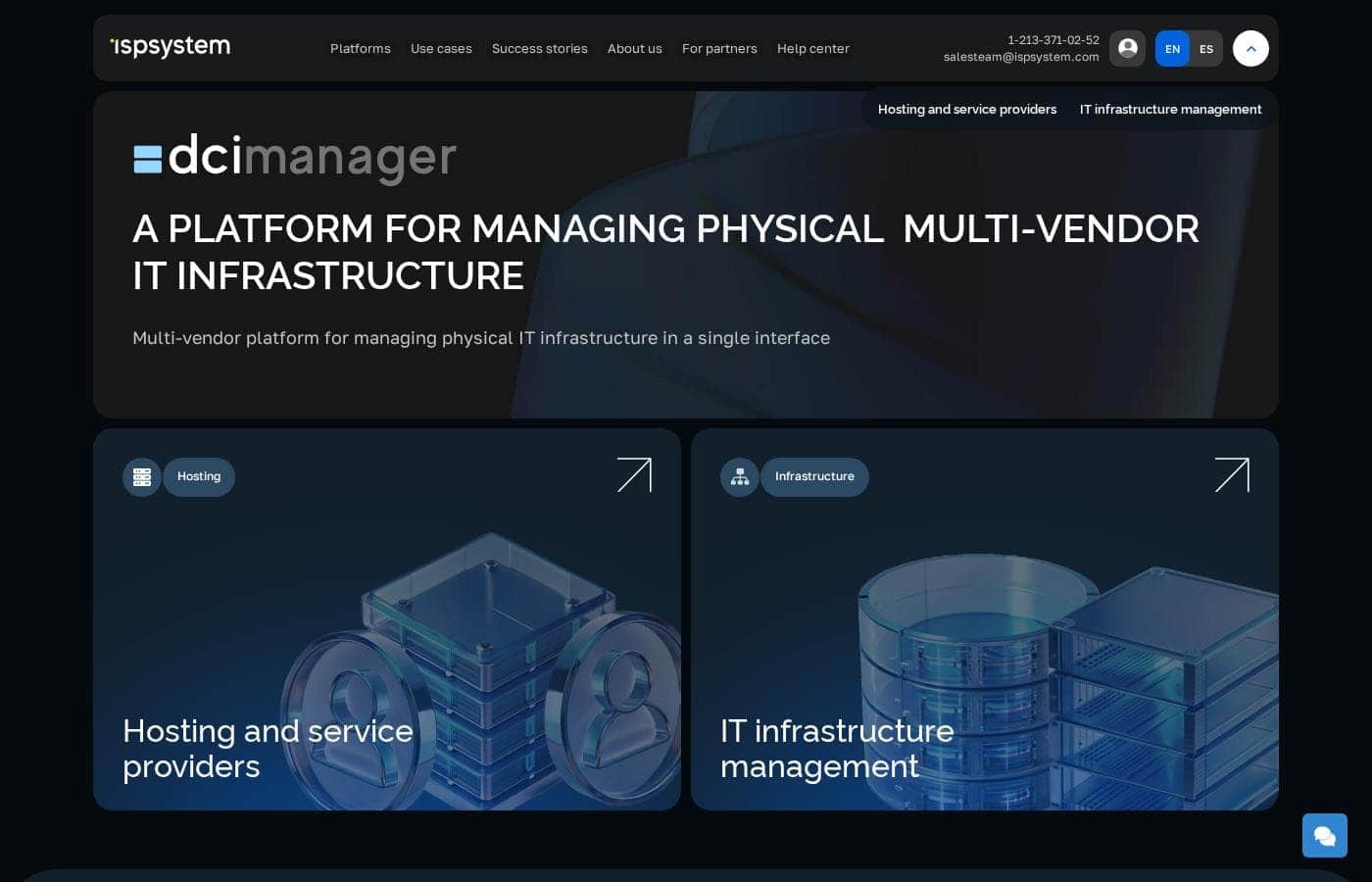
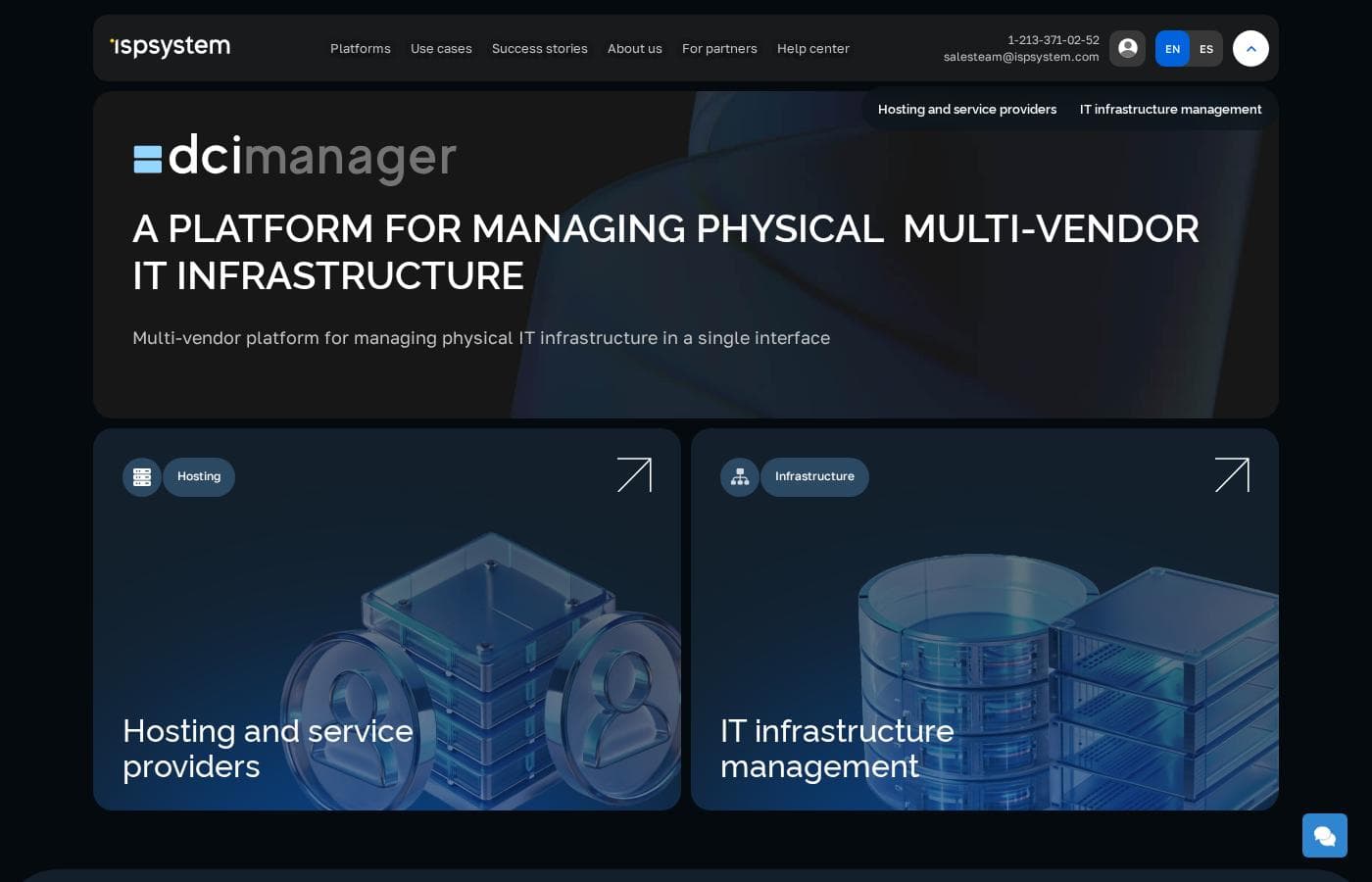
DCImanager homepage screenshot

At a glance

Quick overview for DCImanager: rating, pricing summary, key features, and highlights.
Vendor page checked Oct 13, 2026

Ciroapp score

3.6/ 5

DCImanager gives colocation providers and enterprise IT teams a structured way to track racks, power, and cabling without spreadsheets or enterprise-grade pricing. Evidence leans on the vendor's own materials, and third-party integration details are thin, so verification is wise. Overall, it's a practical, low-risk starting point thanks to its free plan.

Pros

  • Pros:Rack-level visualization with unit-by-unit occupancy makes space planning concrete instead of spreadsheet guesswork
  • Pros:Power consumption tracking per rack and per customer supports both capacity decisions and colocation billing
  • Pros:Connection and cabling documentation reduces dependence on tribal knowledge during outages and moves

Cons

  • Cons:Public documentation on third-party integrations and monitoring tool support is limited, so buyers must verify compatibility with their existing stack
  • Cons:Independent review coverage is scarce compared to larger DCIM vendors, making it harder to benchmark real-world satisfaction
  • Cons:Smaller ecosystem and community than established enterprise DCIM products, which can affect hiring and third-party expertise availability
Best for
  • Colocation and hosting providers that need per-customer rack, equipment, and power billing
  • Enterprise IT teams replacing spreadsheet-based data center inventory with a structured DCIM system
  • Operations teams planning hardware refreshes, migrations, or facility audits who need an accurate source of truth
This section is a summary. Detailed sections about features, use cases, pricing, and reviews follow below.

What is DCImanager?

DCImanager is a data center infrastructure management (DCIM) platform developed by ISPsystem, a company with a long history of building software for hosting providers and IT operations teams. The product targets organizations that need a single system of record for their physical data center estate: racks, servers, power distribution, cooling, and network connectivity. It is positioned as an operational tool rather than a monitoring dashboard, meaning it tracks what equipment exists, where it lives, how it is connected, and how resources are consumed over time.

DCImanager is a DCIM platform that lets data center operators inventory their equipment, map rack space and units, document power and cooling capacity, and manage cabling and port connections. The platform combines an asset register with capacity planning features so that staff can see free rack units, available power draw, and switch ports before provisioning new hardware. ISPsystem sells it both as a standalone product and alongside its other infrastructure software, with a free plan available for smaller deployments.
Should you choose DCImanager?

Quick buyer guidance before you compare plans or click through.

Choose it if

  • Colocation and hosting providers that need per-customer rack, equipment, and power billing
  • Enterprise IT teams replacing spreadsheet-based data center inventory with a structured DCIM system
  • Operations teams planning hardware refreshes, migrations, or facility audits who need an accurate source of truth

Skip it if

  • Organizations that need deep, out-of-the-box integration with a specific enterprise monitoring stack — verify compatibility first
  • Very small server rooms where a shared spreadsheet and simple labels are genuinely sufficient
  • Buyers who require extensive third-party review data and a large user community before committing to a vendor

Next steps before buying

  1. 1Sign up on the ISPsystem website (ispsystem.com/dcimanager) and start with the free plan or free trial to evaluate the platform against your own inventory
  2. 2Model one rack or one row first: register your racks, add devices with serial numbers, and assign each to a rack unit to test the visualization workflow
  3. 3Connect a supported PDU or power source to validate power monitoring and per-rack consumption reporting before rolling out facility-wide
  4. 4Document existing cabling and port connections for your pilot racks so you can assess how much cleanup your records need

DCImanager Key Features

✨ Asset and inventory management

DCImanager maintains a central register of every server, switch, PDU, and rack in a facility, including model details, serial numbers, purchase data, and warranty status. Each device is tied to its physical position — data center, rack, and unit — so staff can locate hardware quickly and plan replacements without walking the floor first.

✨ Rack and capacity planning

The platform visualizes racks unit by unit, showing which slots are occupied and by what. Combined with power and cooling budgets, this lets operators answer questions like whether a new 1U server can go into rack B12 without exceeding the PDU load, before the hardware is ever racked.

✨ Power and resource monitoring

DCImanager collects consumption data from supported PDUs and devices, giving teams visibility into actual power draw per rack and per customer. This supports fair billing in colocation scenarios and helps identify underused or overloaded racks before they become problems.

✨ Cabling and connectivity tracking

Physical connections between devices — network ports, power feeds, and cross-connects — can be documented in the platform. When a link goes down or a move-and-change is scheduled, technicians can trace the connection path without relying on tribal knowledge or outdated diagrams.

Use Cases

💡 Colocation and hosting providers

A hosting provider leasing rack space to multiple customers needs to know exactly what belongs to whom and how much power each client draws. DCImanager ties equipment, rack units, and power consumption to customer records, making monthly billing and capacity sales straightforward.

💡 Enterprise private data centers

Internal IT teams running one or more company data centers use DCImanager to replace spreadsheet-based inventory. Rack visualization and power budgets prevent over-provisioning, and connection tracking speeds up decommissions and hardware refresh cycles.

💡 Data center migrations and audits

During a move or a physical audit, having every device mapped to a rack, unit, and port set dramatically reduces errors. DCImanager serves as the source of truth for what is installed where, which is exactly what migration planning requires.

DCImanager pricing

Prices not verified yet — see the vendor page.

DCImanager's pricing page

DCImanager pricing page screenshotView pricing page screenshot

Price history

Tracking prices since Oct 1, 2026. No price change detected yet.

Pricing types: Free plan, Free trial, Monthly subscription, Yearly subscription, Per seat pricing

Pricing notes

DCImanager pricing: Billing options: Free plan, Free trial, Monthly subscription, Yearly subscription, Per seat pricing

Email me when DCImanager changes price

One email when we detect a price change on the vendor's pricing page. No newsletter, no deals. Unsubscribe in one click.

User Reviews

No reviews yet.

Write a Review

Write a Review for DCImanager
0/100 characters
0/2000 characters

Why use DCImanager?

Spreadsheets and ad-hoc documentation break down quickly once a data center grows past a handful of racks: nobody knows which U-slots are free, which PDU outlets have headroom, or which switch ports are actually in use. DCImanager addresses this by keeping a live inventory tied to physical locations and power budgets, which reduces provisioning errors and unplanned downtime.

For teams running colocation services, it also supports billing and customer-facing workflows, since leased rack space and equipment can be tracked and allocated per client.

DCImanager alternatives

Other tools in the DCIM Platform category

View all DCIM Platform tools

DCImanager FAQ

Does DCImanager offer a free plan or trial?

Yes. According to ISPsystem's published pricing, DCImanager offers both a free plan and a free trial, alongside monthly and yearly subscription options and per-seat pricing. The free tier lets small deployments evaluate the platform in production before committing to a paid plan.

What size of data center is DCImanager designed for?

DCImanager is aimed at hosting providers, colocation operators, and enterprise IT teams managing anything from a few racks to multi-row facilities. The free plan suits small deployments, while paid tiers scale for larger installations where per-customer billing and detailed capacity tracking matter.

Can DCImanager track power consumption for billing purposes?

Yes. The platform collects consumption data from supported PDUs and devices and associates it with specific racks and customers, which colocation providers can use to bill clients for actual power usage rather than flat estimates.

Does DCImanager integrate with other ISPsystem products?

Yes. ISPsystem positions DCImanager as part of its infrastructure software portfolio for hosting providers, and it is designed to work alongside the company's other products. Teams not using the ISPsystem stack should confirm integration paths with their existing monitoring and ticketing tools during evaluation.

Ready to try DCImanager? Check out the official site or pricing.

Are you DCImanager? Claim this listing · Get the badge