BuddyBoss

BuddyBoss review

Your community, on your own WordPress site. BuddyBoss adds profiles, groups, courses, and mobile apps to the platform you already own.

BuddyBoss costs from $8.25/mo · 5 plans · prices checked Oct 12, 2026

By Ciroapp Editorial Team · Updated Sep 16, 2026

Commission may apply at no extra cost

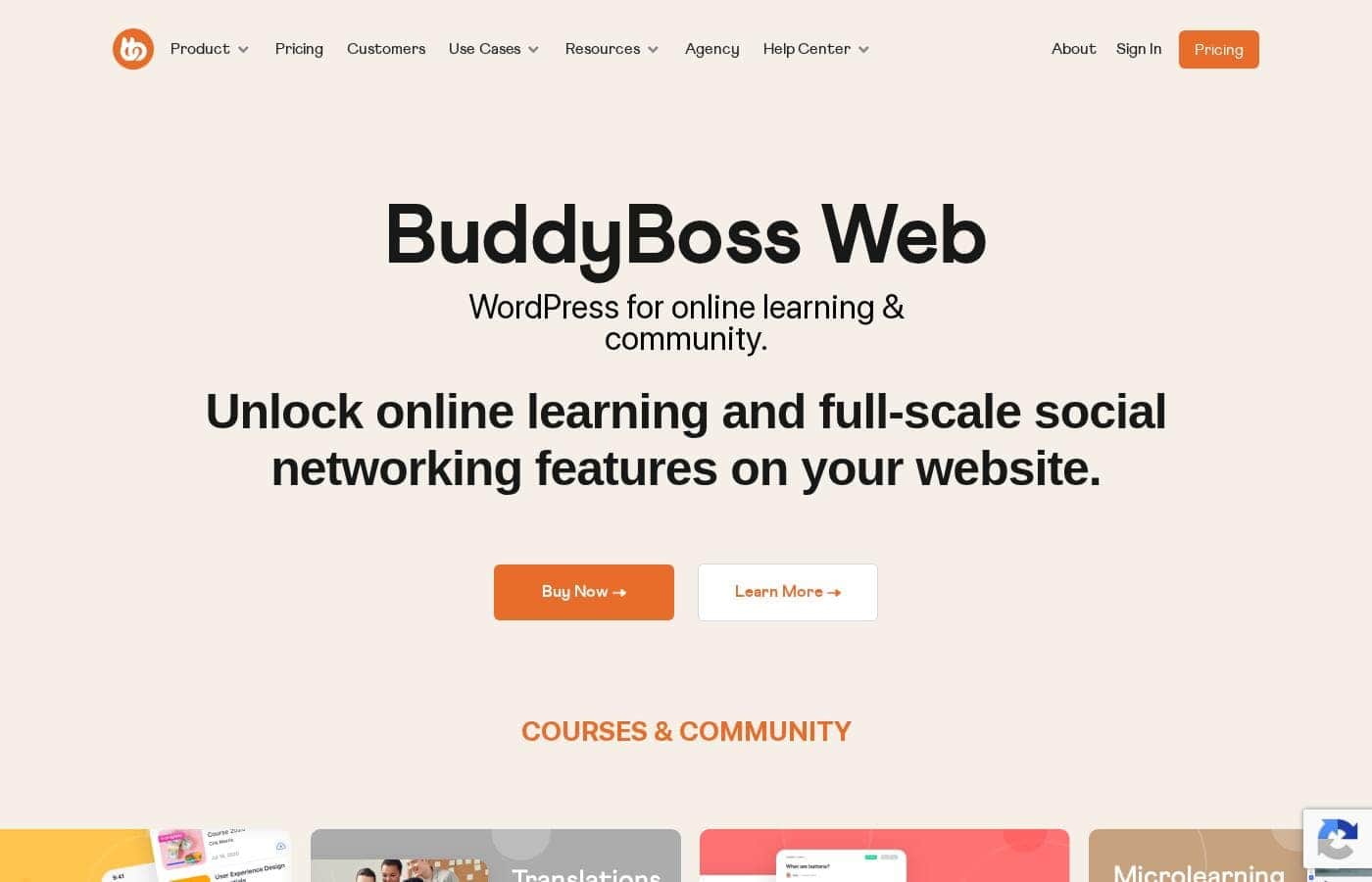
BuddyBoss homepage screenshot

At a glance

Quick overview for BuddyBoss: rating, pricing summary, key features, and highlights.
Pricing verified Oct 12, 2026

Ciroapp score

4.1/ 5

BuddyBoss turns your WordPress site into a community and course hub, with profiles, groups, forums, LearnDash and LifterLMS integrations, and optional branded mobile apps. You get real data ownership and no per-member fees, but you'll handle hosting, updates, and setup yourself. Overall, it's a solid, recommendable pick for WordPress-based course and membership businesses.

Pros

  • Pros:Full ownership of community data, since everything lives in your own WordPress database rather than a vendor's cloud.
  • Pros:Deep integration with WordPress LMS plugins such as LearnDash, LifterLMS, and Tutor LMS keeps courses and community on one site with one login.
  • Pros:Optional white-label iOS and Android apps extend the community beyond the browser.

Cons

  • Cons:You are responsible for WordPress hosting, updates, backups, and security — it is not a fully managed hosted service.
  • Cons:Total cost can add up — licenses run from free up to $3,999 per year, plus hosting and any add-on plugin subscriptions.
  • Cons:Initial setup and configuration take real time, especially when wiring up LMS and payment integrations.
Best for
  • Course creators already on WordPress — especially LearnDash or LifterLMS users — who want lessons and community on one site.
  • Coaches and consultants running paid cohorts, masterminds, or client groups that need private discussion space.
  • Publishers and membership site owners who want profiles, groups, and forums layered onto gated content.
This section is a summary. Detailed sections about features, use cases, pricing, and reviews follow below.

What is BuddyBoss?

BuddyBoss has grown into one of the most popular ways to add a social network to WordPress, combining the BuddyBoss Platform plugin with BuddyBoss Web and optional native mobile apps. Instead of renting space on a hosted community SaaS, you run the network on your own site, keeping member data, content, and monetization under your control. Courses and community live side by side, which is why it is widely used by course creators, coaches, and membership businesses.

Plans start at $0 per year and scale up to $3,999 per year depending on the features you need.

BuddyBoss is a course and community platform built specifically for WordPress. At its core is the BuddyBoss Platform, a plugin that adds member profiles, activity feeds, social groups, forums, private messaging, and notifications to any WordPress site. Around that core sit BuddyBoss Web, companion themes, integrations with LMS plugins such as LearnDash, and optional branded iOS and Android apps.

The result is a self-hosted alternative to hosted community tools, where you own the database and can extend the network with anything else in the WordPress ecosystem.
Should you choose BuddyBoss?

Quick buyer guidance before you compare plans or click through.

Choose it if

  • Course creators already on WordPress — especially LearnDash or LifterLMS users — who want lessons and community on one site.
  • Coaches and consultants running paid cohorts, masterminds, or client groups that need private discussion space.
  • Publishers and membership site owners who want profiles, groups, and forums layered onto gated content.
  • Brands or niche publishers building a standalone social network on their own domain with full data ownership.

Skip it if

  • Teams that want a zero-maintenance hosted SaaS and have no capacity for WordPress updates, hosting, and backups.
  • Projects not built on WordPress, since adopting BuddyBoss effectively means migrating to WordPress first.
  • Solo creators on very tight budgets who cannot absorb license tiers up to $3,999 per year plus hosting costs.
  • Anyone who only needs a simple, lightweight forum — a dedicated forum plugin would be simpler and cheaper.

Next steps before buying

  1. 1Compare plans at buddyboss.com/pricing and decide whether the free BuddyBoss Platform plugin covers you or you need a paid yearly plan (up to $3,999 per year) for theme and app features.
  2. 2Install the BuddyBoss Platform plugin on a WordPress staging site and run the setup wizard, enabling only the components you need — profiles, groups, feeds, and messaging.
  3. 3Connect your LMS (LearnDash, LifterLMS, or Tutor LMS) and your payment or membership plugin, then map course access to the corresponding community groups.
  4. 4Style the network with the BuddyBoss theme or your own design, invite a small beta group, and gather feedback before opening registration publicly.

BuddyBoss Key Features

✨ Community and Social Networking Core

The BuddyBoss Platform adds member profiles, activity feeds, social groups, discussion forums, private messaging, and notifications on top of WordPress. Components can be enabled or disabled individually, so the network matches your audience instead of forcing a fixed structure. Members can post updates, follow each other, and form their own groups without constant admin involvement.

✨ Course and LMS Integration

BuddyBoss connects with popular WordPress LMS plugins such as LearnDash, LifterLMS, and Tutor LMS, so lessons sit on the same site as the community. Enrolled students can be routed into the right groups, and lesson-level discussions keep learning social. Because everything runs on one WordPress install, you maintain a single member database and a single login.

✨ Native Mobile Apps

Beyond the web experience, BuddyBoss offers branded iOS and Android apps so members can participate from their phones. Community activity and course content sync with your WordPress site, and push notifications help bring people back between visits. App availability depends on the plan tier you purchase.

✨ Monetization and Paid Access

Pair BuddyBoss with WooCommerce or a WordPress membership plugin to charge for community access, courses, or tiered memberships. Gated groups and content let you structure free and premium areas side by side. Because it is self-hosted, all payments and subscriber records stay in your own database rather than a vendor's.

✨ Engagement and Gamification

BuddyBoss supports reputation-building mechanics such as points, badges, and achievements through integrations like GamiPress. Configurable notifications and emails keep members aware of replies and group activity. These loops matter because community platforms live or die on repeat visits, not one-time signups.

✨ Ownership, Control, and Extensibility

Since BuddyBoss runs on your own WordPress hosting, you own the data and can export, back up, or migrate it. Any WordPress plugin — SEO, security, CRM, translation — can extend the network, and the design is customizable through the theme and standard WordPress tooling. This flexibility is what separates a self-hosted network from a locked-in SaaS account.

Use Cases

💡 Online Course Communities

A course creator using LearnDash, LifterLMS, or Tutor LMS adds BuddyBoss so students can discuss lessons, join cohort groups, and help each other between sessions. Peer accountability tends to lift completion rates, and an active community reduces refund pressure because students feel part of something, not just holders of a video library.

💡 Coaching Programs and Masterminds

Coaches run private groups for each client cohort, share resources, and keep conversations in one place instead of scattered email threads. Direct messaging, feeds, and notifications make it practical to run an ongoing program without assembling a custom tool stack.

💡 Paid Membership Sites

Publishers and niche experts monetize gated content with WooCommerce or a membership plugin, then use BuddyBoss to add the social layer — profiles, groups, and forums — that makes a subscription stickier than content alone. Higher retention directly improves recurring revenue.

💡 Niche Social Networks and Brand Communities

A brand, association, or independent publisher can launch a standalone network on its own domain, with full control over rules, data, and monetization. Because the platform is self-hosted, the network remains an owned asset that can be redesigned, extended, or even sold.

💡 Customer and Product Communities

Software and product companies give customers a self-serve space to ask questions and share tips, letting experienced users answer newer ones. Forums and groups tied to the product reduce repetitive support tickets and double as a searchable knowledge base.

BuddyBoss pricing

From$8.25/mo

  • From the vendor's pricing page, checked Oct 12, 2026
  • 5 plans
  • Save up to 58% with annual billing

Prices checked on Oct 12, 2026 from BuddyBoss's pricing page

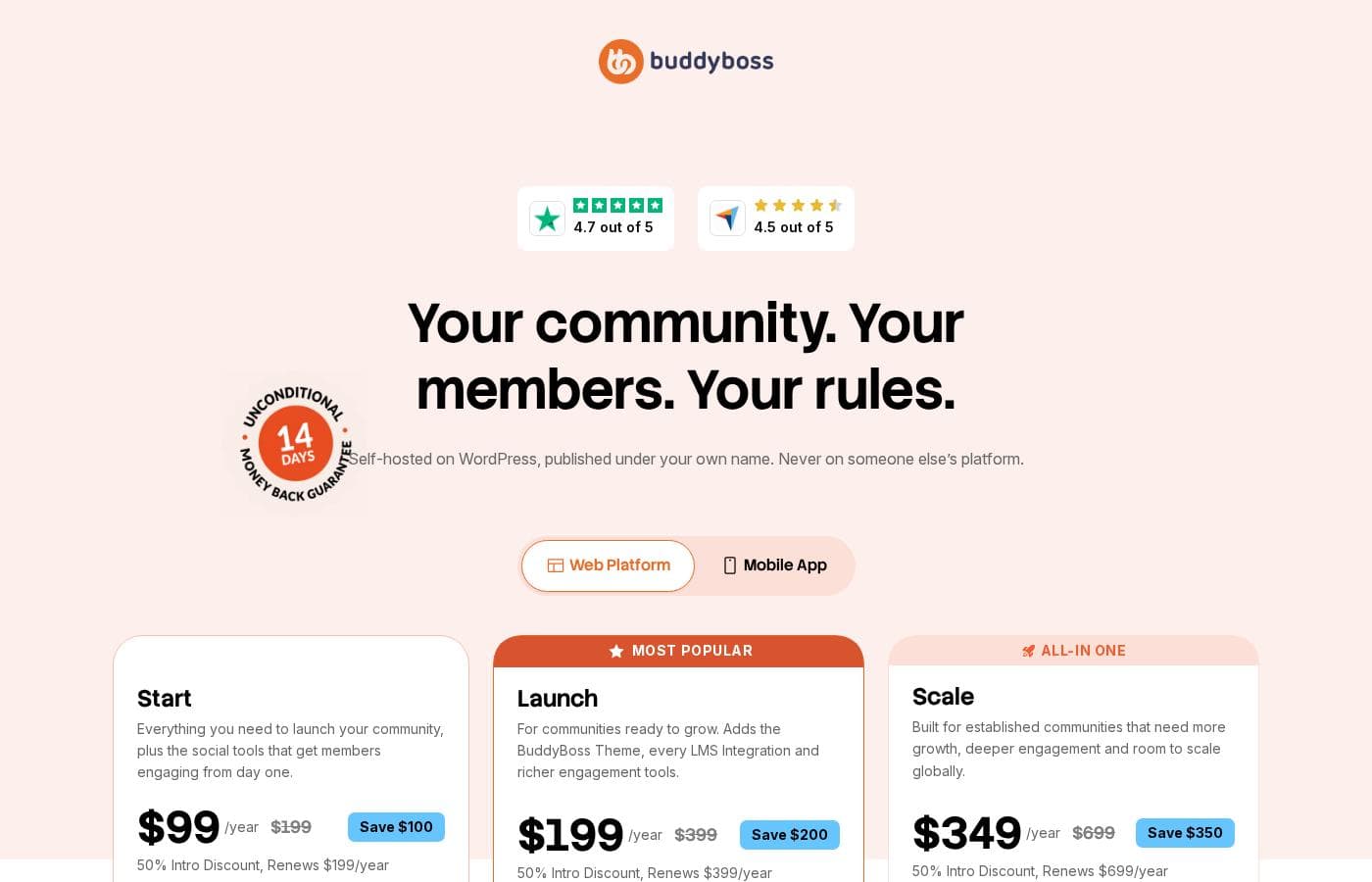
BuddyBoss pricing page screenshotView pricing page screenshot
PlanBilled monthlyBilled annuallyIncludes
Start
—
$8.25/mo
$99 per year
Launch
$199/mo
$199/mo
$2,388 per year
Scale
—
$29.08/mo
$349 per year
Solo
$99/mo
$41.58/mo
$499 per year
Save up to 58% with annual billing
Managed
—
$249.92/mo
$2,999 per year

Price history

Tracking prices since Oct 1, 2026. No price change detected yet.

Pricing types: Free plan, Monthly subscription, Yearly subscription, One-time payment

Cost calculator

Estimate what BuddyBoss costs for your team.

Billing

Start has no published price for this billing cycle.

Start has a flat price: the number of seats does not change the total. Estimate based on published list prices, before taxes, add-ons and discounts.

How to pay less for BuddyBoss

  • Pay annually: saves up to 58% compared with monthly billing.
Visit BuddyBoss

Email me when BuddyBoss changes price

One email when we detect a price change on the vendor's pricing page. No newsletter, no deals. Unsubscribe in one click.

User Reviews

No reviews yet.

Write a Review

Write a Review for BuddyBoss
0/100 characters
0/2000 characters

Why use BuddyBoss?

The main reason to choose BuddyBoss is ownership: your community data, member accounts, and revenue all live in systems you control, and there are no per-member fees as your audience grows. The second reason is consolidation — courses, community, and payments share one WordPress install and one login, which cuts tool sprawl and integration work.

It also fits an existing WordPress stack: if you already run LearnDash or WooCommerce, BuddyBoss layers a social network on top rather than forcing a migration. The trade-off is that you take on the hosting and maintenance a hosted SaaS would otherwise handle for you.

BuddyBoss alternatives

Other tools in the Social network WordPress Themes category

View all Social network WordPress Themes tools

BuddyBoss FAQ

How much does BuddyBoss cost?

BuddyBoss's cheapest paid plan, Start, costs $8.25 per month. Paid plans range from $8.25 to $249.92 per month. Prices checked on Oct 12, 2026 from the vendor's pricing page.

How much do you save with annual billing on BuddyBoss?

Paying annually saves up to 58% compared with monthly billing, based on BuddyBoss's list prices.

Has BuddyBoss's price changed recently?

No. We have not detected a price change since we started tracking on Oct 1, 2026.

Do I need WordPress to use BuddyBoss?

Yes. BuddyBoss is built specifically for WordPress: the BuddyBoss Platform installs as a plugin on your own site, with BuddyBoss Web providing the web experience on top of it. If you do not already have a WordPress site, you will need hosting and a WordPress install before you can set anything up.

Can BuddyBoss connect to my existing courses?

Yes. BuddyBoss integrates with popular WordPress LMS plugins such as LearnDash, LifterLMS, and Tutor LMS, so your lessons and your community share the same site and member accounts. Course enrollment can drive group access, so paying students land automatically in the right discussions.

Is there a mobile app?

BuddyBoss offers branded native apps for iOS and Android as part of its higher-tier plans. The apps sync with your WordPress site, so members see the same feeds, groups, and courses on mobile, and push notifications help bring people back between visits.

Can I charge for access to my community?

Yes. Because BuddyBoss runs on WordPress, you can gate groups and content with a membership plugin or WooCommerce and sell one-time, recurring, or tiered access. All payments and subscriber records stay in your own database rather than on a third-party platform.

Ready to try BuddyBoss? Check out the official site or pricing.

Are you BuddyBoss? Claim this listing · Get the badge