AnyTrack

AnyTrack review

One tracking tag for your entire marketing stack — automated attribution without the engineering overhead.

By Ciroapp Editorial Team · Updated Sep 17, 2026

Commission may apply at no extra cost

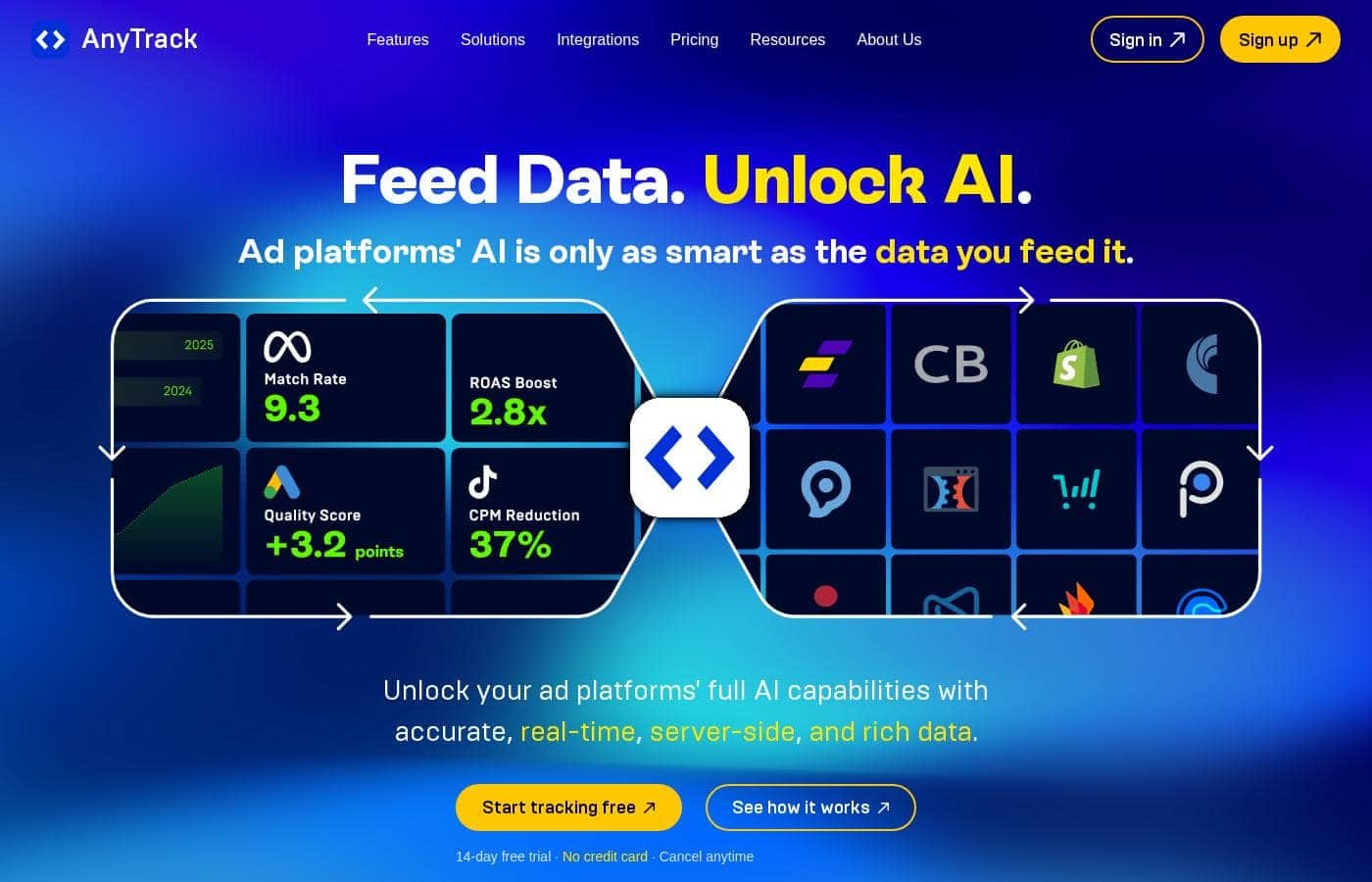
AnyTrack homepage screenshot

At a glance

Quick overview for AnyTrack: rating, pricing summary, key features, and highlights.
Vendor page checked Nov 22, 2026

Ciroapp score

3.8/ 5

AnyTrack swaps your patchwork of pixels and scripts for one tag that collects, normalizes, and routes conversion events across e-commerce, affiliate, and lead-gen stacks. It's refreshingly simple to set up, but attribution depends on supported integrations and top-tier pricing climbs steeply. Overall, it's a smart choice for multi-channel marketers who check integration coverage first.

Pros

  • Single-tag deployment covers all channels, replacing the need to install and maintain separate tracking scripts per platform
  • Unifies conversion data across e-commerce, affiliate, and lead-gen stacks into one consistent attribution layer
  • Automated event collection and routing removes the technical guesswork that typically breaks multi-channel tracking

Cons

  • Attribution quality depends on which ad platforms, affiliate networks, and commerce tools are supported — teams with niche or custom integrations should verify compatibility before committing
  • Automated tracking abstracts away the underlying implementation, which can make advanced debugging of individual event mismatches harder for teams who want full manual control
  • Pricing spans a wide range ($0–$99,625/month), so costs at higher tiers may be significant for smaller teams scaling up
Best for
  • Affiliate marketers who need to connect ad platform spend with network-side conversions in one attribution view
  • E-commerce teams running multi-channel campaigns whose purchase data is fragmented across pixels and platforms
  • Lead-gen agencies and in-house teams that need consistent conversion signals routed back to ad platforms for optimization
This section is a summary. Detailed sections about features, use cases, pricing, and reviews follow below.

What is AnyTrack?

Most marketing teams stitch together conversion data from a patchwork of tracking scripts, spreadsheets, and platform dashboards — and still end up with numbers that don't agree. AnyTrack approaches the problem differently: it installs a single tag across your channels and automatically collects, normalizes, and routes conversion events wherever they need to go. The result is attribution coverage across e-commerce, affiliate, and lead-generation workflows without writing custom code or maintaining fragile integrations.

AnyTrack is an automated attribution and conversion tracking platform built for marketers who need reliable data across multiple tools and channels. It connects your marketing ecosystem — ad platforms, affiliate networks, e-commerce systems, and CRM or lead-gen tools — and unifies conversion events into one tracking layer. Instead of deploying separate pixels and server-side scripts for each destination, you install one tag and the platform handles event collection, mapping, and forwarding automatically.
Should you choose AnyTrack?

Quick buyer guidance before you compare plans or click through.

Choose it if

  • Affiliate marketers who need to connect ad platform spend with network-side conversions in one attribution view
  • E-commerce teams running multi-channel campaigns whose purchase data is fragmented across pixels and platforms
  • Lead-gen agencies and in-house teams that need consistent conversion signals routed back to ad platforms for optimization
  • Marketing teams without dedicated developers who need server-grade tracking without writing custom scripts

Skip it if

  • Businesses that only run a single ad channel and are satisfied with that platform's native conversion tracking
  • Teams whose stack relies on heavily custom or niche integrations that may not be covered by AnyTrack's supported connections — verify compatibility first
  • Organizations that require full manual control over every tracking implementation detail rather than automated event routing

Next steps before buying

  1. 1Start with the free plan or free trial at anytrack.io to test attribution coverage against your actual funnel before any financial commitment
  2. 2Install the single AnyTrack tag on your site — this one tag covers all channels, so no per-platform script deployment is needed
  3. 3Connect your marketing ecosystem sources: your e-commerce platform, affiliate networks, and lead-gen or CRM tools
  4. 4Verify that conversion events are flowing and mapped correctly across your ad platforms before scaling spend on the data

AnyTrack Key Features

✨ Single-Tag Plug-and-Play Setup

AnyTrack is engineered around one tracking tag that covers all channels, eliminating the need to deploy and maintain separate tracking scripts per platform. This dramatically reduces setup time and the risk of tracking gaps caused by misconfigured or outdated scripts. For teams without dedicated developers, this is the difference between attribution that actually ships and attribution that stays on the roadmap.

✨ Cross-Stack Data Unification

The platform unifies conversion tracking across your entire marketing ecosystem, including e-commerce, affiliate, and lead-generation stacks. Events collected from any connected source are normalized and routed to the destinations that need them — ad platforms, dashboards, or downstream tools. This means a single source of truth for conversions instead of conflicting numbers across platforms.

✨ Automated Attribution Without Data Science

AnyTrack automates the attribution work that normally requires technical expertise. The system handles event collection and mapping behind the scenes, so marketers can manage conversion data effectively without writing code or understanding tracking infrastructure internals. The design goal is explicit: sophisticated attribution that doesn't require a data science degree to operate.

✨ No Complex Tracking Scripts Required

Traditional conversion tracking relies on custom scripts that break when pages change, ad platforms update, or new channels are added. AnyTrack removes that dependency by handling tracking through its automated platform layer, reducing maintenance burden and the guesswork that typically accompanies multi-channel measurement.

Use Cases

💡 Affiliate Marketing Attribution

Affiliate marketers typically struggle to connect ad spend with network-side conversions, since affiliate platforms and ad channels don't natively talk to each other. AnyTrack unifies affiliate stack data with the rest of the marketing ecosystem, so postback and conversion events flow into a single attribution layer. This makes it possible to see which campaigns, ads, and channels actually drive commissionable conversions.

💡 E-Commerce Conversion Tracking

Online stores run purchases through multiple touchpoints — ad pixels, analytics tools, and e-commerce platform events — that often report conflicting numbers. AnyTrack unifies e-commerce conversion tracking across the full stack with a single tag, giving store owners consistent conversion data across channels without custom scripting on product or checkout pages.

💡 Lead Generation Funnel Measurement

Lead-gen campaigns often lose attribution fidelity between form submissions, CRM entries, and ad platform conversions. AnyTrack's unified tracking layer captures lead events across the funnel and routes them to the platforms that optimize on them, helping lead-gen teams measure true cost-per-qualified-lead rather than relying on incomplete platform-reported numbers.

💡 Multi-Channel Campaign Optimization

Marketers running campaigns across several ad platforms need consistent conversion signals fed back to each platform for optimization. AnyTrack automates this event routing from one tracking tag, so every channel receives the conversion data it needs — reducing the manual integration work and tracking drift that accumulates as channels are added.

AnyTrack pricing

Prices not verified yet — see the vendor page.

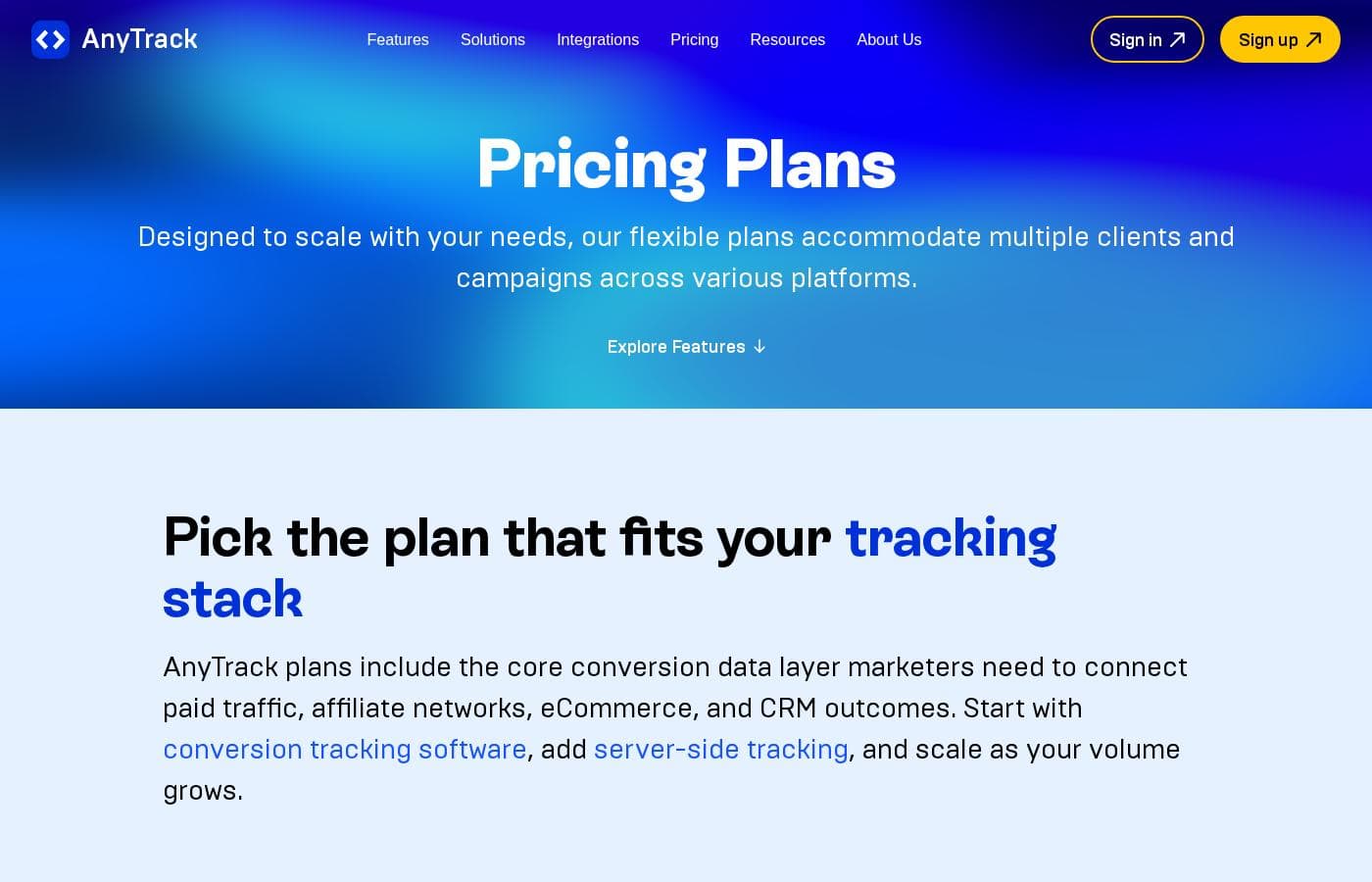
AnyTrack's pricing page

AnyTrack pricing page screenshotView pricing page screenshot

Price history

Tracking prices since Oct 1, 2026. No price change detected yet.

Pricing types: Free plan, Free trial, Monthly subscription, Yearly subscription, Usage-based pricing

Pricing notes

AnyTrack pricing: Plans from $0/month Billing options: Free plan, Free trial, Monthly subscription, Yearly subscription, Usage-based pricing

Email me when AnyTrack changes price

One email when we detect a price change on the vendor's pricing page. No newsletter, no deals. Unsubscribe in one click.

User Reviews

No reviews yet.

Write a Review

Write a Review for AnyTrack
0/100 characters
0/2000 characters

Why use AnyTrack?

Conversion data is only useful if it's complete and consistent, and manual tracking setups routinely fail on both counts. AnyTrack removes the two biggest barriers: technical complexity and data fragmentation.

Because it requires just one tag for plug-and-play setup across all channels, teams without dedicated developers can still get server-grade tracking in place. And because it's engineered specifically for e-commerce, affiliate, and lead-gen stacks, the attribution model reflects how those businesses actually measure performance — not a generic analytics bolt-on.

AnyTrack alternatives

Other tools in the Conversion Tracking category

View all Conversion Tracking tools
Affilimate

Affilimate

Conversion Tracking3.7/5

Affilimate is an optimization tool designed specifically for commerce content publishers. The system gives publishers the necessary content insights to maximize their revenue. It is built for media companies and professional creators who need fast, systematic growth. ✅ You can easily add all your existing affiliate networks and track your links. This platform is tailored for editorial teams and business owners. It provides specialized tools that scale effortlessly across your entire content portfolio.

AnyTrack FAQ

How long does it take to set up AnyTrack?

AnyTrack is built for quick, plug-and-play setup: you install one tag and it covers all channels in your marketing ecosystem. There's no need to deploy complex tracking scripts or configure separate integrations per platform, so most teams can go from signup to collecting conversion events in a single session. Exact onboarding time will vary with the number of sources you connect.

Do I need technical or data science skills to use AnyTrack?

No. AnyTrack is explicitly engineered so you don't need a data science degree to manage your conversion data. The platform automates event collection, normalization, and routing behind a single tag, and the workflow is designed for marketers rather than developers. That said, teams integrating unusual or custom systems may still want technical input when verifying that all their sources are supported.

What kinds of businesses is AnyTrack designed for?

AnyTrack targets sophisticated marketers working across three main stack types: e-commerce, affiliate marketing, and lead generation. It's built to unify tracking across an entire marketing ecosystem, so it's most valuable for businesses running campaigns across multiple ad platforms and conversion sources that currently struggle with fragmented or inconsistent attribution data.

Is there a free way to try AnyTrack?

Yes. AnyTrack offers a free plan starting at $0/month as well as a free trial, so you can evaluate the platform's attribution coverage against your actual funnel before paying. Billing options include monthly and yearly subscriptions, with usage-based pricing also available.

Ready to try AnyTrack? Check out the official site or pricing.

Are you AnyTrack? Claim this listing · Get the badge