完全な翻訳は近日公開 — 製品詳細は英語、ナビゲーションは日本語で表示しています。
Norton Family

Norton Family レビュー

Parental controls that reveal what kids search and watch, with screen limits and school-time focus

著者 Ciroapp Editorial Team · 更新日 2026年9月16日

追加費用なしでコミッションが発生する場合があります

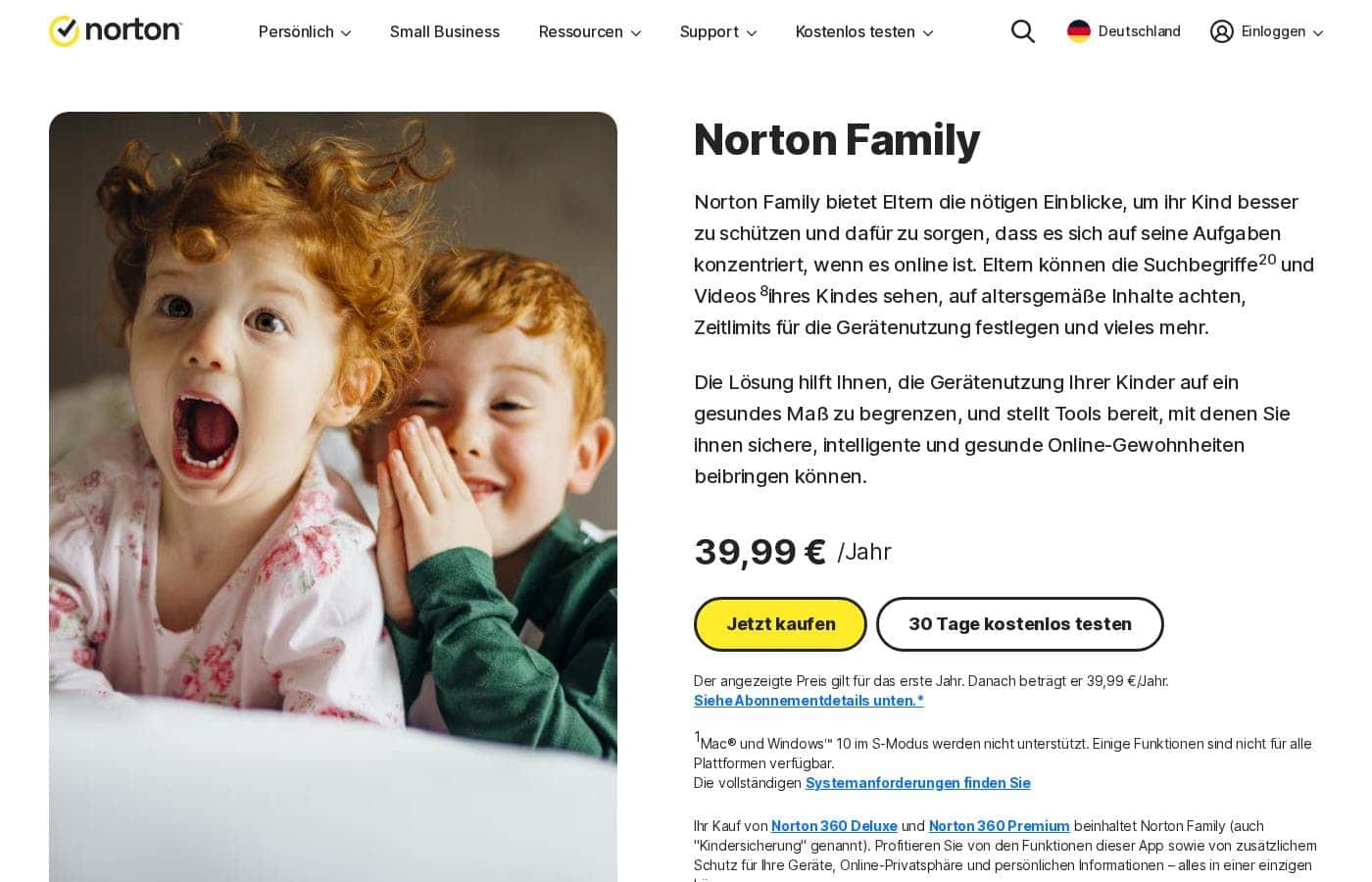
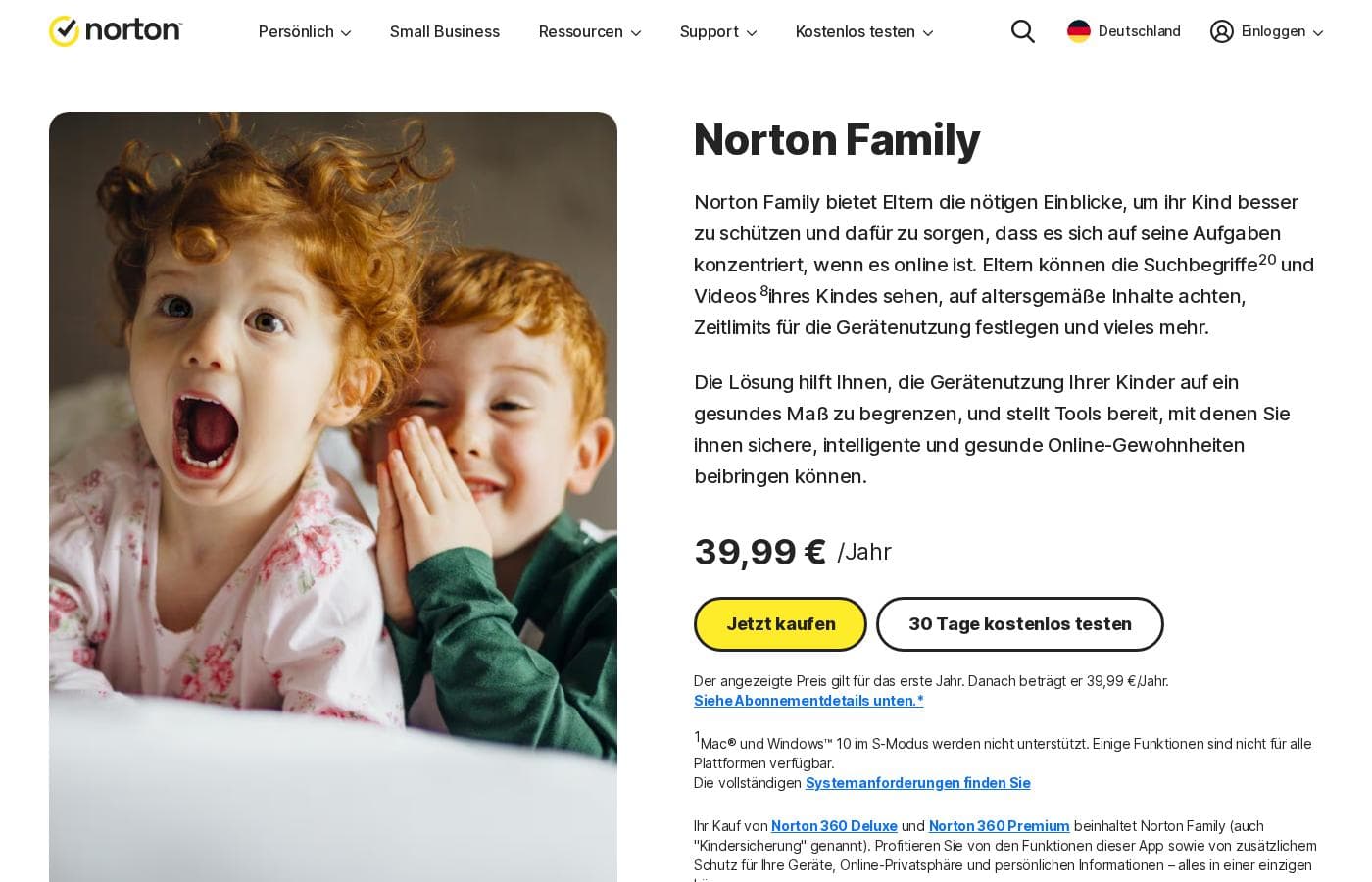
Norton Familyのホームページスクリーンショット

概要

Norton Familyの評価、価格概要、主な機能、注目ポイントをすばやく確認できます。

Ciroappスコア

3.6/ 5

Norton Family gives parents real visibility into kids' searches and videos, plus screen limits and a school-time mode that fits remote learning. It's a strong pick for Norton 360 Deluxe and Premium households, though standalone pricing is unclear and supervision depth varies by device. Overall, it's easiest to recommend bundled, with a free trial to confirm fit.

長所

  • 長所:Included with Norton 360 Deluxe and Norton 360 Premium, so many households get full parental controls without buying another product
  • 長所:Covers both search activity and video watching, giving parents context beyond simple site blocking
  • 長所:School time mode is purpose-built for remote learning days, when generic screen timers fall short

短所

  • 短所:Supervision depends on the Norton Family app staying installed and running on the child's device, and no parental control tool is fully bypass-proof
  • 短所:Feature depth can vary depending on the child's device platform, so verify coverage for each of your kids' devices before subscribing
  • 短所:Standalone plans add a separate subscription cost for households not already using Norton 360
最適
  • Parents of school-age children doing remote or hybrid learning who need focus enforced during school hours
  • Existing Norton 360 Deluxe or Premium subscribers who want parental controls bundled with their current security plan
  • Parents of tweens and early teens who want visibility into search terms and video habits rather than only site blocking
このセクションは概要です。機能、ユースケース、価格、レビューの詳細は下に続きます。

Norton Familyとは?

Norton Family is Norton's parental control service, aimed at parents who want a clearer picture of what their children do online without standing over their shoulders. It combines search and video visibility with screen-time scheduling and a dedicated school-time mode for remote learning days. Parents can run everything from a web portal or the mobile apps, and the service comes included with Norton 360 Deluxe and Norton 360 Premium.

Norton Family is a parental control tool that gives parents visibility into what their kids search for and watch online, plus the tools to set screen limits around those activities. Supervision is handled through a browser-based portal and companion mobile apps, so parents can check in from a desktop or a phone. A school-time mode is designed to keep children focused during remote learning sessions, and the product ships bundled with Norton 360 Deluxe and Norton 360 Premium subscriptions.
Norton Familyを選ぶべきですか?

プラン比較や公式サイトへ進む前に確認したい購入判断のポイントです。

選ぶべき人

  • Parents of school-age children doing remote or hybrid learning who need focus enforced during school hours
  • Existing Norton 360 Deluxe or Premium subscribers who want parental controls bundled with their current security plan
  • Parents of tweens and early teens who want visibility into search terms and video habits rather than only site blocking
  • Two-parent households that want to share oversight from both a web portal and mobile apps

避けるべき人

  • Parents of toddlers or preschoolers who don't yet have their own connected devices, where basic device rules may be enough
  • Families that need identical full-featured supervision on every device platform, since feature depth varies across devices
  • Anyone seeking employee or workplace monitoring — Norton Family is built for family use, not fleet oversight

購入前の次のステップ

  1. 1Check whether you already have Norton 360 Deluxe or Premium; if so, sign in to your Norton account and enable Norton Family from your subscription
  2. 2If not, start with the free trial or a standalone plan on Norton's website and create a Norton account
  3. 3Install the Norton Family child app on each child's device and complete on-device setup for each kid's profile
  4. 4Set your house rules: configure screen-time limits, define school-time hours, and turn on search and video supervision
  5. 5Install the parent app or bookmark the web portal, review the first week of activity, and adjust rules based on what you see

Norton Family 主な機能

✨ Search and Video Visibility

Norton Family shows parents what their children search for and what they watch — two activities that reveal more about a kid's interests and risks than page visits alone. That visibility gives parents a concrete starting point for conversations about online safety instead of relying on guesswork.

✨ Screen-Time Limits

Parents can set limits and schedules so devices go quiet at bedtime, homework time, or dinner. Rules can be tuned per child, which matters when a teenager and a younger sibling need very different boundaries.

✨ School Time Mode

School time is designed for remote and hybrid learning days: during scheduled school hours, the tool steers kids toward staying focused instead of drifting into games and videos. Parents can align the schedule with the actual school calendar rather than policing it manually.

✨ Web Portal and Mobile Apps

Parents manage rules and review activity through a browser-based portal or the mobile apps, so check-ins don't require sitting at one particular computer. This is practical for households where both parents share oversight.

✨ Included with Norton 360 Deluxe and Premium

Rather than a separate purchase for many families, Norton Family comes bundled with Norton 360 Deluxe and Norton 360 Premium. Existing subscribers of those plans can switch on parental controls without adding another vendor or bill.

使用例

💡 Remote and Hybrid School Days

When classes happen at the kitchen table, school time mode keeps the device pointed at schoolwork during scheduled hours. Parents don't have to hover; the schedule does the enforcing.

💡 Curious Tweens and Search Habits

Search terms are often the earliest signal of what a child is curious or worried about. Parents of tweens can watch for patterns and step in with guidance before a curiosity turns into a problem.

💡 Heavy Video Watchers

For kids whose screen time is mostly videos, watch visibility plus screen limits address both what they see and how long they watch. Parents can spot age-inappropriate content without reading over their child's shoulder.

💡 Norton 360 Households

Families already paying for Norton 360 Deluxe or Premium get parental controls as part of the subscription. It's the shortest path to structured supervision for households that want one provider for both security and family safety.

Norton Familyの料金

価格は未確認です — 公式サイトをご確認ください。

Norton Familyの料金ページ

Norton Familyの料金ページのスクリーンショット料金ページのスクリーンショットを見る

価格タイプ: Free plan, Free trial, Monthly subscription, Yearly subscription, Per seat pricing

料金に関する補足

Norton Family pricing: Plans from $0/year Billing options: Free plan, Free trial, Monthly subscription, Yearly subscription, Per seat pricing

Norton Familyの価格が変わったらメールで通知

ベンダーの料金ページで価格の変更を検出したときに1通のメールを送ります。ニュースレターやセール情報はありません。ワンクリックで解除できます。

ユーザーレビュー

まだレビューがありません。

レビューを書く

Norton Familyのレビューを書く
0/100文字
0/2000文字

Norton Familyを使う理由は?

Most parents can't watch every screen, and search engines plus video platforms are where kids spend much of their online time. Norton Family addresses that by surfacing search and watch activity while putting structure around it through screen limits and school-time scheduling.

Because management works from both a web portal and mobile apps, oversight fits into a parent's day rather than becoming its own task. For Norton 360 Deluxe or Premium subscribers, it also arrives without a new subscription decision to make.

Norton Family の代替ツール

ペアレンタルコントロールカテゴリの他のツール

ペアレンタルコントロールの全ツールを見る
MMGuardian

MMGuardian

Parental Control4.1/5

デジタル世界で安全に自信を持って子供を育てる

Net Nanny

Net Nanny

Parental Control4/5

有害なページだけをリアルタイムでブロックし、ウェブのほかの部分は壊さないコンテンツフィルタリング。Net Nanny は1996年から、保護者が子どものオンライン安全を見守るお手伝いをしてきました。

FamiSafe

FamiSafe

Parental Control3.9/5

ご家族のためのNo.1デジタル・ペアレンティング・ソリューション

Mobicip

Mobicip

Parental Control3.7/5

お持ちのすべてのデバイスで一貫したペアレンタルコントロールを提供します。

mLite App

mLite App

Parental Control3.6/5

シンプルで同意ベースの位置情報共有で、家族とのつながりを保ちましょう。

1〜25ユーザー向けの最安ペアレンタルコントロールソフトウェア

Norton Family よくある質問

Is Norton Family included with Norton 360?

Yes. Norton bundles Norton Family with Norton 360 Deluxe and Norton 360 Premium subscriptions, so existing subscribers of those plans can activate the parental controls at no extra cost. Households that don't use Norton 360 can instead sign up for a standalone plan or start with the free trial.

What can parents actually see with Norton Family?

Parents get visibility into the search terms their children use and the videos they watch, alongside the ability to set screen-time limits and schedules. The intent is oversight and conversation-starting context rather than covert surveillance.

How does school time mode work?

School time lets parents block out scheduled school hours so kids stay focused during remote or hybrid learning instead of drifting into games and videos. You set the schedule to match your child's actual school calendar, and the tool enforces it automatically.

Do I need a specific device to manage Norton Family?

No. Parents can manage rules and review activity through the Norton Family web portal from any browser, or through the mobile apps, so oversight can happen from whichever device is at hand.

Norton Familyを試してみる準備はできましたか?公式サイトまたは価格をご覧ください。

Norton Familyの担当者ですか? この掲載を申請する · バッジを入手