Net Nanny

Net Nanny

The #1-Rated Internet Filter, used by millions of parents since 1996.

#17 dans Parental Control
1 分読了 · 更新日 10/4/2025
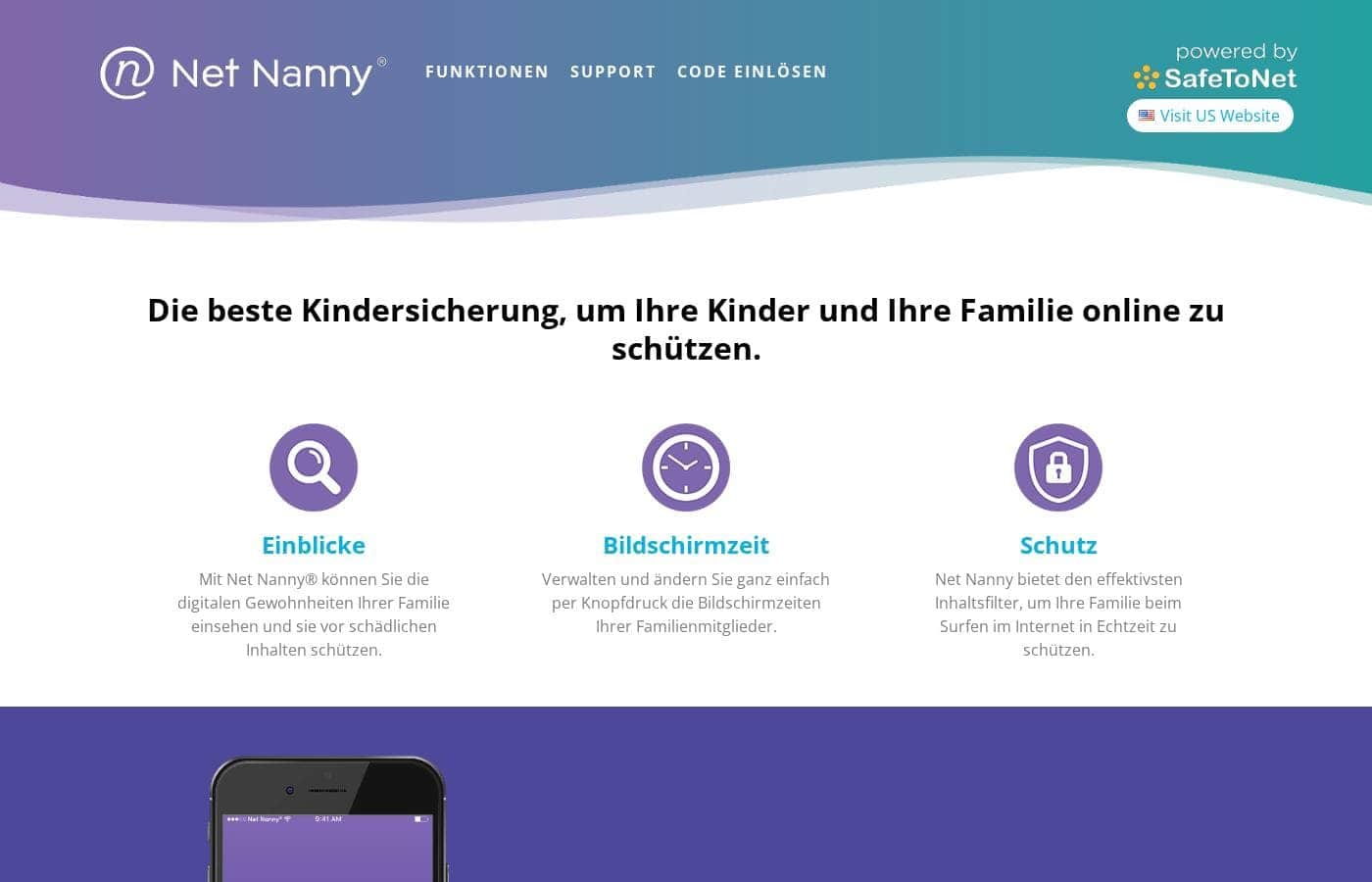
Net Nannyのホームページスクリーンショット

At a glance

Quick overview for Net Nanny: rating, pricing summary, key features, and highlights.

Ciroappレビュー

1.8
Unreliable protection paired with hidden costs.

We note Net Nanny boasts impressive dynamic filtering features and competitive volume pricing for large families. However, recent user feedback highlights critical operational failures, extreme difficulty managing subscriptions, and severely problematic customer service interactions. Overall, we advise prudence due to concerning reports regarding recurring billing practices and software reliability across platforms.

長所

  • Pro:Cost-effective protection for up to 20 devices annual plans.
  • Pro:Includes dynamic filtering against adult content and sensitive material.
  • Pro:Real-time alerts and visibility via the Family Feed feature.
  • Pro:Full feature suite is included across all three annual pricing tiers.

短所

  • Con:Software functionality is often unreliable (time limits fail, Mac freezing).
  • Con:Auto-renewal system is difficult or impossible to cancel online.
  • Con:Reports of severe bugs and inaccurate dashboard data tracking.
  • Con:Customer support is slow, unresponsive, and often unavailable.
範囲: $39.99 – $89.99/yearYearly subscription
This section is a summary. Detailed sections about features, use cases, pricing, and reviews follow below.

Net Nannyのレビュー、価格、機能、メリット・デメリット

It is stressful knowing that 82% of children see inappropriate material by the age of 11. 😔 Net Nanny directly addresses this common fear.

This top-rated parental control software helps you take back control of your family’s screen time. You gain peace of mind and keep your kids safe online.

Net Nannyとは?

Net Nanny is widely trusted parental control software. It is consistently ranked as the Best Parental Control App. ✅ Millions of parents have trusted this software since 1996.

It’s designed to keep your kids safe from adult content when they browse online. The system allows children to use the internet safely while still being protected. It offers the visibility parents need today.

Net Nanny 主な機能

✨ Powerful, Top-Rated Internet Filtering

You can gain peace of mind knowing your child is better protected online. Net Nanny acts as a top-rated porn blocker, entirely stopping exposure to adult content. This proven system is renowned as the #1-Rated Internet Filter.

It carefully monitors active browsing to prevent inappropriate viewing. Crucially, it allows your children to use the internet safely. They browse while remaining protected from concerning materials.

✨ Instant Activity Reports via the Family Feed

The revolutionary Family Feed gives parents necessary visibility into their children's activities. This system provides instant reporting regarding all of your children's online search activities.

You gain clear insight into precisely what your kids are looking up when they browse. This crucial information allows you to quickly understand their digital habits. It helps you address emergent issues before they become larger problems.

🚨 Critical Real-Time Safety Alerts 🚨

Net Nanny provides real-time alerts concerning highly sensitive material. This immediate notification system helps protect your children from serious, dangerous search topics. You will receive instant warnings when concerning activity occurs.

The system monitors and sends precise alerts for critically sensitive content, including:

  • Suicide-related content
  • Weapons searches
  • Drug-related material

These timely alerts provide the information needed for parental intervention. Knowing instantly helps secure your child's immediate digital safety.

✨ Visibility Into App Management

It's important for parents to know which applications their children are running. Net Nanny provides crucial visibility into the specific apps they are using. This comprehensive view helps you understand their overall screen habits.

Monitoring app usage helps secure your digital household effectively. This feature ensures you maintain necessary visibility and control over the programs running on protected devices.

使用例

🛡️ Preventing Accidental Exposure

It’s a common fear that 82% of children see inappropriate material before age eleven. Net Nanny directly addresses this common problem instantly. It operates as a highly rated internet filter and porn blocker.

This trusted system keeps children safe online while still allowing them to browse the web freely.

🚨 Immediate Intervention for High-Risk Topics

Parents need to know immediately if their child searches for dangerous items. Net Nanny provides parents with specific real-time alerts. These alerts cover highly sensitive topics, including suicide, weapons, and drug-related content.

This allows you to intervene quickly and address serious concerns directly.

🔎 Gaining Total Visibility of Online Activity

Net Nanny provides the visibility parents truly need today. The revolutionary Family Feed gives you instant reporting regarding all your children's online search activities. You can quickly review what they searched for and when they searched for it.

This immediate oversight helps you take back control of your family’s screen time.

📱 Monitoring App Use Across Devices

It can be hard to track all the apps your kids are using daily. Net Nanny gives you clear visibility into how they spend their time. You gain instant reporting regarding the specific apps your children are accessing.

This helps you understand their digital habits and ensures they are making safe choices.

👨‍👩‍👧‍👦 Securing Multi-Device Households

Do you need powerful protection across many different gadgets? The Family Protection Passes offer comprehensive coverage for multiple devices. You can protect up to 20 devices, covering PC, Mac, and iOS operating systems easily.

This is the most cost-effective way to secure every smartphone, tablet, and computer in your large family.

Net Nannyの価格概要

価格帯
$39.99 – $89.99/year
価格タイプ
Yearly subscription

Net Nanny provides parental control software through three distinct annual packages tailored to your family's size. Pricing starts at $39.99 per year for a single license and scales up based on the number of devices you need to protect.

プランと料金

1 Desktop

年間$39.99 / Year
1 desktop device only
  • Protect one desktop device (PC or Mac)
  • Includes all Net Nanny features
  • Supported on Windows 10 & 11 and macOS 10.13 to 11.x

5 Devices Family Protection Pass

年間$54.99 / Year
5 total device licenses
  • Protect up to 5 total devices
  • Includes all Net Nanny features
  • Supports PC, Mac, and iOS devices
  • Costs $11 per device/year
  • 30% Off For A Limited Time

20 Devices Family Protection Pass

年間$89.99 / Year
20 total device licenses
  • Protect up to 20 total devices
  • Includes all Net Nanny features
  • Supports PC, Mac, and iOS devices
  • Costs less than $5 per device/year
  • Labeled 'Best Value'

Net Nanny costs between $39.99 and $89.99 per year with three plans: 1 Desktop at $39.99, 5 Devices Family Protection Pass at $54.99, and 20 Devices Family Protection Pass at $89.99.

Let's explore which annual Net Nanny package works best for your family's needs.

1 Desktop

Price: $39.99 / Year (Currently discounted from $49.99) Websites Supported: Not explicitly stated (Filtering is dynamic) Best For: Single device use on PC or Mac Refund Policy: Not explicitly stated Other Features:

  • Protect one desktop device
  • Includes all Net Nanny features
  • Supports Windows and macOS

This package is ideal if you only need to monitor one dedicated computer, like a shared family PC or laptop. It gives you immediate access to all Net Nanny features for that device.

5 Devices Family Protection Pass

Price: $54.99 / Year (Currently 30% Off; discounted from $79.99) Websites Supported: Not explicitly stated (Filtering is dynamic) Best For: Small to medium-sized families using multiple operating systems Refund Policy: Not explicitly stated Other Features:

  • Protect 5 total devices
  • Includes all Net Nanny features
  • Supports PC, Mac, and iOS

Choose this plan if you need coverage for a few devices, including mobile phones or tablets. At $11 per device annually, you get comprehensive protection across different operating systems, which is great for growing families.

20 Devices Family Protection Pass

Price: $89.99 / Year (Currently discounted from $129.99) Websites Supported: Not explicitly stated (Filtering is dynamic) Best For: Large families or homes with many digital devices Refund Policy: Not explicitly stated Other Features:

  • Protect 20 total devices
  • Includes all Net Nanny features
  • Supports PC, Mac, and iOS
  • Labeled as the "Best Value"

This pass provides the most savings, costing less than $5 per device per year. It's the best value plan for families who want to protect smartphones, tablets, and computers across their entire home.

All Net Nanny packages are billed annually and protect your devices with the full range of parental controls available. While volume pricing is available for organizations, the Family Protection Pass is only for consumer use. The current product information does not explicitly mention a free trial or a money-back guarantee policy.

ユーザーレビュー

Net Nanny currently holds a very poor 2.1 rating on Trustpilot, reflecting widespread customer dissatisfaction. Users frequently report critical failures in core functionality and serious concerns regarding billing practices.

Recurring complaints revolve around system reliability; many users state the software does not work properly on modern devices, citing issues like apps ignoring set time limits, device freezes, and wildly inaccurate dashboard reporting (e.g., usage times ticking up five minutes per second). Beyond technical faults, customers vehemently criticize Net Nanny’s handling of subscriptions and auto-renewal.

Multiple reports indicate that the company makes it nearly impossible to cancel online, leading to years of unwanted, unauthorized charges and feelings of corporate theft. 😬 Support responsiveness also receives strong negative feedback, described as appalling and inaccessible, with agents often unavailable and documentation out of date.

Although some users eventually received refunds, the prevalence of functional bugs and deceptive billing tactics drives the overwhelmingly negative sentiment.

他の場所でのユーザーの声

Alex K.
· Trustpilot
1.0 / 5

The software doesn't work consistently after a restart; I always have to sign in manually. Since installing it, my Mac freezes frequently during downloads. I have not yet received any response from customer service about these issues.

Liam S.
· Trustpilot
1.0 / 5

I installed this on my son’s iPad to set time limits, but they were ignored by apps like YouTube and Roblox. The parent portal also showed buggy usage, once reporting 15 hours of device time at 9 a.m. I got a refund after three frustrating days.

まだレビューがありません。

レビューを書く

Net Nannyのレビューを書く
0/100文字
0/2000文字

Net Nannyを使う理由は?

Choosing the right protection is vital for your family's safety. Net Nanny is the powerful tool you need to secure your digital household. It has been used and trusted by millions of parents for decades, since 1996. This focus on trust and protection explains why it is the #1-Rated Internet Filter. 💡

Key advantages you will gain through Net Nanny include:

  • Net Nanny acts as a top-rated porn blocker, stopping adult content exposure.
  • Get real-time alerts on highly sensitive material, including suicide, weapons, and drug-related content.
  • The Family Feed provides instant reporting regarding all your children's online search activities.
  • Gain visibility into the specific apps your kids are using.
  • Allow your children to browse online safely while keeping them protected from inappropriate viewing.

Net Nannyでワークフローを変革する準備はできていますか?

よくある質問

Is there a free trial or money-back guarantee available today?

The product information currently available does not explicitly mention a free trial period. Likewise, the official site does not detail a money-back guarantee policy for new purchases.

How is Net Nanny priced? Is it based on usage or per device?

Net Nanny uses a device-based annual licensing model, not usage-based pricing. You secure either 1, 5, or 20 total devices, and your license covers that quantity for one year.

Which operating systems are supported by the current Net Nanny software?

The software is designed for Windows 10 and 11, and it supports macOS systems from 10.13 up to 11.x. Mobile device monitoring is available for iOS 11 and higher devices.

Do I get support for iOS devices with the cheapest 1 Desktop plan?

No, the basic 1 Desktop plan only covers one PC or Mac computer. You must choose a Family Protection Pass (5 or 20 devices) to include coverage for iOS phones and tablets.

What type of customer support contact methods and hours are available?

You can contact support via email, phone, or live chat. Support representatives are available from 10:00 AM to 7:00 PM EST, Monday through Friday.

How do I start the installation process on my child's device?

First, ensure you have a verified Net Nanny parent account. Then, navigate to install.netnanny.com directly from the child’s device and follow the installation guide.

What happens if I want to upgrade my single license to a family plan later?

Current single-license customers are eligible for a pro-rated upgrade discount. You can log into the Parent Dashboard to manage this process or contact Customer Service for direct assistance.

Are there quotas or caps on how much internet filtering the software performs?

Your plan limit is strictly based on the number of authorized devices you protect. The official site does not define any volume quotas for dynamic filtering or the Family Feed reporting data.

If I need to cancel my annual service, what is the required process?

You can review your account and subscription details by logging into the Parent Dashboard’s My Subscription area. Specific, step-by-step instructions for online cancellation are not detailed on the sales pages.

Does Net Nanny provide services for commercial organizations or businesses?

The Family Protection Passes are available for consumer and home use only. Organizations needing volume pricing must contact the Sales team regarding the ContentProtect product.

How does Net Nanny handle the data collected from my child's online searches?

Net Nanny provides instant reporting to the parent through the Family Feed feature. The documentation does not explicitly state where the search history data is stored or its retention policies.

Which package offers the best value for large families with many devices?

The 20 Devices Family Protection Pass provides the best savings. This plan drops the annual cost to less than $5 per device, covering up to 20 devices total.

Net Nannyを試してみる準備はできましたか?公式サイトまたは価格をご覧ください。