Brave vs Chrome
This is the ultimate browser battle: unmatched privacy versus the massive Google ecosystem. Brave is the champion for speed and tracker blocking, offering privacy by default. Chrome provides seamless integration and powerful AI tools if you prioritize convenience and utility. The choice depends entirely on your stance on data and personalization.
Best for: Privacy advocates and users avoiding ‘Big Tech’ tracking, Mobile users seeking maximum battery life and data savings
Best for: Users heavily invested in the Google ecosystem (e.g., Gmail, Drive), Individuals needing seamless, instant sync of passwords across many devices
Unmatched Speed, Mixed Reliability.
We found Brave delivers on its core promise of superior speed and robust, built-in privacy protection, blocking trackers and ads better than competitors. However, the user experience is hampered by reports of random crashes, site loading failures, and difficulties managing certain optional features like translation and communication tools. Overall, Brave is an exceptional choice for privacy-focused power users, though its reliability needs improvement for mainstream adoption.
Pros
- Exceptionally fast browsing speeds (3x to 6x faster than competitors).
- Blocks all privacy-invasive ads, trackers, and popups by default.
- Built-in security shielding against tracking and fingerprinting.
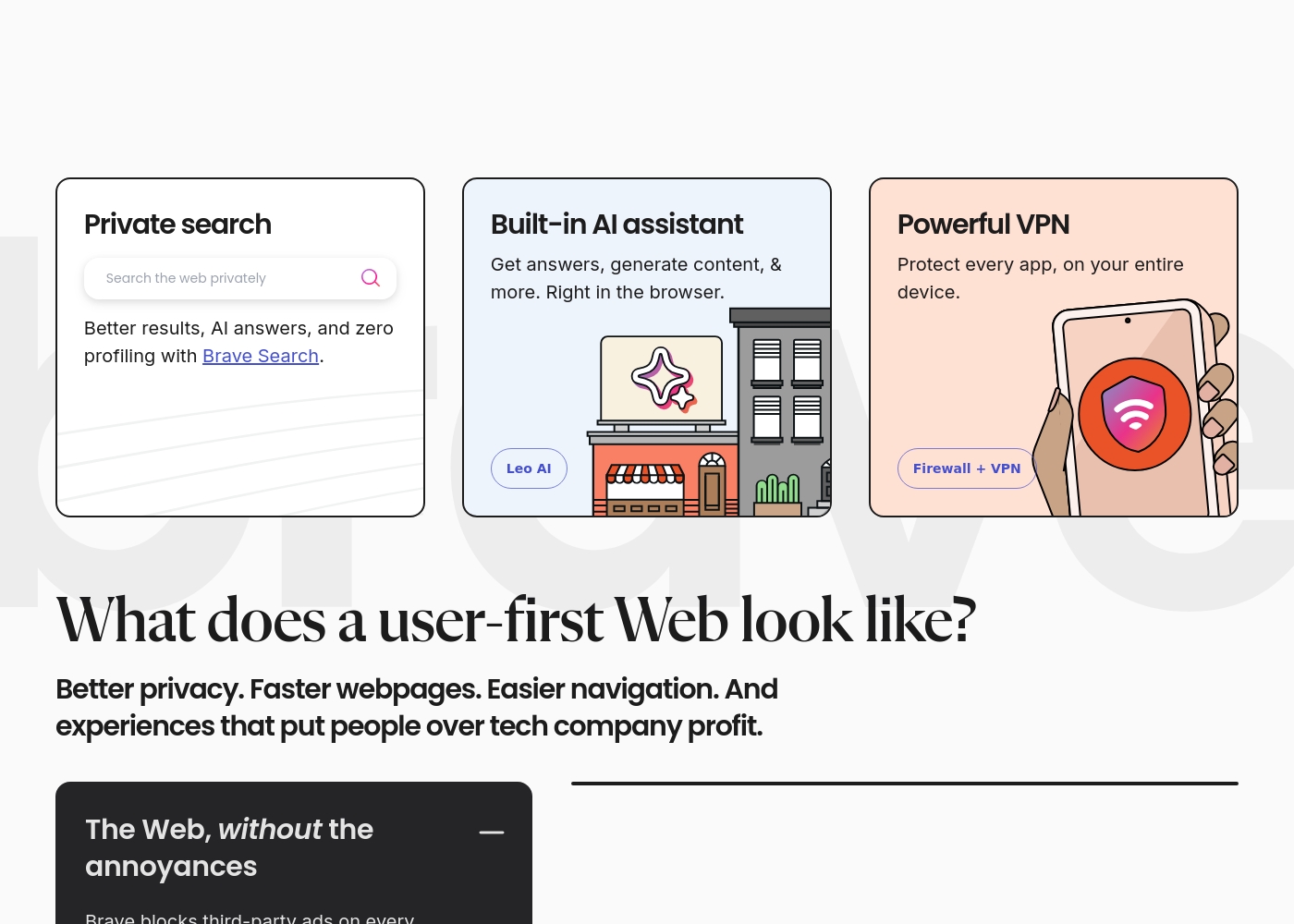
- Includes feature-rich tools like Brave Search and the Leo AI assistant.
Cons
- Users report issues with random crashes, hanging, and site incompatibility (e.g., Gmail).
- Customer service is difficult or impossible to contact for support and refunds.
- Settings for advanced privacy features are not always easily controllable or visible.
- Unwanted crypto features are sometimes pushed or defaulted onto the user.
Feature-Rich and Free, But Support is Lacking
We find Chrome offers superior speed and excellent value since it's entirely free to use across all devices. The successful integration of AI features and strong account syncing makes for a powerful browsing experience. Overall, however, we must note that the widespread user issues concerning customer support, privacy policies, and security challenges significantly diminish the reliability of the broader Google platform.
Pros
- Completely free to use across all operating systems and devices.
- Features advanced AI tools like AI Mode and integrated Google Lens.
- Cross-device synchronization maintains settings and data seamlessly.
- Includes built-in security auditing via Safety Check.
Cons
- Customer support for account or service issues is often reported as inaccessible.
- Users express major concerns about data collection and online privacy.
- Difficulty with required verification steps can lead to account lockouts.
- Accuracy of search results is questioned, particularly due to forced AI use.
AboutBrave
Brave is a powerful browser designed for anyone who wants a less annoying and more private online experience. It's built on the reputable, open-source Chromium Web core, but with a crucial difference: it prioritizes the user over profits.
The makers of Brave Software Inc. are an independent, privately-held company. They exist to fight against Big Tech's poor privacy practices. This commitment means you get robust, built-in security that works right out of the box. No complicated setup or PhD is required. You're ready to browse securely immediately. ✅
AboutChrome
Chrome is a web browser from Google designed to make your time online easier and more secure. It delivers a consistent experience across all your major devices. You can use Chrome on Windows, Mac, iPhone, iPad, and Android devices without issue. Installation is simple: just download the file, and then follow the quick instructions to get started. Once installed, Chrome ensures all your settings and data travel with you everywhere. 💡
Highlights
Feature Comparison
Features Overview
We highlight the main differences and pick a winner for each feature.
Privacy Protection
Brave prioritizes user data; Chrome prioritizes integrated services.
Brave is engineered for maximum privacy right out of the box. It automatically blocks third-party trackers, ads, and fingerprinting tools. The Global Privacy Control (GPC) is even turned on by default in Brave. Chrome's business model relies on advertising and user data collection. It requires the user to install third-party extensions to maintain similar levels of privacy protection. Chrome syncs extensively through your Google account. The fundamental difference is the core philosophy behind each browser. Brave is designed to make money by empowering users while Chrome is an ad-supported utility. If avoiding Big Tech tracking is your goal, Brave offers immediate and superior protection. Chrome is better if you trust Google implicitly with your browsing history.
Performance and Speed
Brave is significantly faster and uses less battery life.
Brave claims browsing speeds 3x to 6x faster than its competition. This is achieved by instantly eliminating all the unnecessary trackers and ads that usually slow page loading. Brave saves bandwidth and improves battery life. Chrome is fast and highly optimized, but its speed advantage is neutralized by heavy ad loads. It requires extensions to block elements, which often adds to the browser's processing overhead. Brave wins on raw, measurable performance and efficiency. Less data loaded means faster rendering and less strain on your hardware and network. Choose Brave if you use a mobile device often or have a slower internet connection. Faster speed means better productivity every single day.
Integrated AI Tools
Both offer integrated AI, but Brave's tool is private while Chrome's is utility-focused.
Brave includes the Leo AI assistant, available to all users for free. Leo AI can help generate content and provide instant, private answers within the browser. Brave Search is also powered by its own independent index. Chrome offers AI Mode within the omnibox for complex, multi-part questions. It provides AI-powered responses along with helpful web links and follow-up prompts. Chrome also integrates Google Lens for visual exploration. Both browsers offer impressive, built-in AI functionality at no extra cost. Brave emphasizes the privacy of its AI use; Chrome emphasizes utility and deep search connections. If visual searching and detailed research aids are important, Chrome's AI capabilities integrate more tools. If privacy is paramount, Leo AI in Brave is the clear choice.
Cross-Device Sync
Chrome offers a more seamless sync experience across all platforms.
Chrome connects directly to your Google account for immediate sync. Your bookmarks, saved passwords, and settings update instantly across every device you sign into. This is ideal for users with multiple Windows, Mac, and mobile devices. Brave allows you to sync your data through its own sync chain feature. While effective, it does not offer the same deep, ubiquitous integration as the Google ecosystem. Migrating data to Brave is simple and quick, however. Chrome is designed around a unified user experience tied to one account. Brave prioritizes local control and manual setup over seamless, constant cloud integration. For most users who switch between their phone, laptop, and tablet constantly, Chrome’s effortless, constant sync is more convenient.
Security Audits
Chrome has superior built-in tools for proactive security status checks.
Chrome features the proactive Safety Check tool built directly into the browser. Safety Check audits for compromised passwords and reviews the safe browsing status. It also identifies available Chrome updates proactively. Brave protects users very well, but lacks a dedicated internal auditing tool like Safety Check. Users must rely on their own external password management tools. Chrome uses its vast network to constantly check security vulnerability data. This provides a clear, actionable list of steps to improve password health immediately. Brave focuses on prevention (blocking trackers) while Chrome focuses on identification and remediation (auditing credentials). Chrome offers more direct security management tools for saved logins.
Extension Ecosystem
Chrome leads the market with its established and massive Chrome Web Store.
Chrome hosts the huge Chrome Web Store, offering millions of extensions for every conceivable need. This massive library ensures high specialization and robust third-party support for Chrome. Brave is built on the same Chromium core, meaning it can technically run most Chrome extensions. However, installing extensions in Brave can sometimes clash with its built-in Shields. Chrome’s ecosystem is mature, well-supported, and easily searchable for new tools. Brave users often find they don’t need as many extensions since features like ad blocking are native. Chrome offers superior third-party augmentation. Users who rely on niche productivity tools or specific enterprise extensions should stick with Chrome. Brave is designed to function powerfully without external add-ons.
Default Search Engine
Brave Search is private and index-independent; Chrome defaults to Google.
The default search engine for Brave is Brave Search, which uses its own independent index. It explicitly promises zero user profiling and no tracking of your search history. This aligns perfectly with Brave's privacy mission. Chrome uses Google Search by default, which is known for powerful results and strong personalization. However, Google Search relies heavily on user data to deliver these highly tailored results. The difference is a choice between personalized results and private results. Brave ensures your search queries are entirely disconnected from your identity or browsing history. If you want search results based solely on relevance, choose Brave. If you want results based on what Google thinks you need, Chrome is optimized for that.
Monetization Model
Brave rewards users for attention; Chrome relies on the standard data model.
Brave offers an optional Rewards program using the Basic Attention Token (BAT). Users can opt-in to view privacy-preserving ads and earn BAT for their attention. They can then tip content creators or cash out. Chrome is free because it serves as the entry point to Google’s massive advertising business. Chrome's core monetization relies on gathering data to inform targeted advertising campaigns elsewhere. Brave empowers the user with choice and a share of the ad revenue for their time. Chrome extracts value silently by connecting browsing activity to the user's identity. If you want to earn small rewards for viewing non-invasive ads, Brave’s Rewards program is unique. Chrome demands attention without offering direct compensation to the user.
Here are the details for how users access the features and the subscription options available.
Brave Browser (Standard)
Price: Free Best For: Everyday users seeking privacy, speed, and default security protection. Other Features:
- Blocks privacy-invasive ads and trackers automatically.
- Includes the high-performing Brave Search and Leo AI assistant.
- Websites load 3x-6x faster than other browsers.
- Built on the secure, open-source Chromium web core.
This is the simplest option for almost all users getting started with Brave. You can quickly download the browser for desktop or mobile and start browsing privately right away. Since it blocks third-party data storage and prevents tracking, you get a much safer and faster online experience at zero cost.
- Blocks privacy-invasive ads and trackers by default
- Includes Brave Search and Leo AI assistant
- Up to 3x-6x faster page loading speed
- Built-in security protection
- Available on all major desktop and mobile operating systems
- Protects every app on your entire device
- Encrypts every connection no matter where you are
- Subscription-based feature for enhanced communication
Chrome costs $0 per period, as no required payment is mentioned in the documentation provided.
Here is a breakdown of the currently available way to access Chrome and its features.
Standard Chrome Access
Price: $0 Best For: General users looking for a fast, safe, and customizable web browser experience. Refund Policy: Not applicable Other Features:
- Use AI Mode in your omnibox to ask complex, multi-part questions.
- Google Lens for searching, identifying, or translating content.
- Sign in across devices to access bookmarks and saved passwords.
- Use Safety Check to audit for compromised passwords and safe browsing status.
- AI Mode in omnibox
- Google Lens search, translate, identify, or shop
- Customize with themes, dark mode and other options
- Browse across devices (sync bookmarks/passwords)
- Save time with autofill (addresses, passwords, etc.)
Pricing Notes
- The core Brave browser, including AI and ad-blocking, is completely free.
- Brave offers subscription services like Firewall + VPN and Talk Premium, though specific prices are not detailed.
- Chrome is entirely free to download and use; all features like AI Mode and Safety Check are included at no cost.
- Unlike Brave, Chrome does not offer any proprietary premium subscription services or plans based on the available data.
Pricing Head-to-Head
User Reviews
External user sentiment for Brave is highly polarized, primarily collected on Trustpilot where the rating averages around 2.9 stars. Users consistently praise the core product's speed and efficiency, frequently noting that the browser is significantly faster and lighter than alternatives like Chrome.
The powerful ad-blocking feature is universally appreciated, enhancing the online experience and maximizing privacy. However, substantial reliability issues prevent a higher consensus rating.
I made the switch to Brave a good while ago and it’s been working pretty well. I don't care about the wallets or rewards; I just need a browser that works reliably. It is considerably lighter and faster than Google Chrome.
User feedback, largely sourced from Trustpilot reviews aimed at the broader Google ecosystem, reveals significant user frustration. Users frequently cite concerns about privacy and excessive advertising, noting discomfort with pervasive data collection practices and targeted ads.
A major pain point is the near-total lack of responsive customer support; reviewers report being locked out of accounts with no accessible way to contact the company or resolve issues, sometimes resulting in continued service charges. Furthermore, many users report a decline in search result accuracy, particularly since the forced introduction of AI features, which they fear delivers misleading or inaccurate information.
I was locked out of my Workspace account and I'm still being charged monthly. There is absolutely no accessible way to contact support or cancel the subscription in that situation. It's truly a shame that a company this large has zero accountability.
Our Verdict
If you are struggling to decide, here is the bottom line: speed and privacy belong to Brave, but convenience and ecosystem belong to Chrome. Both browsers offer excellent performance and are free at their core. The decision rests on whether you prioritize data control or deep integration. Brave’s superpower is making the internet exponentially better right away. It delivers 3x to 6x faster browsing speeds by blocking all the junk content instantly. Brave also offers superior, built-in privacy features like GPC and the private Brave Search. Chrome’s greatest strength is its seamless utility and comprehensive integration. Features like Safety Check audit your security constantly. Chrome syncs all your saved data instantly across your Windows, Mac, and mobile devices, making transitions effortless. The deciding factor is your comfort level with data tracking versus convenience. Brave makes you pay attention to privacy; Chrome makes privacy a secondary concern to utility. Brave also offers paid professional enhancements like the Firewall + VPN. If you want a truly fast, private experience that saves data and battery, make Brave your default. Choose Chrome if you absolutely need deep Google connectivity and rely on its massive extension library daily.
Frequently Asked Questions
Which browser is faster, Brave or Chrome?
Brave is significantly faster and claims 3x to 6x speed improvements. This speed comes from its built-in ad and tracker blockers. Chrome is fast, but must load all third-party content unless extensions are added.
Does Brave have a built-in password audit tool like Chrome's Safety Check?
No, Brave does not offer a dedicated built-in Safety Check to audit compromised passwords. Chrome automatically audits your saved credentials and provides security warnings. Brave focuses on preventing entry points through superior tracking protection.
Can I use Chrome extensions within the Brave browser?
Yes, Brave is built on the open-source Chromium core like Chrome. This means you can install and use most extensions from the Chrome Web Store in Brave. However, some extensions may conflict with Brave’s built-in Shields.
Which browser is better for mobile users?
Brave is generally better for mobile because it saves mobile data and battery life. By blocking ads and trackers, Brave loads less data on your phone. Chrome excels at synchronizing bookmarks and passwords across mobile devices.
Is Chrome worth the data privacy trade-off compared to Brave?
Chrome is worth the trade-off if you value unified syncing and tools like Google Lens highly. Brave offers superior default privacy, using zero-profiling Brave Search. Use Brave if privacy outweighs deep ecosystem convenience.
Does Brave offer a built-in VPN, and is it better than integrating one into Chrome?
Yes, Brave offers a subscription Firewall + VPN service that protects the entire device. Chrome requires a third-party VPN extension, which only protects browser traffic. Brave offers a more comprehensive, device-wide security solution.
Ready to Choose?
Both tools have their strengths. Choose based on your specific needs.