Bark vs mLite App
Bark and mLite App tackle family safety from different angles. Bark leans into AI alerts and cross-device checks. mLite App centers on real-time location and privacy-first safety.
Best for: Families with 2-4 kids needing cross-device protection, Parents who want AI-powered alerts across 29+ categories
Best for: Parents who want real-time location visibility when apart, Families prioritizing privacy and encryption
Comprehensive AI Safety For Modern Families
We find Bark offers an essential, modern solution for digital parenting, leveraging advanced AI to monitor threats without excessive surveillance. The platform provides comprehensive coverage across various devices and social media platforms, including tamper-proof device options. Overall, Bark delivers robust protection and specific, actionable guidance for handling complex online safety issues.
Pros
- AI monitors 30+ social media platforms for severe issues like self-harm and bullying.
- System focuses only on potential threats, preserving a child's general privacy.
- Comprehensive controls cover screen time management, app blocking, and GPS location tracking.
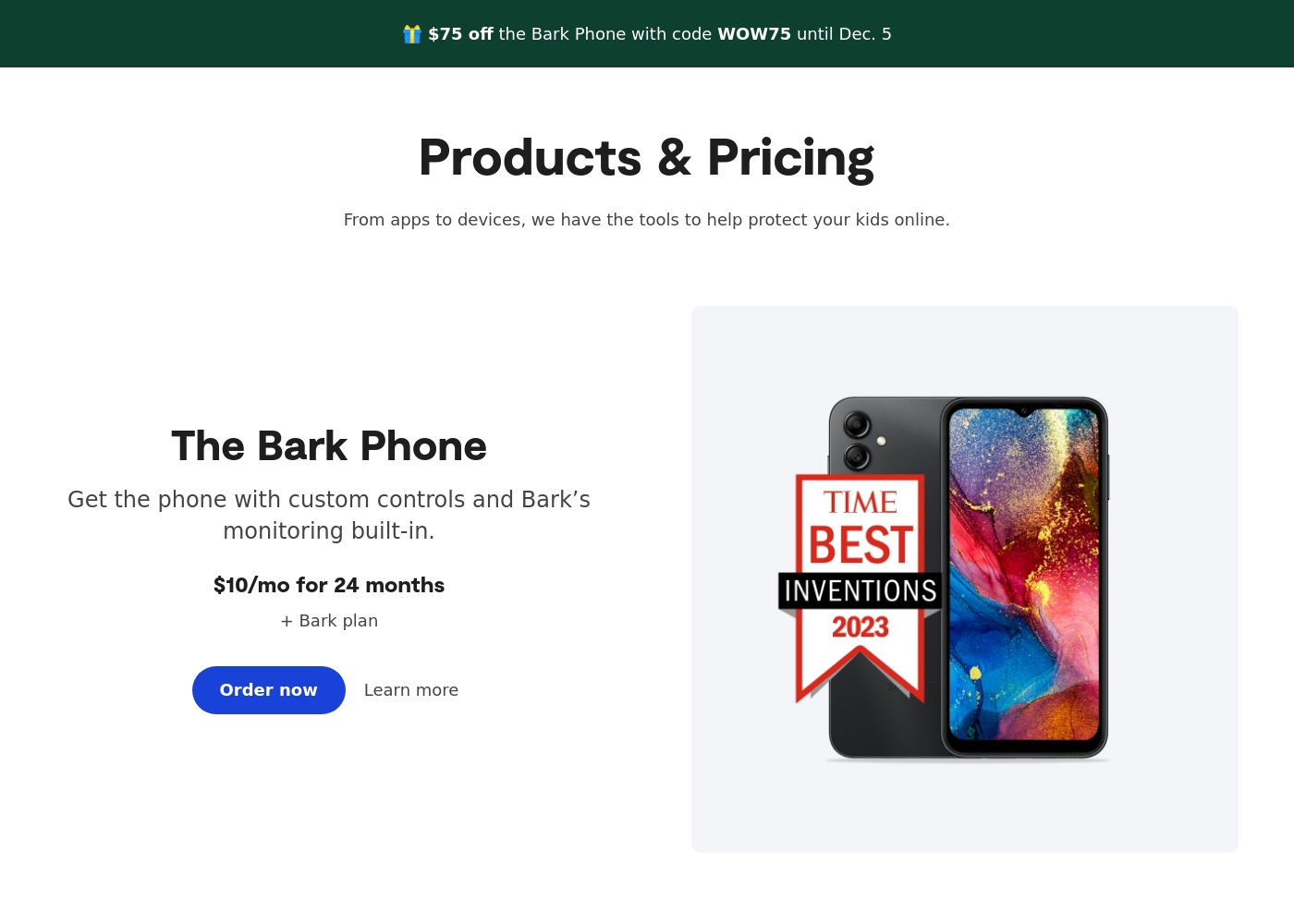
- Specialized options like the Bark Phone offer tamper-proof, built-in controls for a first device.
Cons
- Users have noted some complexity or inconsistency with the mobile app's user interface.
- The varied product line (App, Phone, Watch, Home) creates a complex overall pricing structure.
- The mandatory free trial registration requires a credit card and auto-enrolls into a paid subscription.
Pros
Cons
AboutBark
Bark offers a comprehensive suite of digital safety tools designed for modern families. The system provides monitoring and parental controls across various device types, including phones, tablets, and home internet networks. Whether you need an optimized safety phone or just the software for existing devices, Bark offers solutions tailored to your needs. Their robust systems actively scan texts, emails, web browsers, and over 30 social media apps for concerning content. They have already covered 7.4 million children, indicating a strong commitment to digital protection. ✅
AboutmLite App
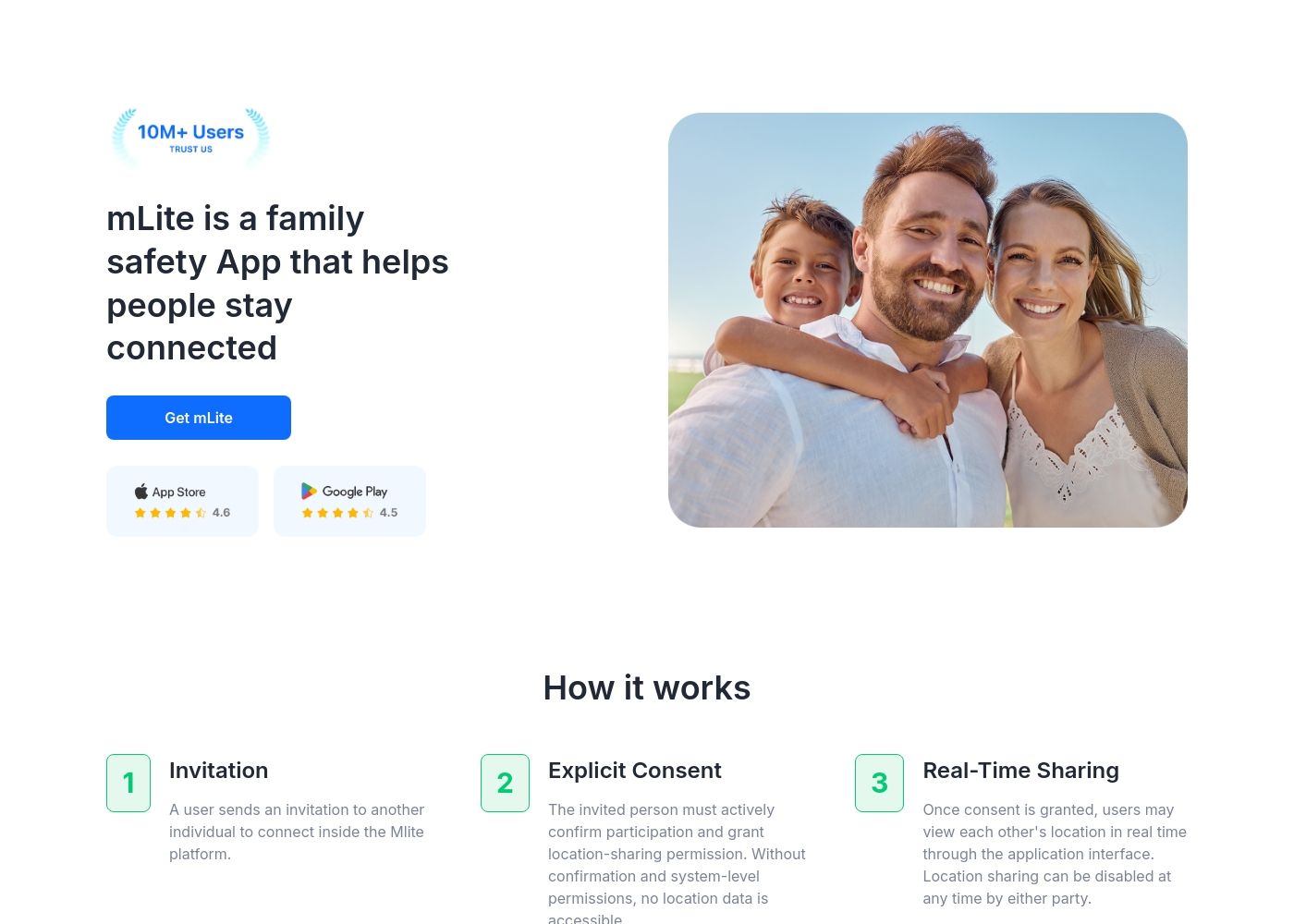
✅ mLite is a family safety app designed to help people stay connected. It’s for families, parents, and anyone who wants a straightforward way to share location with loved ones. The app works on both Android phones and iPhones, making it easy for everyone to join in.
Highlights
Feature Comparison
Features Overview
We highlight the main differences and pick a winner for each feature.
Location & Tracking
Both offer location features, but Bark packs more device-wide coverage.
Bark provides live GPS, location alerts, and check-ins across Bark Phone, Bark Watch, Bark App, and Bark Home. mLite App offers live location, location history, Surroundings Recording, and Live Camera for context. Bark emphasizes broad monitoring; mLite emphasizes privacy and emergency-ready location data. In practice, Bark’s multi-device protection helps families stay aligned across devices.
Social & App Monitoring
Bark leans into broad social/app monitoring; mLite focuses on key channels.
Bark monitors texts and 30+ social apps with AI alerting. mLite monitors Messengers and Installed Apps, plus Contacts. Bark delivers more comprehensive social coverage; mLite hones in on core messaging and app activity. The trade-off is breadth versus focused visibility.
Emergency readiness
mLite App shines with a dedicated Panic Button.
mLite App includes a Panic Button for immediate alerts with location. Bark offers remote alarms within Bark Phone features for safeguards. The trade-off favors mLite for explicit, fast emergency signaling. In real life, Panic Button can shorten response time.
Screen time & content filters
Bark delivers scheduling and controls; mLite emphasizes visibility.
Bark provides screen time controls, schedules, and online content filtering. mLite focuses on location and safety signals, with less emphasis on screen-time rules. If you need boundaries at home, Bark leads; if you want to monitor moves, mLite shines elsewhere.
Privacy & security
Both protect data, Bark with broader protection stance; mLite with encryption emphasis.
Bark uses SSL and encrypted storage for analyzed data. mLite emphasizes encryption in transit and at rest, keeping data private. Both safeguard data, but Bark pairs privacy with wide monitoring; mLite prioritizes privacy-first design.
Cross-device coverage
Bark’s cross-device protection is explicit; mLite runs across two devices.
Bark covers Bark Phone, Bark Watch, Bark App, and Bark Home. mLite requires two devices to monitor, emphasizing privacy and quick setup. Both offer practical coverage; Bark is broader by design.
Onboarding & setup
mLite emphasizes quick onboarding; Bark offers device-based setup too.
mLite guides you through a simple two-device setup and quick onboarding steps. Bark requires adding devices/accounts and configuring alerts. If you want a fast start, mLite often wins; Bark remains solid for multi-device families.
Pricing & value
Entry prices favor mLite; Bark scales with devices and plans.
Bark starts at $1/month and can reach higher tiers up to $8230/month. mLite starts at $0.99 and runs to $2023 range. Free trials exist for both. The value depends on features you actually use and device count.
Language & availability
Bark shares regional availability details; mLite has limited public data.
Bark Phone is US-only; the Bark App is US, South Africa, and Australia; languages include English, Spanish, Afrikaans. mLite’s regional availability isn’t explicitly stated here. Bark provides clearer region-language details.
Reliability & support
Bark has some reliability concerns noted by users; support varies.
Bark reviews mention reliability hiccups and cancel friction. mLite’s support data isn’t extensively documented here. In practice, Bark may be more scrutinized for reliability; mLite’s support footprint is less visible in the data.
Bark costs between $49 and $99 per year, offering two main app subscription plans: Bark Jr at $49/year and Bark Premium at $99/year. Bark also offers devices like the Bark Watch and Bark Phone in device installment plans.
You can protect your family with Bark's powerful monitoring and parental controls through several options tailored to your needs. Note that the prices listed below for the App plans reflect the software subscription cost only.
Bark Jr
Price: $5/month or $49/year Websites Supported: Unlimited devices & accounts Best For: Families focused on basic control and location tracking Other Features:
- Gain control over screen time
- Block unwanted websites and apps
- Filter inappropriate content
- Track your child's whereabouts with live GPS
- Gain control over screen time
- Block unwanted websites and apps
- Filter inappropriate content
- Track your child's whereabouts with live GPS, location alerts, and check-in features
- Covers every child and device in the family
- Monitor and receive alerts for social media, phones, tablets, and computers
- Manage screen time
- Block specific websites and apps
- Track location
- Alerts for potential dangers (Parent’s top choice for comprehensive coverage)
mLite App pricing: mLite App requires an active subscription to access its core safety features like location history. While a specific starting price is not explicitly stated on the landing page, users can download the app for free on iOS and Android to view available plans and start connecting with family members via invites and explicit consent.
Any subscription typically includes real-time location sharing and emergency alerts across all supported devices. The app focus is on transparent, consent-based safety for families on the go 🛡️.
Detailed plan pricing is visible within the mobile application during the registration and invitation process. mLite provides an affordable, secure way to keep track of loved ones without the complexity of traditional hardware-based tracking systems.
Pricing Notes
- Bark offers a 7-day free trial for Bark Premium and Bark Jr, per FAQs.
- Bark's maximum listed price reaches $8230/month depending on plan/features.
- mLite App provides a 1-day free trial to test features.
- mLite pricing starts at $0.99; explicit per-device charges aren’t shown here.
Pricing Head-to-Head
User Reviews
Bark receives generally positive feedback, especially concerning its effectiveness in digital safety. Users frequently praise the AI monitoring system, noting that it provides helpful alerts only when concerning content is detected.
This strikes a crucial balance between essential protection and maintaining a child's privacy. Many families feel safer using the service, often highlighting the reliability of location tracking and comprehensive screen time scheduling features.
The Bark Phone is excellent security. It’s better than the parental controls on a standard iPhone. Bark has truly saved my teenager’s life three or four times by alerting us to severe dangers. You get to monitor everything that matters, which provides essential peace of mind.
Our Verdict
Bark and mLite App are close, but Bark often wins for broad monitoring. Bark shines with AI alerts across devices and practical controls. mLite App wins with privacy-first design and rapid location-based safety features. If you want expansive coverage and proactive alerts, Bark is your pick. If privacy and quick emergency signaling matter most, go with mLite App. Consider your family size, devices, and how you talk to kids about safety when deciding.
Frequently Asked Questions
Which is better for families with multiple kids: Bark or mLite App?
Bark offers multi-device protection across Phone, Watch, App, and Home. mLite App focuses on real-time location and privacy. For many families, Bark covers more ground; for privacy-centric setups, mLite App is compelling.
Does Bark have AI safety alerts like mLite App?
Yes. Bark delivers AI-powered safety alerts across texts and 29+ categories. mLite App emphasizes location-based signals and emergency readiness. Bark is broader; mLite centers on real-time visibility and emergencies.
Is Bark more affordable than mLite App?
Bark starts at $1/month, with higher tiers up to $8230/month. mLite starts at $0.99 and ranges up to $2023. Entry pricing favors mLite, but total value depends on features used.
Can I test Bark before buying?
Yes. Bark offers a 7-day free trial for Premium and Jr plans. mLite App also provides a 1-day free trial. Try both to see which fits your family.
Can Bark monitor messages on social apps?
Bark monitors texts and 30+ social apps with AI alerting. mLite App monitors Messengers and Installed Apps. Bark covers more apps; mLite focuses on key channels.
Does mLite App support live camera monitoring?
Yes. mLite includes Live Camera and Surroundings Recording. Bark focuses more on broad monitoring and alerts across devices.
Ready to Choose?
Both tools have their strengths. Choose based on your specific needs.