Automatic.css

Automatic.css

The #1 Voted CSS Framework for WordPress Page Builders.

#1 dans CSS framework for Wordpress
2 min read · Updated 10/4/2025
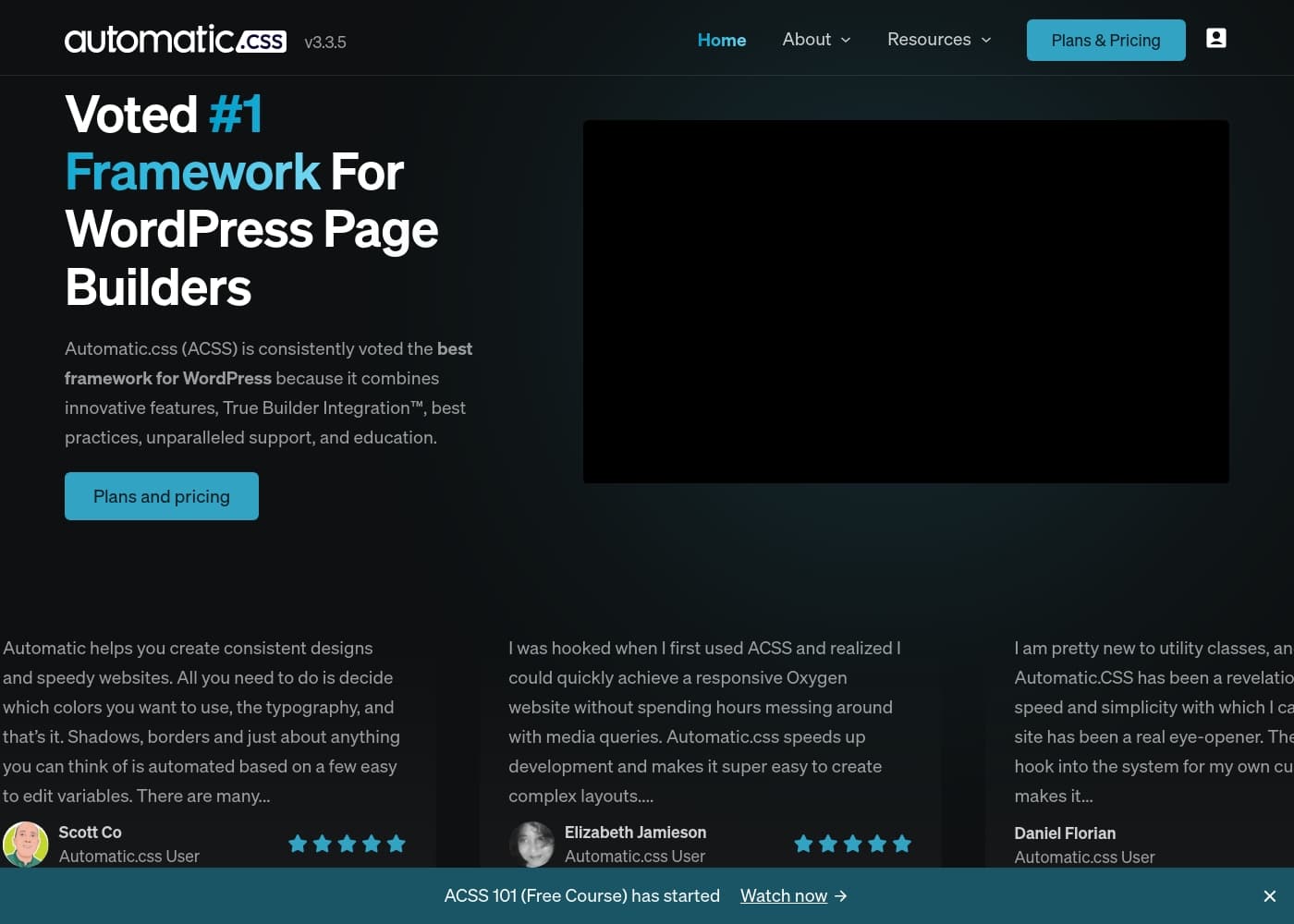
Automatic.css homepage screenshot

At a glance

Quick overview for Automatic.css: rating, pricing summary, key features, and highlights.

Ciroapp review

2.5
Powerful Framework, High Customer Risk

We recognize that Automatic.css possesses significant technical capabilities for achieving consistency and speed in web development. Overall, the reported severe issues concerning essential functions like license management and unhelpful customer support critically undermine the product's long-term utility and value.

Pros

  • Pro:Automates complex styling and variables to reduce manual development time.
  • Pro:Achieves effortless design consistency across colors, spacing, and typography.
  • Pro:Supports fluid responsive typography, reducing mobile design work significantly.
  • Pro:Offers quality-of-life tools like Automatic Offsets and String Expansion.

Cons

  • Con:Customer support is reported as absent or extremely unhelpful for basic tasks.
  • Con:Licenses may be arbitrarily revoked based on unsubstantiated company claims.
  • Con:Steep learning curve due to 900+ classes; estimated mastery time is over a year.
  • Con:Essential documentation (cheat sheet) is reportedly missing or outdated.
Money-back guarantee
Yes
Range: Not explicitly statedYearly subscription, One-time payment
This section is a summary. Detailed sections about features, use cases, pricing, and reviews follow below.

Automatic.css review, pricing, features, pros & cons

Building a responsive website often means spending endless hours manually adjusting media queries. Achieving perfect design consistency across an entire site feels like a constant, tedious battle. Automatic.css (ACSS) eliminates these frustrations immediately.

It speeds up your development and ensures stunning consistency ✨ with nearly zero setup time.

What is Automatic.css?

Automatic.css (ACSS) is consistently voted the top framework for WordPress page builders. It offers innovative features, True Builder Integration™, and robust education. This system helps you quickly create both speedy and perfectly consistent websites.

ACSS automates complex styling—like borders and shadows—based on just a few simple variables you can easily edit. You only need to define your main colors and fonts, and ACSS handles the magic of automation 💡. This framework is ideal for freelancers and agencies building scalable and maintainable client sites.

Automatic.css Key Features

✨ Automatic Color Management

Define your main brand colors once to instantly generate a full range of automatic shades and transparencies. This powerful feature eliminates hours of manual effort typically spent creating a comprehensive website palette.

You can easily reference these colors across your entire site using simple variables and utility classes. This establishes a single source of truth for all color applications. If you need fine-tuning, the system allows for small adjustments to individual shades, providing complete color control without limitation.

😎 Fluid Responsive Typography

Say goodbye to the tedious process of adjusting text sizes across numerous breakpoints. Automatic.css handles the hardest part of responsive design, removing 60–90% of the work needed to ensure your text looks fantastic on every mobile device.

Simply set a base size for your typography alongside a scale value. Your headings and text will then scale fluidly and automatically across all screen sizes. For maximum flexibility, you can still override any individual text size instantly using your own minimum and maximum values.

😃 Achieving Visual Rhythm and Spacing

Consistent spacing is crucial for creating aesthetically pleasing web designs with a satisfying visual rhythm. ACSS ensures this consistency by basing its spacing options on predetermined mathematical scales.

You benefit from harmonious designs using simple, flexible spacing options that are easily adjustable. The framework also introduces Smart Content Spacing, an intelligent feature that automatically creates perfect gap spacing between common elements like paragraphs, headings, buttons, and list items.

🤯 Effortless Layouts with Grids and Flexbox

Unlock the ability to build both basic and complex layouts in seconds. Automatic.css provides comprehensive utility classes and variables that support both flexbox and grid implementations, simplifying the entire design process.

Our automatic grids drastically reduce the common headaches associated with adjusting layouts at various breakpoints. For designs involving tricky, uneven content, the innovative "Flex-Grid" feature solves these common issues with consistent results. This makes building stunning layouts simple and highly efficient.

✨ Accelerated Workflow with Quality-of-Life Tools

Automatic.css is built specifically to address the daily pain points faced by agencies and developers. We offer unique, 'quality-of-life' features designed to solve complex, repetitive tasks with speed and simplicity.

For instance, Automatic Offsets provide one-click fixes for spacing problems around sticky elements, overlay headers, and scroll-to-hash links. Automatic REM Conversion allows you to type a pixel value followed by ctr in the builder, and the system automatically calculates and inserts the correct rem equivalent quickly.

Key speed-boosting features include:

  • String Expansion for utilizing variables and math functions two to three times faster.
  • Clickable Parent utility class for immediate accessibility compliance.
  • Automatic Text Balancing to eliminate orphans in headings and short paragraphs.

🧠 Build Without Guesswork

You do not need to memorize the entire framework to get started. ACSS integrates intuitive tools that guide you directly in your page builder, simplifying the learning curve dramatically.

Handy right-click contextual menus allow you to access cheat panels and instantly view the available classes and variables for any style. Even better, you can utilize a live preview function to see exactly what an option does before you apply it. You can then add the class or variable instantly with a single click, allowing you to build quickly and confidently.

Use Cases

✨ Achieving Perfect Design Consistency

Design consistency is easily lost when styling complex client sites. You need a centralized source of truth for colors, spacing, and font sizes across every element. ACSS solves this by letting you define your core brand colors just one time. It instantly generates the necessary automatic shades and transparencies for subtle effects like hover states.

This simple setup ensures perfect visual consistency. You can reference these guaranteed colors and mathematically scaled spacing variables using user-friendly utility classes. This makes global styling efficient, leading to highly scalable and maintainable websites.

📱 Eliminating Tedious Responsive Styling

Manually adjusting media queries for every device quickly eats up development time. ACSS removes 60–90% of the work required for mobile optimization. By simply setting the base font size and choosing a scale, your typography automatically becomes fluid and responsive across all devices.

This intelligent scaling means you do not have to mess with individual text sizes at every breakpoint. You can still easily override individual text or heading sizes if needed. This makes building sites that look fantastic on mobile a dream for developers.

🔧 Fixing Sticky Header Overlaps Instantly

Sticky headers, overlays, and anchored scroll links frequently cause spacing issues. For example, scrolling to an ID often leaves part of the content hidden beneath the sticky header. This is a common and highly frustrating development headache.

ACSS offers a unique one-click solution called Automatic Offsets. Applying this simple fix resolves all common spacing problems around sticky elements. You’ll never need to worry about adjusting for these header overlaps on client sites again.

⏱️ Speeding Up Calculations in the Page Builder

When working in the page builder, you often need to define complex CSS values using variables or math functions. Normally, this requires manually typing var() or calc(), which slows down productivity significantly. ACSS includes quality-of-life features to accelerate this workflow.

ACSS offers String Expansion, so you simply type —variable or 1 + 1, and the framework automatically expands it to var(—variable) or calc(1 + 1). You can also use the Convert to Rem feature. Just type your pixel value followed by ctr, and ACSS instantly performs the math and swaps it for the correct rem unit.

🧠 Building Maintainable Global Components

For agencies building many client sites, component maintainability is essential for long-term health. ACSS encourages using simple styling tokens (variables) when creating components, such as custom cards.

Tip: This approach works perfectly alongside class organization methods like BEM.

Approach:

  1. Define component styles using ACSS variables (e.g., var(--radius-m) or var(--card-gap)).
  2. Apply a custom class to the component shell.

Expected outcome: The component is styled consistently using variables. If you change the global variables, the card re-themes across the entire site instantly.

🤯 Building Layouts Without Breakpoint Headaches

Building complex or uneven grid layouts typically requires careful planning and breakpoint management. ACSS simplifies this process by providing powerful utility classes for both flexbox and grid layouts. You can build advanced layouts in just moments.

ACSS also features an innovative 'Flex-Grid' feature. This unique tool solves common issues that arise when grid children have uneven height or layout requirements. This dramatically reduces the time spent debugging breakpoint specific styling problems.

Pricing Overview for Automatic.css

Pricing range
Not explicitly stated
Pricing types
Yearly subscription, One-time payment
Money-back guarantee
Yes

Automatic.css offers three distinct license options tailored for different usage levels, ranging from a limited website license to an unlimited site subscription. The premium option includes a valuable one-time purchase Lifetime license for permanent access.

Plans & Pricing

Start small

Contact for pricing
3 live websites
  • WordPress plugin
  • Support community access
  • Official ticketing support
  • All supported platforms

Become a pro

Contact for pricing
Unlimited websites
  • WordPress plugin
  • Support community access
  • Official ticketing support
  • All supported platforms

Go all-in

Contact for pricing
Unlimited websites
  • WordPress plugin
  • Support community access
  • Official ticketing support
  • All supported platforms
  • Lifetime license

Automatic.css costs between Not explicitly stated and Not explicitly stated per Not explicitly stated with three known plans: Start small, Become a pro, and Go all-in.

It's easy to choose the right tier for your current needs; you can upgrade or downgrade later right from your account dashboard.

Start small

Price: Not explicitly stated Websites Supported: 3 live websites Best For: Starting out, handling small projects, or individual users looking for core features. Refund Policy: Not explicitly stated Other Features:

  • WordPress plugin
  • Support community access
  • Official ticketing support
  • All supported platforms

This plan is perfect if you are managing a small number of websites or are testing out the power of Automatic.css. It provides full functionality on up to three active websites.

Become a pro

Price: Not explicitly stated Websites Supported: Unlimited websites Best For: Scaling up, freelancers, or agencies managing many clients and projects. Refund Policy: Not explicitly stated Other Features:

  • WordPress plugin
  • Support community access
  • Official ticketing support
  • All supported platforms

If you manage many projects or anticipate growing your client base, the "Become a pro" plan is a smart choice. It offers the freedom of unlimited website usage for all your ongoing business needs.

Go all-in

Price: Not explicitly stated Websites Supported: Unlimited websites Best For: Long-term agency use, maximum commitment, or developers seeking permanent access. Refund Policy: Not explicitly stated Other Features:

  • WordPress plugin
  • Support community access
  • Official ticketing support
  • All supported platforms
  • Lifetime license

For ultimate long-term value, choose "Go all-in." This tier provides a valuable Lifetime license, meaning you gain unlimited access and updates without worrying about renewal fees.

While the specific prices aren't listed on this selection page, Automatic.css does mention having a refund policy. Remember that cancelling your subscription only affects access to future support and updates; the current framework will still function on your production sites.
User Reviews

Automatic.css positions itself as the top CSS framework for WordPress, promising design consistency and high development speed. However, the available external feedback, though limited, details significant issues regarding company practices and support 🤯.

One user reported severe difficulty with licensing, alleging multiple account deactivations based on unsubstantiated claims of illegal use or reselling. This process was described as rude and resulted in lengthy disputes, despite the user calling the base product itself 'Great.' Concerns about complexity are high, with reviewers stating that mastering the ACSS framework requires at least a year due to over 900 available classes and inadequate documentation.

Customer support was reported as unhelpful, often directing users to lengthy video tutorials instead of providing simple answers. This feedback strongly suggests that while the framework may offer powerful features, internal support structure and license integrity pose a major risk to customers.

What users say elsewhere

Developer D.
· Trustpilot · Jun 28, 2024
1.0 / 5

The core ACSS product is great, but this is the worst company I have ever worked with. They disabled my licenses without explanation, claiming I was reselling. I had to start my projects over entirely because of their actions.

Developer D.
· Trustpilot · Jun 28, 2024
1.0 / 5

If you are a developer, the framework is powerful. However, be extremely cautioned because they can arbitrarily turn off your license overnight. I strongly suggest beginners stay away from this platform entirely.

No reviews yet.

Write a Review

Write a Review for Automatic.css
0/100 characters
0/2000 characters

Why use Automatic.css?

ACSS provides unparalleled support, training, and powerful features that solve common web design roadblocks. It allows you to build better, faster, and more professional sites than ever before. Here’s why adopting Automatic.css will transform your development workflow:

  • Achieve Effortless Design Consistency: Define your brand colors to instantly generate automatic shades and transparencies. ACSS ensures perfect consistency across spacing, colors, and typography, serving as a single source of truth for global element styling.
  • 📱 Master Responsive Design Quickly: Say goodbye to manually managing text sizes across breakpoints. ACSS provides fluid responsive typography and removes 60–90% of the work needed to make your websites look fantastic on all mobile devices.
  • ⏱️ Boost Development Speed: Simplify complex tasks with utility classes and simple styling tokens. Quality-of-life features like "Convert to Rem (ctr)" and String Expansion allow you to use variables and math calculations two to three times faster.
  • 🔧 Solve Hidden Headaches: Eliminate frequently occurring issues like spacing problems around sticky headers using Automatic Offsets, a simple one-click fix. ACSS also introduces Smart Content Spacing for perfect gaps between paragraphs and headings.
  • 🧠 Simplify the Learning Curve: Build without memorization thanks to handy cheat panels and live preview functionality. You can right-click in your builder to see available classes and variables, then add them instantly in a single click.

Automatic.css is the essential choice for developers who need maximum flexibility, speed, and maintainability. Start building scalable, beautiful client websites today! 🚀

Ready to transform your workflow with Automatic.css?

Frequently Asked Questions

Is there a free trial, or how can I test the framework before buying?

No free trial is explicitly mentioned on the site. However, Automatic.css confirms they have a refund policy. You should check their dedicated refund page for specific details about the guarantee.

What happens to my installed websites if I choose not to renew my subscription?

Your websites won't break if you cancel. The ACSS plugin and framework will continue to function on your production sites. However, you will lose access to support and future updates.

If the pricing isn't shown, how can I find out the cost of a license?

The specific prices for the plans are not publicly displayed on the license comparison page. You will need to click the CTA or visit the official pricing page to determine the current annual or one-time costs.

Are licenses based on the number of developers or the number of websites?

Licensing is based on the number of live websites where ACSS is active. Plans start at three live sites and scale up to unlimited websites for the higher professional tiers.

What if I need more websites than my current license allows?

If you hit your website activation limit, you have two options. You can easily upgrade your existing license to a higher-tier plan, or you can purchase an additional license.

Is it possible to upgrade or downgrade my plan after I purchase it?

Yes, flexibility is built into the system. You can easily upgrade or downgrade your license tier right from your account dashboard whenever your needs change.

Is there an option for a permanent, one-time purchase license?

Yes. The premium option, called 'Go all-in,' provides a valuable Lifetime license. This allows you to gain permanent access and updates without worrying about renewal fees.

How quickly can I get Automatic.css set up on a new WordPress site?

Setup is extremely simple and generally takes less than five minutes. The framework uses sensible defaults that are installed on activation, so it works out of the box.

What kind of support is included with an active license?

All licensed users receive access to the community support and, more importantly, official ticketing support directly from the Automatic.css team.

Can I custom tailor the default colors and font sizes?

Yes, full customization is available. You can fully adjust colors using Hex, RGB, or HSL in the dashboard, and override Automatic's responsive text scaling with your own manual values.

Which page builders are officially supported by Automatic.css?

Automatic.css is presented as the top framework for WordPress page builders and includes 'True Builder Integration™.' However, the official site does not list specific compatible page builders.

Is Automatic.css appropriate for web development beginners?

Yes, it is recommended for beginners because it provides guardrails and best practices that improve work quality. Be aware that you still need to dedicate time to learn the basic workflow.

Ready to try Automatic.css? Check out the official site or pricing.