Parentaler

Parentaler

Parentaler: a discreet, all-in-one parental control app for Android and iOS that helps you monitor online activity, location, and conversations.

#5 dans Parental Control
1 阅读时间 · 更新时间 10/4/2025
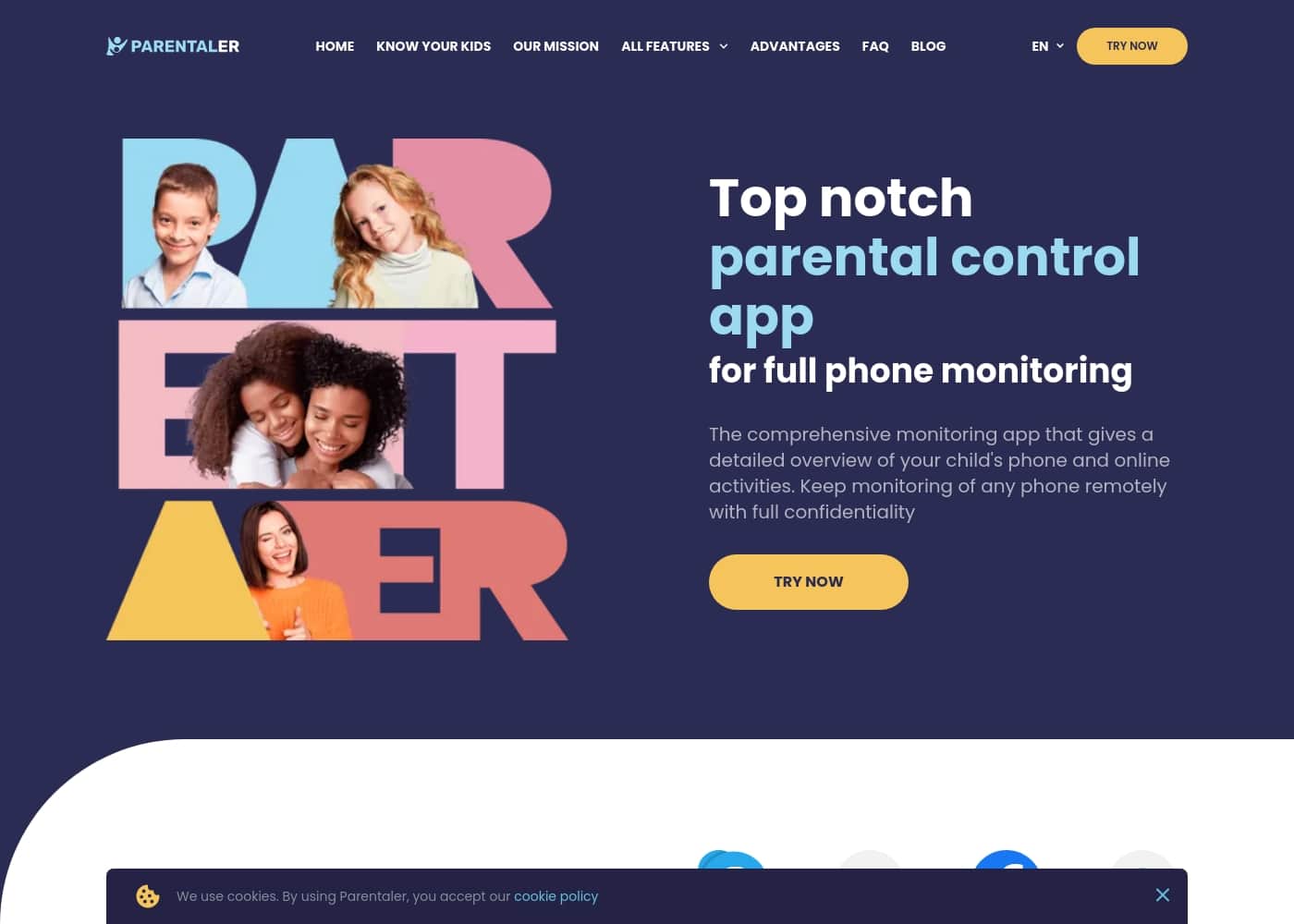
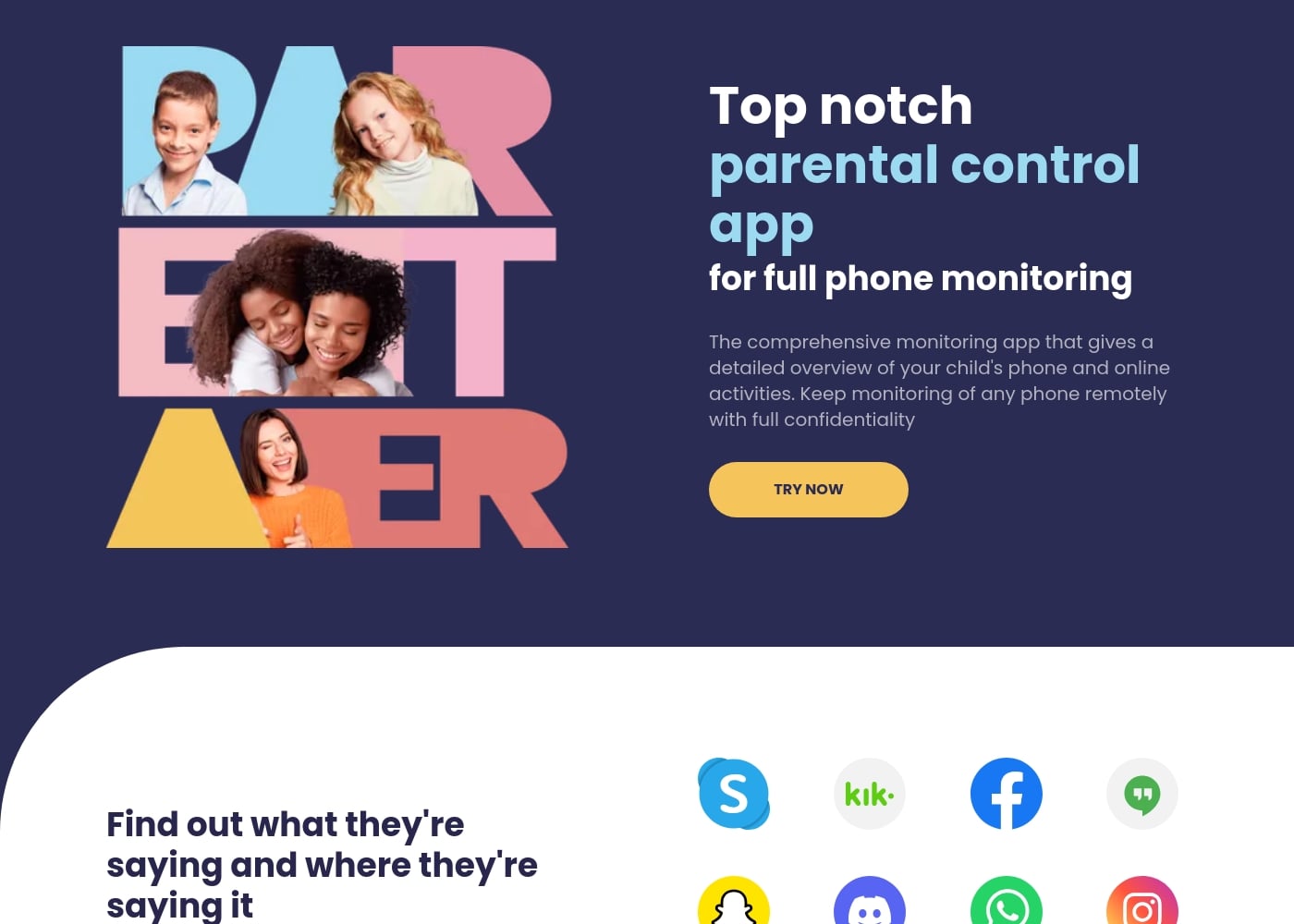
Parentaler首页截图

At a glance

Quick overview for Parentaler: rating, pricing summary, key features, and highlights.

Ciroapp 评论

4.0
Solid, discreet family safety tool

We evaluate Parentaler as a discreet, cross-device parental control app for Android and iOS that gives visibility into location, chats, and time usage from a single dashboard. Overall, we find it solid for families seeking safety and peace of mind, though pricing and occasional offline gaps warrant caution.

优点

  • Pro:Comprehensive control panel and full phone monitoring
  • Pro:GPS location, geofencing, and location history
  • Pro:Monitoring calls, texts, and social conversations
  • Pro:Time limits and content filtering

缺点

  • Con:High subscription price
  • Con:Offline mode missing; requires data connection
  • Con:Occasional branding/confusion with related tools (e.g., MSpy)
  • Con:Some users want more affordable pricing options
范围: 1–97
This section is a summary. Detailed sections about features, use cases, pricing, and reviews follow below.

Parentaler评论、价格、功能、优缺点

Pain point: many parents feel overwhelmed trying to know what their kids do online and where they go. Parentaler gives a clear view with discreet, full-phone monitoring.💡

With GPS location, geofencing alerts, and eyes on conversations, it helps you spot issues early and guide your child toward safer choices.✨

Parentaler 是什么?

Parentaler is a parental control app for Android and iOS that lets guardians monitor their child's phone activity from a dashboard or mobile device. It's designed for parents who want visibility into location, online conversations, and time spent on their phone.🧭

Parentaler 主要功能

💡 Clear, discreet visibility for safe parenting

Parentaler gives a clear view of your child’s online world, while staying discreet. It combines GPS location, geofence alerts, and conversation monitoring to spot issues early.

It runs quietly in the background on Android and iOS, and you can check from a dashboard or mobile device. Use it when you want to stay informed as your child grows, without overbearing oversight.

✨ Location features that keep you informed

See your child’s current location and the history of places they’ve visited, with exact coordinates and timestamps.

Geofencing alerts notify you when they enter or leave designated areas. You can also find a lost phone by viewing its last pinned location.

Get detailed reports that summarize visited places, including addresses and times.

✨ Conversations & online activity

With Parentaler, you can monitor conversations on popular messengers and social apps with a single click.

You’ll see your child’s phone conversations, including SMS, emails, calls, and contacts. Attachments and links are visible in chats, and you can review call times and durations.

The goal is to help you start timely, constructive conversations about online safety.

✨ Content controls & device restrictions

Block access to content you disapprove of and see what apps are installed so you can restrict harmful ones.

  • Website porn blocker
  • Apps & games blocker
  • Wi‑Fi blocker

You can also review browser history and bookmarks to understand your child’s internet life.

✨ Extras, setup, and support

Other features include photo and video viewing, keyword alerts, screen captures, and calendar checks.

Parentaler works in quiet background mode, so it stays unseen on your child’s device. You can access the dashboard from any device or browser, and support is available around the clock in multiple languages.

Getting started is quick: install the app, follow the setup steps, and personalize controls.

使用案例

📍 Get a clear map of where your child goes

You want a clear view of where your child goes after school. Parentaler gives you the current location and a history of places with coordinates and timestamps.

Geofencing adds alerts when they enter or leave safe or restricted areas. With discreet, background monitoring, you can spot patterns and plan timely, helpful conversations.

  • See visited places with times
  • Review location alerts
  • Plan constructive talks about safety

💬 Start conversations about online safety

If you’re unsure how to start a talk about online safety, Parentaler helps you see what your child talks to and says on popular messengers.

Reviewing conversations from calls, texts, emails, and social apps lets you choose a calm moment to discuss safety.

4-step setup:

  1. Install Parentaler and sign in.
  2. Add your child’s device and enable conversation monitoring.
  3. Check the dashboard for recent chats.
  4. Use what you learn to start an open, respectful talk.

🚫 Block distractions and guide focus

Some kids spend a lot of time online. Parentaler lets you see what apps they use and block access to the ones you disapprove.

Block browser sites, including adult content, and block apps you find harmful. You can also see apps they try to hide or delete.

Key controls:

  • Block specific apps and websites
  • See apps they try to hide or delete
  • Set time limits for browsing
  • Block Wi‑Fi networks when needed

🔎 Find a lost phone quickly

When a phone goes missing, Parentaler helps you find it with the last pinned location.

Check the map to see the last known spot and follow the trail to recover the device.

🕵️‍♂️ Monitor discreetly with reliable support

Parentaler runs in the background, so monitoring stays discreet and quiet.

There are no alerts on your child’s device, and you stay informed. If you need help, our around-the-clock multilingual support is ready.

This setup gives you visibility while giving your child space to grow.

Parentaler 价格概览

价格范围
1–97

Plans from 1

Pricing

Parentaler pricing: Plans from 1 Plans range: 1–97

用户评论

Trustpilot reviews emphasize Parentaler as a comprehensive, discreet parental control tool with a strong control panel, reliable location tracking and calls/texts monitoring, plus responsive support. Users report peace of mind as they spot cyberbullying, excessive screen time, and risky online interactions, and they value monitoring from a single dashboard.

The feedback highlights easy setup, cross-device availability on Android and iOS, and usefulness for family tracking and timely conversations. Several reviewers note the 24/7 multilingual support as a strength, though some point to the relatively high subscription price and the absence of an offline mode.

A few comments reference branding confusion with related tools, suggesting room for clearer market positioning. Overall, sentiment is positive about safety and visibility, with practical caveats about price and occasional connectivity limits.

😊

其他地方的用户评价

Laetitia D.
· Trustpilot
5.0 / 5

My daughter’s been on Instagram a lot lately, and I had no idea who she was chatting with. Parentaler showed me her direct messages. One message from a stranger felt off, but we talked about it right away.

Falerina M.
· Trustpilot
5.0 / 5

I’m a mother of two and sometimes I don’t have enough time to keep an eye on everything my kids are doing. But with Parentaler, I can monitor all their activity in messengers, social media, and their location right from my phone. It really helps me feel informed and in control.

还没有评论。

撰写评论

为Parentaler撰写评论
0/100个字符
0/2000个字符

为什么要使用 Parentaler?

Take control without micromanaging, and give your child room to grow while staying informed.

  • Know where your child is and which places they visit, so you can spot patterns and keep them safe. ✅
  • See who they talk to and what they say, helping you start timely, constructive conversations about online safety. 💬
  • Limit online time and block risky sites or apps to help them stay focused. ⏱️
  • Operate quietly in the background, so monitoring stays discreet while you remain informed. 🕵️‍♀️
  • Rely on around-the-clock support, available in multiple languages, when you need help. 🌐
  • Works on Android and iOS and is accessible from any device or browser. 🌍

Note: Many users report strong satisfaction with the app, including 97% who are happy with 24/7 support. ⭐

准备好使用Parentaler转变您的工作流程了吗?

常见问题

What devices does Parentaler support?

Parentaler supports Android and iOS devices, and you can monitor from a dashboard or mobile app.

From where can I monitor my child's activity?

From the parent dashboard or a mobile device. It's accessible from any device or browser.

What monitoring features are included?

Parentaler provides GPS location, geofencing alerts, and monitoring of conversations, including calls, texts, and emails.

How do I get started with Parentaler?

Choose a subscription, download the app, create your account, and set up your child's device.

Can Parentaler be installed remotely on my child's phone?

Yes. After you subscribe, check your email for detailed steps to install on Android or iPhone.

What devices can be monitored with Parentaler?

Parentaler is compatible with iOS and Android; monitor any internet-connected device.

What are the system requirements for Parentaler?

Parentaler supports the latest iOS versions and Android 4.0 and up, with a reliable internet connection.

What data can I monitor beyond location?

In addition to location, you can monitor calls, SMS, emails, browser activity, calendar events, contacts, and app usage.

What online controls does Parentaler offer?

Block websites and apps, block porn sites, restrict Wi-Fi networks, and manage bookmarks.

Is Parentaler available in multiple languages?

Yes, Parentaler offers multilingual support.

What about support responsiveness or SLA?

Support is available 24/7 in multiple languages via chat or email; the site does not publish a response-time SLA.

What is the onboarding process like?

Getting started is quick: use installation guides, install the app, and follow on-screen steps to set up your child's device.

What pricing options exist and is there a free trial?

Not explicitly stated on the official site. Check the pricing page for details.

Can I cancel my Parentaler subscription or request a refund?

Not explicitly stated on the official site; check the cancellation/refund policy for specifics.

Who is Parentaler best suited for?

It's designed for parents who want visibility into location, online conversations, and time spent on their kids' phones.

准备尝试Parentaler了吗?查看官方网站或价格。