Norton Family

Norton Family

Norton Family helps you keep kids safer online with clear insights, balanced limits, and easy supervision.

#2 dans Parental Control
1 阅读时间 · 更新时间 10/4/2025
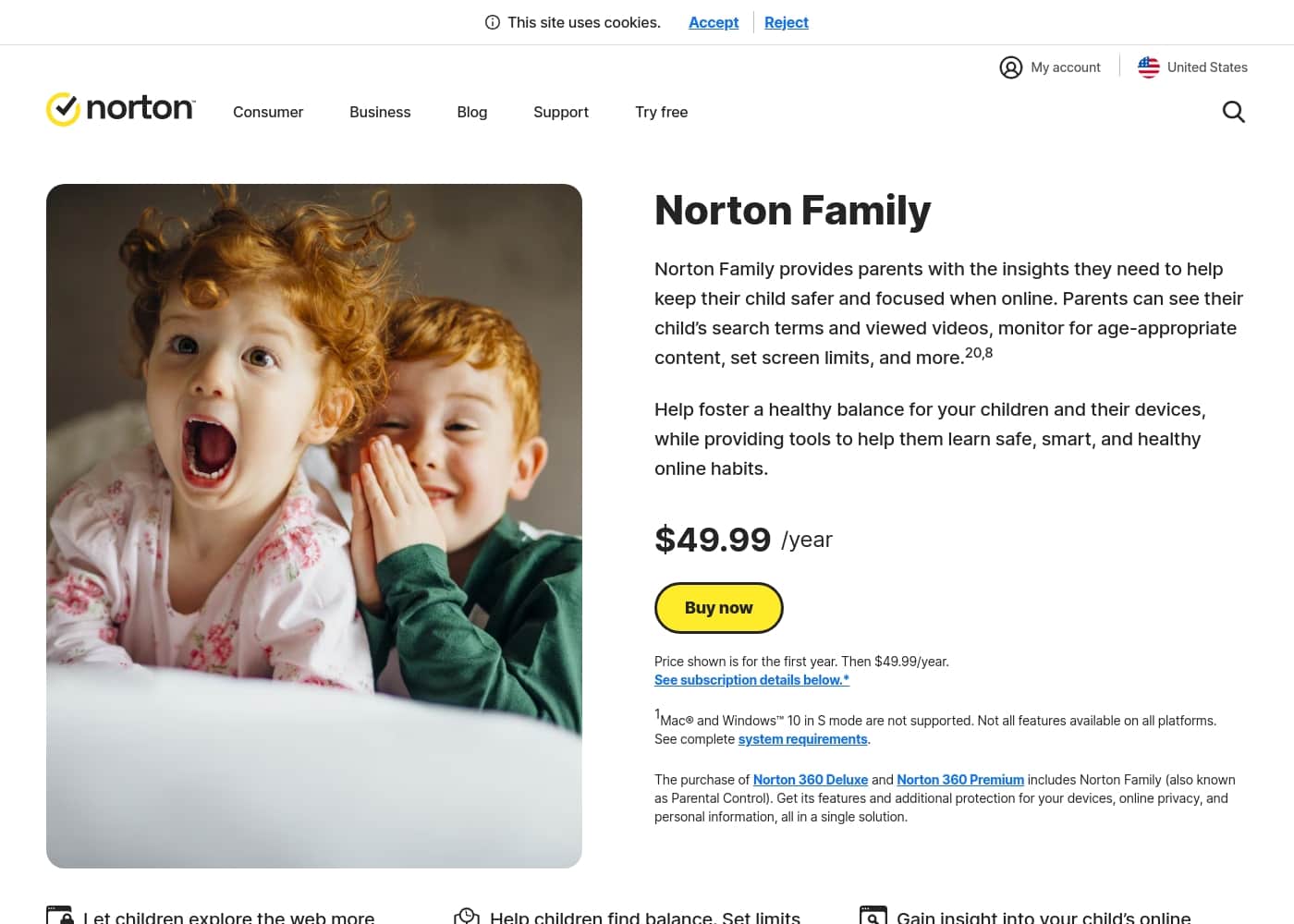
Norton Family首页截图

At a glance

Quick overview for Norton Family: rating, pricing summary, key features, and highlights.

Ciroapp 评论

4.5
Clear, family-safe oversight

We evaluate Norton Family as a reliable parental-control tool that gives visibility into searches, videos, time limits, and location history. Overall, we find setup straightforward and reporting consistent, though pricing and renewal steps may be less favorable for some families.

优点

  • Pro:Clear visibility into searches and watched content
  • Pro:Flexible time limits and scheduling
  • Pro:Web Supervision to block or warn
  • Pro:Detailed activity reports delivered to you

缺点

  • Con:Pricing/value concerns
  • Con:Renewal process/friction
  • Con:Account management across multiple Norton accounts can be confusing
范围: $1–$13389/yearFree plan, Free trial, Monthly subscription, Yearly subscription
This section is a summary. Detailed sections about features, use cases, pricing, and reviews follow below.

Norton Family评论、价格、功能、优缺点

Many parents feel overwhelmed trying to keep kids safe online while letting them explore. Norton Family gives clear oversight tools to balance screen time and content exposure. ✨

With Norton Family you can see your child’s searches and viewed videos, set time limits, and get detailed activity reports—so you can guide safe habits without guesswork. 💡

Norton Family 是什么?

Norton Family is a parental control tool that helps parents keep children safer and focused online. It gives visibility into what kids search for and watch, helps set screen limits, and provides a web portal and mobile apps for easy oversight. It can help manage a remote learning environment during school time and is included with Norton 360 Deluxe or Norton 360 Premium.

🛡️

Norton Family 主要功能

✨ Balanced oversight at a glance

Norton Family gives clear visibility so you can guide safe habits without guesswork. You can see your child’s searches and viewed videos, and use a web portal or mobile apps for easy supervision.

You can set screen limits and receive detailed activity reports to stay informed and support healthy online choices.

✨ Time management for focus and learning

Time management helps keep learning on track and reduces online distractions. Time Supervision lets you set time limits and schedules on Windows, Android, and iOS.

  • Set time limits and schedules on Windows, Android, and iOS.
  • Use School Time to manage remote learning and limit distractions during class.
  • Instant Lock to pause a device when needed.

You can also see when your child is online and receive reports that summarize usage.

✨ Content safety tools

Web Supervision lets you block unsuitable sites while keeping you in the loop on what they visit. Search Supervision shows the terms your child is searching for and helps you discuss interests.

Video Supervision lets you review the videos your child watches on YouTube (and Hulu on Windows) with snippets. App Supervision shows the apps downloaded or installed, so you can guide choices.

Monthly or weekly reports deliver findings to your inbox or the Parent Portal.

✨ Location awareness and boundaries

Location Supervision maps your child’s Android and iOS device locations and provides a 30-day history. Favorite Locations help set approved boundaries and alert you when a child arrives at or leaves them.

Alert Me lets you receive automatic location updates at set times, and Check In makes it easy for kids to share their current location.

📱 Getting started and staying in control

Getting started is simple: install Norton Family on Windows, Android, or iOS devices, then sign in at my.Norton.com or use the Parent Portal via a browser to access Parental Control.

From the Parent Portal and mobile apps to features like Instant Lock and Email Alerts, Norton Family gives you the controls you need to stay informed and guide conversations when needed.

使用案例

✨ Balanced learning and safety at home

When kids learn from home, parents want visibility without constant checking. Norton Family lets you see what your child searches and watches, set time limits, and get detailed activity reports. You can choose to receive reports in your inbox or view them in the Parent Portal.

During school hours, School Time helps keep focus. It helps balance learning and distractions by shaping which sites are accessible during class. The web portal and mobile apps make oversight easy on Windows, Android, and iOS.

All of these tools come in one solution. Norton Family is included with Norton 360 Deluxe or Norton 360 Premium, so you get protection and supervision together.

⏰ Set time limits and school-time focus

You can set time limits and create schedules so each device has dedicated study blocks. Steps: 1) Open the Parent Portal. 2) Set daily or weekly limits. 3) Schedule school hours. 4) Save and apply.

These controls help establish healthy online habits and keep school time focused. They work across Windows, Android, and iOS so you can stay in control from any device.

🛡️ Problem → approach → outcome: safer browsing

Problem: A teen often clicked on unfamiliar sites and struggled to finish homework.

Approach: Turn on Web Supervision to block or warn about sites, pair it with Time Supervision for study blocks, and use School Time to keep classes distraction-free. Review monthly reports to guide conversation.

Outcome: Safer browsing with clearer talk points about online choices, and fewer distractions during study time.

💬 Gaining insight to guide conversations

You want to understand what your child does online without guessing. Norton Family shows the terms your child searches and the videos they view, giving you talking points for safer habits. Reports can come to your inbox or appear in the Parent Portal, so you’re always in the loop.

Use these insights to start constructive conversations about online choices and boundaries, not just rules.

📍 Location awareness and family safety

Location Supervision maps your child’s Android or iOS device and stores a 30-day history. You can set approved boundaries and receive alerts when a child arrives or leaves a location. Check In makes it easy for kids to share their current location with a few taps.

These tools help you stay informed and support safe, real-world boundaries for your child.

Norton Family 价格概览

价格范围
$1–$13389/year
价格类型
Free plan, Free trial, Monthly subscription, Yearly subscription

Plans from $1/year

Pricing

Norton Family pricing: Plans from $1/year Plans range: $1–$13389/year Billing options: Free plan, Free trial, Monthly subscription, Yearly subscription

用户评论

Trustpilot sentiment for Norton products is broadly positive, with many reviewers praising ease of use, reliable protection, and peace of mind. The data shows intuitive interfaces, helpful activity insights, and responsive guidance across devices, plus strong protection at a reasonable value for many families.

Some critics flag pricing complexity, renewal friction, and account-management quirks. Families report value in bundled protection and simple setup, though some note renewal price is high.

Still, the overall tone is confident, and the Trustpilot profile (4.6) reflects broad satisfaction from home users and small teams. 🛡️✨ Ease of use, reliability, and clear reporting stand out, while price discussions and renewal processes remain recurring themes.

其他地方的用户评价

Alex D.
· Trustpilot
5.0 / 5

Norton Family gives us clear oversight without feeling heavy. Setup is straightforward, and the activity reports help us guide conversations with our kids.

Sam P.
· Trustpilot
5.0 / 5

The time limits are easy to manage and the Web Supervision feature is reassuring. It's simple to use across devices, and we can see what our child does online.

还没有评论。

撰写评论

为Norton Family撰写评论
0/100个字符
0/2000个字符

为什么要使用 Norton Family?

If you're balancing learning, safety, and distractions, Norton Family gives you the visibility and controls you need. 🔥

  • See your child’s search terms and videos to understand interests and guide conversations, with detailed reports delivered to your inbox or the Parent Portal.
  • Set time limits and schedules to foster healthy online habits across Windows, Android, and iOS.
  • Block or warn about unsuitable sites with Web Supervision while staying in the loop on what they visit.
  • Map your child’s device location with a 30-day history and optional alerts to stay informed.
  • Manage the remote learning environment during school time to help focus when classes are in session, and note that School Time works within the online learning context. Also included: Norton Family is bundled with Norton 360 Deluxe and Norton 360 Premium for a single solution. ✅

准备好使用Norton Family转变您的工作流程了吗?

常见问题

What devices can Norton Family be installed on for a child’s account?

Norton Family can be installed on Windows PCs (not in S mode), Android, and iOS. Mac is not supported for installations, and not all features are on every platform.

Is Norton Family included with Norton 360, and what does that mean for pricing?

Yes. Norton Family is included with Norton 360 Deluxe and Norton 360 Premium, so the parental controls come with those bundles.

What core Norton Family features help manage my child’s online activity?

Core features include Web Supervision, Time Supervision, and Search Supervision, with Video Supervision, App Supervision, Location Supervision, School Time, and detailed reports as well.

How does the trial work, and do I need to pay upfront?

There is a trial, but you must provide a payment method at sign-up and will be charged at the end if you don’t cancel.

What is Norton Family’s pricing, and how do renewals work?

The first year is $49.99. Renewal pricing is listed as MSRP per year and may be higher; subscriptions auto-renew unless canceled.

How can I cancel Norton Family and get a refund?

You can cancel and get a full refund within 14 days of initial purchase for monthly subscriptions, or within 60 days for annual subscriptions.

Can I manage Norton Family settings from my phone?

Yes. The Parent Mobile App for Android and iOS lets you stay in control when you’re away from a computer.

What kinds of alerts and reports will I receive?

You can receive monthly or weekly reports and email alerts for blocked sites; reports are also available in the Parent Portal.

Is Location Supervision available in all countries?

Location Supervision is not available in all countries. Check country compatibility in the support docs.

What is School Time and how does it assist with remote learning?

School Time helps manage the remote learning environment by keeping focus on schoolwork and reducing distractions; it works on Windows, Android, and iOS.

How does Norton Family integrate with other Norton products?

Norton Family is included with Norton 360 Deluxe and Norton 360 Premium, providing a single protection-and-control solution.

How do I set up Norton Family?

Install Norton Family on your child’s Windows, Android, or iOS devices; you can monitor and manage activities from Windows, Mac, iOS, and Android via the mobile apps or my.Norton.com.

Where can I get help if I need it?

For setup and support, visit Member Services & Support.

Are there regional or language limitations I should know about?

Not explicitly stated on the official site. Tip: Check country-specific pricing and availability pages.

准备尝试Norton Family了吗?查看官方网站或价格。