mLite App

mLite App

🔒 Trusted family safety with privacy and practical visibility.

#20 dans Parental Control
1 阅读时间 · 更新时间 10/4/2025
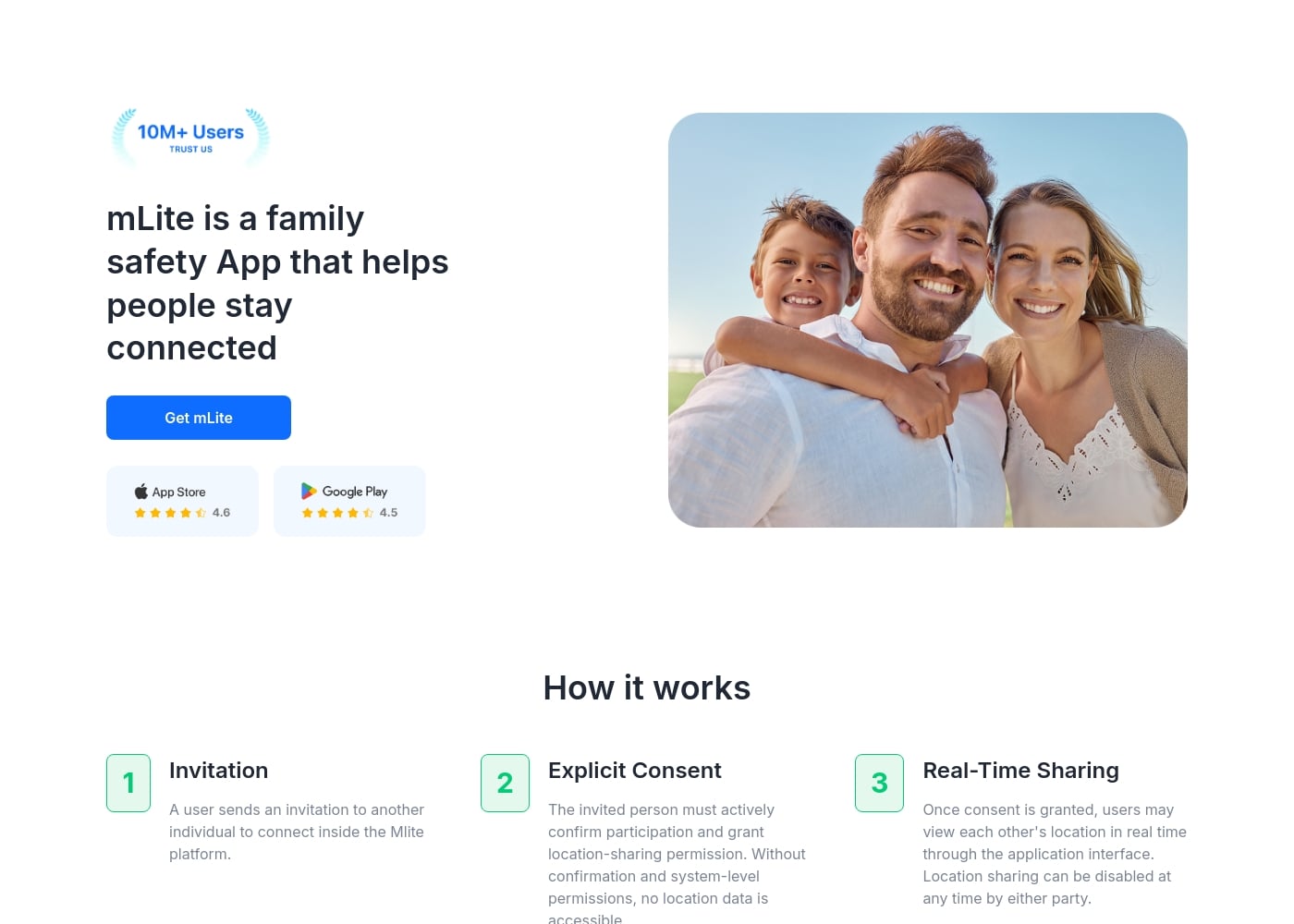
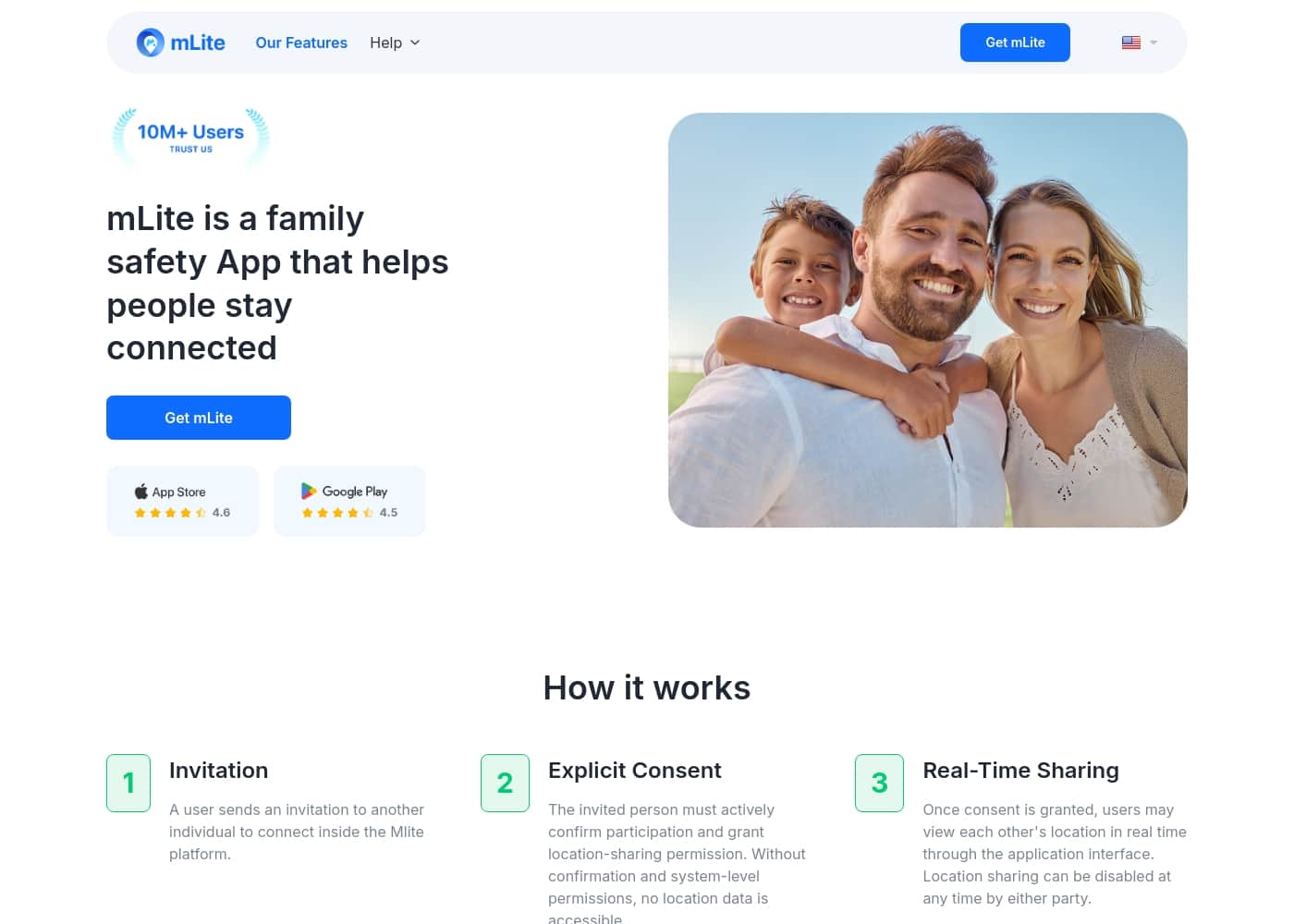
mLite App首页截图

At a glance

Quick overview for mLite App: rating, pricing summary, key features, and highlights.
范围: $0.99–$2023Free plan, Free trial
This section is a summary. Detailed sections about features, use cases, pricing, and reviews follow below.

mLite App评论、价格、功能、优缺点

Parents want real-time visibility into their kids safety. It is hard to stay informed when you are apart. 🔎

mLite App helps with location history and timely alerts, and it keeps data private with encryption. You can even start with a 1-day free trial to see how it fits your family. ✨

mLite App 是什么?

mLite App is a monitoring solution designed for families to build trust and stay informed when kids are away. It lets you see where they are and notice important activity, while encryption keeps data private. Designed for emergencies and day-to-day monitoring, setup is quick on both devices, and a 1-day free trial is available.

🚦

mLite App 主要功能

🔒 Real-Time Visibility with Privacy

mLite App gives you real-time visibility into your kids' safety while protecting their data. Location history and timely alerts help you stay informed even when you're apart.

Your data stays private because encryption keeps information in transit and at rest, and only you can see it.

You can start with a 1-day free trial to explore how it fits your family.

✨ Easy Setup & Quick Onboarding

Getting started is simple. Install mLite on both your device and your child’s device, then link the devices to complete setup.

The onboarding guides you through turning on key features and making sure location and alerts work.

A free 1-day trial helps you try before you commit.

✨ Emergency Readiness: Panic Button & Alerts

In a pinch, the Panic Button sends an alert and your child’s current location with one tap.

This feature supports quick emergency response and helps you stay connected when seconds count.

✨ Comprehensive Monitoring Suite

mLite includes a broad set of tools to keep you informed when your child is away.

Key features include Live Location and location history, Surroundings Recording, Live Camera, Messengers monitoring, Installed Apps, and Contacts.

Location Alerts notify you when your child enters or leaves a place, so you don't have to check the map constantly.

  • Live Location
  • Surroundings Recording
  • Live Camera

✨ Privacy, Trust, and Trial Experience

Privacy-first design keeps data private with encryption so only you can see it.

mLite isn't a tool for spying. It's a monitoring app designed to help build trust between you and your kids.

There are over 6M downloads worldwide and 87% of customers are totally satisfied.

Getting started is easy: download from Google Play or the App Store on both devices, then link them.

使用案例

🗺️ Real-time visibility and history

When you're apart, you want to know where your kid is right now. mLite makes it possible to see live location and review where they've been over time.

You also get Location Alerts when they arrive at or leave places you care about. The data is encrypted, so only you can see it.

🚨 Fast help in emergencies

In an urgent moment, a single tap on the Panic Button sends an alert and their current location to your phone.

That fast signal helps you respond quickly and stay connected to where they are.

🔒 Privacy-first by design

Privacy matters. mLite uses encryption to protect data in transit and at rest, so what you see stays between you and your family.

Setup is simple on both devices, and you can start with a 1-day free trial to explore how it fits your family.

📡 Smart day-to-day safety with alerts

Set Location Alerts to be notified when your child enters or leaves key places, like home, school, or a friend's house.

Review location history to spot patterns and stay informed, even when you can't check the map in real time.

🛡️ Guardrails for online safety

Beyond location, you can monitor online activity, including Messengers, installed apps, and new contacts.

You’ll know if something looks off, so you can have a calm, informed talk with your child.

⚡ Simple setup and quick trial

Getting started is straightforward.

Step 1: Register for an mLite account with your email. Step 2: Install the app on both you and your kid's devices. Step 3: Link the devices. Step 4: Start monitoring and rest easy.

mLite App 价格概览

价格范围
$0.99–$2023
价格类型
Free plan, Free trial

Plans from $0.99

Pricing

mLite App pricing: Plans from $0.99 Plans range: $0.99–$2023 Billing options: Free plan, Free trial

用户评论

还没有评论。

撰写评论

为mLite App撰写评论
0/100个字符
0/2000个字符

为什么要使用 mLite App?

Why use mLite? If you are a parent seeking peace of mind, mLite offers practical safety with privacy at its core. ✅

  • Privacy-first design: encryption keeps data private and only you can see it.
  • Clear visibility: see location history and get timely alerts even when apart.
  • Quick emergency response: Panic Button sends an alert and your child’s location with one tap.
  • Easy setup: quick onboarding by linking devices as described on the site.
  • Try before you commit: a free 1-day trial to explore the experience.
  • Trusted by many: over 6M downloads worldwide and 87% of customers totally satisfied.

准备好使用mLite App转变您的工作流程了吗?

常见问题

How long is the free trial and how do I start it?

It offers a 1-day free trial to explore features. To start, create a mLite account and follow the setup prompts.

How does mLite protect data?

Data is encrypted in transit, and only you can see it.

What platforms does mLite support?

It’s available on Android and iOS (Google Play and App Store); setup is quick on both devices.

What features does mLite provide?

It offers live location and location history, a Panic Button, location alerts, Surroundings Recording, Live Camera, and monitoring for Messengers, Installed Apps, and Contacts.

How do I set up mLite on my family devices?

Install the app on both devices and link them; setup is quick per the official guidance.

Is pricing information provided beyond the free trial?

Not explicitly stated on the official site. Check the pricing page for details.

Does mLite charge per device or per usage?

Not explicitly stated on the official site. Check the pricing details for how charges are applied.

What languages or regions does mLite support?

Not explicitly stated on the official site. Check the regional information on the site.

Can I cancel my subscription or get a refund?

Not explicitly stated on the official site. Check the terms or contact support for refund policies.

Who is mLite best suited for?

It’s designed for families and parents who want privacy-focused monitoring and real-time visibility.

What kind of customer support is available?

Not explicitly stated on the official site. Check the help center or contact support for details and response times.

Are there any integrations with other apps or services?

Not explicitly stated on the official site. Check the docs or support for integration info.

准备尝试mLite App了吗?查看官方网站或价格。