Pełne tłumaczenie wkrótce — szczegóły produktu po angielsku, nawigacja zlokalizowana.
FamiSafe

Recenzja FamiSafe

Screen time limits, location alerts, and activity reports that help parents guide—not just police—digital life.

Autor: Ciroapp Editorial Team · Zaktualizowano 16 wrz 2026

Prowizja możliwa bez dodatkowych kosztów

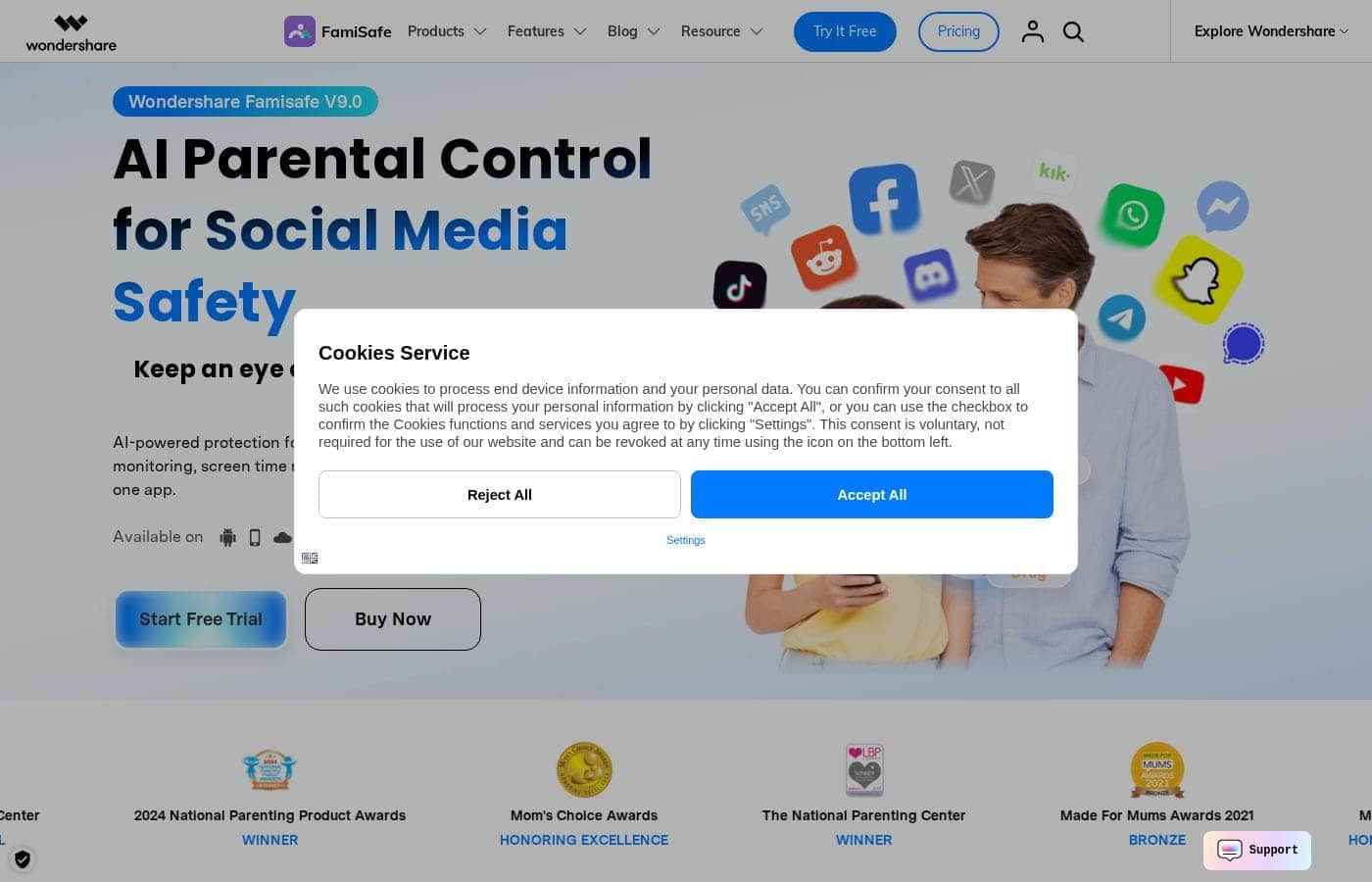
Zrzut ekranu strony głównej FamiSafe

W skrócie

Szybki przegląd FamiSafe: ocena, podsumowanie cen, kluczowe funkcje i najważniejsze informacje.
Strona dostawcy sprawdzona 12 paź 2026

Wynik Ciroapp

3.9/ 5

FamiSafe covers the parental control basics well: screen time schedules, app activity reports, content alerts, and location tracking, all from one dashboard across Android, iOS, Kindle Fire, and desktops. Some features are limited on iOS, and pricing is hard to pin down. Overall, it's a solid pick for families who want transparent oversight instead of stealth monitoring.

Zalety

  • Zalety:Covers Android, iOS, Kindle Fire, and desktop platforms under a single parent account, which is rare among parental control apps that often favor one ecosystem
  • Zalety:Activity reports break down usage by individual app, giving parents specific patterns to discuss instead of a vague total screen-time number
  • Zalety:Geofencing sends arrival and departure alerts for custom safe zones like school or home, reducing the need for constant check-in texts

Wady

  • Wady:Some features are more limited on iOS than on Android due to Apple's platform restrictions, and iPhone setup can involve extra configuration steps
  • Wady:The app must remain installed with permissions enabled on the child's device, so a determined or tech-savvy kid may attempt workarounds such as disabling location services
  • Wady:Full functionality requires a paid subscription after the trial, and costs scale with the number of devices a family needs to cover
Najlepsze dla
  • Parents of school-age children who need structured screen time schedules for homework and bedtime
  • Families with mixed Android, iOS, and desktop devices who want one parent dashboard instead of separate tools per platform
  • Parents of commuting or independent teens who want geofence alerts for school and home arrivals
Ta sekcja jest podsumowaniem. Szczegóły dotyczące funkcji, zastosowań, cen i recenzji znajdują się poniżej.

Czym jest FamiSafe?

FamiSafe, developed by Wondershare, is a parental control application built to help families establish healthier digital habits together. Rather than serving as pure surveillance software, it positions itself as a guidance tool: parents can view daily device usage and app activity, then set boundaries that balance a child's independence with necessary protection. It runs across the major platforms families actually use, from phones and tablets to desktops.

FamiSafe is a cross-platform parental control app that lets parents manage screen time, monitor app and device activity, filter inappropriate content, and track a child's real-time location. After installing the app on both the parent's and child's devices, parents receive detailed reports on daily usage and can configure rules remotely from their own dashboard. Wondershare, the company behind Filmora and Dr.Fone, maintains the product with regular updates and supports households with multiple children and mixed device types.
Czy warto wybrać FamiSafe?

Krótka wskazówka zakupowa przed porównaniem planów lub przejściem na stronę.

Wybierz, jeśli

  • Parents of school-age children who need structured screen time schedules for homework and bedtime
  • Families with mixed Android, iOS, and desktop devices who want one parent dashboard instead of separate tools per platform
  • Parents of commuting or independent teens who want geofence alerts for school and home arrivals
  • Households that prefer evidence-based parenting, using activity reports to ground conversations about device habits

Pomiń, jeśli

  • Parents seeking covert or stealth monitoring of a child's device without their knowledge, since FamiSafe is built as a transparent parental control tool
  • Businesses or teams looking for employee monitoring software, as the feature set is designed specifically for family use
  • Families unwilling or unable to install and maintain an app with active permissions on the child's device

Następne kroki przed zakupem

  1. 1Create a Wondershare account and install the FamiSafe app on your own phone to serve as the parent dashboard
  2. 2Install FamiSafe on your child's device, pair it with your account, and grant the required permissions for monitoring, filtering, and location
  3. 3Configure age-appropriate rules: screen time schedules, web filters, blocked apps, and geofenced safe zones like home and school
  4. 4Review the daily activity reports for the first couple of weeks and adjust limits based on actual usage patterns rather than assumptions

FamiSafe Kluczowe funkcje

✨ Screen Time Management

Parents can set daily screen time limits and schedule device downtime, such as blocking phones during homework hours or bedtime. Rules apply per device and can be adjusted remotely, so a forgotten gaming tablet in the living room can be locked down from the kitchen without confiscating hardware.

✨ Activity Reports and App Monitoring

FamiSafe generates detailed reports on daily device usage and individual app activity, showing which applications a child opens and for how long. This turns vague worries about 'too much phone' into specific, discussable patterns—useful for negotiating new rules as kids mature.

✨ Content Filtering and Web Safety

The platform filters inappropriate websites and can flag explicit content, with alerts sent to the parent when risky material is detected. YouTube app control lets parents manage video consumption, one of the most common sources of unmonitored screen time.

✨ Location Tracking and Geofencing

Parents can view a child's real-time location and define safe zones such as home, school, or a grandparent's house. When the child arrives at or leaves a geofenced area, the parent receives an alert—practical for checking that the after-school route stayed on track without constant check-in texts.

Przypadki użycia

💡 Structuring Screen Time for School-Age Kids

For children in elementary or middle school, the biggest battle is often simply getting devices put down. Parents can schedule automatic downtime during homework and bedtime, set daily caps on usage, and use the activity report in weekly family conversations instead of daily confrontations.

💡 Protecting Teens from Online Risks

Adolescents face exposure to explicit content, predatory contacts, and risky apps. FamiSafe's content filters and suspicious-content alerts notify parents when something concerning appears, letting them intervene based on evidence rather than reading through every message manually.

💡 Keeping Track of Kids on the Move

When children start walking to school, taking the bus, or going out with friends, geofencing around home and school sends arrival and departure notifications automatically. Parents get confirmation that the commute went as planned without needing to text or call during class.

💡 Managing a Mixed-Device Household

Families with an Android teen, an iPad-toting ten-year-old, and a shared family laptop need one control point rather than separate tools per platform. FamiSafe's cross-platform support lets one parent account cover phones, tablets, and computers from a single dashboard.

FamiSafe cennik

Ceny jeszcze niesprawdzone — zobacz stronę dostawcy.

stronie cennika FamiSafe

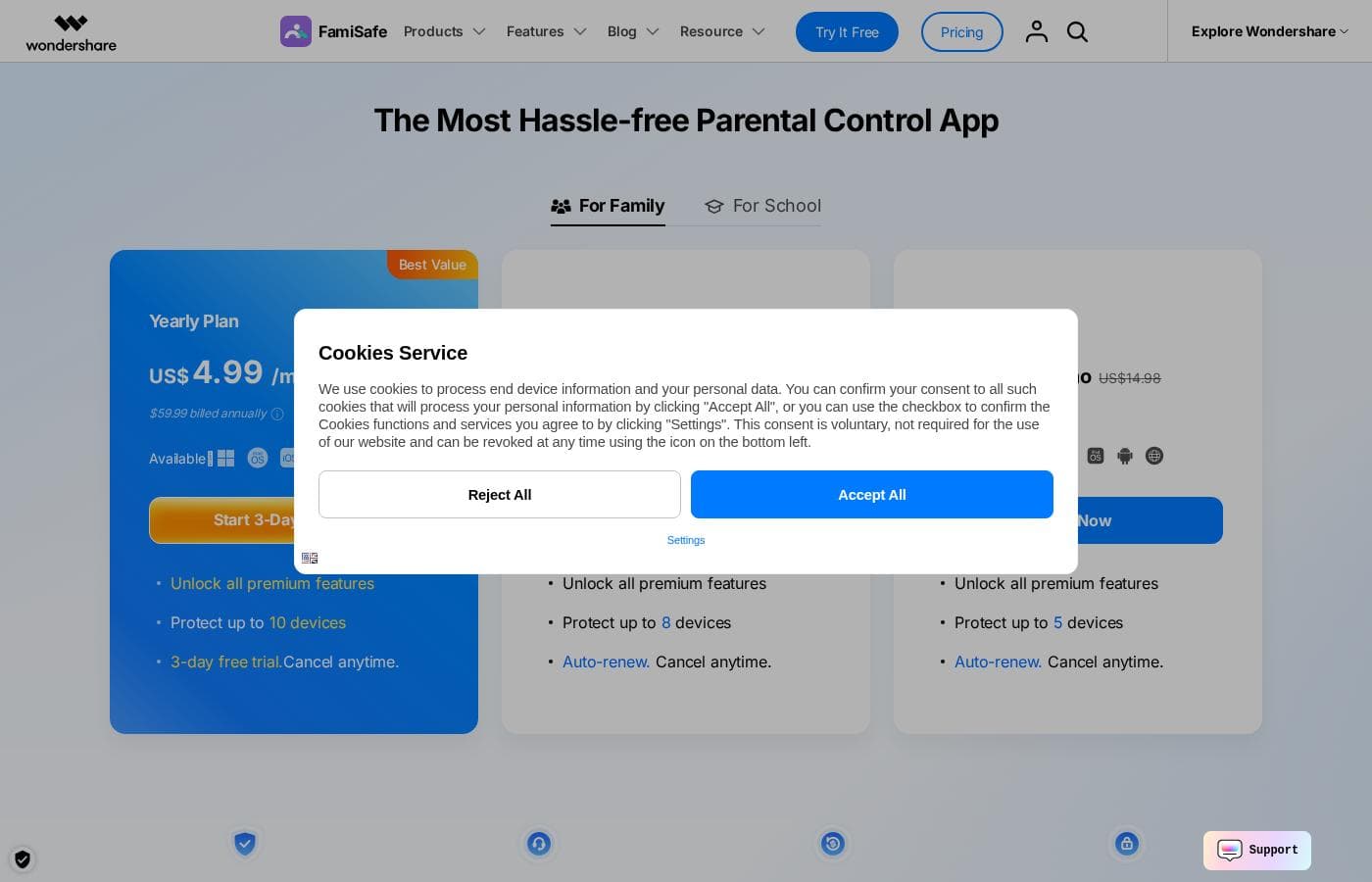
Zrzut ekranu cennika FamiSafeZobacz zrzut ekranu cennika

Historia cen

Śledzimy ceny od 7 wrz 2026. Na razie bez zmian.

Typy cen: Free plan, Free trial, Monthly subscription, Yearly subscription, Usage-based pricing

Uwagi do cennika

Plans from $1/month

FamiSafe pricing: Plans from $1/month Billing options: Free plan, Free trial, Monthly subscription, Yearly subscription, Usage-based pricing

Powiadom mnie, gdy FamiSafe zmieni cenę

Jeden e-mail, gdy wykryjemy zmianę na stronie cennika dostawcy. Bez newslettera i promocji. Rezygnacja jednym kliknięciem.

Recenzje użytkowników

Brak recenzji.

Napisz recenzję

Napisz recenzję dla FamiSafe
0/100 znaków
0/2000 znaków

Dlaczego używać FamiSafe?

Parents today face a genuine dilemma: total restriction pushes kids toward workarounds, while zero oversight leaves them exposed to harmful content, excessive screen time, and unsafe situations. FamiSafe addresses this by giving parents concrete visibility—daily activity reports, real-time location, alerts for suspicious content—so conversations are grounded in facts instead of guesswork.

The ability to manage everything from one parent account across Android, iOS, and desktop devices makes it practical for real families rather than single-device scenarios.

Alternatywy dla FamiSafe

Inne narzędzia w kategorii Kontrola rodzicielska

Zobacz wszystkie narzędzia Kontrola rodzicielska
Qustodio

Qustodio

Parental Control4.1/5

Kontrola rodzicielska i dobrostan cyfrowy, którym ufa miliony.

MMGuardian

MMGuardian

Parental Control4.1/5

Podnieś pewność siebie i bezpieczeństwo dzieci w świecie cyfrowym.

Canopy

Canopy

Parental Control3.9/5

Filtrowanie treści przez AI, które utrzymuje internet otwarty — i trzyma treść jawną z dala.

Bark

Bark

Parental Control3.9/5

Ochrona Twoich dzieci w sieci dzięki monitorowaniu opartemu na sztucznej inteligencji i kontroli rodzicielskiej.

OurPact

OurPact

Parental Control3.8/5

Jedna konsola dla wszystkich ekranów, których używa Twoje dziecko.

SentryPC

SentryPC

Parental Control3.6/5

Zobacz, co dzieje się na zarządzanych urządzeniach z jednego panelu

Najtańsze oprogramowanie Kontrola rodzicielska dla 1–25 użytkowników

FamiSafe: najczęstsze pytania

Which devices and platforms does FamiSafe support?

FamiSafe works across the major platforms families use: Android phones and tablets, iPhones and iPads, Kindle Fire tablets, and Windows and macOS computers. Parents install the app on their own device to manage rules and on the child's device to enforce them, and one parent account can oversee multiple children and devices.

Is there a free trial before I pay for a subscription?

Yes. FamiSafe offers a free trial alongside its paid monthly and yearly subscription plans, so you can install it on your family's devices and verify that the features work as expected in your actual household before purchasing. Pricing scales with the plan tier you choose.

Will my child know that FamiSafe is installed on their device?

FamiSafe is designed as a transparent parental control tool, not hidden spyware—the app is present on the child's device and parents are expected to set rules openly. This is intentional: the product's stated goal is building positive digital habits together, and Wondershare's approach works best when families discuss boundaries rather than discovering them through secret monitoring.

Gotowy, aby wypróbować FamiSafe? Zobacz oficjalną stronę lub cennik.

Reprezentujesz FamiSafe? Przejmij ten wpis · Pobierz odznakę