DataSnipper vs Drata
DataSnipper and Drata both promise to save your team from tedious work. DataSnipper focuses on automating audit data tasks, while Drata automates security compliance. They tackle different problems, so your choice depends on your main pain point.
Best for: Audit firms automating bank confirmation matching and data extraction., Finance teams compiling financial statements from multiple source documents.
Best for: Startups preparing for their first SOC 2 audit., Security teams managing compliance across multiple frameworks.
AI-Powered Audit Assistant
We found DataSnipper to be a specialized AI platform that genuinely tackles the repetitive data tasks in audit and finance. It promises significant time savings by automating data collection, extraction, and verification. Overall, it looks like a powerful tool for teams ready to embrace intelligent automation, though the lack of transparent pricing and external review details is a consideration.
Zalety
- Automates repetitive data tasks like collection and extraction, promising major time savings.
- Focuses on enhancing accuracy by using AI to cross-reference and validate information.
- Designed to integrate with existing documents and workflows, minimizing disruption.
- Keeps humans in control with a 'human-led intelligence' approach.
Wady
- Pricing is not public and requires a custom proposal, lacking transparency upfront.
- No free trial or money-back guarantee is mentioned, increasing commitment risk.
- Core feature details beyond automation benefits are not deeply specified.
- No accessible external user reviews were found to verify claims or gauge satisfaction.
Powerful, automated compliance platform.
We find Drata to be a robust platform that significantly automates compliance workflows and evidence collection. Overall, it's a strong choice for organizations aiming to streamline audits and prove trust continuously, though pricing details are not transparently listed.
Zalety
- Automates evidence gathering and control monitoring.
- Supports a wide range of compliance frameworks.
- Includes AI features for questionnaires and risk assessment.
- Helps reduce audit preparation time and costs.
Wady
- Pricing is customized and not publicly listed.
- Lacks a stated free trial or money-back guarantee.
- Complex features may be more than small teams need.
- Onboarding may require significant initial setup.
ODataSnipper
DataSnipper is an Intelligent Automation Platform designed for Audit and Finance teams. 💡 It acts as a virtual assistant, using AI to handle complex data workflows. The platform helps professionals gather information from multiple sources, pull out key details, and check everything for accuracy. It’s built to work with you, keeping humans in control.
ODrata
Drata is an Agentic Trust Management Platform designed for security, compliance, and trust teams. 🛡️ It automates the complex work of governance, risk, and compliance (GRC). The platform helps you map controls, collect evidence, and monitor your security posture in real-time across multiple frameworks like SOC 2, ISO 27001, and more.
Najważniejsze
Porównanie funkcji
Przegląd funkcji
Podkreślamy główne różnice i wybieramy zwycięzcę dla każdej funkcji.
Automation Focus
DataSnipper automates audit data tasks. Drata automates compliance and security evidence collection.
DataSnipper's AI agents focus on pulling data from financial documents. They collect, extract, and verify figures across PDFs and spreadsheets. This cuts manual entry during audits. Drata automates the collection of security evidence. It monitors controls continuously across your tech stack. The goal is real-time audit readiness. The key difference is domain. DataSnipper is for finance data. Drata is for security evidence. You pick based on your team's core task. For example, an audit team verifying expenses picks DataSnipper. A security team proving SOC 2 compliance picks Drata.
AI Features
DataSnipper uses AI for document verification. Drata uses AI for questionnaires, risk assessment, and trust management.
DataSnipper's AI cross-references information between documents. It flags inconsistencies for human review. This enhances accuracy on specific data points. Drata's AI agents work more broadly. They autonomously assess vendor risk and draft questionnaire responses. One feature manages your entire Trust Center. Drata's AI has a wider scope, handling multiple compliance tasks. DataSnipper's AI is specialized for document-level verification. If your main need is answering customer questionnaires, Drata's AI saves hundreds of hours. If it's verifying numbers in audit files, DataSnipper is the tool.
Compliance Frameworks
Drata is built for managing multiple security frameworks. DataSnipper supports audit processes without a framework library.
Drata explicitly supports frameworks like SOC 2 and ISO 27001. You map controls once and reuse them everywhere. It's designed for multi-framework governance. DataSnipper doesn't mention pre-mapped security frameworks. It automates the data work within an audit engagement. The focus is task execution, not framework mapping. This is a major distinction. Drata provides the compliance structure. DataSnipper provides the data automation within a process. For a startup needing its first SOC 2, Drata offers a clear path. For a firm auditing a company's finances, DataSnipper speeds up the fieldwork.
User Interface
Both platforms aim for intuitive design, but tailored to very different tasks.
DataSnipper's interface is built around document workflows. It's designed for auditors to work with source files directly. The goal is seamless integration into existing processes. Drata's interface is a dashboard for compliance status. It visualizes control monitoring and risk posture. It's a command center for security teams. You'll interact with them completely differently. DataSnipper feels like a powerful document assistant. Drata feels like a compliance monitoring cockpit. The better UI depends entirely on your daily work. An auditor would find DataSnipper's document view intuitive. A compliance officer would prefer Drata's dashboard.
Integration Ecosystem
Drata offers broad API integrations. DataSnipper focuses on integrating with your existing documents.
Drata provides an Open API and pre-built connectors for hundreds of tools. It pulls evidence from your entire tech stack automatically. DataSnipper emphasizes working with documents you already have. It doesn't highlight a large third-party integration marketplace. The focus is on file-level data. Drata has a clear advantage in breadth of integration. It's designed to plug into your security toolchain. DataSnipper is designed for the files you're already using. If you have a complex stack of security tools, Drata connects them. If your work revolves around PDFs and Excel files, DataSnipper is native.
Reporting & Analytics
Drata offers continuous monitoring dashboards. DataSnipper provides advanced reporting within its Enterprise plan.
Drata's core feature is real-time control monitoring. Its dashboards show compliance status continuously. Enterprise plans add advanced reporting and risk dashboards. DataSnipper offers advanced analytics and reporting on its Professional and Enterprise tiers. This likely focuses on audit data insights and task efficiency. Drata's reporting is proactive and status-oriented. DataSnipper's is likely retrospective and task-oriented. They serve different analytical needs. For a CISO presenting risk posture, Drata's dashboards are ideal. For an audit manager tracking team productivity, DataSnipper's analytics would be useful.
Customer Support
Both offer dedicated support, with Drata mentioning more specific customer feedback.
DataSnipper promises 'world-class support' for Enterprise customers. Details on SLAs or tiers aren't public. The focus is on onboarding and training. Customer testimonials praise Drata's support as responsive and helpful during setup. This suggests strong implementation guidance. Based on available info, both seem to provide solid support. Drata has slightly more visible positive sentiment on support responsiveness. The real difference may be in the type of support. DataSnipper may focus more on audit process guidance. Drata's support likely focuses on compliance tool configuration.
Pricing Transparency
Neither platform offers public pricing. Both require contacting sales for a custom quote.
DataSnipper uses custom annual per-seat pricing. You get a proposal from a Customer Success Manager. No free trial is mentioned. Drata also uses customized pricing based on size and needs. No public rates or free trials are listed. Both keep pricing behind a sales conversation. This is a tie in terms of transparency—neither is upfront. You'll need to engage sales with both vendors to get a price. For budget planning, this means an extra step. You'll need to request proposals from both to make a cost comparison.
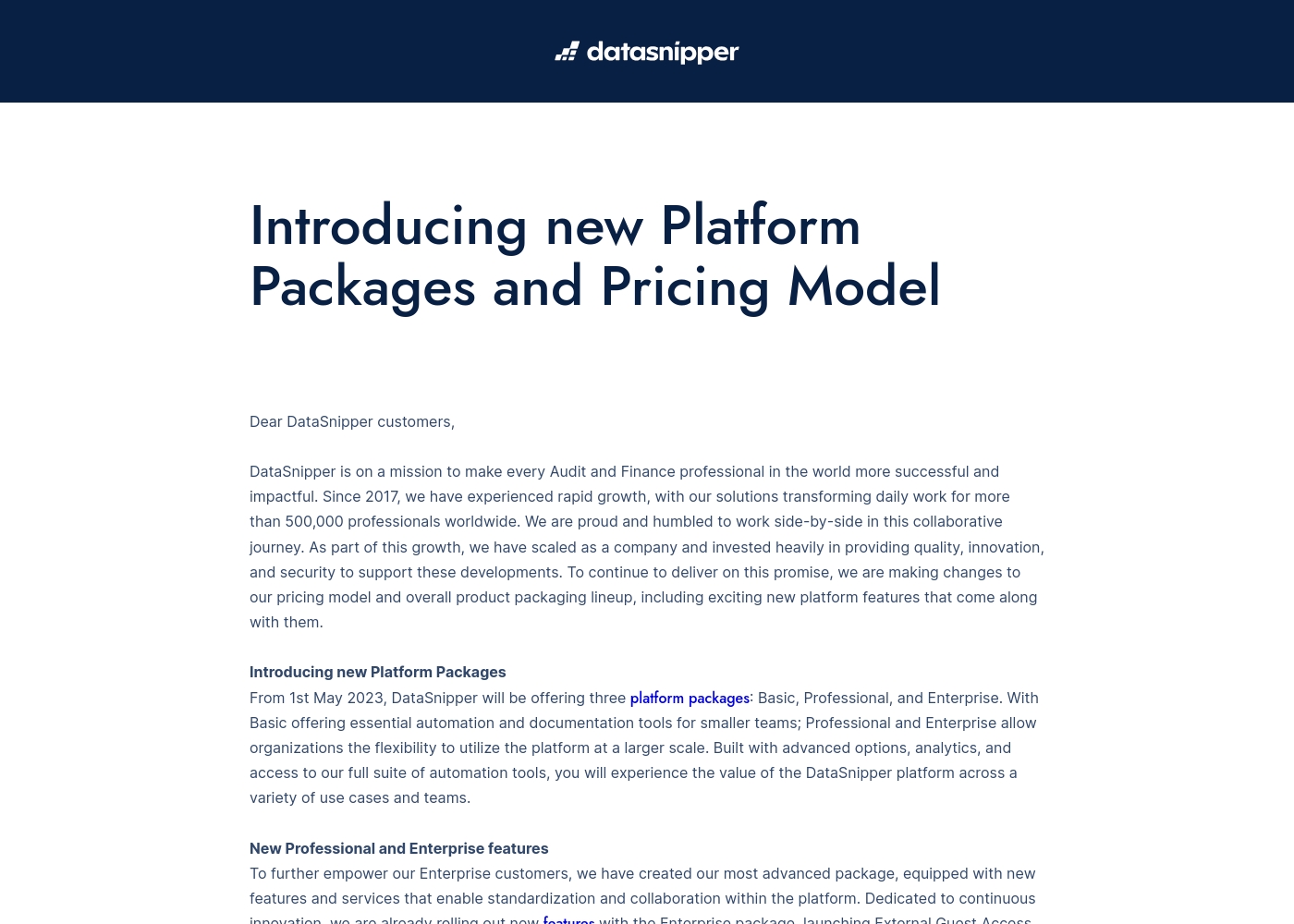
Take a look at the breakdown of our platform packages below to find your fit.
Basic
Best For: Smaller teams needing essential automation Other Features: Essential automation tools, Documentation tools
This plan is great for smaller audit or finance teams who want to start automating their workflows. It provides the core tools you need to document your work faster and more accurately.
- Essential automation tools
- Documentation tools
- Advanced options
- Advanced analytics
- Full suite of automation tools
- External Guest Access
- Advanced Reporting
- Company Templates
- Standardization tools
- World-class support & training
Here is a breakdown of the available plans for your compliance journey.
Foundation Compliance Automation
Best For: Small teams building their first program Other Features: Up to 50 FTEs, 1 Pre-Mapped Framework, Trust Center Standard, AI Questionnaire Assistance, Standard Risk Management
This plan helps you reach audit-ready orbit fast. It's a great choice if you're a startup needing to tackle one core framework like SOC 2 or ISO 27001 without manual headaches. 🚀
- Up to 50 FTEs
- 1 Pre-Mapped Framework
- Trust Center Standard
- AI Questionnaire Assistance
- Standard Risk Management
- Any Available Framework
- Custom Connections and Tests
- Custom Fields and Formulas
- Advanced GRC features
- Enterprise Dashboards
- Risk Management Pro
- Compliance as Code Pro
- Third-Party Risk Management Pro
- User Access Review
- Approved Domains up to 100
- Branded Trust Center
- Knowledge Base
- Clickwrap NDA Support
- AI Questionnaire Assistance (10)
Pricing Notes
- DataSnipper pricing is not public; you must book a demo for a custom proposal.
- Drata pricing is also not public; you must contact sales for a quote.
- Neither platform mentions a free trial or money-back guarantee.
- DataSnipper's model is per-seat, while Drata's is based on factors like employee count and frameworks.
- Value comparison is difficult without direct quotes from both sales teams.
Pricing Head-to-Head
Opinie użytkowników
Based on the limited external data we could access, the Capterra review page was unavailable due to a security verification block, so we have no direct user review snippets to analyze. We cannot provide a balanced summary of recurring themes like accuracy, ease of use, or support responsiveness without actual user feedback.
Our review is therefore primarily based on the product information provided by DataSnipper, which highlights its focus on audit and finance automation. We recommend checking the external review platforms directly for current user sentiment.
Unfortunately, we could not access full review data from Trustpilot or Capterra due to security verification blocks (403 errors). This means we cannot synthesize external sentiment on themes like accuracy, ease of use, support, or pricing from those specific platforms at this time. For this review, we rely solely on the provided product and pricing information.
Drata has been a game-changer for our SOC 2 journey. The automation cut our evidence collection time by more than half. The support team is also very responsive and helpful during setup.
Nasz werdykt
DataSnipper and Drata are both powerful, but they solve completely different problems. Choosing between them is like choosing between a high-speed document scanner and a full security command center. DataSnipper's superpower is turning tedious audit data work into a fast, automated process. Its AI agents excel at extracting and verifying information from thousands of documents in minutes. If your team's nightmare is manually matching bank confirmations, DataSnipper is your answer. Drata's superpower is making compliance a continuous, automated state rather than a frantic annual project. It monitors your controls in real-time, answers questionnaires with AI, and builds a Trust Center to accelerate sales. For security teams, it transforms compliance from a blocker into a business enabler. The deciding factor is your team's primary mission. If you're an audit or finance professional, DataSnipper automates your specific data hurdles. If you're in security or compliance, Drata automates your entire governance workflow. Pick DataSnipper if you need to verify financial data faster. Pick Drata if you need to prove and manage your security posture at scale. Both are excellent—just for very different users.
Często zadawane pytania
Which is better for a small audit team: DataSnipper or Drata?
DataSnipper is the better fit. Its Basic plan is designed for smaller audit teams needing essential automation tools. Drata is for security compliance, which isn't relevant to audit fieldwork.
Can DataSnipper handle compliance frameworks like SOC 2?
No. DataSnipper automates audit data tasks like collection and verification. Drata is built for managing compliance frameworks like SOC 2 and ISO 27001. They are different tools.
Does Drata offer a Trust Center like DataSnipper?
Yes, Drata offers a Trust Center. DataSnipper does not mention this feature. Drata's Trust Center helps you share your security posture to speed up sales.
Is Drata worth the cost over DataSnipper?
It's not a cost comparison, but a purpose comparison. Choose DataSnipper for audit data automation. Choose Drata for security compliance automation. The value depends on your team's specific job.
Which tool has better AI features?
It depends on the task. DataSnipper's AI is for document verification. Drata's AI handles questionnaires, risk assessments, and Trust Center management. Drata's AI scope is broader for compliance.
Can I use both DataSnipper and Drata together?
Theoretically, yes, if your organization has both audit and security compliance needs. However, they serve different departments and wouldn't typically be used for the same task.
Gotowy do wyboru?
Oba narzędzia mają swoje mocne strony. Wybierz w oparciu o swoje konkretne potrzeby.