전체 번역 준비 중 — 제품 세부 정보는 영어로 표시되며 탐색은 한국어로 제공됩니다.
GoodAccess

GoodAccess 리뷰

A 100% cloud business VPN that gets your team secure remote access in about 10 minutes.

GoodAccess 가격: 월 US$7 (≈ ₩9,332)부터 · 요금제 4개 · 무료 요금제 있음

작성자: Ciroapp Editorial Team · 업데이트됨 2026년 9월 16일

추가 비용 없이 수수료가 적용될 수 있습니다

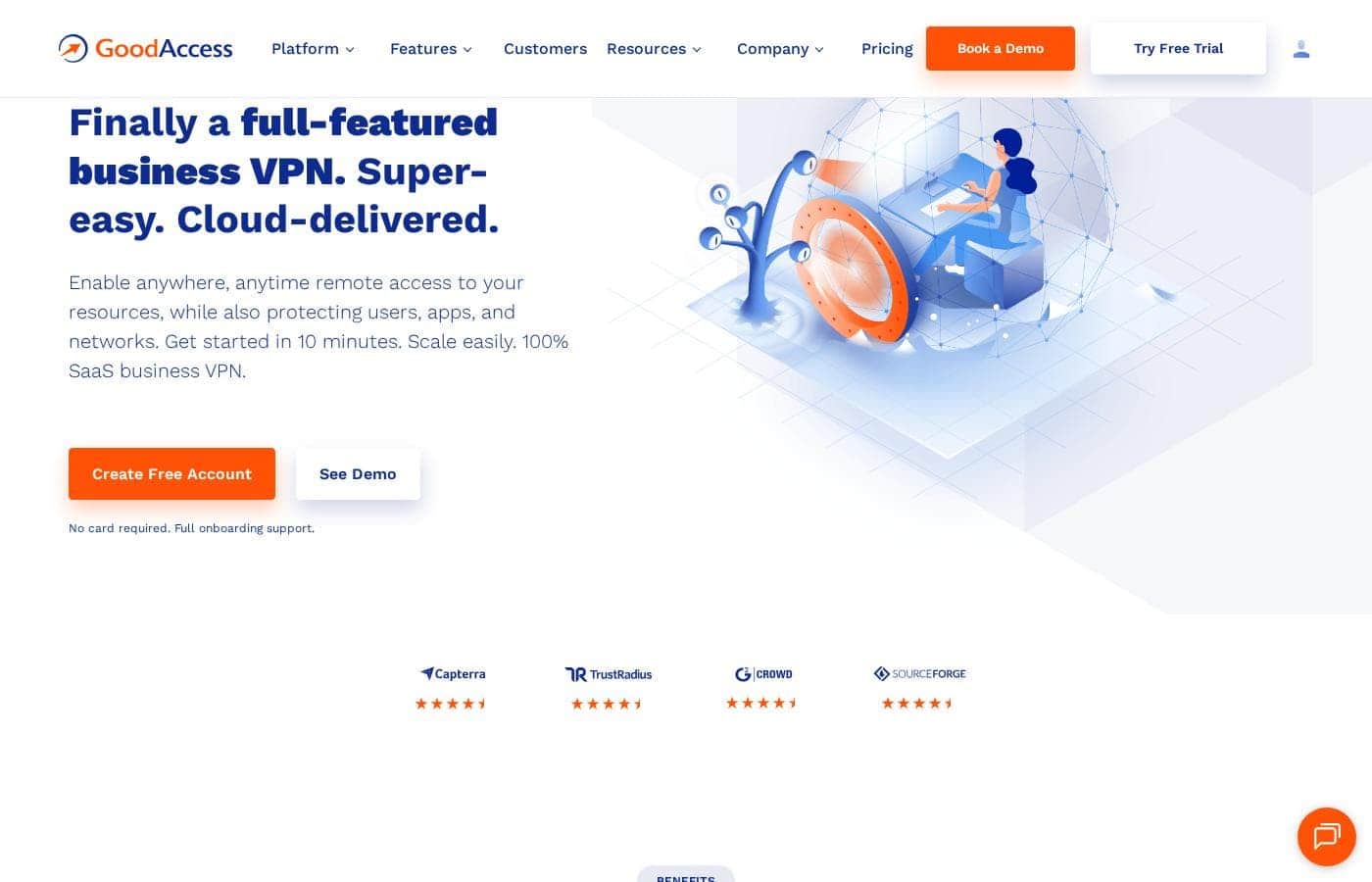
GoodAccess 홈페이지 스크린샷

한눈에 보기

GoodAccess의 평점, 가격 요약, 주요 기능, 핵심 포인트를 빠르게 확인하세요.
공급업체 페이지 확인일 2026년 9월 30일

Ciroapp 점수

4.0/ 5

GoodAccess gives small and midsize teams dedicated cloud VPN gateways with static IPs, threat blocking, and Zero Trust options, all without hardware — though costs climb past the headline rate with a 5-user minimum, $49 per gateway, and thin independent reviews. Overall, it's a solid, recommendable pick for teams that want secure remote access fast.

장점

  • 장점:Dedicated VPN gateways with unique static IPs from 35+ locations, each running at 1 Gbps with unlimited data — the IP can be whitelisted so your systems aren't visible to the public internet, and no hardware is required.
  • 장점:Deployment is claimed to take under 10 minutes, with built-in control-panel walkthroughs, included onboarding support, and a 14-day free trial of all premium features that requires no credit card.
  • 장점:Threat Blocker automatically filters phishing, malware, ransomware, and botnet domains at the connection level, so remote workers on public Wi-Fi get protection without a separate tool.

단점

  • 단점:Paid plans require a 5-user minimum, so solo users or very small teams either overpay or must settle for the limited free Starter plan.
  • 단점:Each dedicated gateway adds $49/month on top of per-user fees, which multiplies quickly for organizations connecting offices or teams across multiple regions.
  • 단점:Role-based access cards and the Branch/Cloud Connector are locked behind Premium ($11 per user/month) or Enterprise — Essential lacks them, forcing an upgrade for teams that need granular access control.
가장 적합
  • Small and midsize businesses that want secure remote access without hardware or VPN specialists
  • Companies with remote or hybrid workers connecting over public or unsecured Wi-Fi
  • Teams working toward ISO 27001, SOC 2, GDPR, HIPAA, or NIS2 compliance
무료 체험
Yes — 14 일
이 섹션은 요약입니다. 기능, 사용 사례, 가격, 리뷰에 대한 자세한 내용은 아래에 이어집니다.

GoodAccess은(는) 무엇인가요?

Securing remote access usually means hardware, VPN experts, and days of setup. GoodAccess skips all that. It's a 100% cloud business VPN you can deploy in about 10 minutes, with static IP whitelisting and 2FA built in.

No hardware to buy, and the free 14-day trial needs no card.

GoodAccess is a cloud-delivered business VPN built for small and midsize companies. It gives your team secure remote access to systems, apps, and private networks through dedicated gateways in 35+ locations. Everything runs as SaaS, so there's no hardware to manage.

Native apps cover Windows, Mac, iOS, Android, and ChromeOS. Based on its pricing and positioning, it targets teams from 5 users up through an Enterprise tier for large organizations.

GoodAccess을(를) 선택해야 할까요?

요금제를 비교하거나 사이트로 이동하기 전에 확인할 빠른 구매 가이드입니다.

선택하면 좋은 경우

  • Teams of 5+ users that prefer a managed cloud VPN over self-hosted infrastructure
  • Buyers who value speed — the site claims deployment in under 10 minutes
  • Organizations that want 2FA, access logs, and threat filtering bundled into one platform
  • Multi-site or cloud-heavy businesses that can use the Branch and Cloud Connector on Premium or Enterprise
  • Teams already using Okta, Azure, or Google Workspace for SSO and user provisioning

피하는 것이 좋은 경우

  • Paid plans carry a 5-user minimum, so solo users or very small teams may overpay unless the free Starter plan covers them
  • Budget-sensitive buyers should note each dedicated gateway adds $49/month on top of per-user fees
  • Teams needing access cards (per-system access control) or cloud/LAN connectors must buy Premium or Enterprise — they're not in Essential
  • Enterprise pricing isn't published and requires a 50-user minimum, so large-org buyers can't compare costs upfront
  • If your stack depends on integrations beyond AWS, Azure, Okta, or Google Workspace, confirm support before committing

구매 전 다음 단계

  1. 1Check the pricing page and model your real cost: per-user fees plus $49/month for each dedicated gateway you'll need
  2. 2Confirm your platforms and integrations — apps for Windows, Mac, iOS, Android, and ChromeOS, plus SSO with Okta, Azure, or Google Workspace
  3. 3Try the interactive demo to see the dashboard and daily workflow before signing up
  4. 4Start the 14-day free trial (no card required) and test connections from your team's actual devices and networks
  5. 5Compare against alternatives, and review plan limits carefully if you'll need Premium features like access cards or cloud connectors

사용 편의성

Signals point to a low-friction experience. The site promises deployment in under 10 minutes, offers walkthroughs in the control panel, and includes full onboarding support with the trial. Review quotes on the page describe the platform as user friendly with fast, helpful support. An interactive demo and 14-day no-card trial let you verify this yourself before paying.

GoodAccess 주요 기능

⚡ Your own gateway, live in minutes

You get a dedicated VPN gateway with its own static IP, picked from 35+ global locations. Each gateway runs at 1 Gbps with unlimited data and serves only your organization. Whitelist that IP to hide your systems from the public internet, so only authorized users connect.

No hardware required — your private network goes live in about 10 minutes.

🛡️ Protection built into every connection

GoodAccess layers security into each connection, so remote workers stay safe on public Wi-Fi:

  • Threat Blocker automatically blocks phishing, malware, ransomware, and botnet domains
  • Traffic runs through an eavesdropping-resistant tunnel using IKEv2/IPSec or OpenVPN
  • 2FA secures the management console, client apps, and optionally each connection

✨ One control panel for your whole network

The web control panel lets you add systems, apps, and devices in a few clicks. Built-in walkthroughs guide setup, so you don't need VPN specialists. Gateway-level access logs show who connected, device inventory tracks user hardware, and dashboards with weekly reports keep the whole organization visible.

MSI deployment centralizes app rollouts across your team.

✨ Fast access that fits how people work

Split tunneling gives you control over traffic paths. Send access to critical systems through the secure gateway, and route non-essential traffic directly to optimize latency. Team members connect with one click through native apps for Windows, Mac, iOS, Android, and ChromeOS — handy for hybrid workers moving between home, office, and travel networks.

✨ Access control that scales with you

As you grow, Premium and Enterprise add Zero Trust tools. Access cards define which users can reach which systems, bundled by role for easy management. The Branch and Cloud Connector links clouds, datacenters, and private LANs into one software-defined perimeter over IPsec, IKEv2, or OpenVPN tunnels — so multi-site teams reach local resources from anywhere.

사용 사례

🌍 Secure remote work on any network

Your team works from home, cafés, and airports. They click to connect from Windows, Mac, iOS, Android, or ChromeOS, and traffic flows through an encrypted tunnel. Threat Blocker filters phishing and malware along the way.

Expected outcome: safe access to company systems over public Wi-Fi.

🔒 Lock down sensitive systems

You run finance tools, admin panels, or internal apps you don't want exposed. Assign a dedicated gateway with a static IP, then whitelist it. Only your team can reach those systems.

Tip: enforce 2FA per connection to tighten control even further.

📋 Chase compliance without hardware

You're working toward ISO 27001, SOC 2, GDPR, HIPAA, or NIS2. GoodAccess bundles 2FA, access logs, and device inventory in one dashboard. Creative Dock reports it covered up to 70% of ISO 27001 technical requirements.

Expected outcome: audit-ready evidence from day one.

🌐 One network for sites and clouds

Your business spans offices, datacenters, and cloud providers. The Branch and Cloud Connector (Premium and Enterprise) links them into a single software-defined perimeter. Access cards decide who reaches each system.

Tip: try the interactive demo before choosing Essential or Premium.

GoodAccess 가격

최저US$7/월≈ ₩9,332

  • 요금제 4개
  • 무료 요금제 있음

2026년 9월 30일에 공급업체 페이지 확인. 최신 가격은 다음 페이지에서 확인하세요: GoodAccess 가격 페이지

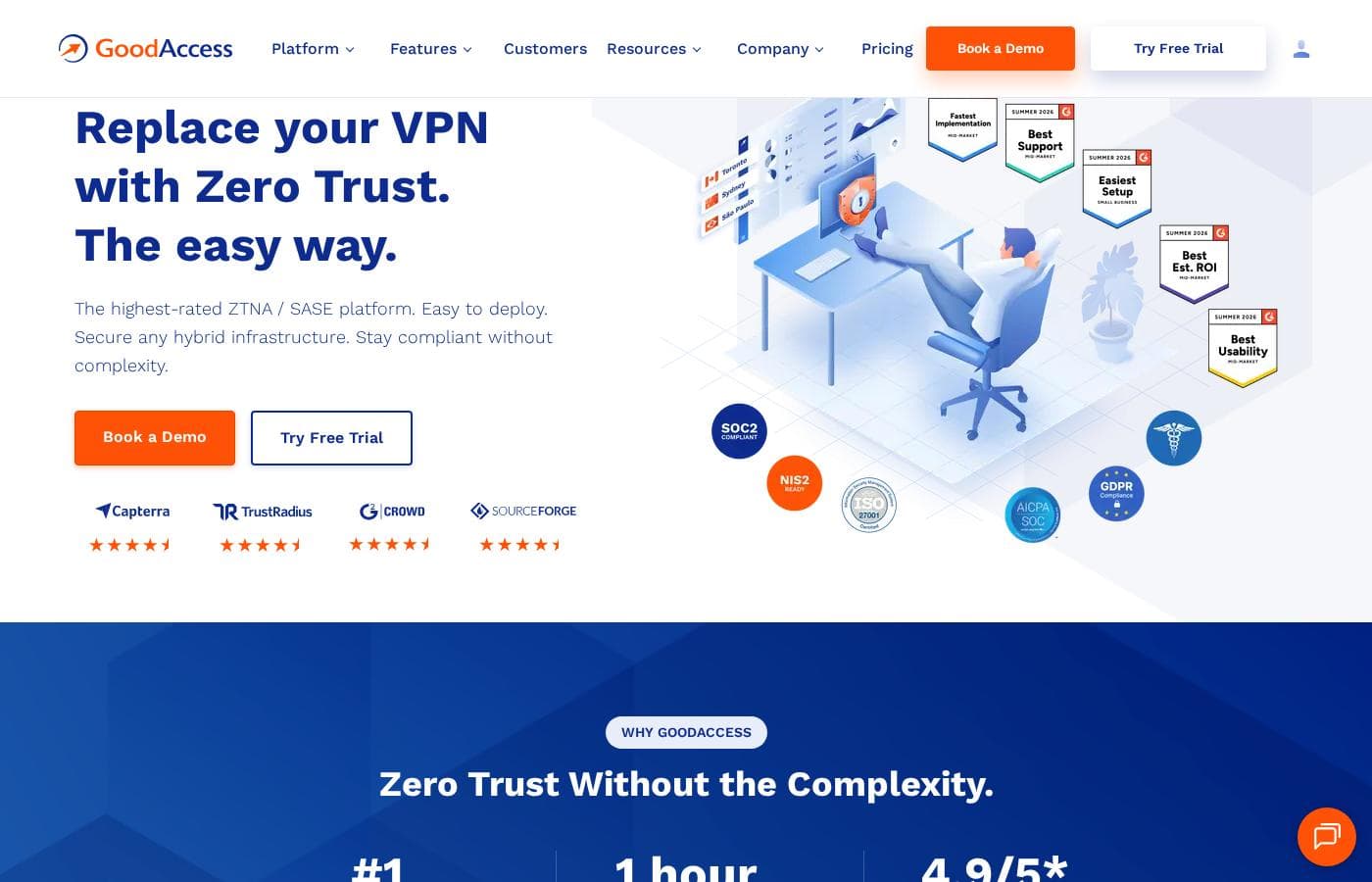
GoodAccess 가격 페이지 스크린샷가격 페이지 스크린샷 보기
요금제월간 결제연간 결제포함 기능
Starter
무료
—
  • Secure internet access for business teams
  • Online threat protection
Essential
사용자당
US$7/월
≈ ₩9,332
—
Minimum 5 users; +$49/month per dedicated gateway
  • Dedicated cloud VPN with static IP whitelisting
  • Dedicated gateway with static IP from 35+ locations
  • 1 Gbps connection per gateway with unlimited data usage
  • Threat Blocker Premium
  • Two-factor authentication
  • +5
Premium
사용자당
US$11/월
≈ ₩14,664
—
Minimum 5 users; +$49/month per dedicated gateway
  • ZTNA — Zero Trust Network Access for multi-site & cloud businesses
  • Access cards for role-based access control
  • Branch and Cloud Connector for clouds, datacenters, and private LANs
  • Everything in Essential
Enterprise
공식 사이트 참고
공식 사이트 참고
Minimum 50 users; pricing on request
  • Enterprise features
  • Premium 24/7 support
  • Access cards and Branch/Cloud Connector capabilities

2026년 10월 12일 ECB 기준 환율로 환산했습니다. 공급업체의 현지 가격은 다를 수 있습니다.

가격 변동 내역

2026년 9월 8일부터 가격을 추적 중입니다. 아직 가격 변동이 없습니다.

가격 유형: Free plan, Free trial, Monthly subscription, Per seat pricing

가격 참고 사항

GoodAccess offers a free Starter plan plus paid plans from $7 to $11 per user per month (5-user minimum), with custom-priced Enterprise for large teams. Each dedicated gateway adds $49/month, and a 14-day free trial lets you test all premium features without a card.

GoodAccess costs between $7 and $11 per user per month with four plans: Starter (free), Essential at $7 per user/month, Premium at $11 per user/month, and Enterprise with custom pricing on request. Paid plans require a minimum of 5 users, and each dedicated gateway adds $49 per month.

Here's how the plans break down.

Starter

Price: Free Best For: Business teams that want secure internet access and online threat protection Other Features: Secure internet access, online threat protection for business teams

Starter costs nothing, which makes it an easy entry point. It's a good fit if you mainly need safe browsing and basic threat protection for your team.

Essential

Price: $7 per user/month (minimum 5 users) Best For: Teams that need a dedicated cloud VPN with static IP whitelisting Other Features:

  • Dedicated gateway with static IP from 35+ worldwide locations
  • 1 Gbps connection per gateway with unlimited data usage
  • Threat Blocker Premium, 2FA, and gateway-level access logs
  • Split tunneling, MSI deployment, and dashboards with weekly reports
  • Extra gateways available as an add-on

Essential suits small and midsize teams that want remote access set up fast. Your private network goes live in under 10 minutes, with no hardware to buy. Budget for the gateway fee if you'll connect offices in several regions.

Premium

Price: $11 per user/month (minimum 5 users) Best For: Multi-site and cloud businesses adopting Zero Trust Network Access Other Features:

  • Everything in Essential
  • Access cards that control who can reach each system
  • Branch and Cloud Connector for clouds, datacenters, and private LANs

Premium is the right pick when simple remote access isn't enough. It ties multiple sites and clouds into one software-defined perimeter. If you don't segment access by role or network, Essential may serve you just as well.

Enterprise

Best For: Large organizations that need enterprise features and premium support Other Features:

  • All Premium capabilities, including access cards and cloud connectors
  • Premium 24/7 support
  • Minimum of 50 users

Enterprise is designed for bigger companies with complex, compliance-heavy networks. Pricing is quoted per organization, so confirm exact costs and user licensing with their sales team before committing.

GoodAccess offers a free Starter plan and a 14-day free trial with all premium features. No card is required, and full onboarding support comes included — so you can test everything before paying.
비용 계산기

팀에서 GoodAccess을(를) 사용할 때의 비용을 계산해 보세요.

결제 주기
월
US$35≈ ₩46,658
연
US$420≈ ₩559,899

Essential은(는) 사용자당 요금입니다: 가격 × 5석. 공개된 정가 기준 추정치이며 세금, 애드온, 할인은 포함되지 않습니다.

2026년 10월 12일 ECB 기준 환율로 환산했습니다. 공급업체의 현지 가격은 다를 수 있습니다.

GoodAccess 비용을 줄이는 방법

  • 무료 요금제로 시작하고 한도에 도달했을 때만 업그레이드하세요.
  • 결제 전에 14일 무료 체험을 이용하세요.
  • 일부 요금제는 사용자당 요금입니다: 실제 사용하는 좌석만 결제하세요.
  • 이 카테고리의 더 저렴한 도구는 월 US$1부터 시작합니다.
무료 체험 시작

GoodAccess 가격이 바뀌면 이메일로 알림 받기

공급업체의 가격 페이지에서 변경을 감지하면 이메일 한 통을 보내드립니다. 뉴스레터나 할인 정보는 없습니다. 클릭 한 번으로 해지할 수 있습니다.

사용자 리뷰

아직 리뷰가 없습니다.

리뷰 작성

GoodAccess에 대한 리뷰 작성
0/100자
0/2000자

GoodAccess을(를) 사용해야 하는 이유는?

Most VPN projects stall because they demand hardware, specialist skills, and weeks of configuration. GoodAccess flips that: it's a cloud VPN the vendor says you can deploy in under 10 minutes, with onboarding support included. Here's what stands out from the company's own materials:

  • Fast setup, zero hardware. Pick a gateway from 35+ global locations, connect your systems, and invite your team. Everything is cloud-delivered and scales as you grow.
  • Security that supports compliance. SOC 2 and ISO 27001 certified, plus GDPR and HIPAA compliant. In one published case study, Creative Dock reports GoodAccess covered up to 70% of ISO 27001 technical security requirements.
  • Real protection for remote workers. Threat Blocker filters phishing and malware, while 2FA, access logs, and static IP whitelisting keep connections accountable.
  • Predictable pricing. A free Starter plan exists, and Essential costs $7 per user/month (5-user minimum) plus $49/month per dedicated gateway. You get 1 Gbps per gateway and unlimited data.
  • Users seem to like it. GoodAccess cites an average 4.8/5 satisfaction rating and 92% likelihood to recommend across review platforms.
  • Try it risk-free. The 14-day trial includes all premium features, needs no credit card, and comes with full onboarding support.

GoodAccess 대안

VPN 카테고리의 다른 도구

모든 VPN 도구 보기
Mullvad

Mullvad

VPN4.3/5

사적인 사회를 위해 인터넷을 해방하세요.

Proton VPN

Proton VPN

VPN4.1/5

제한 없는 가능성. 진정한 온라인 자유를 경험하세요.

OpenVPN

OpenVPN

VPN4.1/5

모든 직원, 어디서든 안전한 액세스.

IPVanish

IPVanish

VPN4/5

하나의 계정, 무제한 장치 — $2.49/월부터 시작하는 빠르고 안전한 브라우저

VyprVPN

VyprVPN

VPN4/5최저 US$3/월 (≈ ₩3,999)

보장된 노로그(No-Log) 보호

Windscribe

Windscribe

VPN4/5최저 US$1/월 (≈ ₩1,333)

빠르고 안정적이며 효과적인 VPN 서비스

FastVPN

FastVPN

최저 US$1/월 (≈ ₩1,333)
TunnelBear

TunnelBear

최저 US$3.33/월 (≈ ₩4,439)
사용자 1~25명용 가장 저렴한 VPN 소프트웨어

GoodAccess 자주 묻는 질문

GoodAccess의 가격은 얼마인가요?

GoodAccess의 가장 저렴한 유료 요금제인 Essential은(는) 월 US$7 (≈ ₩9,332)입니다. 유료 요금제는 월 US$7부터 US$11까지입니다.

GoodAccess에 무료 요금제가 있나요?

네. GoodAccess에는 무료 요금제(Starter)가 있으며 유료 요금제는 월 US$7 (≈ ₩9,332)부터 시작합니다.

GoodAccess은(는) 무료 체험이나 환불 보장을 제공하나요?

GoodAccess은(는) 14일 무료 체험을 제공합니다.

GoodAccess의 가격이 최근에 바뀌었나요?

아니요. 2026년 9월 8일에 추적을 시작한 이후 가격 변경이 감지되지 않았습니다.

Which identity providers, clouds, and security tools does it integrate with?

GoodAccess connects with Entra ID, Okta, Google Workspace, and JumpCloud for identity; AWS, Azure, Google Cloud, and OVHcloud for infrastructure; plus Splunk, Sentinel, and CrowdStrike for security operations. SSO, SCIM provisioning, and a Customer API automate admin work.

What support and service guarantees can you expect?

Enterprise plans include premium 24/7 support, and published reviews praise fast, helpful service. GoodAccess also publishes an SLA on its legal page — worth reading before purchase if uptime commitments matter to you.

GoodAccess을(를) 사용해볼 준비가 되셨나요? 공식 사이트 또는 가격을 확인하세요.

GoodAccess 담당자이신가요? 이 목록 소유권 주장 · 배지 받기