Traducción completa pronto — detalles del producto en inglés, navegación localizada.
Norton Family

Reseña de Norton Family

Parental controls that reveal what kids search and watch, with screen limits and school-time focus

Por Ciroapp Editorial Team · Actualizado 16 sept 2026

Puede aplicarse una comisión sin coste adicional

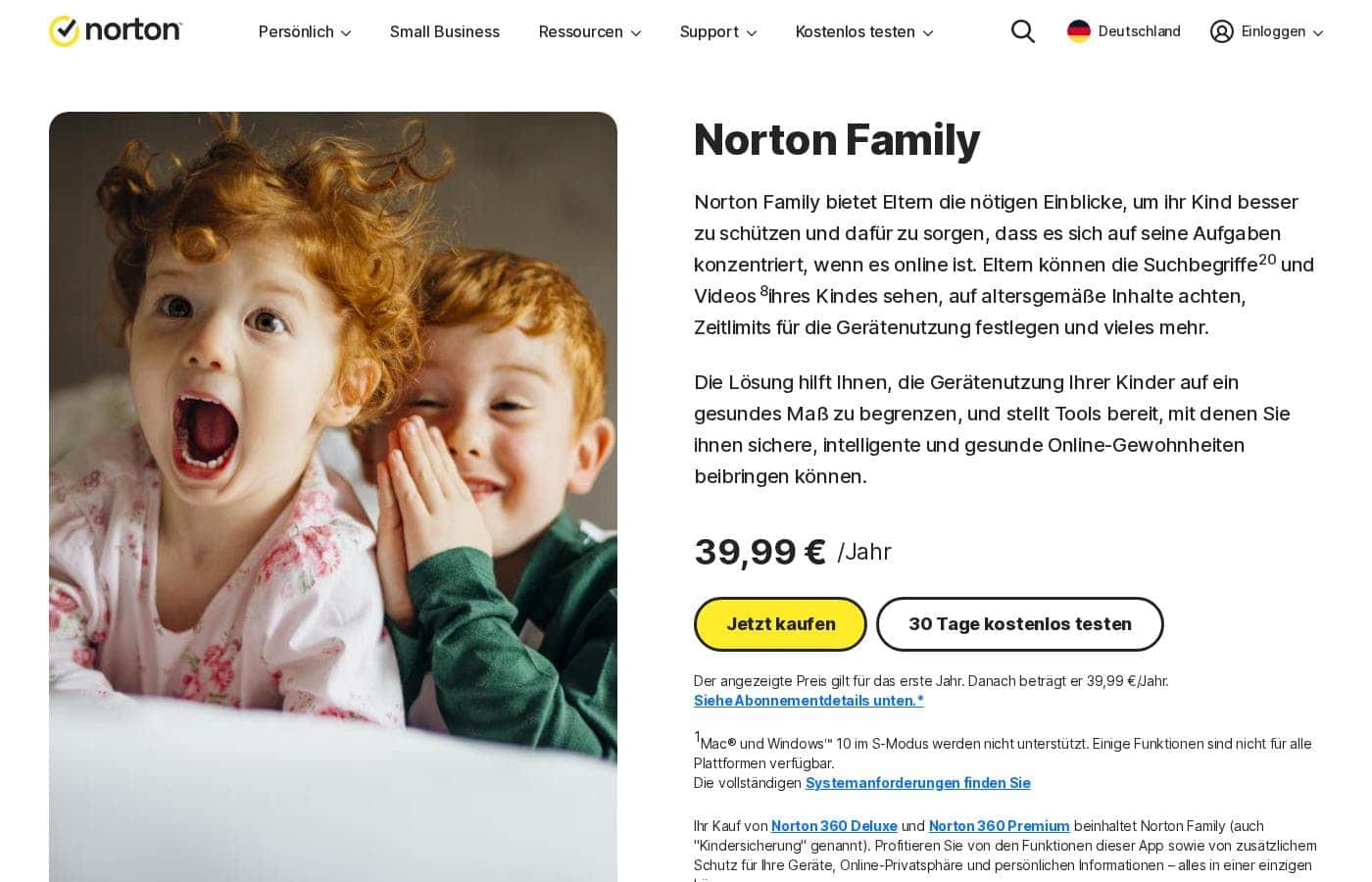
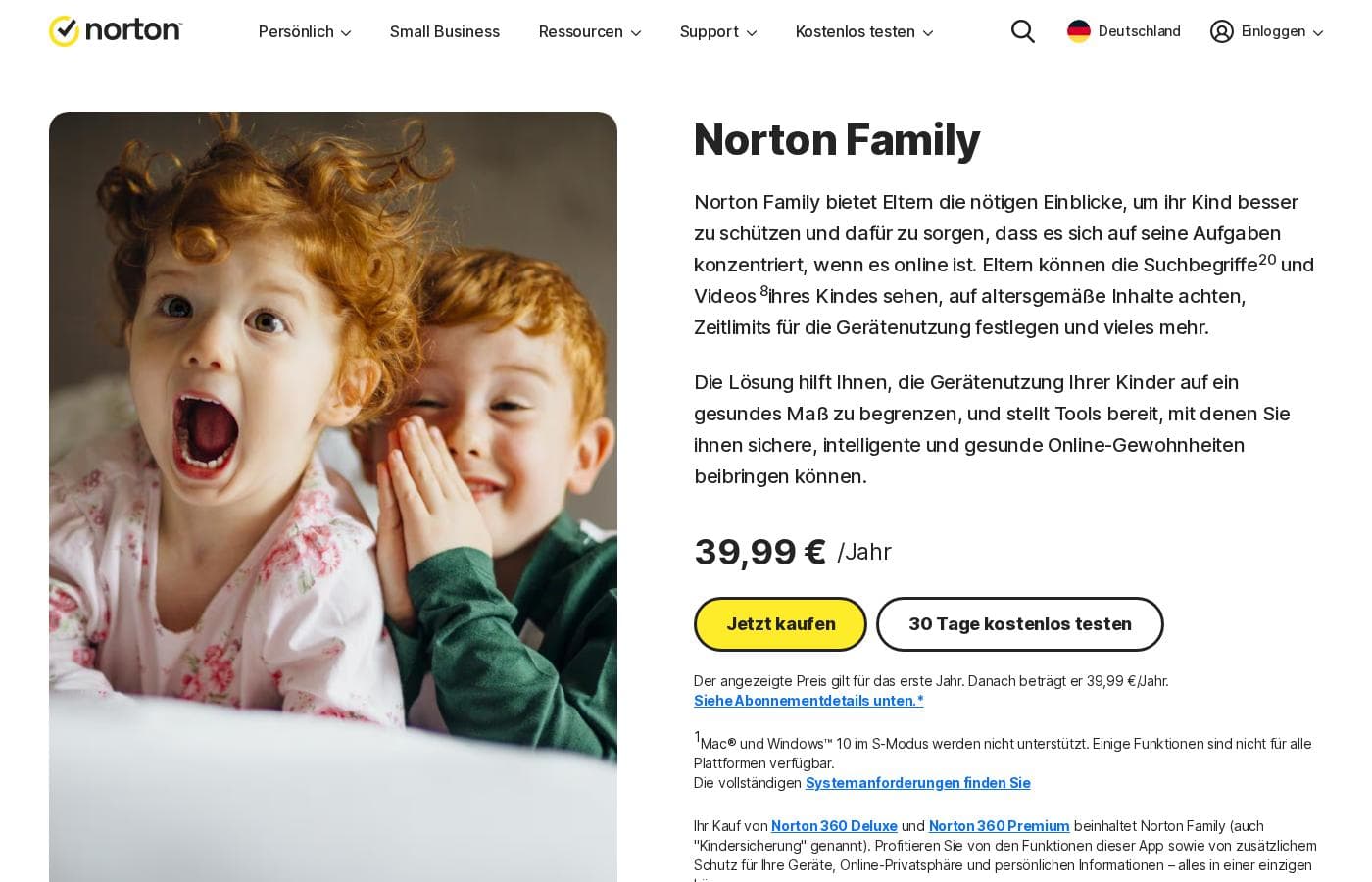
Captura de pantalla de la página de inicio de Norton Family

De un vistazo

Resumen rápido de Norton Family: valoración, precios, funciones clave y puntos destacados.

Puntuación Ciroapp

3.6/ 5

Norton Family gives parents real visibility into kids' searches and videos, plus screen limits and a school-time mode that fits remote learning. It's a strong pick for Norton 360 Deluxe and Premium households, though standalone pricing is unclear and supervision depth varies by device. Overall, it's easiest to recommend bundled, with a free trial to confirm fit.

Ventajas

  • Ventajas:Included with Norton 360 Deluxe and Norton 360 Premium, so many households get full parental controls without buying another product
  • Ventajas:Covers both search activity and video watching, giving parents context beyond simple site blocking
  • Ventajas:School time mode is purpose-built for remote learning days, when generic screen timers fall short

Desventajas

  • Desventajas:Supervision depends on the Norton Family app staying installed and running on the child's device, and no parental control tool is fully bypass-proof
  • Desventajas:Feature depth can vary depending on the child's device platform, so verify coverage for each of your kids' devices before subscribing
  • Desventajas:Standalone plans add a separate subscription cost for households not already using Norton 360
Ideal para
  • Parents of school-age children doing remote or hybrid learning who need focus enforced during school hours
  • Existing Norton 360 Deluxe or Premium subscribers who want parental controls bundled with their current security plan
  • Parents of tweens and early teens who want visibility into search terms and video habits rather than only site blocking
Esta sección es un resumen. Más abajo encontrarás detalles sobre funciones, casos de uso, precios y reseñas.

¿Qué es Norton Family?

Norton Family is Norton's parental control service, aimed at parents who want a clearer picture of what their children do online without standing over their shoulders. It combines search and video visibility with screen-time scheduling and a dedicated school-time mode for remote learning days. Parents can run everything from a web portal or the mobile apps, and the service comes included with Norton 360 Deluxe and Norton 360 Premium.

Norton Family is a parental control tool that gives parents visibility into what their kids search for and watch online, plus the tools to set screen limits around those activities. Supervision is handled through a browser-based portal and companion mobile apps, so parents can check in from a desktop or a phone. A school-time mode is designed to keep children focused during remote learning sessions, and the product ships bundled with Norton 360 Deluxe and Norton 360 Premium subscriptions.
¿Deberías elegir Norton Family?

Guía rápida de compra antes de comparar planes o visitar el sitio.

Elígelo si

  • Parents of school-age children doing remote or hybrid learning who need focus enforced during school hours
  • Existing Norton 360 Deluxe or Premium subscribers who want parental controls bundled with their current security plan
  • Parents of tweens and early teens who want visibility into search terms and video habits rather than only site blocking
  • Two-parent households that want to share oversight from both a web portal and mobile apps

Evítalo si

  • Parents of toddlers or preschoolers who don't yet have their own connected devices, where basic device rules may be enough
  • Families that need identical full-featured supervision on every device platform, since feature depth varies across devices
  • Anyone seeking employee or workplace monitoring — Norton Family is built for family use, not fleet oversight

Siguientes pasos antes de comprar

  1. 1Check whether you already have Norton 360 Deluxe or Premium; if so, sign in to your Norton account and enable Norton Family from your subscription
  2. 2If not, start with the free trial or a standalone plan on Norton's website and create a Norton account
  3. 3Install the Norton Family child app on each child's device and complete on-device setup for each kid's profile
  4. 4Set your house rules: configure screen-time limits, define school-time hours, and turn on search and video supervision
  5. 5Install the parent app or bookmark the web portal, review the first week of activity, and adjust rules based on what you see

Norton Family Funciones clave

✨ Search and Video Visibility

Norton Family shows parents what their children search for and what they watch — two activities that reveal more about a kid's interests and risks than page visits alone. That visibility gives parents a concrete starting point for conversations about online safety instead of relying on guesswork.

✨ Screen-Time Limits

Parents can set limits and schedules so devices go quiet at bedtime, homework time, or dinner. Rules can be tuned per child, which matters when a teenager and a younger sibling need very different boundaries.

✨ School Time Mode

School time is designed for remote and hybrid learning days: during scheduled school hours, the tool steers kids toward staying focused instead of drifting into games and videos. Parents can align the schedule with the actual school calendar rather than policing it manually.

✨ Web Portal and Mobile Apps

Parents manage rules and review activity through a browser-based portal or the mobile apps, so check-ins don't require sitting at one particular computer. This is practical for households where both parents share oversight.

✨ Included with Norton 360 Deluxe and Premium

Rather than a separate purchase for many families, Norton Family comes bundled with Norton 360 Deluxe and Norton 360 Premium. Existing subscribers of those plans can switch on parental controls without adding another vendor or bill.

Casos de uso

💡 Remote and Hybrid School Days

When classes happen at the kitchen table, school time mode keeps the device pointed at schoolwork during scheduled hours. Parents don't have to hover; the schedule does the enforcing.

💡 Curious Tweens and Search Habits

Search terms are often the earliest signal of what a child is curious or worried about. Parents of tweens can watch for patterns and step in with guidance before a curiosity turns into a problem.

💡 Heavy Video Watchers

For kids whose screen time is mostly videos, watch visibility plus screen limits address both what they see and how long they watch. Parents can spot age-inappropriate content without reading over their child's shoulder.

💡 Norton 360 Households

Families already paying for Norton 360 Deluxe or Premium get parental controls as part of the subscription. It's the shortest path to structured supervision for households that want one provider for both security and family safety.

Precios de Norton Family

Precios aún no verificados — consulta la web del proveedor.

la página de precios de Norton Family

Captura de la página de precios de Norton FamilyVer captura de la página de precios

Tipos de precios: Free plan, Free trial, Monthly subscription, Yearly subscription, Per seat pricing

Notas sobre precios

Norton Family pricing: Plans from $0/year Billing options: Free plan, Free trial, Monthly subscription, Yearly subscription, Per seat pricing

Avísame cuando Norton Family cambie de precio

Un correo cuando detectemos un cambio en la página de precios del proveedor. Sin boletín ni ofertas. Baja con un clic.

Reseñas de usuarios

Aún no hay reseñas.

Escribir una reseña

Escribir una reseña para Norton Family
0/100 caracteres
0/2000 caracteres

¿Por qué usar Norton Family?

Most parents can't watch every screen, and search engines plus video platforms are where kids spend much of their online time. Norton Family addresses that by surfacing search and watch activity while putting structure around it through screen limits and school-time scheduling.

Because management works from both a web portal and mobile apps, oversight fits into a parent's day rather than becoming its own task. For Norton 360 Deluxe or Premium subscribers, it also arrives without a new subscription decision to make.

Alternativas a Norton Family

Otras herramientas en la categoría Control parental

Ver todas las herramientas de Control parental
Qustodio

Qustodio

Parental Control4.1/5

Control parental y bienestar digital, en el que confían millones.

Net Nanny

Net Nanny

Parental Control4/5

Filtrado de contenido en tiempo real que bloquea páginas dañinas sin romper el resto de la web. Net Nanny ayuda a los padres a gestionar la seguridad online de sus hijos desde 1996.

Canopy

Canopy

Parental Control3.9/5

Filtrado de contenido con IA que mantiene internet abierto y el contenido explícito fuera.

Bark

Bark

Parental Control3.9/5

Protección para tu hijo en línea con monitoreo y controles basados en IA.

FamiSafe

FamiSafe

Parental Control3.9/5

La Solución de Crianza Digital #1 para la Familia

OurPact

OurPact

Parental Control3.8/5

Un panel de control parental para cada pantalla que usa tu hijo.

Software de Control parental más barato para 1 a 25 usuarios

Preguntas frecuentes sobre Norton Family

Is Norton Family included with Norton 360?

Yes. Norton bundles Norton Family with Norton 360 Deluxe and Norton 360 Premium subscriptions, so existing subscribers of those plans can activate the parental controls at no extra cost. Households that don't use Norton 360 can instead sign up for a standalone plan or start with the free trial.

What can parents actually see with Norton Family?

Parents get visibility into the search terms their children use and the videos they watch, alongside the ability to set screen-time limits and schedules. The intent is oversight and conversation-starting context rather than covert surveillance.

How does school time mode work?

School time lets parents block out scheduled school hours so kids stay focused during remote or hybrid learning instead of drifting into games and videos. You set the schedule to match your child's actual school calendar, and the tool enforces it automatically.

Do I need a specific device to manage Norton Family?

No. Parents can manage rules and review activity through the Norton Family web portal from any browser, or through the mobile apps, so oversight can happen from whichever device is at hand.

¿Listo para probar Norton Family? Consulta el sitio oficial o los precios.

¿Eres Norton Family? Reclama esta ficha · Obtén la insignia