Vollständige Übersetzung folgt — Produktdetails auf Englisch, lokalisierte Navigation.
DigitalOcean

DigitalOcean review

Developer-first cloud infrastructure with predictable pricing, from simple Linux droplets to H100 GPU deployments

DigitalOcean kostet ab 4 $ (≈ 3,58 €)/Monat · 16 Tarife · Kostenloser Tarif verfügbar · Preise geprüft am 12. Okt. 2026

Von Ciroapp Editorial Team · Aktualisiert 17. Sept. 2026

Provision möglich, ohne zusätzliche Kosten

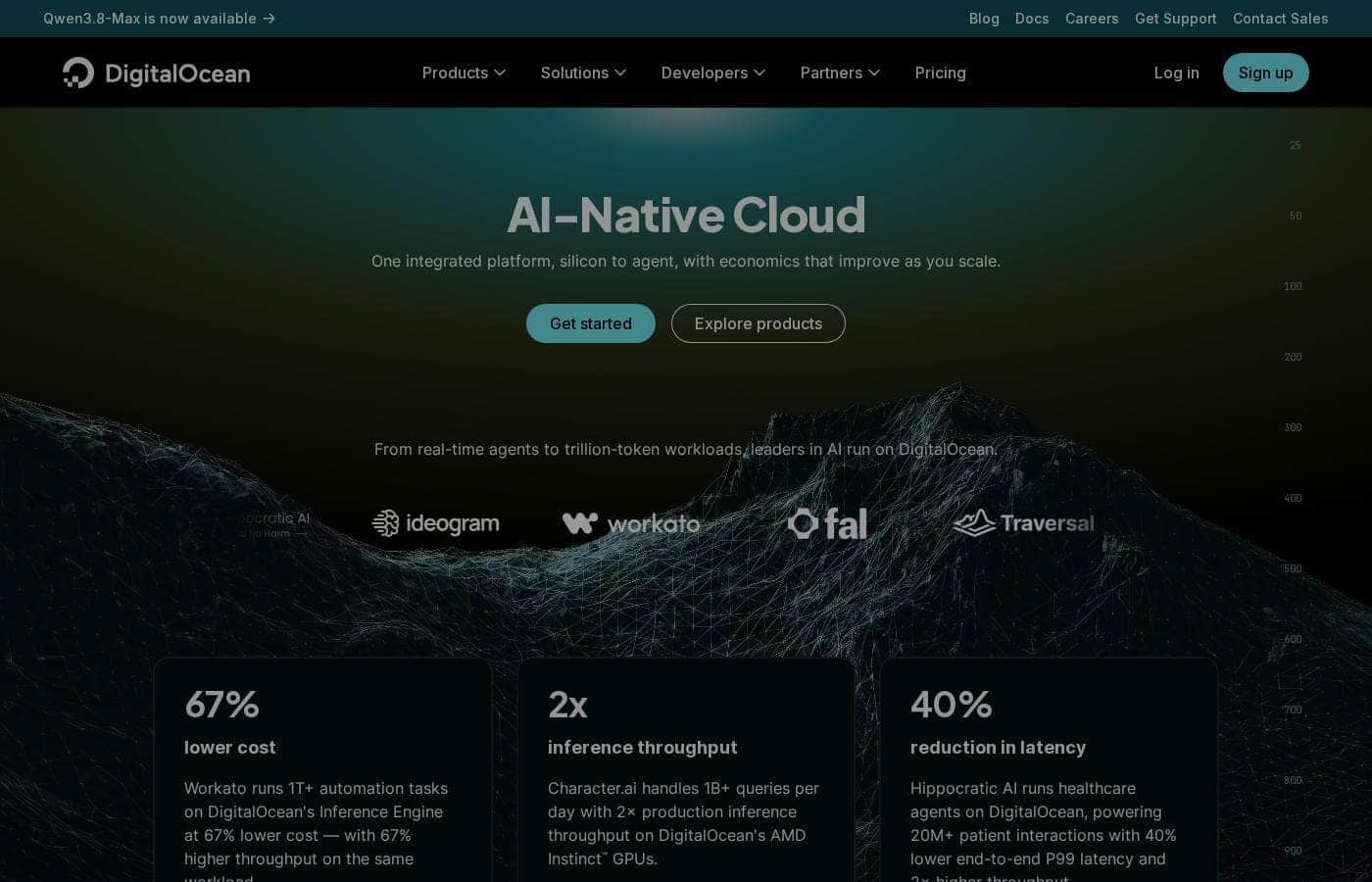
DigitalOcean Homepage-Screenshot

Auf einen Blick

Kurzüberblick zu DigitalOcean: Bewertung, Preisübersicht, wichtige Funktionen und Highlights.
Preise geprüft am 12. Okt. 2026

Ciroapp-Score

4.1/ 5

DigitalOcean keeps cloud infrastructure approachable with fast provisioning, full root access, and H100 GPUs for AI workloads like Ollama, though it's raw infrastructure that demands your own administration and offers thinner managed services than hyperscale clouds. Overall, it's a practical, recommendable pick for developers who value control and predictable costs.

Vorteile

  • Vorteile:Full root access to Linux virtual machines lets developers install exactly the stack they need, including Docker on Ubuntu
  • Vorteile:H100 GPU availability supports demanding AI workloads like running models with Ollama without on-premises hardware
  • Vorteile:Pricing starts at $0/month with a free plan, lowering the barrier for experimentation and learning

Nachteile

  • Nachteile:As raw infrastructure, it requires users to handle their own server administration, security patching, and backups
  • Nachteile:Advanced managed services and enterprise compliance offerings are narrower than those of larger hyperscale cloud providers
  • Nachteile:The highest-tier configurations reach $34,012/month, so large-scale GPU or compute needs can become costly without careful capacity planning
Am besten für
  • Developers who want direct control over Linux servers for hosting applications, containers, or custom stacks
  • AI teams and hobbyists who need on-demand H100 GPU access to run or test models like Ollama
  • Small startups and indie developers who want predictable usage-based pricing instead of hyperscale cloud complexity
Dieser Abschnitt ist eine Zusammenfassung. Details zu Funktionen, Anwendungsfällen, Preisen und Bewertungen folgen weiter unten.

Was ist DigitalOcean?

DigitalOcean is an Infrastructure as a Service provider built around Linux-based cloud architecture. It covers the full range of developer infrastructure work: standing up a basic Ubuntu server, installing Docker, running containerized applications, and deploying GPU-backed compute for AI models such as Ollama. The platform is aimed at developers and small teams who want direct control over their servers without navigating the complexity of hyperscale cloud consoles.

DigitalOcean provides core cloud infrastructure — virtual machines (Droplets), storage, networking, and specialized platforms — with a strong emphasis on Linux environments. Developers can provision a server in minutes, install tooling like Docker on Ubuntu, scale to more powerful configurations, and access H100 GPUs for machine learning inference and training. It functions as a complete infrastructure layer rather than a managed application, so users retain full control over their stack.
Sollten Sie DigitalOcean wählen?

Kurze Kaufhilfe, bevor Sie Pläne vergleichen oder zur Website wechseln.

Wählen Sie es, wenn

  • Developers who want direct control over Linux servers for hosting applications, containers, or custom stacks
  • AI teams and hobbyists who need on-demand H100 GPU access to run or test models like Ollama
  • Small startups and indie developers who want predictable usage-based pricing instead of hyperscale cloud complexity

Überspringen Sie es, wenn

  • Organizations that need extensive managed services, hand-off operations, or a broad enterprise compliance catalog
  • Teams without Linux administration experience who prefer fully managed application platforms over raw infrastructure

Nächste Schritte vor dem Kauf

  1. 1Create a DigitalOcean account and start with the free plan to explore the console and provisioning workflow at no cost
  2. 2Launch your first Linux droplet — for example Ubuntu — and install your core tooling such as Docker to validate the platform fits your stack
  3. 3Estimate your workload needs against the pricing tiers (from $0 up to $34,012/month) and enable usage-based billing so costs track actual consumption

DigitalOcean Wichtige Funktionen

✨ Linux Cloud Architecture

DigitalOcean's foundation is versatile Linux-based compute. Developers can choose distributions like Ubuntu, configure system fundamentals, and install their own tooling — whether that's Docker, a web server, or a custom runtime. Because the platform gives full root access to virtual machines, teams can replicate their local development environment in the cloud with minimal adaptation.

✨ GPU Compute for AI Workloads

For AI and machine learning projects, DigitalOcean offers access to H100 GPUs. This supports demanding use cases such as running large language models locally with tools like Ollama, fine-tuning models, or serving inference in production. The GPU option removes the need to maintain expensive on-premises hardware for experimentation or burst capacity.

✨ Straightforward Provisioning and Scaling

Servers can be launched quickly and resized as demand grows. The platform supports everything from a single small instance for a personal project to sophisticated multi-server deployments, so teams can start small and scale without migrating to a different provider. Usage-based billing means costs track actual consumption.

Anwendungsfälle

💡 Containerized Application Hosting

A developer can provision an Ubuntu droplet, install Docker, and run containerized services within an hour. This workflow suits side projects, staging environments, and small production deployments where a single well-configured Linux server is sufficient.

💡 AI Model Experimentation and Inference

Teams exploring open source AI platforms can use DigitalOcean's H100 GPU instances to run models such as Ollama. This makes it practical to test large language models, benchmark performance, and serve inference without committing to long-term hardware purchases.

💡 Learning and Development Environments

With a free plan starting at $0/month, students and engineers learning Linux administration, networking, or DevOps can spin up disposable servers for practice. Usage-based billing keeps costs near zero when instances are destroyed after use.

DigitalOcean Preise

Ab4 $/Monat≈ 3,58 €

  • Von der Preisseite des Anbieters, geprüft am 12. Okt. 2026
  • 16 Tarife
  • Kostenloser Tarif verfügbar

Preise geprüft am 12. Okt. 2026 auf der Preisseite von DigitalOcean

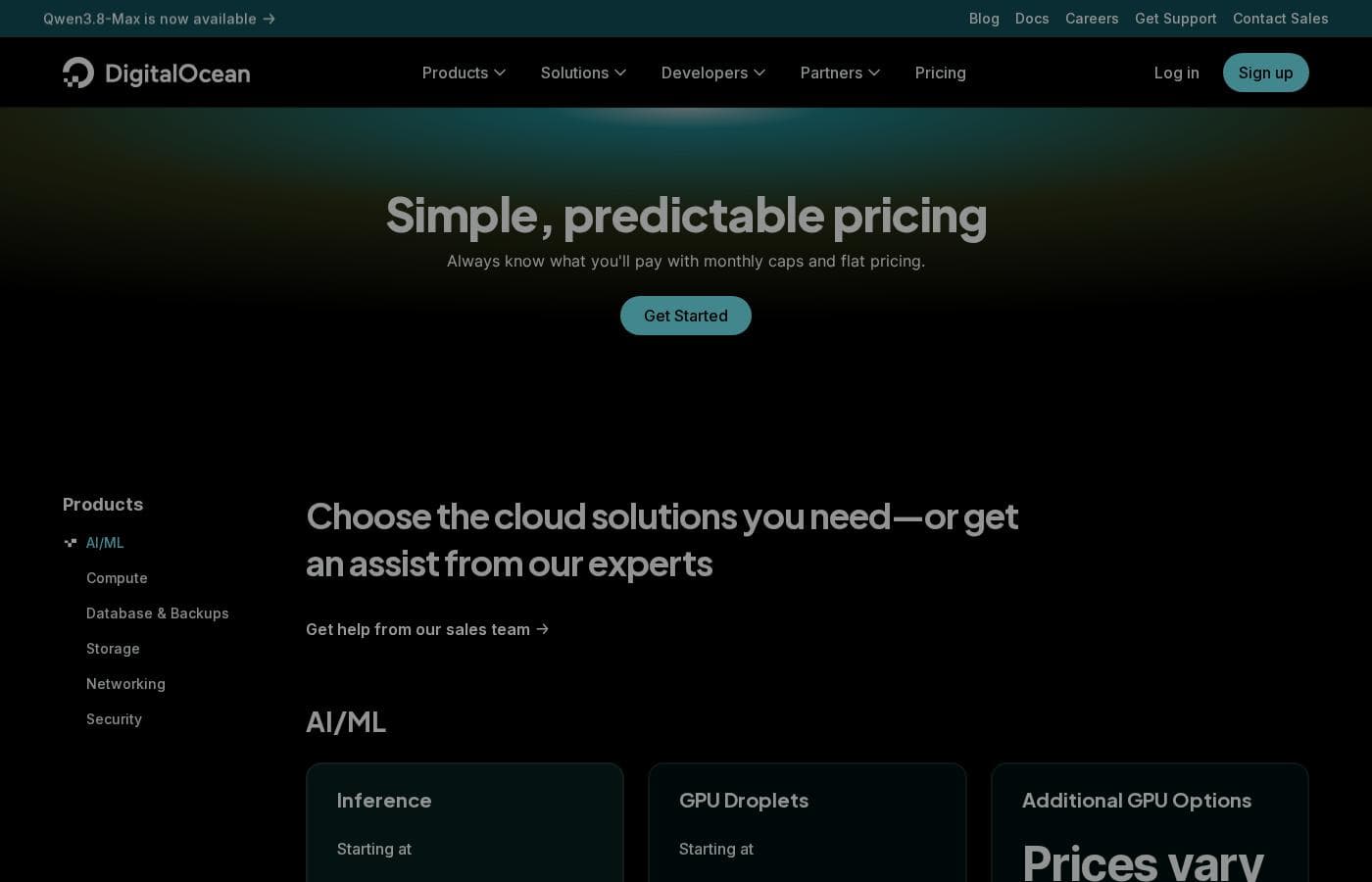
Screenshot der Preisseite von DigitalOceanScreenshot der Preisseite ansehen
TarifMonatlichJährlichEnthalten
App Platform
Kostenlos
—
Droplets
4 $/Monat
≈ 3,58 €
—
Kubernetes
12 $/Monat
≈ 10,73 €
—
Functions
Kostenlos
—
Cloudways Managed Hosting
11 $/Monat
≈ 9,84 €
—
Backups
$0.01 month
—
Databases
15 $/Monat
≈ 13,42 €
—
Spaces
5 $/Monat
≈ 4,47 €
—
Network File Storage
$0.15 month
—
Volumes
10 $/Monat
≈ 8,94 €
—
Container Registry
Kostenlos
—
Load Balancers
12 $/Monat
≈ 10,73 €
—
Support Plans
Kostenlos
—
Virtual Private Cloud
Kostenlos
—
Uptime
Kostenlos
—
Cloud Security Posture Management (CSPM)
Kostenlos
—

Umgerechnet zum EZB-Referenzkurs vom 12. Okt. 2026; der Anbieter kann einen anderen lokalen Preis verlangen.

Preisverlauf

Preise werden seit 1. Okt. 2026 beobachtet. Bisher keine Preisänderung erkannt.

Preistypen: Free plan, Monthly subscription, Usage-based pricing

Hinweise zu den Preisen

DigitalOcean pricing: Plans from $0/month Billing options: Free plan, Monthly subscription, Usage-based pricing

Kostenrechner

Berechnen Sie, was DigitalOcean für Ihr Team kostet.

Abrechnung
Pro Monat
4 $≈ 3,58 €
Pro Jahr
48 $≈ 42,93 €

Droplets nennt kein Nutzerlimit: als ein Preis für das ganze Konto gerechnet. Den Preis für 5 Nutzer beim Anbieter prüfen. Schätzung auf Basis veröffentlichter Listenpreise, ohne Steuern, Add-ons und Rabatte.

Umgerechnet zum EZB-Referenzkurs vom 12. Okt. 2026; der Anbieter kann einen anderen lokalen Preis verlangen.

So zahlen Sie weniger für DigitalOcean

  • Mit dem kostenlosen Tarif starten und erst beim Erreichen der Limits upgraden.
DigitalOcean besuchen

Benachrichtigen, wenn sich der Preis von DigitalOcean ändert

Eine E-Mail, wenn wir eine Änderung auf der Preisseite des Anbieters erkennen. Kein Newsletter, keine Angebote. Abmeldung mit einem Klick.

Nutzerbewertungen

Noch keine Bewertungen.

Bewertung schreiben

Bewertung für DigitalOcean schreiben
0/100 Zeichen
0/2000 Zeichen

Warum DigitalOcean nutzen?

Teams choose DigitalOcean because it combines straightforward provisioning with predictable, usage-based pricing. Compared with larger cloud providers, the platform reduces setup friction for common developer tasks — spinning up a Linux box, configuring Docker, or testing an open source AI model on GPU hardware.

The availability of H100 GPUs and support for modern AI tooling make it viable for experimentation and production AI workloads alike, while the free tier and low entry pricing keep initial costs manageable.

Alternativen zu DigitalOcean

Weitere Tools in der Kategorie Infrastructure as a Service (IaaS)

Alle Infrastructure as a Service (IaaS)-Tools ansehen
Google Cloud

Google Cloud

Infrastructure as a Service4.3/5

Cloud-Computing-Dienste für Entwickler und KI

Microsoft Azure

Microsoft Azure

Infrastructure as a Service4.2/5

Grenzenlose Innovation: KI-gestützte Apps schneller skalieren

Vultr

Vultr

Infrastructure as a Service3.9/5

Globale Cloud, optimiert für modernste KI und HPC.

VMmanager

VMmanager

Infrastructure as a Service3.8/5

Skalieren Sie Ihre virtuelle Infrastruktur mit einer bewährten, leistungsstarken Plattform.

Utho

Utho

Infrastructure as a Service3.4/5

Indiens erste einfache, sichere und erschwingliche Cloud-Plattform.

MongoDB

MongoDB

Enterprise AI Platform4.3/5

MongoDB is a modern data platform built around a document database. Its flagship service, Atlas, is a fully managed cloud database that also handles search, vector search, and stream processing. Prefer to run things yourself? There's a free Community Edition and a supported Enterprise Advanced option. It's built for developers, teams modernizing legacy systems, and companies adding AI features.

DigitalOcean FAQ

Was kostet DigitalOcean?

Der günstigste kostenpflichtige Tarif von DigitalOcean, Droplets, kostet 4 $ (≈ 3,58 €) pro Monat. Die kostenpflichtigen Tarife liegen zwischen 4 $ und 15 $ pro Monat. Preise am 12. Okt. 2026 auf der Preisseite des Anbieters geprüft.

Hat DigitalOcean einen kostenlosen Tarif?

Ja. DigitalOcean hat einen kostenlosen Tarif (App Platform); kostenpflichtige Tarife beginnen bei 4 $ (≈ 3,58 €) pro Monat.

Hat sich der Preis von DigitalOcean kürzlich geändert?

Nein. Seit Beginn der Beobachtung am 1. Okt. 2026 haben wir keine Preisänderung erkannt.

Can I run AI models like Ollama on DigitalOcean?

Yes. DigitalOcean provides H100 GPUs that are suitable for running large language models and other AI workloads, including tools like Ollama. The platform also supports exploring open source AI platforms, making it viable for both experimentation and production inference.

Can I install Docker on an Ubuntu server on DigitalOcean?

Yes. DigitalOcean's Linux cloud architecture gives you full control over your virtual machines, so you can install Docker on Ubuntu or any supported distribution and run containerized applications just as you would on your own hardware.

Bereit, DigitalOcean auszuprobieren? Besuchen Sie die offizielle Website oder sehen Sie sich die Preise an.

Sind Sie DigitalOcean? Eintrag beanspruchen · Badge holen